Controller Vibration Too Strong? Tone It Down
When controller vibration is too strong, every hit shakes the controller hard enough to distract from the game, and long sessions become tiring. Vibration strength is usually a game setting first, and a controller setting second, so checking the game before Windows saves time.
TL;DR / Quick Fix
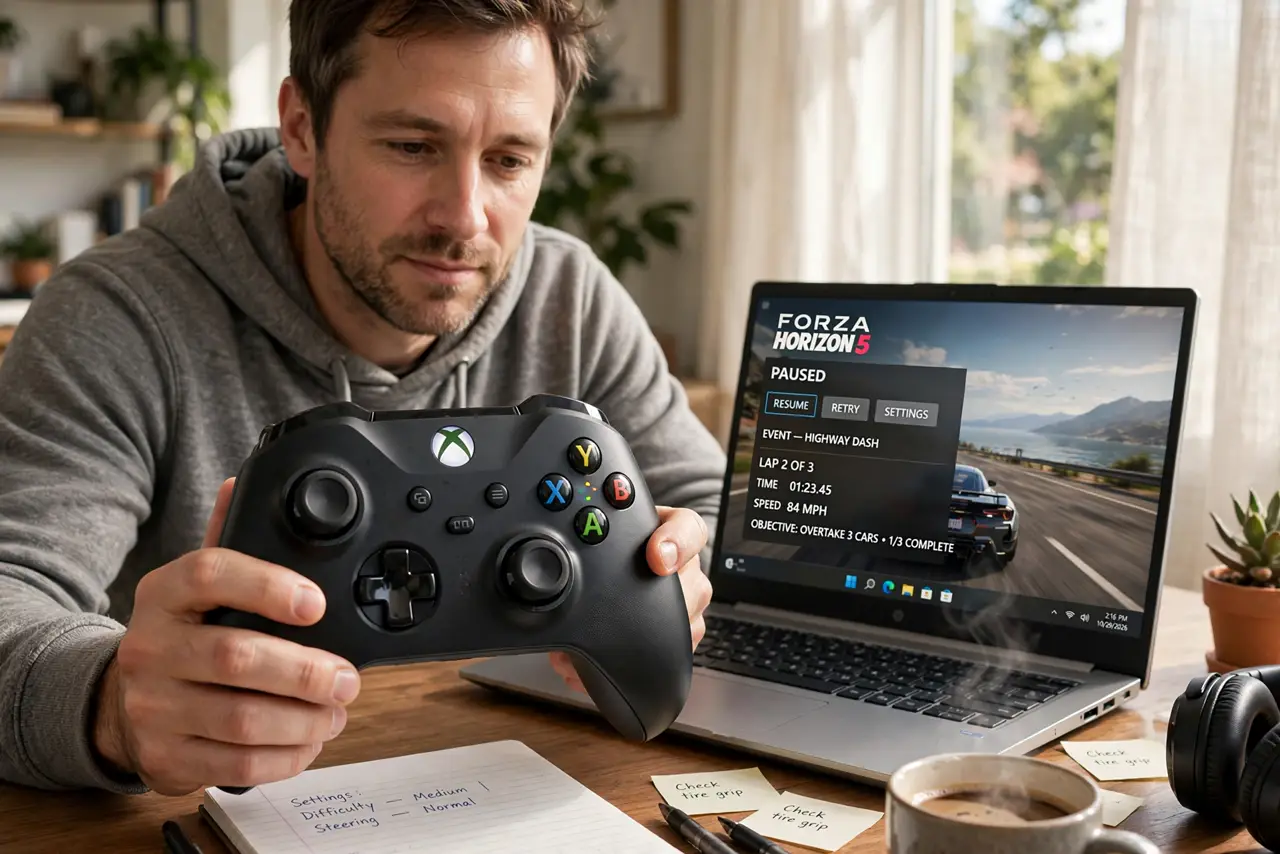
Quick fix: open the game settings, find vibration or rumble, and lower its strength or turn it down to a comfortable level. If the game offers no strength slider, lower it in the controller app or Windows controller settings, then test in the same game scene.
Follow these steps
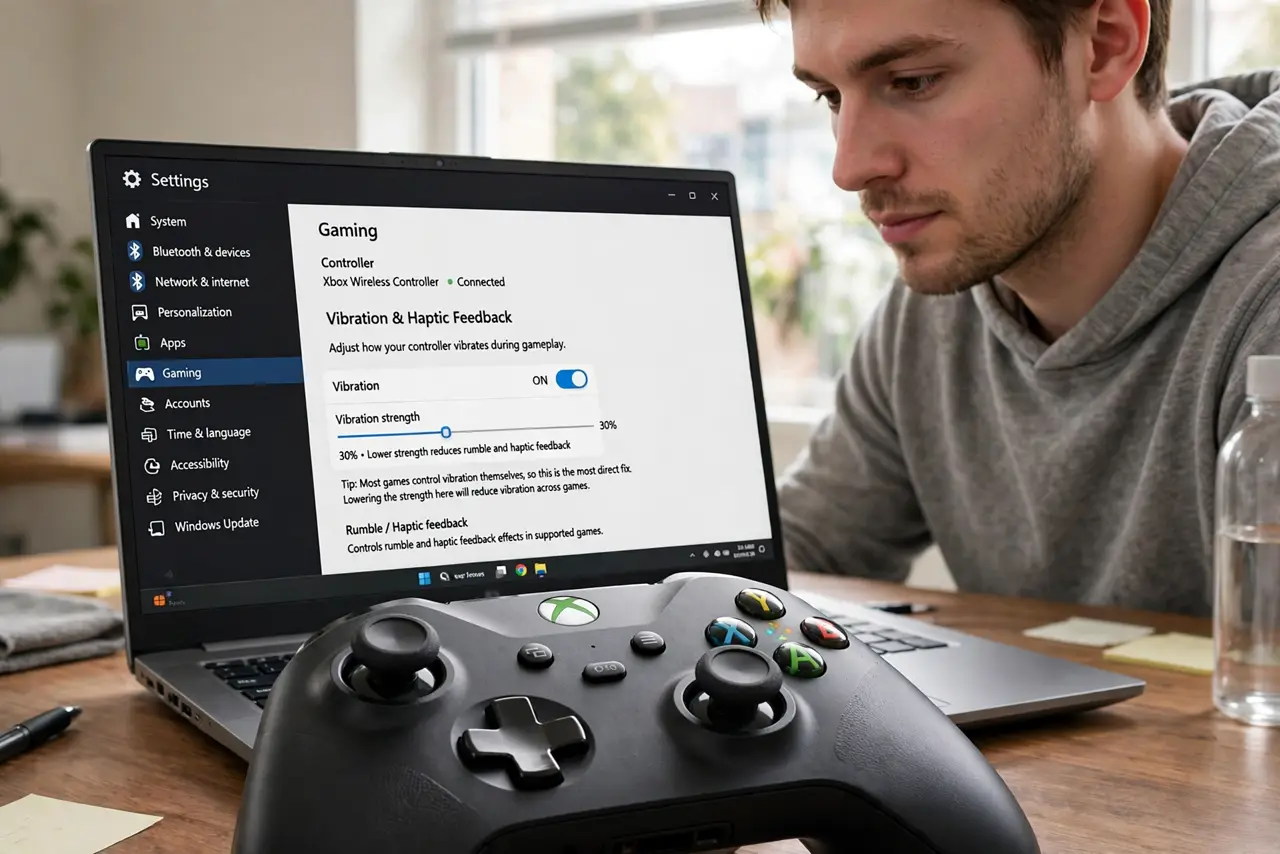
- Check the game vibration setting first. Open the game settings, look for vibration, rumble, or haptic feedback, and lower the strength slider. Most games control vibration themselves, so this is the most direct fix.
- Test in the same scene. Play the same scene that shook too hard before, and note whether the vibration feels comfortable now. Testing the same scene gives a fair comparison.
- Check the controller companion app. If the game has no strength control, open the controller companion app and look for vibration settings there. Set a lower strength and save it before you return to the game.
- Check Windows controller settings. Open Settings, then Bluetooth and devices, then Devices, and open the controller properties if a vibration option appears. Not every controller offers one, but check before you assume none exists.
- Try a wired connection for the test. If you play wirelessly, connect the controller by cable and test again. A weak wireless link can make vibration feel uneven, and a cable test rules that out.
- Turn vibration off for one game if needed. If a single game shakes too hard and offers no strength control, turn vibration off for that game only. Keep it on for other games where it feels right.
What NOT to do
- Do not open the controller to fix strong vibration. Vibration strength is a setting, and opening the controller risks damage and voids support options.
- Do not turn vibration off everywhere because one game shakes too hard. Vibration is per game in most cases, so fix the one game and keep feedback elsewhere.
- Do not install a controller tool from a random site to adjust vibration. Unofficial tools can install the wrong driver and make the controller behave worse.
- Do not ignore vibration that suddenly becomes violent after a drop. A controller damaged by a fall can vibrate abnormally, and that is a hardware check, not a settings problem.
Frequently asked questions
Why is vibration strong in one game but fine in others?
Because vibration strength is usually set per game. One game may default to full strength while others use a gentler setting.
Can I set one strength for all games?
Only if your controller app offers a global strength setting. Otherwise, set vibration per game, because games control it themselves.
Does turning vibration off affect gameplay?
No, except for feedback. You will still see and hear game events, but you will not feel them through the controller.