The Copilot Button Is Missing? Fix It
The Copilot button vanished from your taskbar and the keyboard shortcut does nothing. Microsoft moves, renames, and regionally limits Copilot often, so a missing button usually means a setting flipped, an update moved it, or your region lost access — not that your PC is broken. This guide tracks it down.
TL;DR / Quick Fix
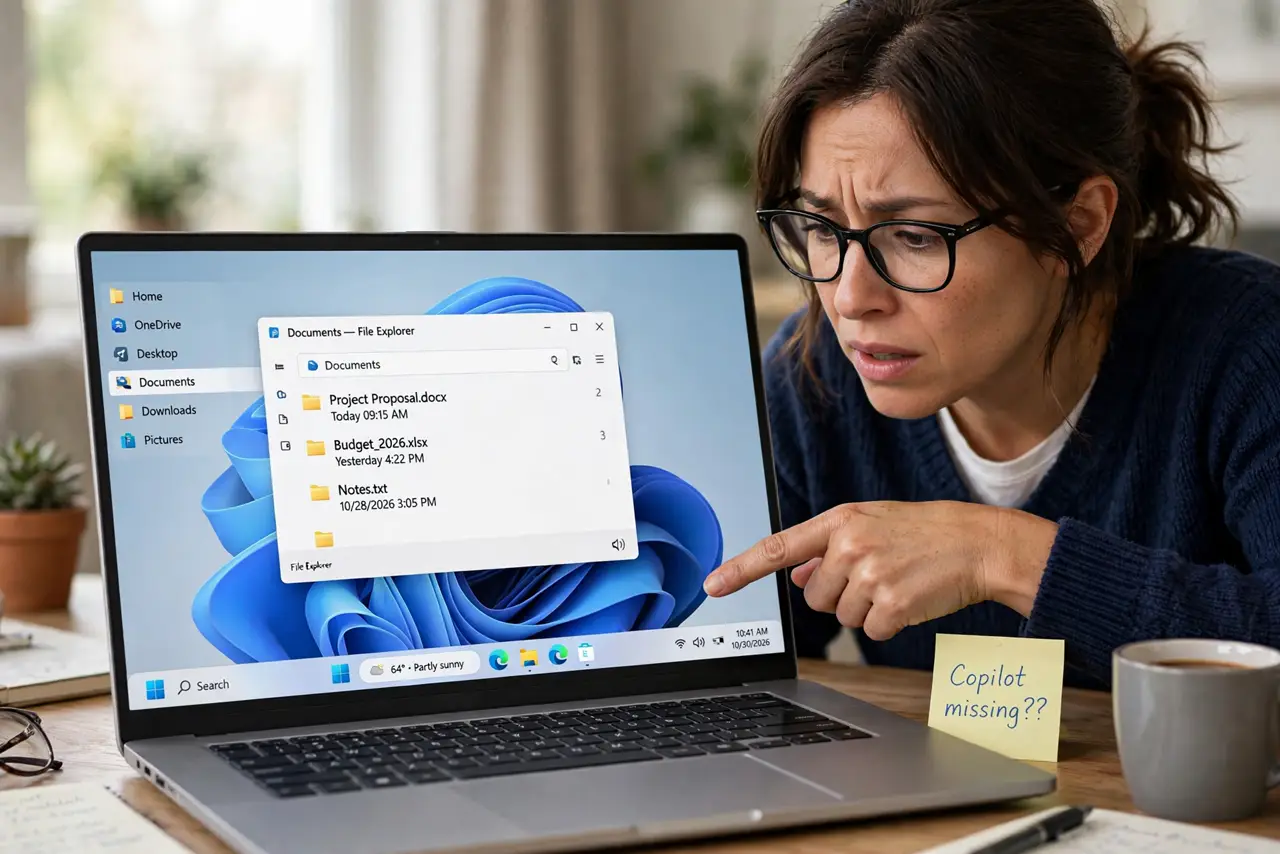
Quick fix: check Settings > Personalization > Taskbar for the Copilot toggle and turn it back on — updates often flip it off. If the toggle itself is missing, check your region settings. The keyboard shortcut still opens Copilot without the button.
Follow these steps
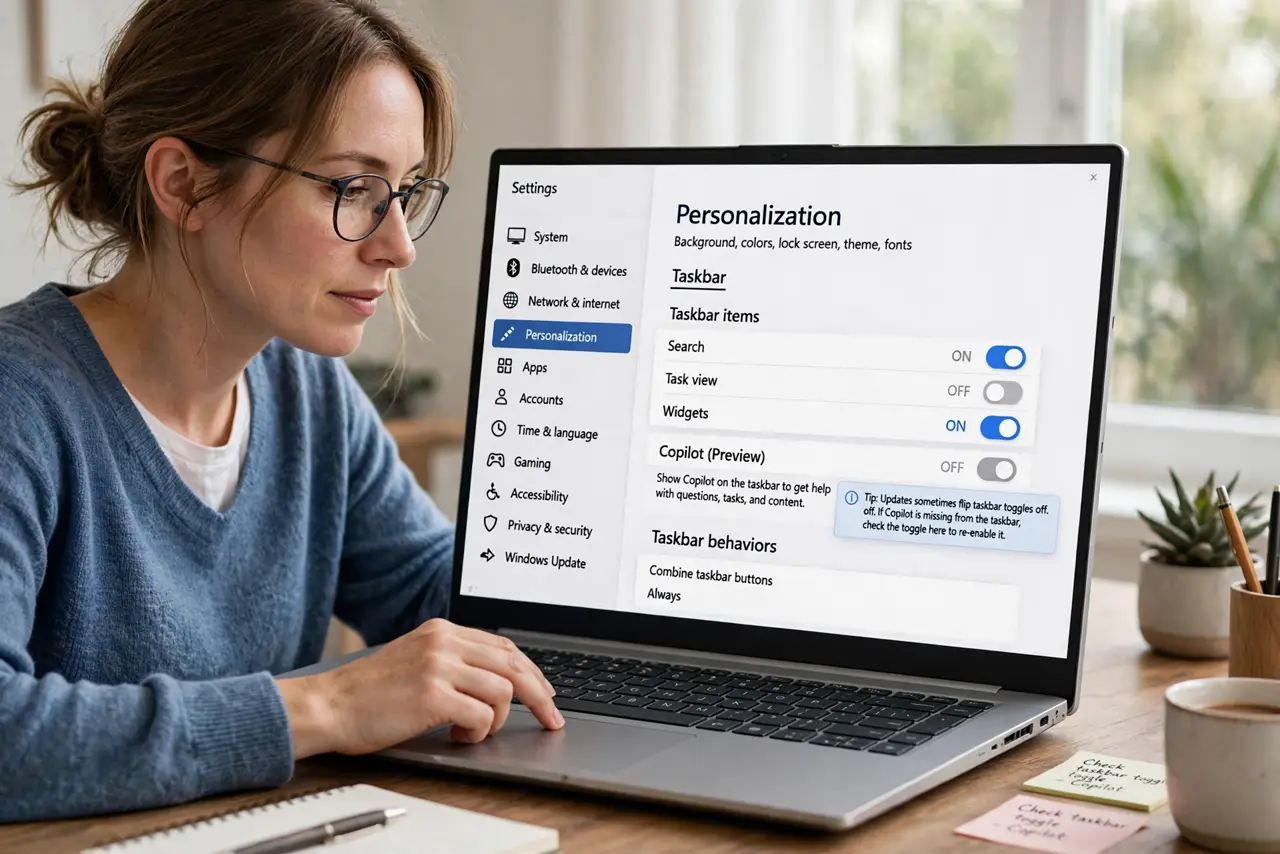
- Check the taskbar toggle. Go to Settings > Personalization > Taskbar and look for the Copilot entry. Updates sometimes flip taskbar toggles off, and one switch brings the button back.
- Verify your region. Copilot availability varies by region. Check Settings > Time & language > Language & region — a region change, even accidental, can hide Copilot entirely.
- Look for the standalone app. Microsoft has shifted Copilot between a taskbar button and a separate app. Search the Start menu for Copilot — the button may be gone because the app replaced it.
- Check for a management policy. On a work or school PC, administrators can remove Copilot by policy. If the toggle is missing rather than off, a policy is the likely cause.
- Test the keyboard shortcut. Press the Copilot key or Windows + C. If the shortcut opens Copilot while the button is missing, only the taskbar entry is gone, not the feature.
- Reinstall from the Store if needed. If the app version is broken, uninstall Copilot and reinstall it from the Microsoft Store. A fresh install restores both the app and its taskbar presence.
What NOT to do
- Do not download 'Copilot' from random websites. The real Copilot comes from Windows Update or the Microsoft Store; fakes carry malware.
- Do not change your region just to get the button. A mismatched region breaks the Store, time zone, and other services for one button.
- Do not edit the registry to force the button back. Forced registry entries break with the next update that moves Copilot again.
- Do not assume the PC is too old. A missing Copilot button is about settings, region, or policy — not hardware age.
Frequently asked questions
Where did the Copilot button go?
Usually a flipped taskbar toggle, a region change, or Microsoft moving Copilot to a standalone app. Check the taskbar settings first.
Can I get Copilot back without the button?
Yes. The keyboard shortcut and the Start menu app open it even when the taskbar button is gone.
Why is Copilot missing on my work PC?
Administrators can disable it by policy. That is intentional, and only your IT department can reverse it.