Change the Default Email App
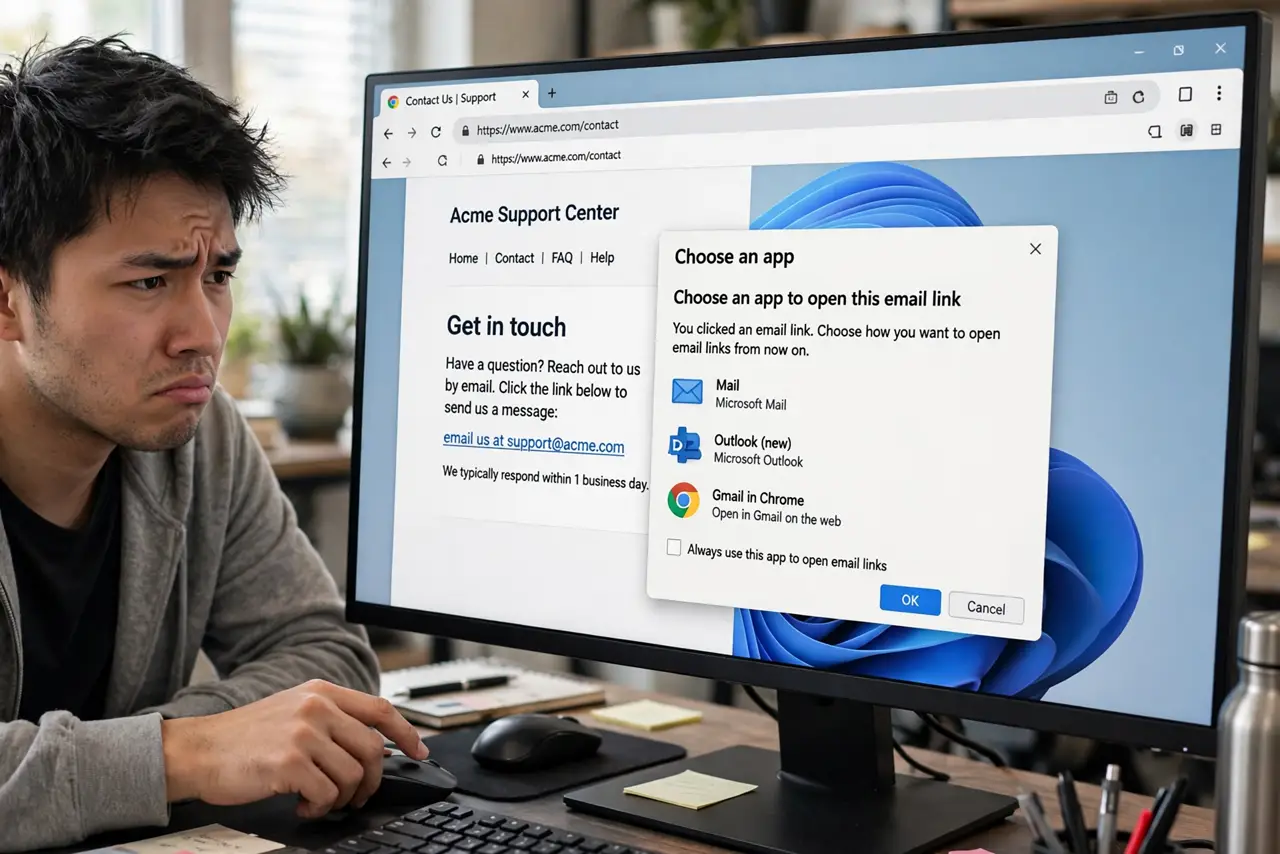
You click an email address on a website and the wrong app opens — or Windows asks you to pick one every single time. The MAILTO protocol decides which app handles email links, and it lives in Default apps, not in your mail app's own settings.
TL;DR / Quick Fix
Open Settings > Apps > Default apps, search for your mail app, and set it as default for MAILTO links — that controls what opens when you click an email address. Webmail users can route MAILTO to the browser in the browser's own site settings.
Follow these steps
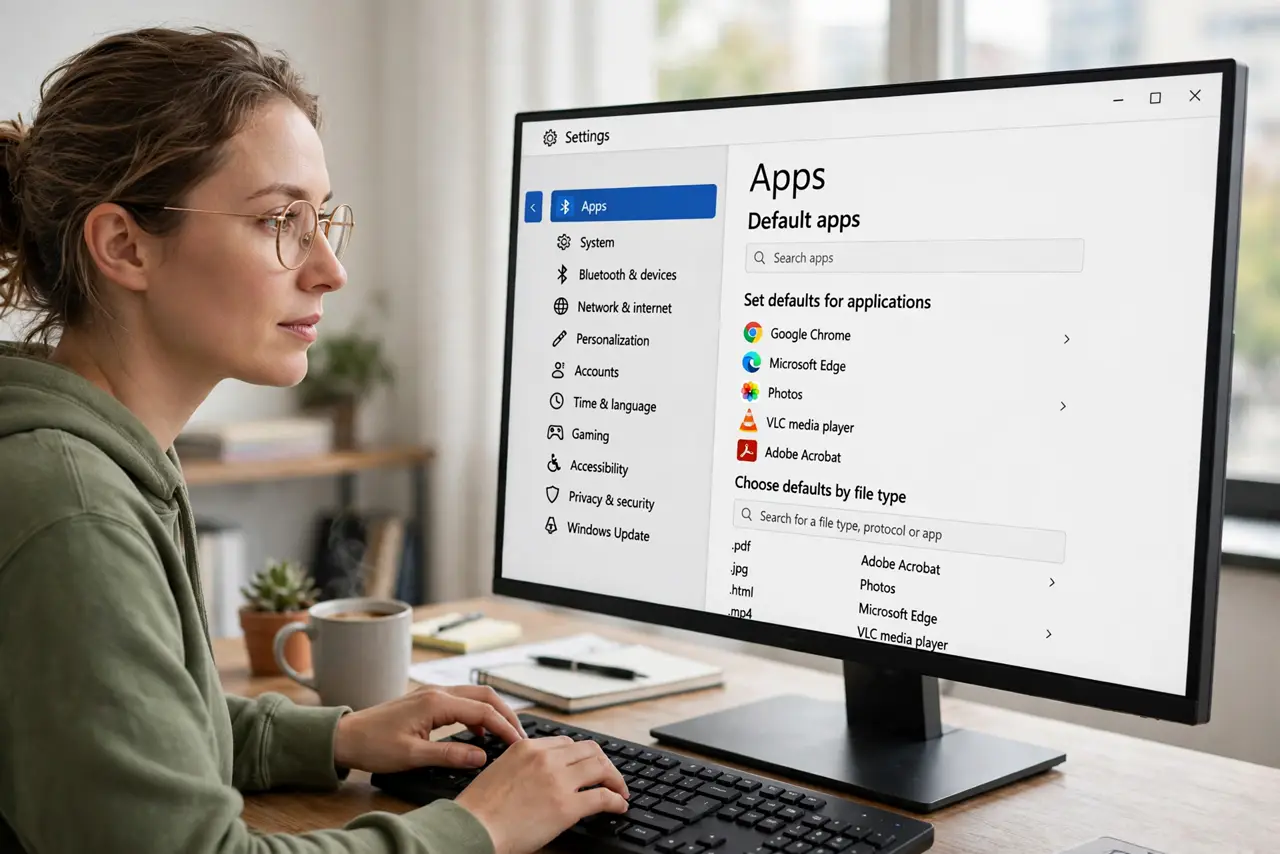
- Open Default apps. Press Win + I, go to Apps > Default apps. This is the single panel for every default on the PC.
- Search for your mail app. Type your mail client's name in the search box — Mail, Outlook, Thunderbird, or whichever you use.
- Set it for MAILTO. Click the app, find the MAILTO entry, and assign your app. This controls every clickable email address in browsers and documents.
- Assign .eml files too. In the same app entry, set .eml to your mail client so saved email files open correctly.
- Route webmail through the browser. If you use Gmail or Outlook on the web, open the browser's site settings and allow the site to handle MAILTO links — then set the browser as the MAILTO handler above.
- Test with a real link. Click an email address on any webpage. Your chosen app — or webmail tab — should open with a compose window.
What NOT to do
- Do not look for the setting inside the mail app. Windows owns MAILTO routing — the mail app can't claim it alone.
- Do not set the default in a browser and skip Windows Settings. Both layers matter for webmail users.
- Do not confuse MAILTO with .eml. One handles clicked links, the other handles saved files — set both.
- Do not expect one click to cover every account. The default app opens; you still pick the sending account inside it.
Frequently asked questions
What is a MAILTO link?
It's the special link behind clickable email addresses. Your browser hands it to Windows, which opens whatever app owns the MAILTO protocol.
Can I use Gmail as my default mail app?
Yes, via the browser: allow Gmail to handle MAILTO in the browser's site settings, then set the browser as the MAILTO default in Windows.
Why does Windows ask me to choose an app every time?
No default is set for MAILTO. Assigning one app in Default apps ends the repeated prompt.