Device Manager Shows an Unknown Device? Fix It
An unknown device in Device Manager means Windows can see hardware but cannot name it or find its driver. The device may still work partially, but the warning tells you something is unfinished. Identifying it by its hardware details, not by guessing, is the safe path.
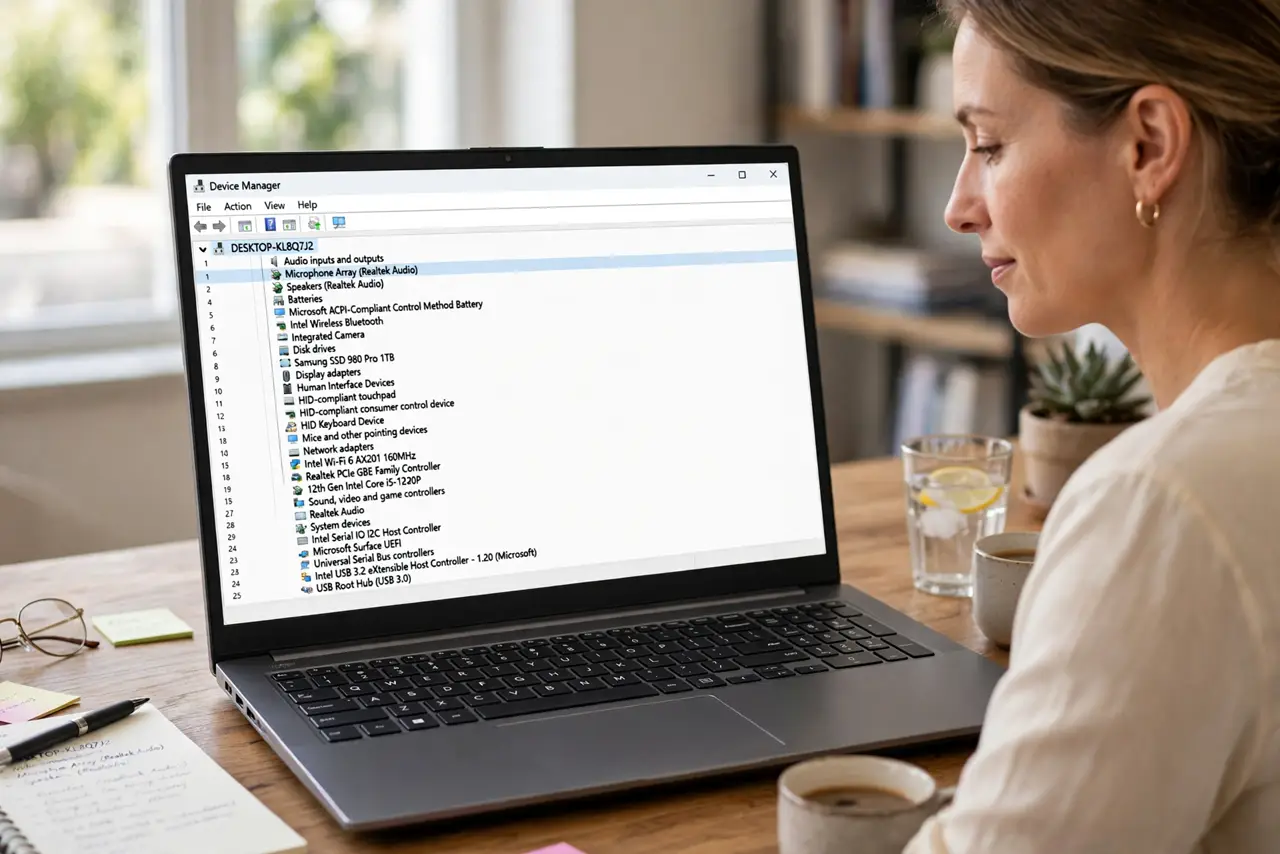
TL;DR / Quick Fix
Quick fix: open Device Manager, right-click the unknown device, open Properties, and check the Details tab for its hardware IDs. Note the vendor and device numbers, then search the device maker official support page for your exact computer or device model.
Follow these steps
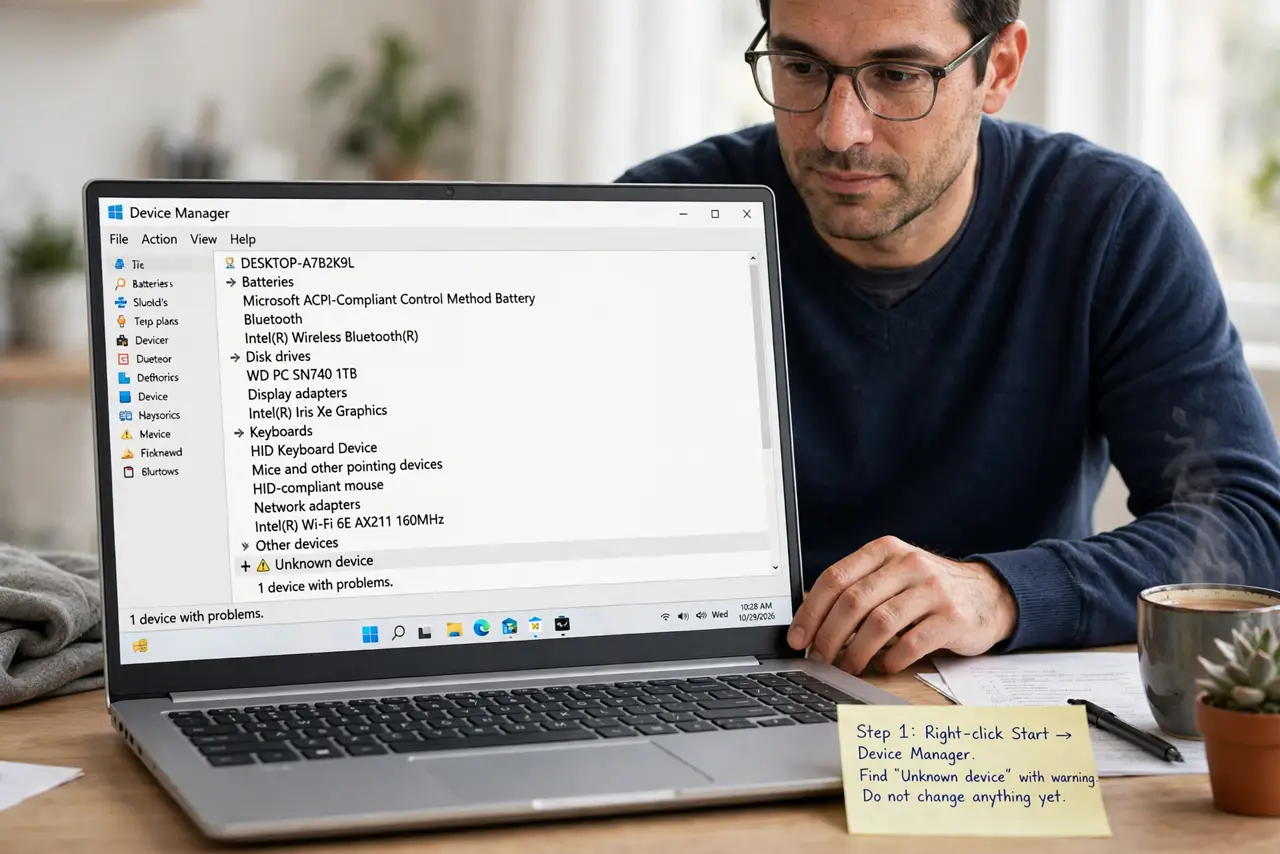
- Open Device Manager. Right-click Start and choose Device Manager. Find the entry marked Unknown device, usually with a warning icon, and do not change anything else yet.
- Open the device Properties. Right-click the unknown device and choose Properties. Check the General tab first for any status message, because it may name the problem directly.
- Find the hardware IDs. Go to the Details tab, choose Hardware Ids, and note the first ID. The vendor and device numbers in that ID are the most reliable clue to what the device is.
- Match the device to your hardware. Compare the unknown device with what is connected or built into your computer. A new USB device, a card reader, or a laptop sensor are common causes.
- Get the driver from the maker only. Visit the computer or device maker official support page for your exact model, and download only the driver that matches. Install it, then restart.
- Confirm the warning is gone. Reopen Device Manager after the restart and check that the unknown device entry is gone and the device now shows its proper name.
What NOT to do
- Do not disable the unknown device and forget it. Disabling hides the warning, but the hardware still lacks a driver, and a feature may stay broken.
- Do not download a driver from the first site a search returns. Random driver sites often bundle unwanted software or the wrong driver for your model.
- Do not uninstall every device with a warning at once. Fix one unknown device at a time, so you can tell which driver change helped.
- Do not guess the device from its position in the list. Two similar entries can look alike, and installing the wrong driver can stop a working device from working.
Frequently asked questions
What exactly is an unknown device?
It is hardware Windows detected but cannot identify, usually because its driver is missing. Windows shows it as unknown until the right driver is installed.
Can an unknown device harm my computer?
No, by itself it is just unfinished setup. The risk comes from installing a wrong driver, so use the maker official support page only.
What if the device appears after I plug something in?
Unplug that device and watch whether the entry disappears. If it does, the plugged-in device is the unknown one, and its maker page is where to look.