Driver Rollback Is Grayed Out? What to Do
When Roll Back Driver is grayed out, Windows has no older driver stored to return to. That happens after a clean install, or when the new driver was the first one Windows installed. The fix is not to force a rollback, but to use the alternatives Windows does offer.
TL;DR / Quick Fix
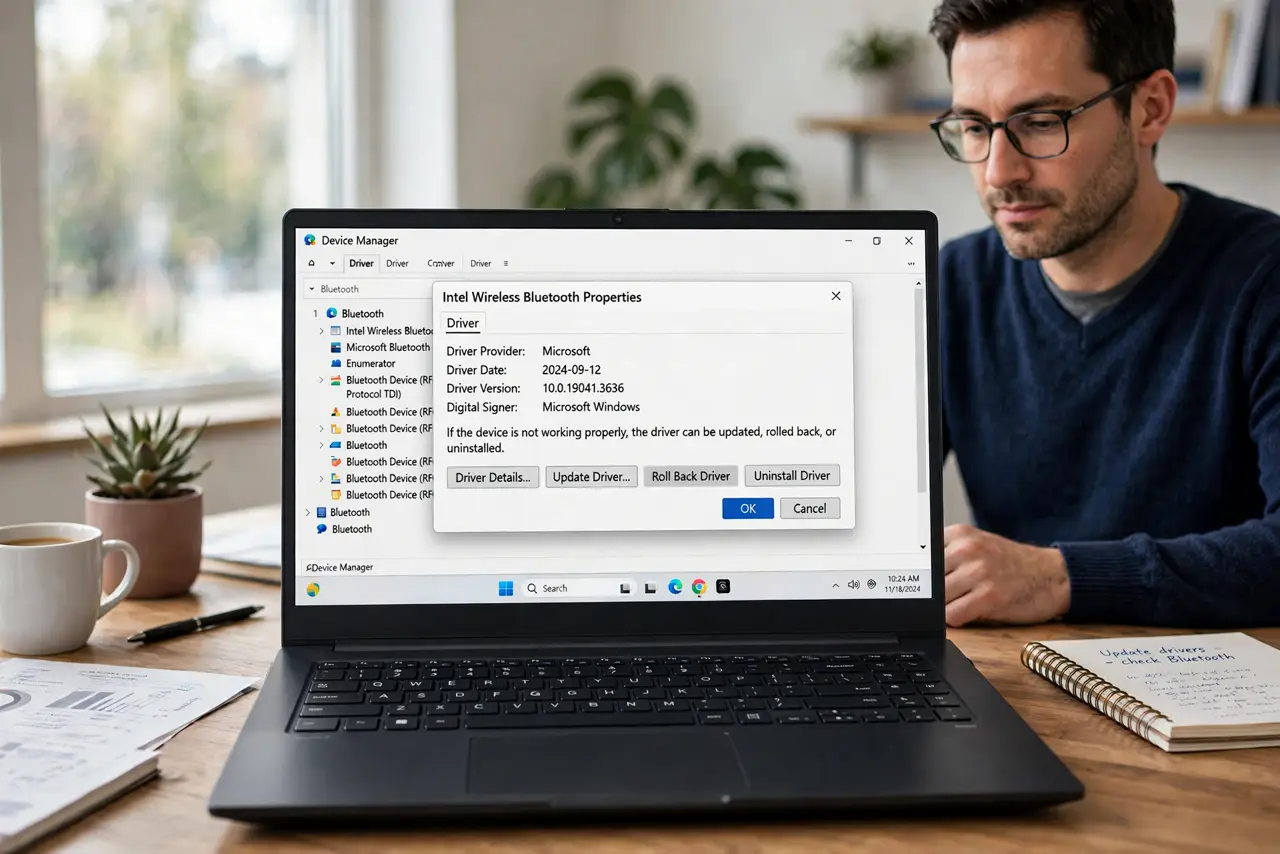
Quick fix: open Device Manager, open the device Properties, and check the Driver tab. If Roll Back Driver is grayed out, note the current driver version, then try Update Driver, or uninstall the device and restart so Windows reinstalls a working driver.
Follow these steps
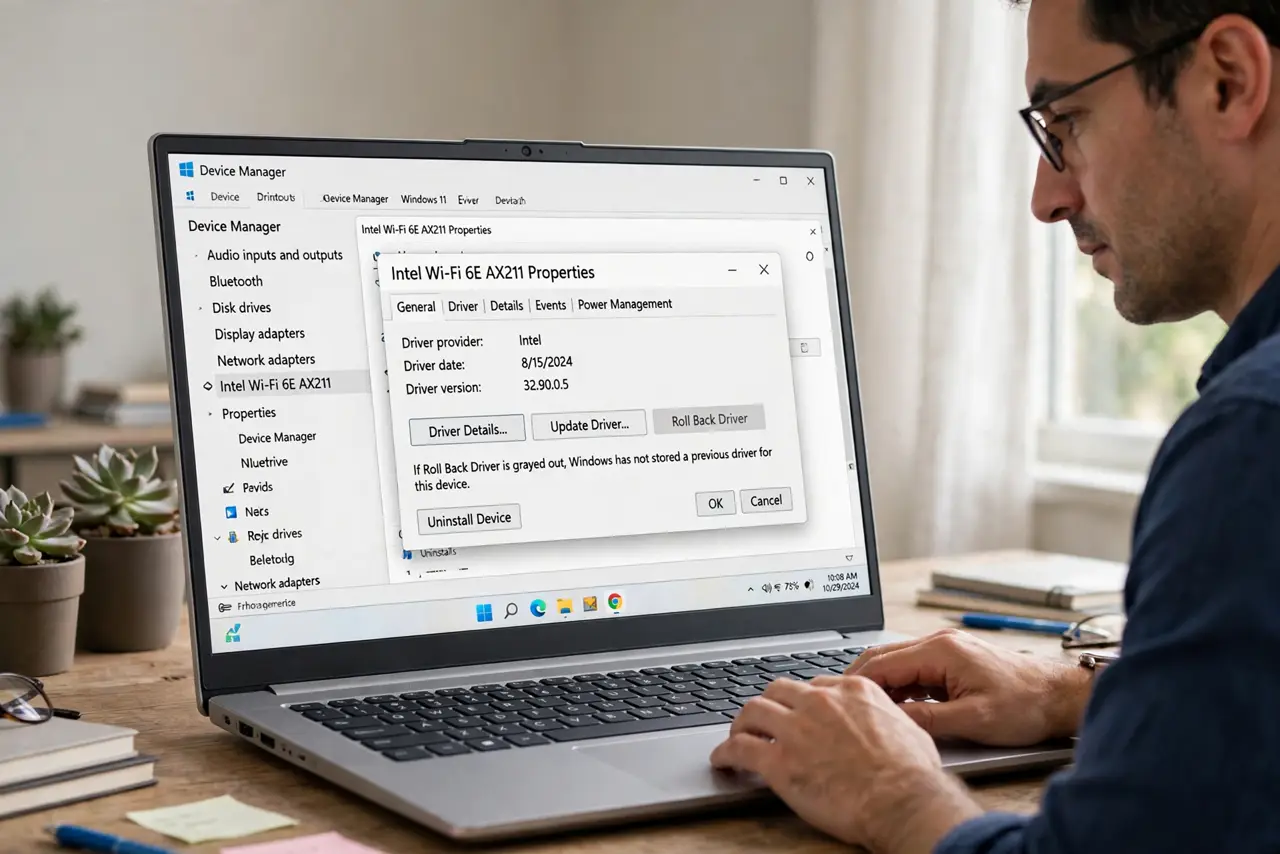
- Confirm rollback is really unavailable. Open Device Manager, right-click the device, choose Properties, then the Driver tab. If Roll Back Driver is grayed out, Windows kept no previous driver for this device.
- Note the current driver details. Write down the driver version and date shown on the same tab. You will need those details if you search the maker official support page for an older version.
- Try Update Driver first. Choose Update Driver, then Search automatically for drivers. A newer driver may already fix the problem that made you want to roll back, and check Windows Update for a newer version too.
- Uninstall and restart the device. Choose Uninstall device, then restart the computer. Windows will detect the device again and install a driver, which often clears a bad driver state.
- Get an older driver from the maker only. If you need a specific older version, get it only from the device maker official support page for your exact model. Do not use random driver download sites.
- Test before you change anything else. After any driver change, restart and test the device on its own. Change one driver at a time, so you know which change fixed the problem.
What NOT to do
- Do not force a rollback with a third-party tool. Forcing an old driver onto new hardware can stop the device from working at all.
- Do not uninstall every device in Device Manager to fix one problem. Uninstall only the device that is misbehaving, and restart right after.
- Do not download an older driver from a random site. The wrong driver version can cause worse problems than the one you are trying to fix.
- Do not keep reinstalling drivers in a loop. If three careful attempts fail, note the error and ask a technician, instead of repeating the same steps.
Frequently asked questions
Why is Roll Back Driver grayed out?
Windows only enables it when it stored a previous driver during an update. A clean install, or a first install, leaves nothing to roll back to.
Does uninstalling delete my files?
No. Uninstalling a device removes its driver, not your files. Restarting lets Windows detect the device and install a driver again.
Can I roll back by installing an older driver myself?
Yes, if the maker official support page offers one for your exact model. Install it, restart, and test before changing anything else.