Change the Display Language
You bought the laptop abroad, or someone in the family prefers another language, and every menu is in the wrong tongue. Windows lets you switch the entire display language — menus, dialogs, settings — without reinstalling anything. The language pack downloads in the background.
TL;DR / Quick Fix
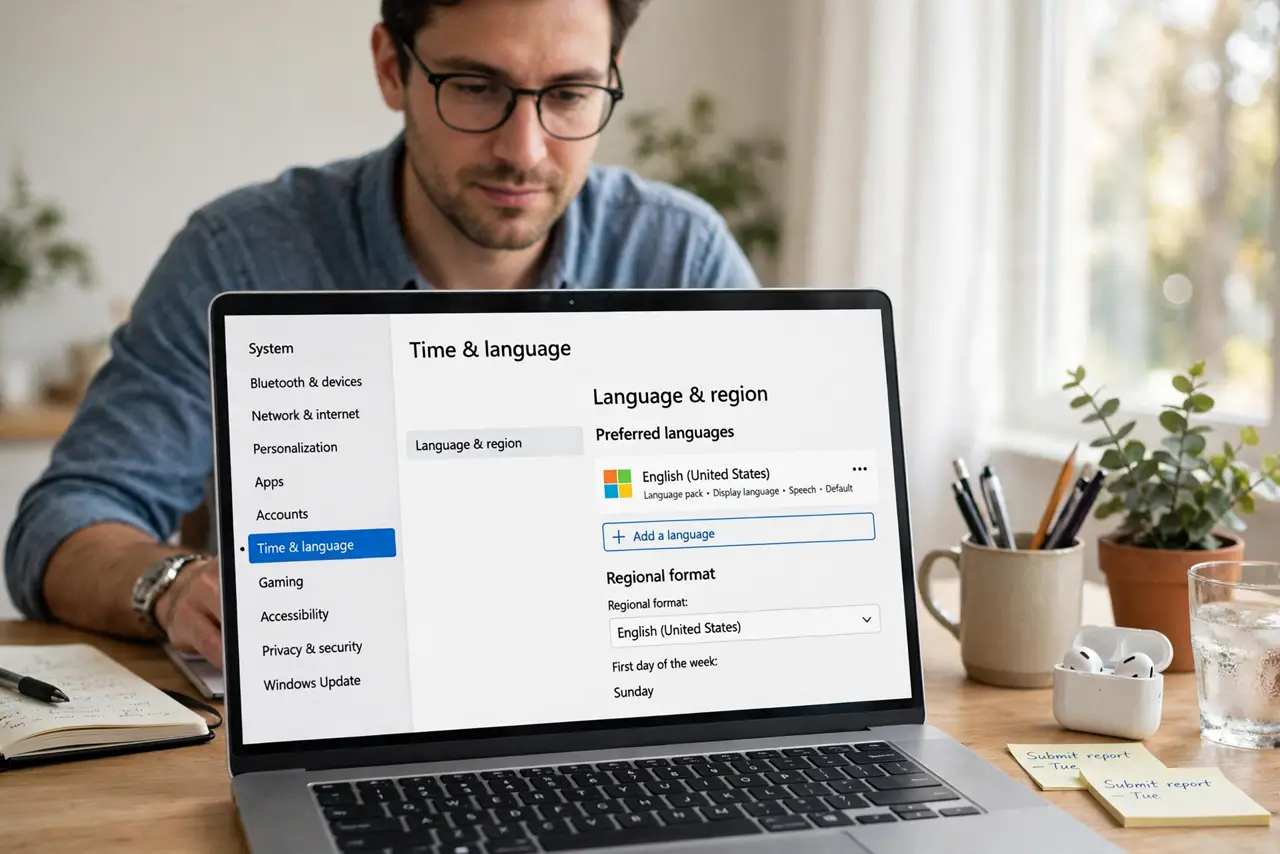
Quick fix: open Settings, go to Time & language, then Language & region, and add your preferred language. Once its language pack downloads, set it as the Windows display language and sign out. Menus and dialogs switch over after you sign back in.
Follow these steps
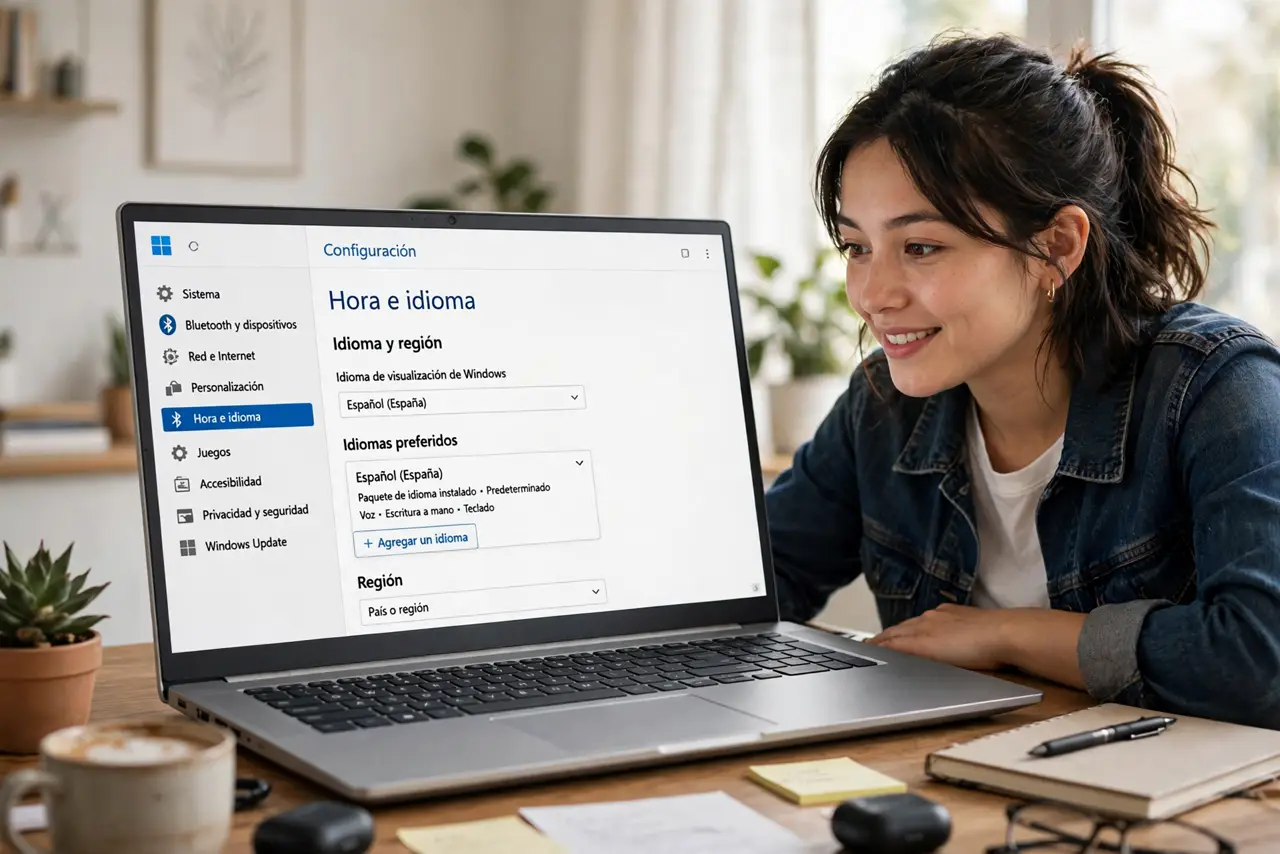
- Open Language & region settings. Settings > Time & language > Language & region. Your installed languages are listed under Preferred languages.
- Add the language you want. Click 'Add a language,' search for it, and select it. Check the box for the language pack — that's the piece that translates Windows itself.
- Wait for the pack to download. Windows fetches the pack in the background. On slow connections this takes a few minutes — don't sign out mid-download.
- Set it as the display language. Back in Language & region, open the 'Windows display language' dropdown and pick the new language.
- Sign out and back in. The full interface switches after a fresh sign-in. A restart works too — either way, one sign-out is required.
- Add the keyboard to match. Display language and typing language are separate. Add the matching keyboard language so you can actually type in the new language.
What NOT to do
- Do not confuse display language with the keyboard layout. Changing menus doesn't change what your keys type — that's a separate setting.
- Do not remove your old language until the new one fully works. Keep a fallback in case a pack downloads incompletely.
- Do not expect every app to translate. Windows translates itself; individual apps follow their own language settings.
- Do not fight the language bar — if it pops up after adding languages, that's normal and manageable.
Frequently asked questions
Why is only part of Windows translated?
The language pack was still downloading, or some system component lacks a translation for that language. Let the download finish, sign out, and check again.
Can different users have different languages?
Yes — display language is per user. Each person sets their own in their own account.
Will this change my files' names?
No. File and folder names stay exactly as they are — only the Windows interface text changes.