Duplicate Screen Cuts Your Resolution in Half
Duplicating your screen onto a projector or second monitor often drops the resolution, because mirroring must use a resolution both displays support. If the second display is older or lower resolution, your main screen drops to match it. This guide explains the tradeoff and shows the better setup. If you cannot leave projector mode at all, see Windows stuck in projector-only mode.
TL;DR / Quick Fix
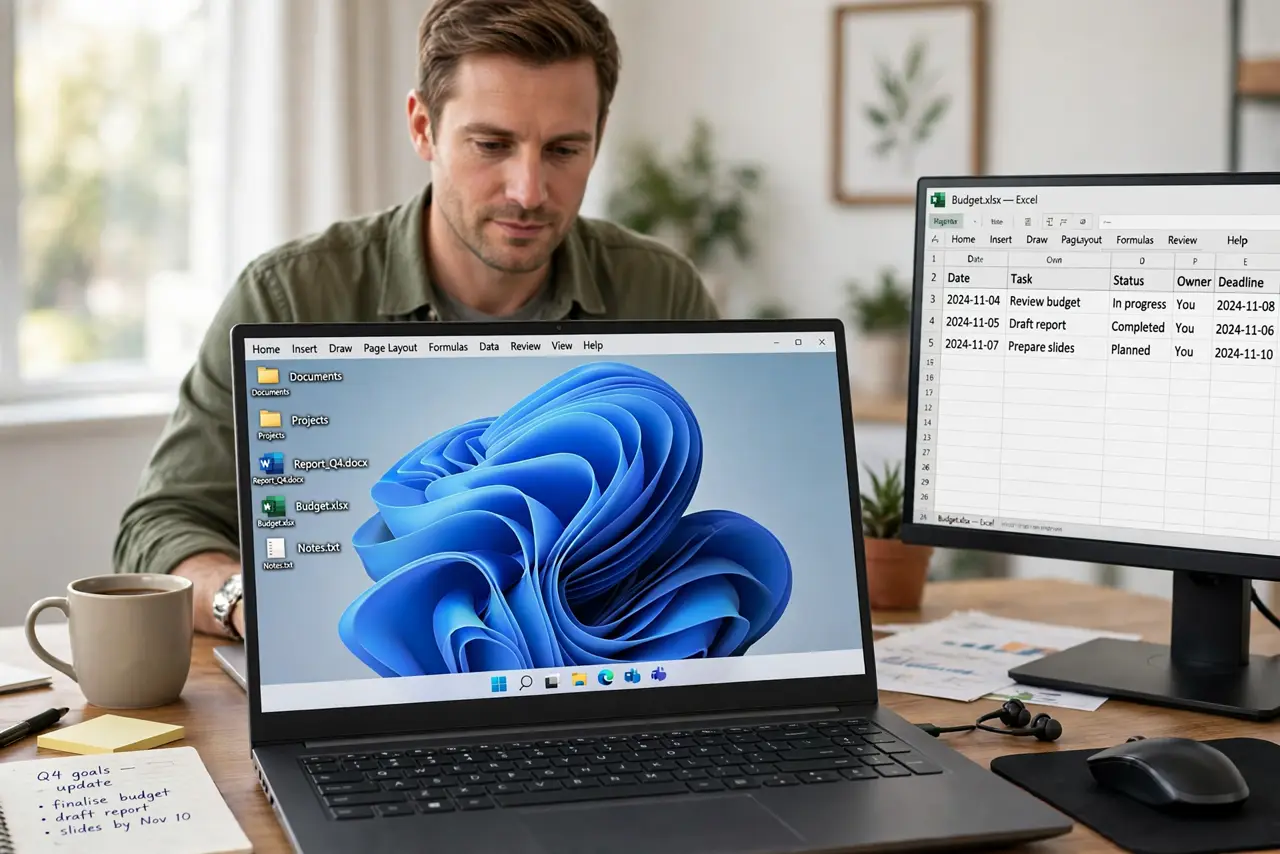
Quick fix: Check both displays resolutions. Switch to Extend for full resolution. Then work through the remaining steps in order, checking one change at a time, and stop for a technician if you see damage, swelling, or a burning smell.
Follow these steps
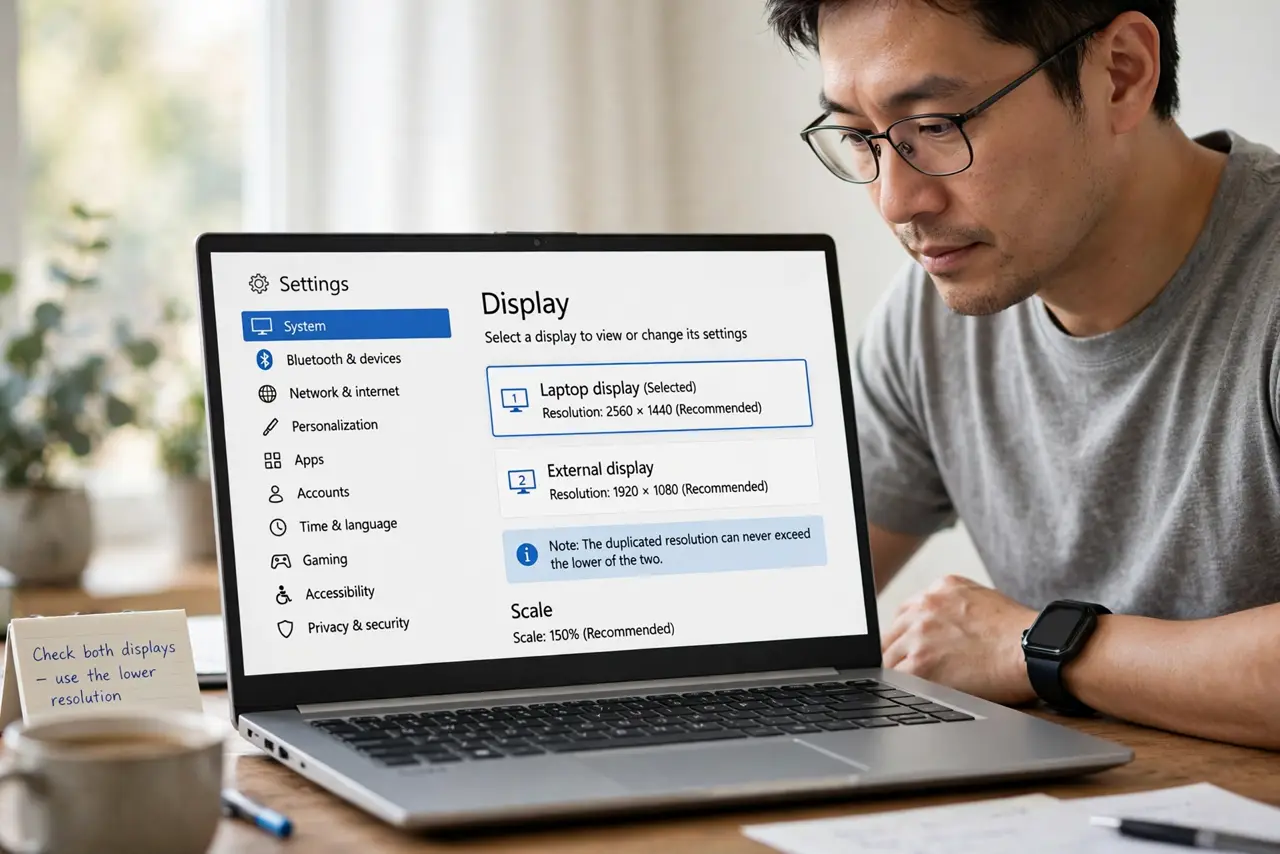
- Check both displays resolutions. Open Settings, then System, then Display, select each display, and note its recommended resolution. The duplicated resolution can never exceed the lower of the two.
- Switch to Extend for full resolution. In the same Display page, set the multiple displays option to Extend these displays. Each screen then runs at its own full resolution, instead of sharing the lowest one.
- Use Duplicate only for presenting. Keep Duplicate for the short time you present or mirror, then switch back to Extend or PC screen only. Mirroring is a presenting tool, not a daily layout.
- Check the projector own resolution. Look up the projector or second display maker rating. A projector rated for a lower resolution will always cap a duplicated setup, no matter what your main screen supports.
- Try a lower refresh rate while duplicating. In Advanced display settings, try a lower refresh rate on the main display while duplicated. Some combinations support a higher resolution at a lower rate, which can soften the drop.
- Disconnect the second display to confirm. Unplug the second display and check your main screen resolution. If it returns to full, the duplicate limit is confirmed, and Extend is the lasting answer.
What NOT to do
- Do not buy a new main monitor for a duplicate drop. The limit comes from the weaker display, so a new main screen cannot raise it.
- Do not force a custom resolution while duplicating. Forcing a rate the second display cannot show can leave you with a blank screen.
- Do not leave Duplicate on all day. It wastes your main screen quality for a mirroring need that lasts only a presentation.
- Do not blame Windows for a hardware limit. Mirroring to a lower display must drop to a shared resolution on any system.
Frequently asked questions
Why does my laptop look blurry on the projector?
The projector lower resolution is mirrored, so the laptop drops to match it, which makes its own screen look softer too.
Can I duplicate at different resolutions?
No. Duplicating means the same picture on both screens, so one shared resolution is the only option.
Does a better cable fix duplicate resolution?
Only if the cable was the limit. If the second display itself is lower resolution, no cable can raise it.