Lock PC When You Walk Away
You walk to the kitchen, and your unlocked PC sits there — email, chats, documents, open to anyone who wanders by. You mean to press Win+L every time; you remember about half the time. Dynamic Lock is Windows' safety net: it locks the PC automatically when your phone's Bluetooth walks out of range. Here is how to set it up.
TL;DR / Quick Fix
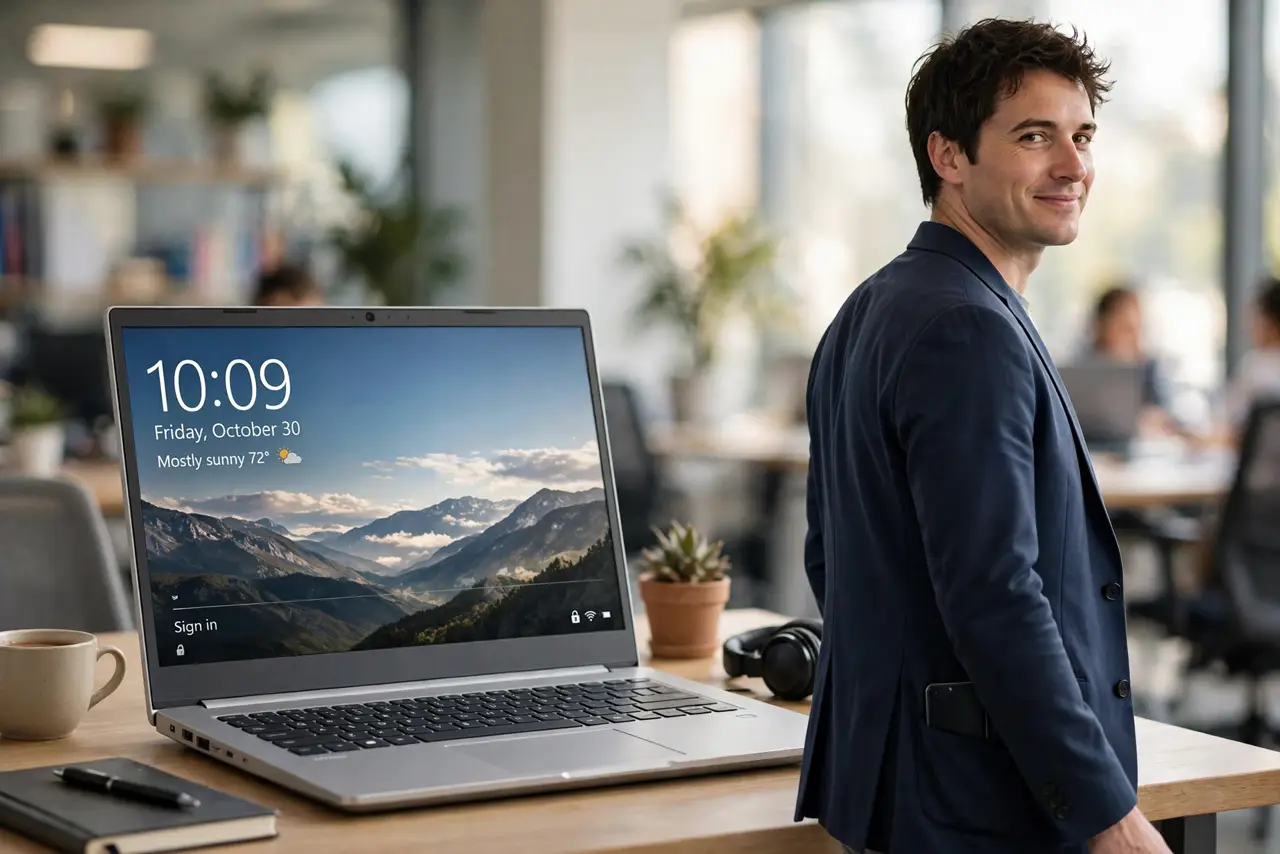
Quick fix: Windows Dynamic Lock locks your PC automatically when your paired phone walks away. Pair your phone via Bluetooth, then enable it in Settings, Accounts, Sign-in options. It takes about a minute to trigger after you leave — a safety net, not a replacement for Win+L.
Follow these steps
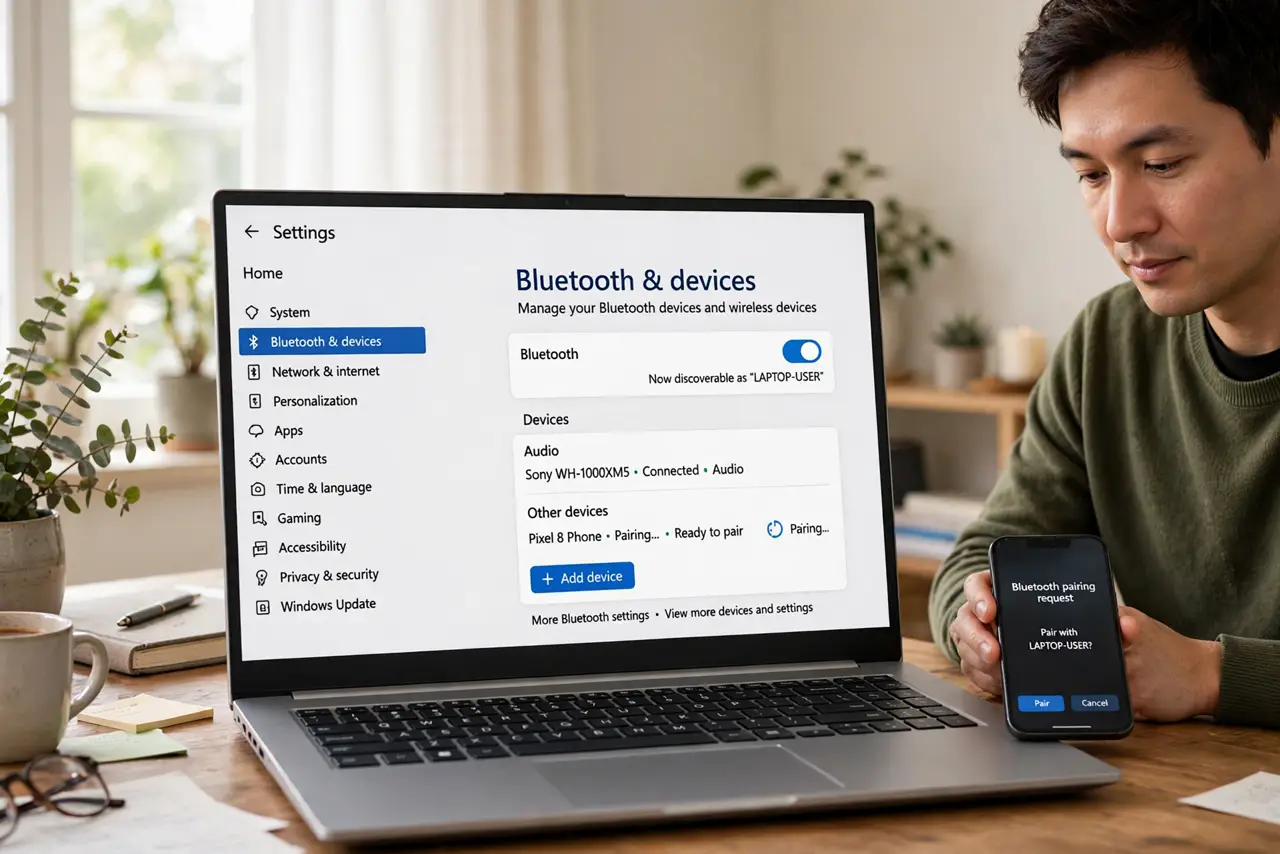
- Pair your phone via Bluetooth. Go to Settings > Bluetooth & devices and pair your phone with the PC. The phone is the proximity sensor — no pairing, no Dynamic Lock. Any modern phone works; it just needs to stay paired.
- Enable Dynamic Lock. Go to Settings > Accounts > Sign-in options, scroll to Dynamic Lock, and check 'Allow Windows to automatically lock your device when you're away.' One checkbox — see the setup walkthrough if anything looks different.
- Test it for real. Lock the PC manually once, then walk away with your phone for two minutes and come back. The lock screen should greet you. Testing beats assuming — Bluetooth range varies by environment.
- Know the one-minute delay. Dynamic Lock triggers about a minute after the Bluetooth signal drops — it is not instant. Someone fast could still reach your PC in that window, which is why it is a net, not a wall.
- Keep Win+L as the habit. Dynamic Lock catches the times you forget; Win+L covers the times you remember. Use both — the shortcut is instant and certain, the automation is the backup.
- Troubleshoot the too-soon lock. If the PC locks while you are still nearby, Bluetooth is dropping — check the locks-too-soon fixes before disabling the feature in frustration.
What NOT to do
- Do not rely on Dynamic Lock alone. The minute-long delay is a real gap — keep the Win+L habit for when it matters.
- Do not pair and forget the phone's Bluetooth. If you toggle phone Bluetooth off to save battery, Dynamic Lock goes blind.
- Do not enable it and stop locking manually. Automation fails — dead phone battery, unpaired device — and the habit is the reliable layer.
- Do not assume it works through walls instantly. Bluetooth range is fuzzy; test your actual office layout rather than trusting the spec.
Frequently asked questions
How far do I need to walk?
Bluetooth range is roughly 10 meters, less through walls. In practice, leaving the room usually does it — test yours.
Does it drain my phone battery?
Negligibly — it uses the existing Bluetooth connection, not constant scanning. You will not notice it.
What if I don't have a phone to pair?
Then Dynamic Lock cannot work — it needs the Bluetooth device. Set a short screen timeout as your fallback automation instead.