Stop Edge Taking Over PDFs
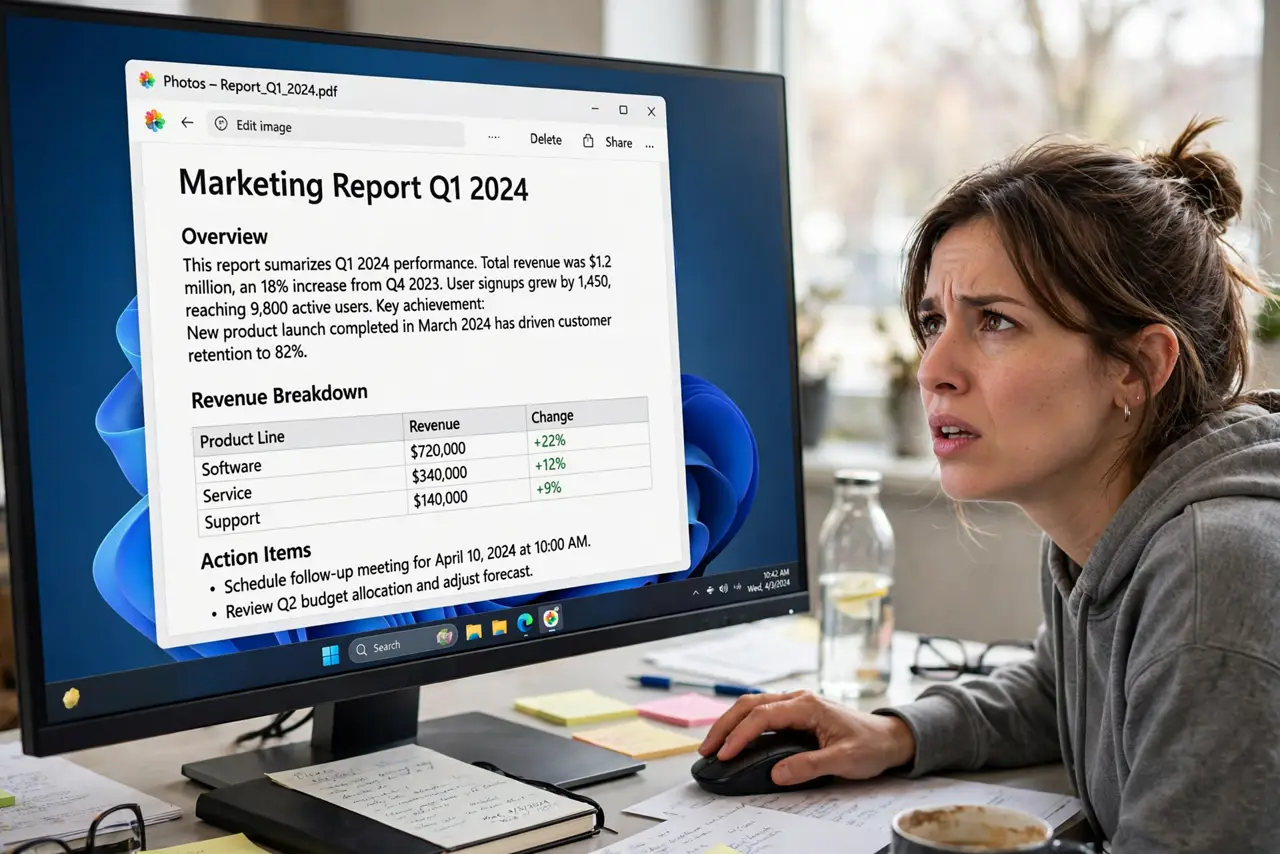
You install your favorite PDF reader, set it as default — and after the next update, PDFs open in Edge again. Windows updates love to hand PDF handling back to Edge, and Edge itself runs a banner campaign asking to take over. Here's how to make your choice stick.
TL;DR / Quick Fix
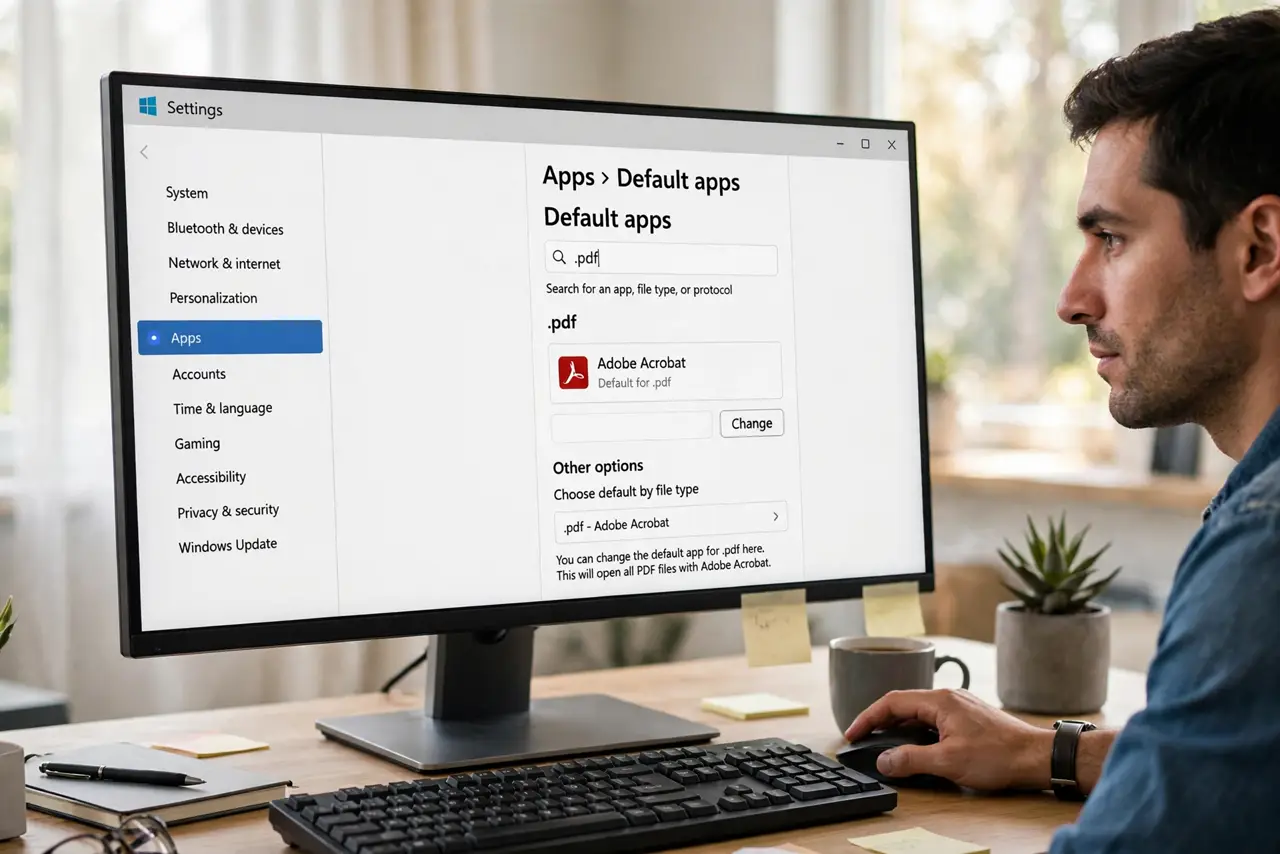
Open Settings > Apps > Default apps, search for .pdf, and assign your preferred reader — Windows updates often hand PDFs back to Edge. Dismiss Edge's own 'take over PDFs' banner rather than accepting it. Your reader must be installed for your user account, or the choice won't stick.
Follow these steps
- Set the default per file type. Open Settings > Apps > Default apps, search for .pdf, and assign your preferred reader. The per-type page beats the generic default button.
- Dismiss Edge's takeover banner. When Edge shows a banner offering to be your PDF reader, close it instead of accepting. Accepting once reassigns the type.
- Check the reader is installed for you. Open your reader normally once. If it was installed for another user account, reinstall it under yours — per-user installs hold defaults better.
- Re-set after Windows updates. Feature updates are the classic re-takeover moment. After each big update, glance at the .pdf entry and reassign if Edge crept back.
- Stop Edge from asking again. In Edge's settings, turn off the PDF-related prompts so the banner stops reappearing — background on the wrong app problem.
- Verify with a double-click. Double-click any PDF. Your reader should open it — if Edge appears, repeat step one and check step three.
What NOT to do
- Do not uninstall Edge to keep your PDFs. The default is a setting, and removing Edge can break other Windows features.
- Do not accept Edge's banner 'just to see'. Accepting reassigns the file type immediately.
- Do not set the default from inside a portable reader. Portable apps don't register with Windows and can't hold the default.
- Do not confuse the browser's PDF viewer with the system default. Edge can still view PDFs on the web while your reader owns the files.
Frequently asked questions
Why does Edge keep taking back PDFs?
Windows updates reinstall Edge's file associations, and Edge's own banner asks to take over. Re-setting per file type after updates keeps your reader.
Is Edge actually bad at PDFs?
No — it's a decent reader. The issue is choice: if you prefer another reader's tools, the default should respect that.
Will this affect PDFs inside the browser?
No. Web PDFs still open in the browser's viewer; the default only controls PDF files you open from Explorer.