Find Kaomoji Fast
Your messages could use a shrug — literally: the little Japanese emoticons like (¬‿¬) and (╯°□°)╯ that say what words cannot. Windows hides a whole kaomoji collection inside the emoji panel, and most people never click past the smiley tab. One shortcut opens a library of expressive faces.
TL;DR / Quick Fix
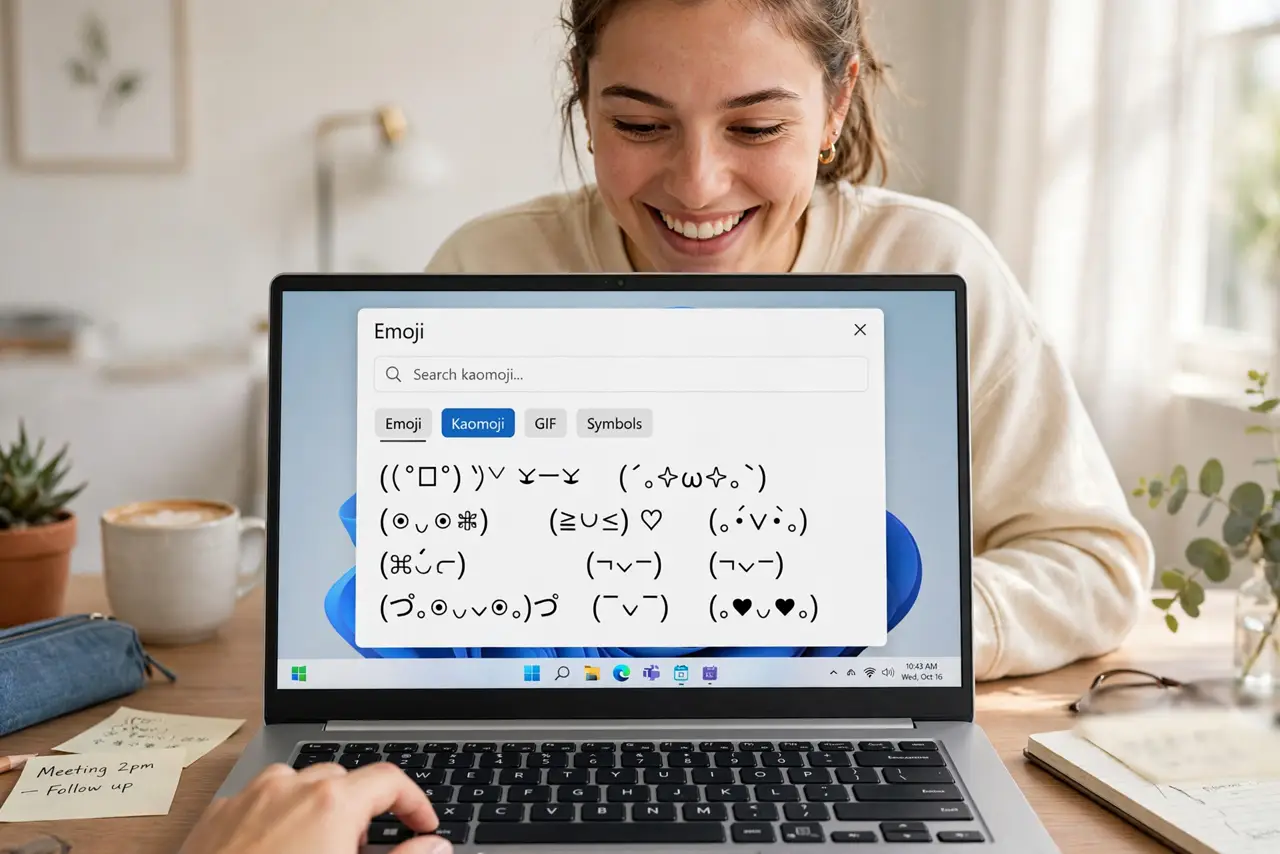
Quick fix: press Windows+period, then click the kaomoji tab at the top of the panel — the one with the text faces. Browse by mood: happy, shrug, table-flip. Click one to insert it wherever you are typing. It works in any app.
Follow these steps
- Open the emoji panel. Press Windows+period (or Windows+semicolon). The panel pops up wherever your cursor is — chat, email, document, anywhere you type.
- Find the kaomoji tab. At the top of the panel, click through the tabs past emoji and GIFs to the kaomoji section — the tab showing text-style faces. This is the hidden library.
- Browse by mood. Kaomoji are grouped roughly by feeling — joy, love, embarrassment, anger, the famous shrug and table-flip. Scroll through; the collection is bigger than you expect.
- Click to insert. Click any kaomoji and it types into your text at the cursor. No copying, no pasting from websites — one click, done.
- Learn your favorites. The panel remembers recently used kaomoji at the front. Use your three favorites for a week and they live at the top — your personal expressiveness toolkit.
- Mind the audience. Kaomoji shine in chats with friends and casual teams. Your manager's formal email is not the venue — match the face to the room.
What NOT to do
- Do not paste kaomoji from random sites. The built-in panel is safe; sketchy 'kaomoji copy' sites are ad traps.
- Do not use them in formal writing. Resumes, formal emails, and legal documents are kaomoji-free zones — know the room.
- Do not expect them everywhere. Some old systems render the special characters as boxes — test once with your recipient's platform.
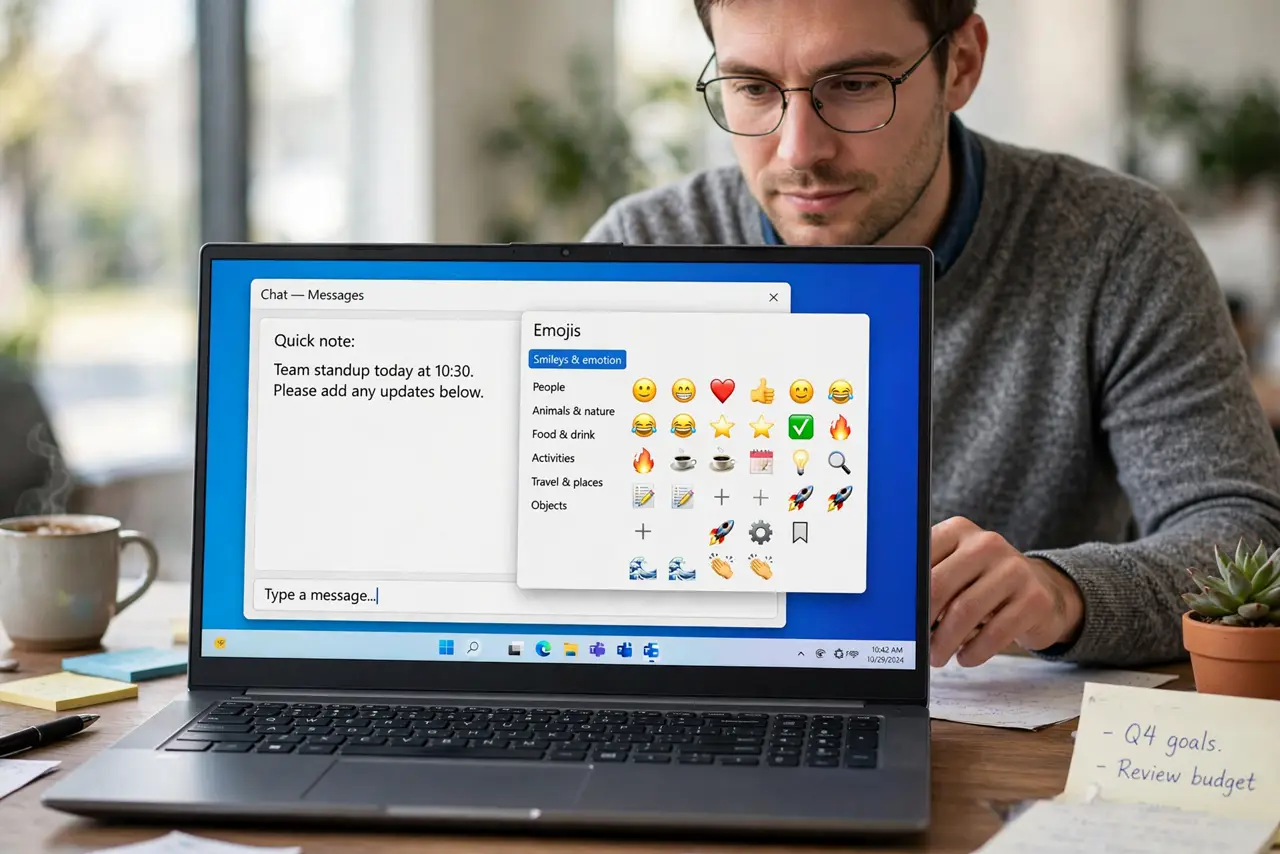
- Do not confuse them with emoji. Kaomoji are text characters — they work even where custom emoji do not, which is their superpower.
Frequently asked questions
What is the difference between kaomoji and emoji?
Kaomoji are built from text characters — (^▽^) — and render anywhere text does. Emoji are picture glyphs needing font support. Text travels further.
Why do some show as boxes?
The recipient's font lacks those characters — common on very old systems. Stick to the simpler faces for maximum compatibility.
Can I use these on Mac too?
Yes — Mac's emoji picker (Fn+E) includes kaomoji under its symbols. The Windows panel is just where this guide lives.