Emoji Panel Won't Open With Win+. ? Fix It
You press Win+period and no emoji panel appears — no error, just nothing. The panel only opens when a text field has focus, and a stuck text-service process can also block it. The fix is checking focus first, then the service, and the voice typing that will not start guide covers the sibling Win+H shortcut.
TL;DR / Quick Fix
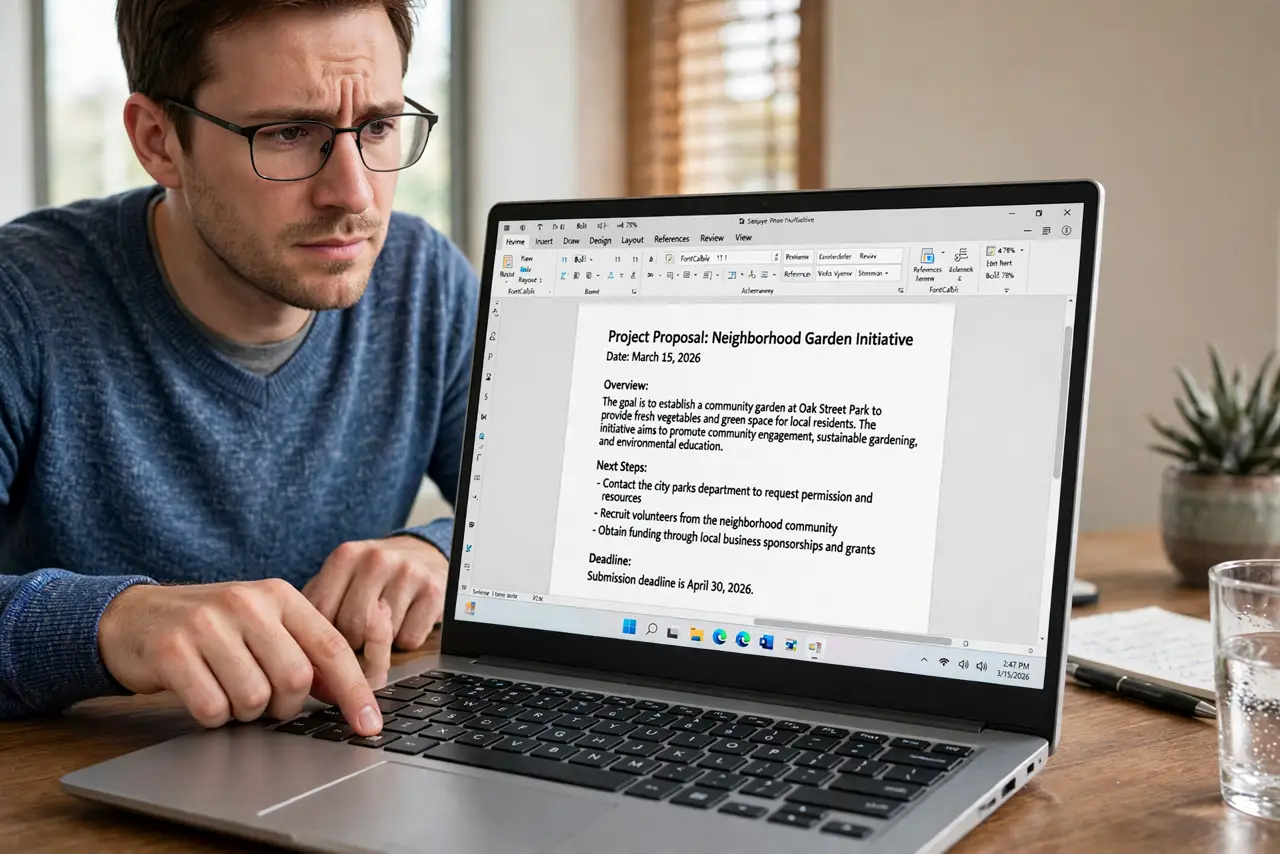
Quick fix: click into a real text field — a document, chat box, or address bar — then press Win+period again. The panel needs a text target, which is the most common cause. If it still will not open, restart the Explorer process.
Follow these steps
- Click into a real text field first. Click inside a document, chat box, or search field so it has the typing cursor. The emoji panel needs a text target, and pressing the shortcut on the desktop does nothing by design.
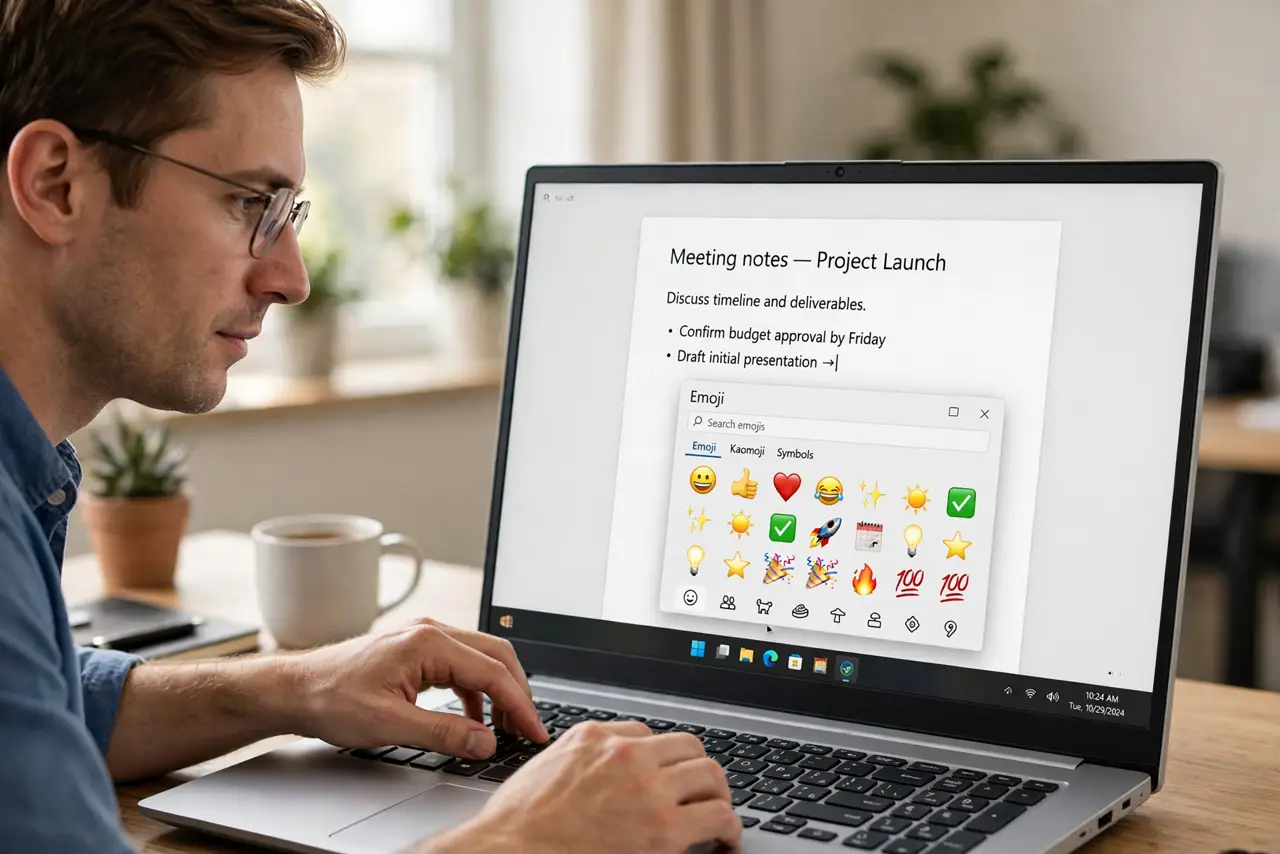
- Press Win+period again. With the cursor blinking in the field, press the shortcut. The panel should pop up right at the cursor.
- Try Win+semicolon as well. The semicolon variant opens the same panel. If one shortcut is intercepted by an app, the other sometimes gets through.
- Restart the Explorer process. Open Task Manager and restart Windows Explorer. The panel is part of the shell's input experience, and a stuck shell blocks it.
- Check the text input service. Make sure the touch keyboard and handwriting panel service is running. The emoji panel depends on the text-service stack underneath it.
- Test in a different app. Try the shortcut in Notepad and in a browser. If it works in one app but not another, the failing app is intercepting the keystroke.
What NOT to do
- Do not reinstall Windows for a missing panel. This is a focus or service issue, fixed in under five minutes.
- Do not assume the keyboard shortcut is broken. Test it with a text field focused before blaming the keys.
- Do not install an emoji app from a random site. The built-in panel is the safe source; third-party emoji tools are unnecessary.
- Do not confuse the emoji panel with the touch keyboard. They are separate features, though they share some underlying services.
Frequently asked questions
Why does Win+period do nothing?
Because no text field has focus, or the shell's input service is stuck. Focus first, service second — that order solves nearly every case.
Does the emoji panel work everywhere?
In almost any text field in Windows apps. Some old or custom apps may not accept it, which is an app limitation.
Can I search emoji by name?
Yes. Just start typing a word like smile in the panel and it filters the emoji list as you type.