Family Safety Blocks a Safe Site? Fix It
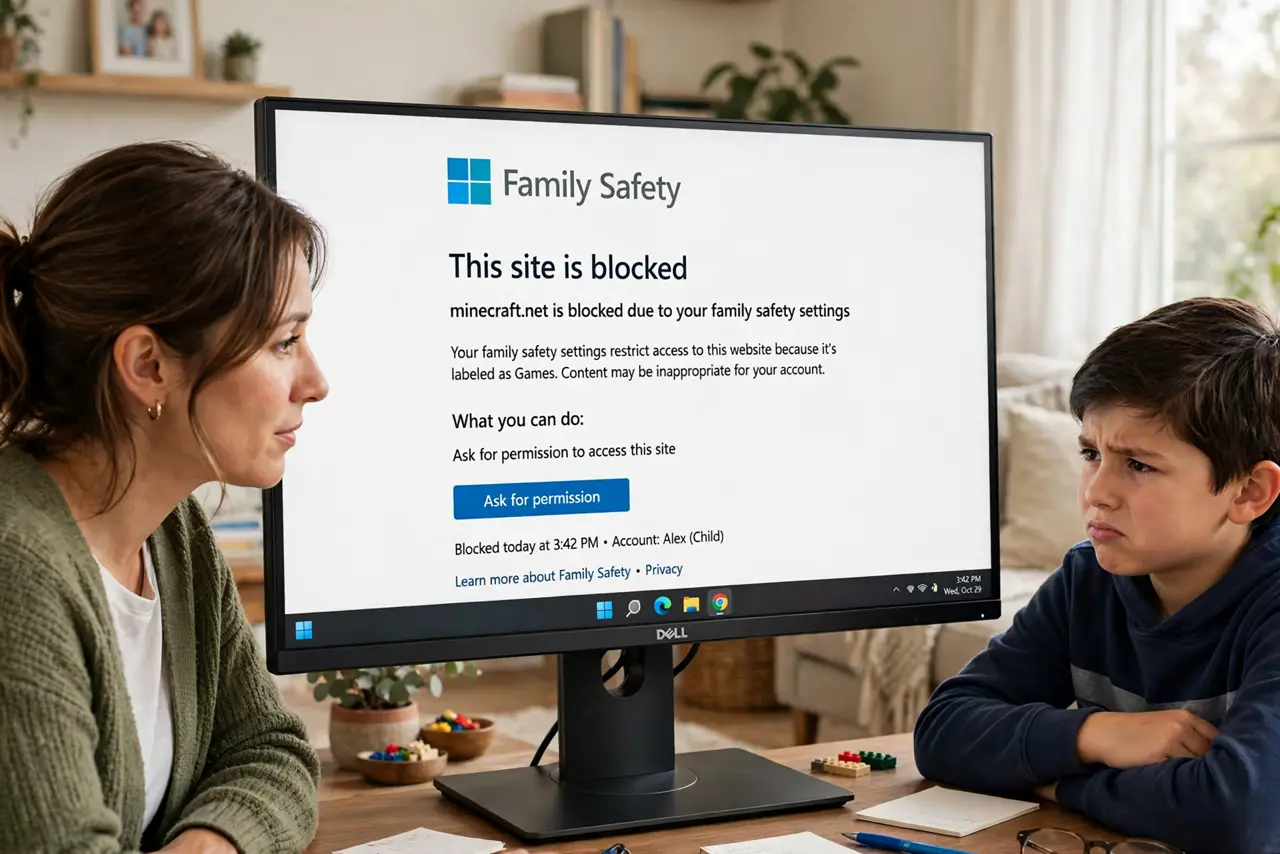
Your kid's homework site — a museum, a coding tutorial — is blocked as 'inappropriate', and the filter won't explain itself. Family Safety errs on the side of blocking, especially in 'allow only' mode. Organizers can allowlist specific sites in about a minute, and should.
TL;DR / Quick Fix
At family.microsoft.com, sign in as the organizer, open the child's profile, and add the site to the Allowed list under Content filters — block lifts within minutes. Check whether 'Only allow' mode is on, which blocks everything unlisted. Talk with your child about why the site is fine before unblocking.
Follow these steps
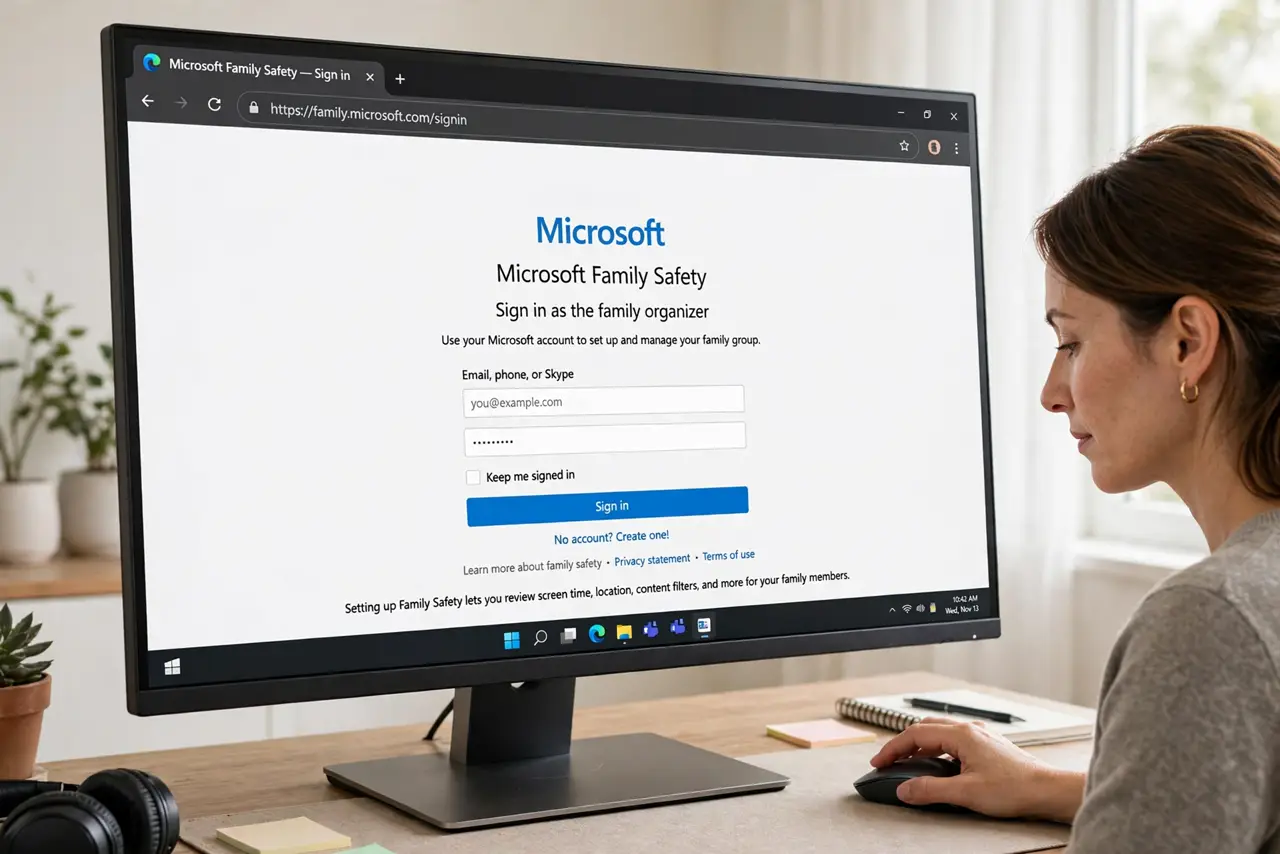
- Sign in as the organizer. Go to family.microsoft.com and sign in with the parent/organizer Microsoft account — kids can't allowlist their own sites.
- Open the child's profile. Select the child's name to see their Content filters and Screen time settings.
- Add the site to Allowed. Under Content filters, add the exact site to the Allowed list. The block typically lifts within minutes.
- Check for 'Only allow' mode. If the filter allows only listed sites, everything unlisted blocks by default. Switch to a blocklist approach or maintain the allowlist actively.
- Test in the child's account. Have the child open the site. If it still blocks, check the spelling of the allowed entry — www vs non-www matters.
- Talk about why it's allowed. Tell your child what made this site safe. Allowlisting is also a teaching moment about judging sites — the screen time settings pair with this.
What NOT to do
- Do not turn off filtering entirely over one false block. The filter's over-blocking is annoying; no filter is worse.
- Do not let the child use an adult's account to dodge it. That bypasses every limit at once — fix the allowlist instead.
- Do not allowlist entire domains casually. Allow the specific site; allowlisting youtube.com to reach one video opens everything.
- Do not assume the block is always wrong. Check the site yourself first — filters occasionally catch something you'd also block.
Frequently asked questions
How long until an allowed site unblocks?
Usually within minutes, once the child's device syncs. A browser restart or sign-out speeds it along.
Why was a safe site blocked at all?
Automated categorization is blunt — new, small, or user-content sites get flagged by keyword or caution. Allowlisting corrects it.
Can kids request unblocking themselves?
They can ask through the block page, which notifies the organizer. The organizer still approves — kids can't self-allow.