Screen Time Limits Not Working? Fix It
You set a two-hour daily limit, and your kid played four. Screen time limits fail for a handful of honest reasons: the wrong account type, a local account dodge, or the schedule not covering the device in hand. Walk the checklist and the limits start working.
TL;DR / Quick Fix
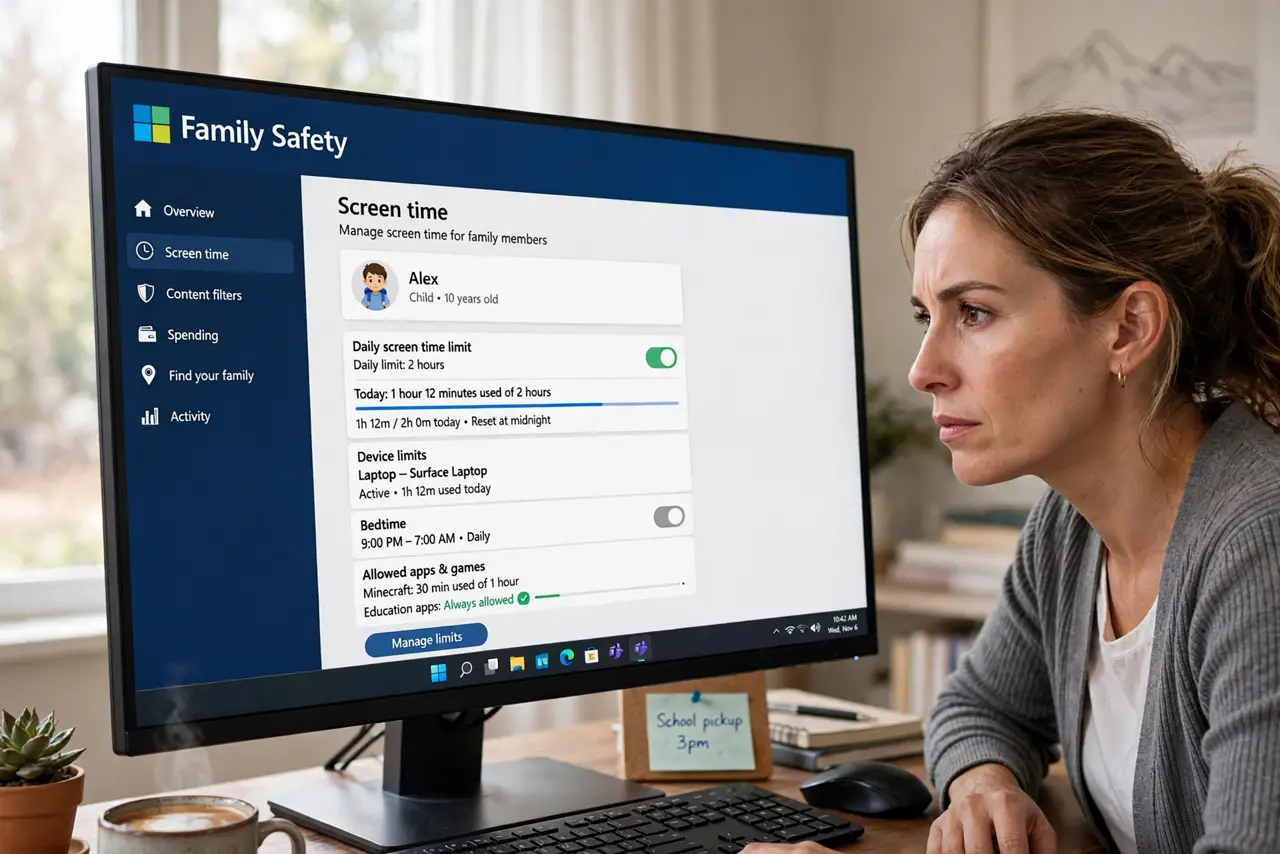
Limits only apply to child accounts in your Microsoft family — an adult account ignores them by design. At family.microsoft.com, confirm the child is listed, Screen time is on, and the schedule covers the devices. Limits need the child signed in with their Microsoft account; a local account bypasses everything.
Follow these steps
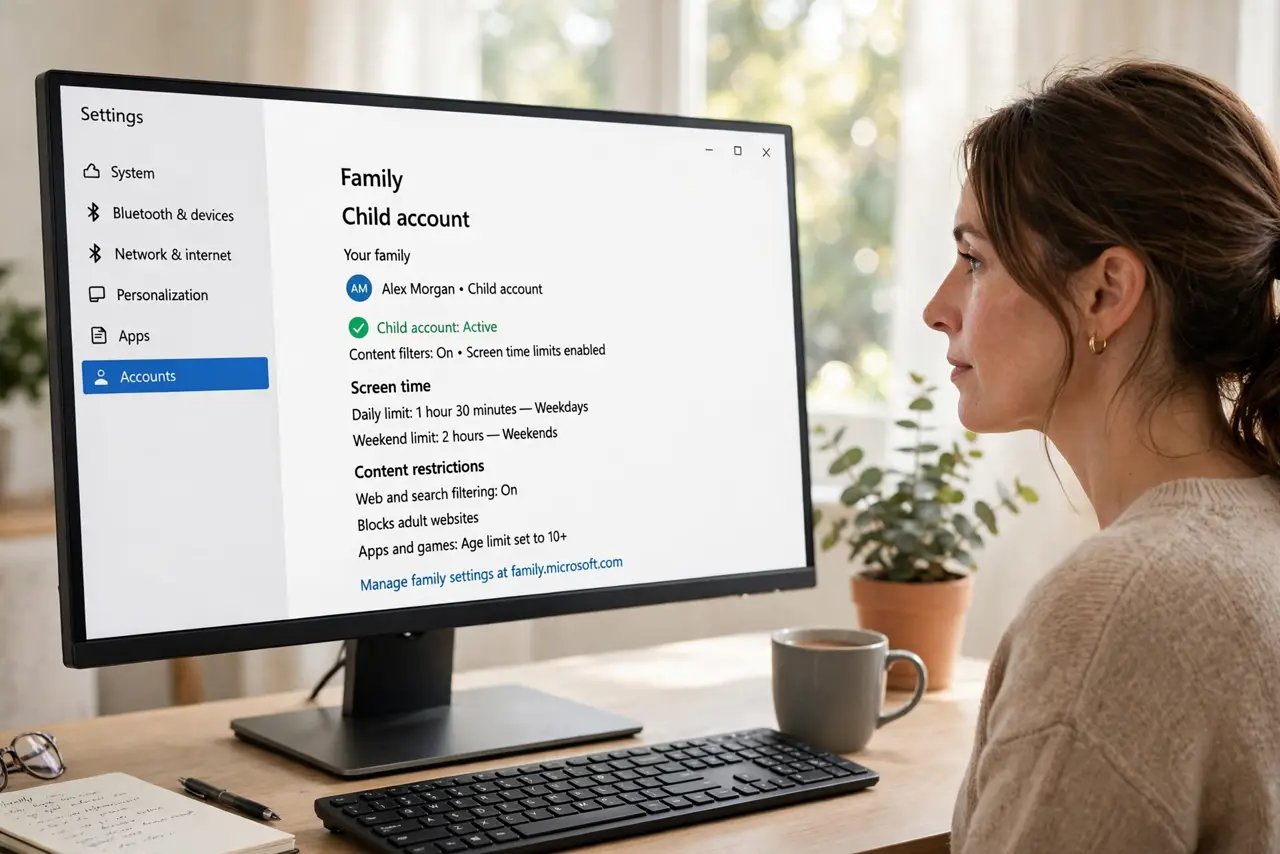
- Confirm it's a child account. Limits apply only to child accounts in your Microsoft family. An adult account — or a local account — ignores them by design.
- Check the child is in the family. At family.microsoft.com, verify the child appears under your family. An unaccepted invite means no limits apply.
- Turn on Screen time for the child. Open the child's profile and confirm Screen time is toggled on with a schedule set — an enabled-but-empty schedule enforces nothing.
- Cover every device. Limits are per device unless set for all. If the schedule covers the PC but the kid plays on Xbox, add the Xbox to the schedule.
- Require the Microsoft account sign-in. If the child uses a local account on the PC, limits can't attach. Have them sign in with their Microsoft account.
- Check the [[false-block|windows-family-safety-blocks-safe-site]] interplay. Over-strict content filters sometimes get blamed when the real issue is the schedule. Fix one layer at a time and retest.
What NOT to do
- Do not set limits on an adult account and expect obedience. Windows treats adult accounts as self-governing — by design, not bug.
- Do not forget consoles and phones. A PC-only schedule just moves the playtime to the next device.
- Do not make the schedule a surprise. Limits work best discussed; secret limits breed workaround-hunting.
- Do not assume one toggle covers everything. Screen time, content filters, and purchase limits are three separate switches.
Frequently asked questions
Why did the limit work yesterday but not today?
Check the schedule's day settings — weekends often differ. Also confirm the child didn't switch to an uncovered device or local account.
Can tech-savvy kids bypass screen time?
Local accounts, new user profiles, and time-zone tricks are the classics. Keep them on child Microsoft accounts and review the activity reports.
Do limits work when the internet is off?
Yes — the schedule enforces locally once synced. Offline doesn't pause the clock.