Preview Pane Won't Show PDFs? Fix It
The File Explorer preview pane shows Word documents and images just fine but stays blank for PDFs. That happens because PDF preview needs a preview handler installed, and Windows does not ship one. Installing Microsoft's free PDF preview handler fixes it in minutes — and the blank video thumbnails guide covers the related case of videos showing as generic icons.
TL;DR / Quick Fix
Quick fix: the preview pane needs a PDF preview handler, which Windows does not include. Install Microsoft's free PowerToys and turn on its PDF preview handler, then reopen File Explorer. PDFs will preview in the pane like any other document, with no third-party reader required.
Follow these steps
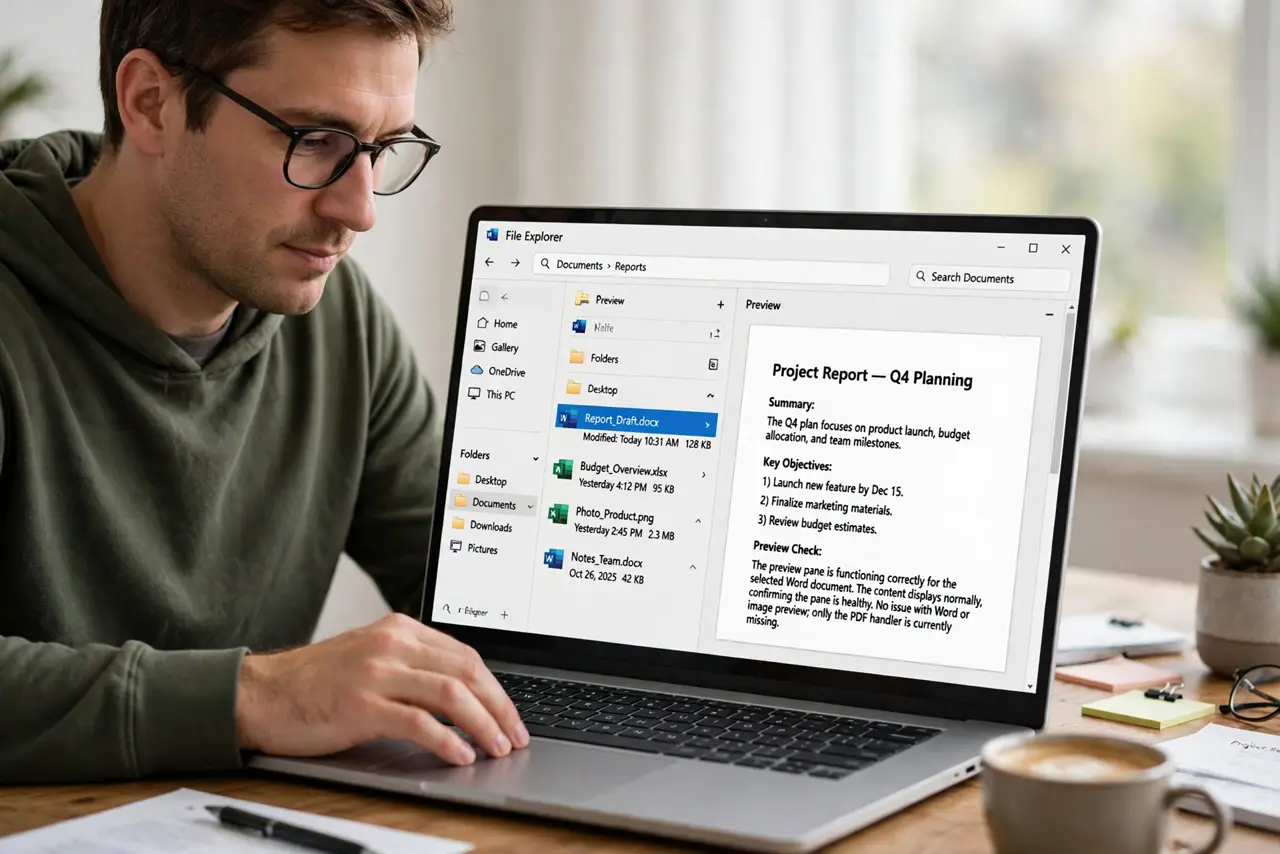
- Confirm the preview pane itself works. Select a Word document or an image and check that it previews. If those preview fine, the pane is healthy and only the PDF handler is missing.
- Check that no PDF reader owns the preview. Some PDF readers register their own preview handler and then break it on update. If a reader is installed, check its settings for a preview-handler option before adding another one.
- Install PowerToys from Microsoft. Get Microsoft PowerToys from the Microsoft Store or Microsoft's site and install it. It is Microsoft's own free utility pack, and its File Explorer add-ons include the PDF preview handler.
- Enable the PDF preview handler. Open PowerToys settings, go to the File Explorer add-ons section, and turn on the PDF preview option. This registers the handler Windows was missing.
- Restart File Explorer and test. Close every Explorer window, restart the Explorer process, then select a PDF. The preview pane should now render the document's first pages.
- Test a few different PDFs. Try PDFs from different sources. If one file still shows blank, that file itself may be damaged or scanned as images without text, which is a file problem, not a preview problem.
What NOT to do
- Do not install a random PDF tool just for previews. The Microsoft handler is free and official, and unknown tools can hijack file associations.
- Do not confuse the preview pane with thumbnails. Thumbnails show in the file list, the preview pane shows on the side, and they use different settings.
- Do not reinstall Windows for a blank preview. A missing handler is a five-minute fix, not a system problem.
- Do not disable the preview pane in frustration. It is genuinely useful once the handler is in place, and turning it off hides the fix working.
Frequently asked questions
Why do Word files preview but PDFs do not?
Because Office installs its own preview handlers while Windows ships none for PDF. The capability has to come from somewhere.
Is PowerToys safe to install?
Yes. It is published by Microsoft itself and is widely used; the PDF preview is one of its File Explorer add-ons.
Will this work for PDFs on a network drive?
Usually yes, though very large PDFs over a slow network may take a while to render in the pane.