Use the Get Help App
Something in Windows is misbehaving and you need official help — not a forum thread from 2016, not a sketchy driver site. Windows ships with the Get Help app: Microsoft's built-in support channel with guided troubleshooters, virtual agent chat, and a path to a real support person. Most Windows users have never opened it, which is a shame, because it is the safest first stop.
TL;DR / Quick Fix
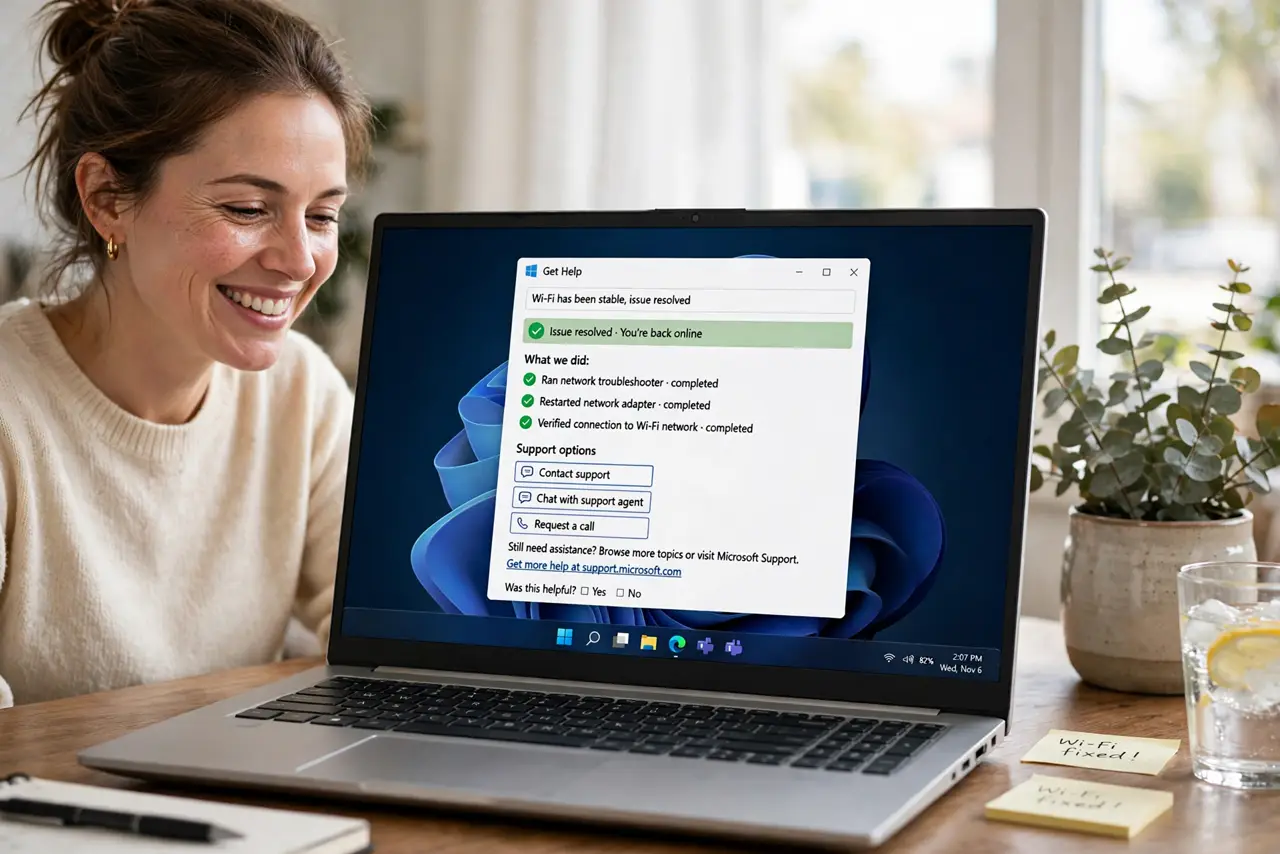
Quick fix: press the Windows key, type Get Help, and open the app. Describe your problem in plain words to reach guided fixes, or type to the virtual agent. For account and billing issues it connects you to Microsoft support directly — no sketchy third-party sites needed.
Follow these steps
- Open Get Help. Press the Windows key, type Get Help, and open the app. It is preinstalled on Windows 10 and 11 — no download, no account needed to start.
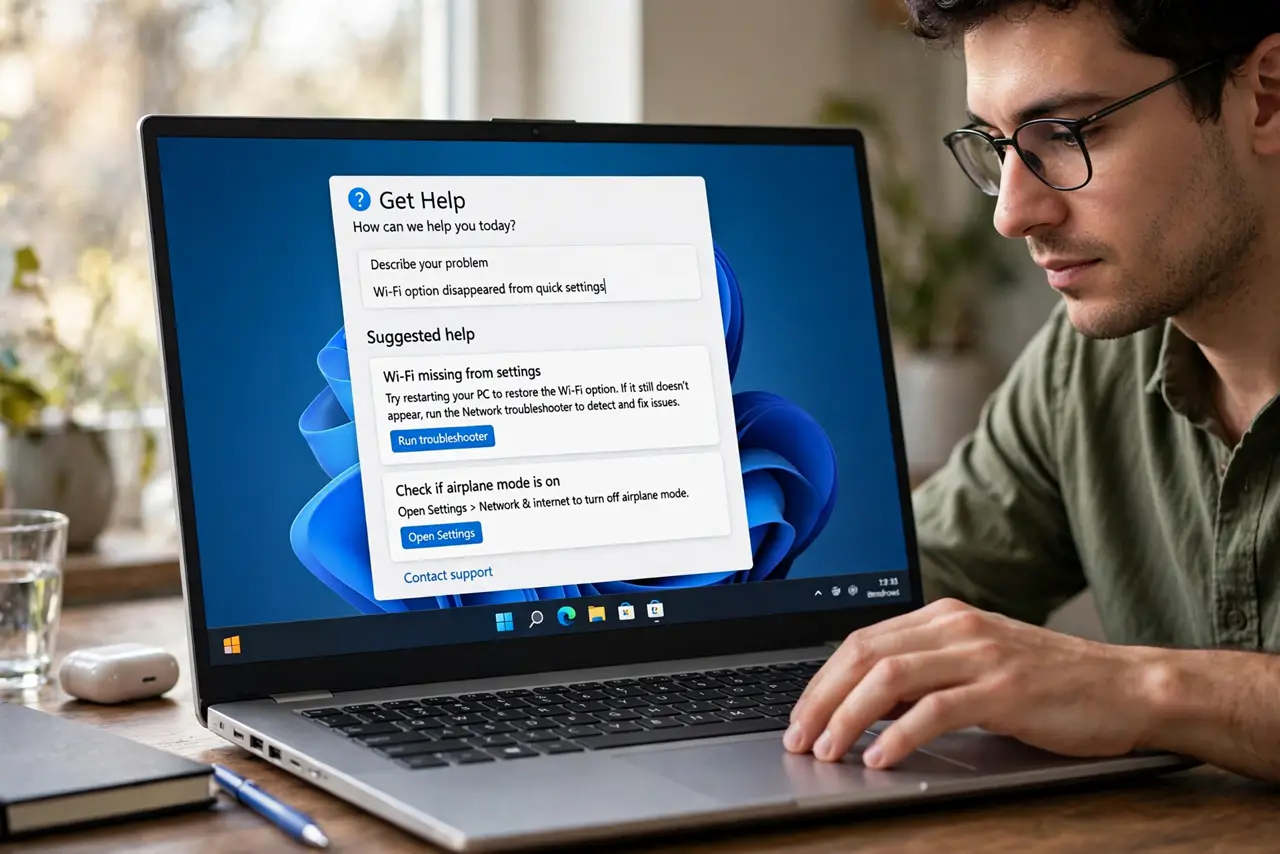
- Describe the problem plainly. Type what is happening in everyday words — printer not printing beats error 0x0000011b. The app matches your description to guided solutions and troubleshooters.
- Follow the guided troubleshooter. Get Help walks you through fixes step by step, running diagnostics as it goes. These are Microsoft's own flows — safer than forum scripts.
- Chat with the virtual agent. For trickier issues, the virtual agent asks clarifying questions and escalates to articles or a human. It is patient and free — use it before paying anyone.
- Reach a human for account issues. Billing, subscription, and account recovery route to real Microsoft support staff through the app. That is the legitimate channel — anyone else offering is a support scam risk.
- Know when to switch tools. Get Help handles system issues; for someone helping you remotely, Quick Assist is the companion tool. Different jobs, both built in.
What NOT to do
- Do not Google for phone numbers for Microsoft support. Top results are often scam numbers — start inside the Get Help app instead.
- Do not grant remote access to cold callers. Microsoft never calls you first; anyone who does is a scammer, full stop.
- Do not download helper tools from forums first. Try the built-in guided fixes before trusting third-party utilities.
- Do not pay for Windows support from a pop-up. Real Microsoft support through Get Help is free for system issues — payment demands are fraud.
Frequently asked questions
Is Get Help actually useful?
For common issues — printers, updates, activation — yes, the guided flows resolve them. For exotic problems it at least routes you correctly.
Does it cost anything?
No — using Get Help and chatting with the virtual agent is free. Human support for account issues is also free through official channels.
Can it fix update failures?
It can run the update troubleshooter and guide you through the standard fixes. Deep update surgery still follows the manual steps.