Keyboard Layout Switches by Itself
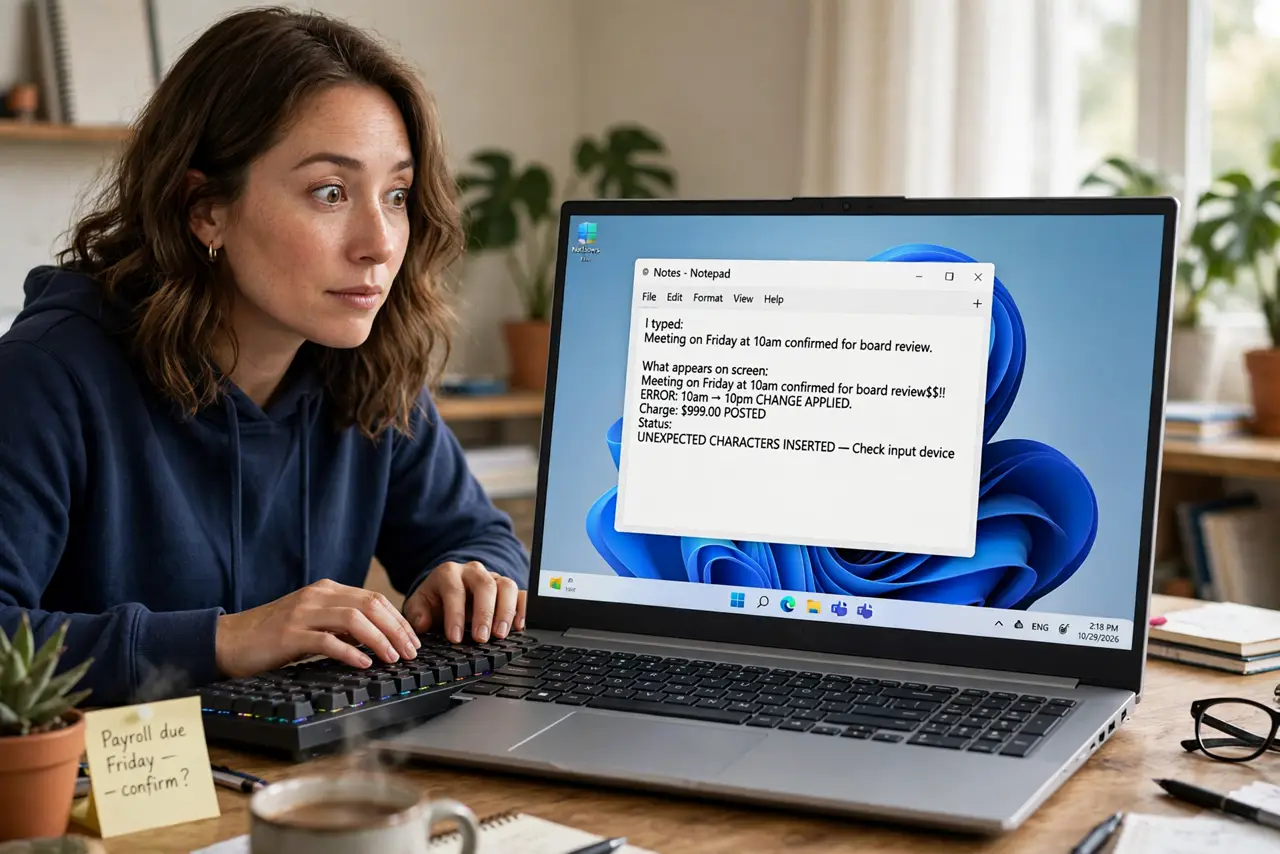
Mid-sentence your keyboard starts typing the wrong characters — y and z swap, or accents appear from nowhere. You probably hit the layout-switch shortcut, or Windows is switching layouts per app window. The fix is knowing the shortcut and trimming the layout list, the typing-side twin of the language bar that keeps returning.
TL;DR / Quick Fix
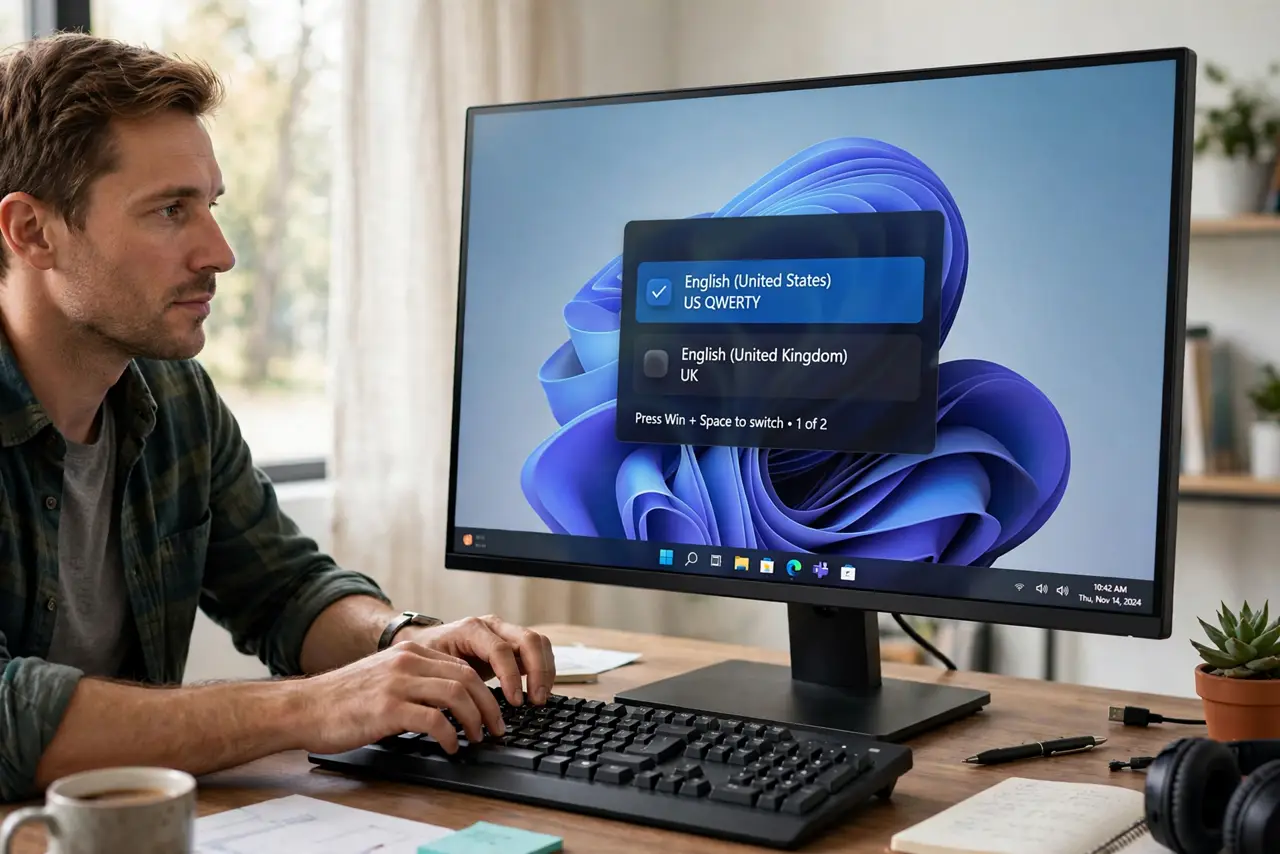
Quick fix: press Win plus Space to switch back immediately — that shortcut almost certainly changed it. Then open the language settings and remove the layouts you never use, and turn off the per-app input method setting. With one layout left, the shortcut has nothing to switch to.
Follow these steps
- Switch back immediately with the shortcut. Press Win+Space to cycle back to your layout. This undoes the accidental switch in one second and confirms the shortcut was the cause.
- Learn what the shortcut does. Win+Space switches input layouts, and Ctrl+Shift does too on some setups. Knowing the trigger stops the mystery the next time characters go strange.
- Remove layouts you never use. In the language settings, delete every keyboard layout you do not type with. One layout means the shortcut cannot switch anywhere.
- Turn off per-app input methods. Disable the setting that lets each app window remember its own input method. That setting switches layouts silently when you alt-tab between programs.
- Check for layout-switching software. Some keyboard utilities and remote-desktop tools switch layouts on their own. If the layout changes with no keypress, check your utilities.
- Test by typing in several apps. Type a test sentence in a browser, a document, and a chat app. Consistent characters everywhere prove the fix holds across the per-app boundary.
What NOT to do
- Do not remap keys to fix a layout switch. The layout changed, not the keys; remapping treats the wrong disease.
- Do not disable the Win+Space shortcut entirely. It is useful when you genuinely need two layouts; removing the spare layout is the cleaner fix.
- Do not assume the keyboard is broken. Wrong characters from a layout switch look like hardware failure but fix with one keypress.
- Do not ignore the taskbar indicator. The little language code next to the clock always shows the active layout — glance at it when typing goes weird.
Frequently asked questions
What keys switch the keyboard layout?
Win+Space is the main one. Ctrl+Shift switches layouts on some configurations, which is why it happens during fast typing.
Why does it happen when I switch apps?
Because of the per-app input method setting. Each window can remember a different layout and apply it when focused.
I need two layouts — how do I stop accidents?
Keep both, but learn Win+Space as the deliberate switch. Accidents drop sharply once the switch is a conscious action.