Wake on Lid Open
You open your laptop lid and nothing happens — black screen, no lights, as if it is off. Or it wakes sometimes and not others. Lid-open wake is supposed to be automatic, and when it fails the causes are usually power settings or stale drivers. Here is the fix sequence, easiest first.

TL;DR / Quick Fix
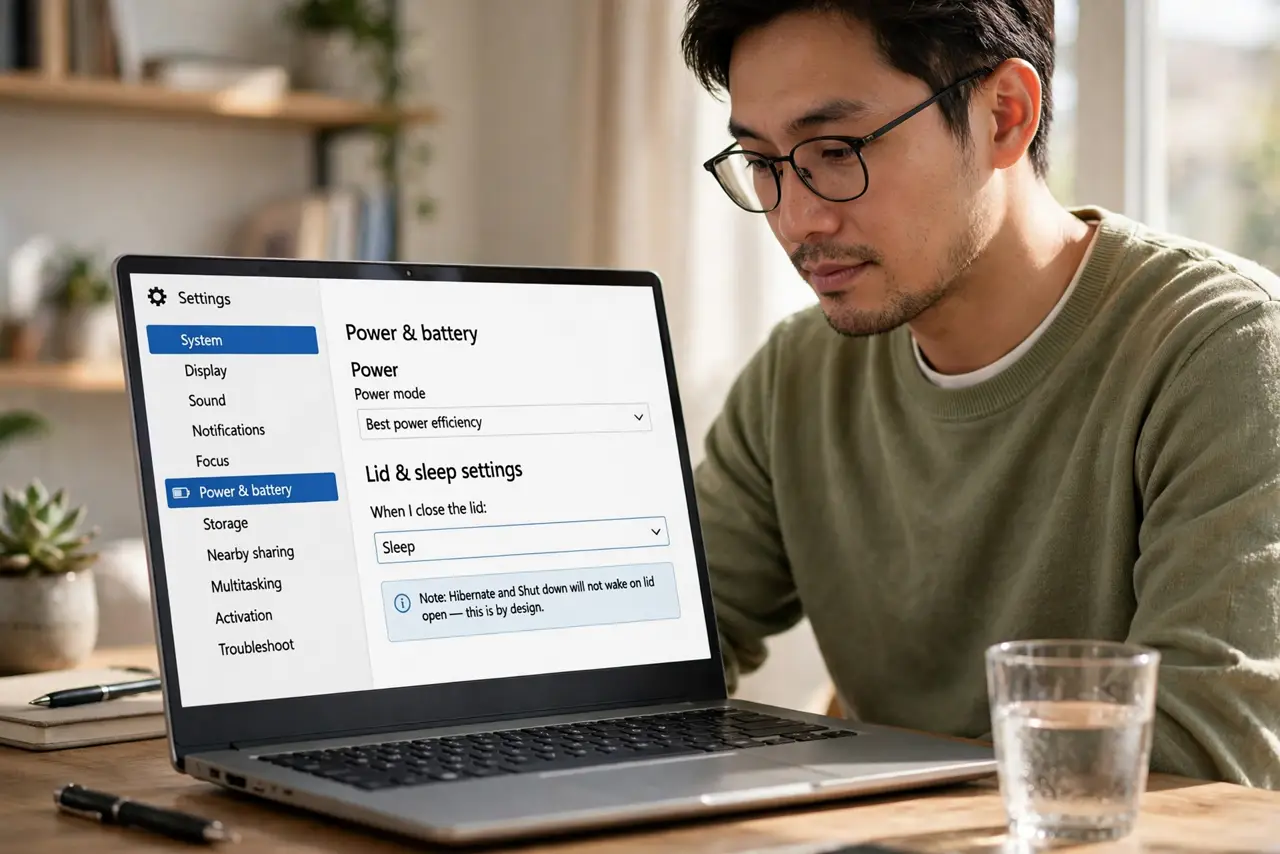
Quick fix: open Settings, System, Power and battery, and set the lid-close action to Sleep — then opening the lid should wake the laptop. If it still will not wake, update the display and chipset drivers. As a workaround, a tap of the power button wakes most stubborn laptops.
Follow these steps
- Check the lid-close action. Go to Settings, System, Power and battery, and confirm closing the lid is set to Sleep, not Hibernate or Shut down. Hibernate and shutdown will not wake on lid open — that is by design.
- Test with the power button. If the lid does nothing, tap the power button once. If it wakes, the machine slept fine and only the lid trigger is broken — a narrower problem with a narrower fix.
- Update display and chipset drivers. Stale graphics and chipset drivers are the classic cause of wake failures. Update both from the laptop maker's support page, not just Windows Update.
- Check for the black-screen variant. If the laptop wakes but the screen stays black, that is a different fault — see the black screen after lid open fixes for that specific symptom.
- Disable fast startup temporarily. Fast startup can interfere with clean sleep-wake cycles. Turn it off in Power Options as a test — if lid wake returns, leave it off.
- Rule out deep sleep states. Some laptops sleep so deeply that only the power button wakes them — see the wont wake from sleep guide if the machine seems fully dead.
What NOT to do
- Do not hold the power button to force it. A long hold forces a hard shutdown — you lose unsaved work and risk disk issues.
- Do not assume the laptop is dead. A sleeping laptop with a broken lid trigger looks dead; the power-button test proves otherwise.
- Do not reinstall Windows for this. Lid-wake failures are settings or drivers in nearly every case — reinstalling is massive overkill.
- Do not ignore the driver source. Maker-provided chipset drivers fix wake issues that generic Windows drivers do not.
Frequently asked questions
Should opening the lid always wake the laptop?
On most laptops, yes — if the lid-close action is Sleep. Hibernate and shutdown intentionally do not wake on lid open.
Why does it wake sometimes but not others?
Usually driver or fast-startup flakiness — the intermittent kind is the classic driver symptom. Update drivers first.
Is it bad to just use the power button?
Not at all — it is a fine workaround. But the lid trigger should work; fix it when you have ten minutes.