Widgets Stop Updating Until You Reopen Them
Widgets should refresh quietly in the background, so opening the board to stale weather or an old calendar feels broken. The usual causes are background activity limits, a lost sign-in, or a network that only wakes when you open the panel. This guide checks those in order. If the board is empty rather than stale, see the guide on Widgets board opening blank.
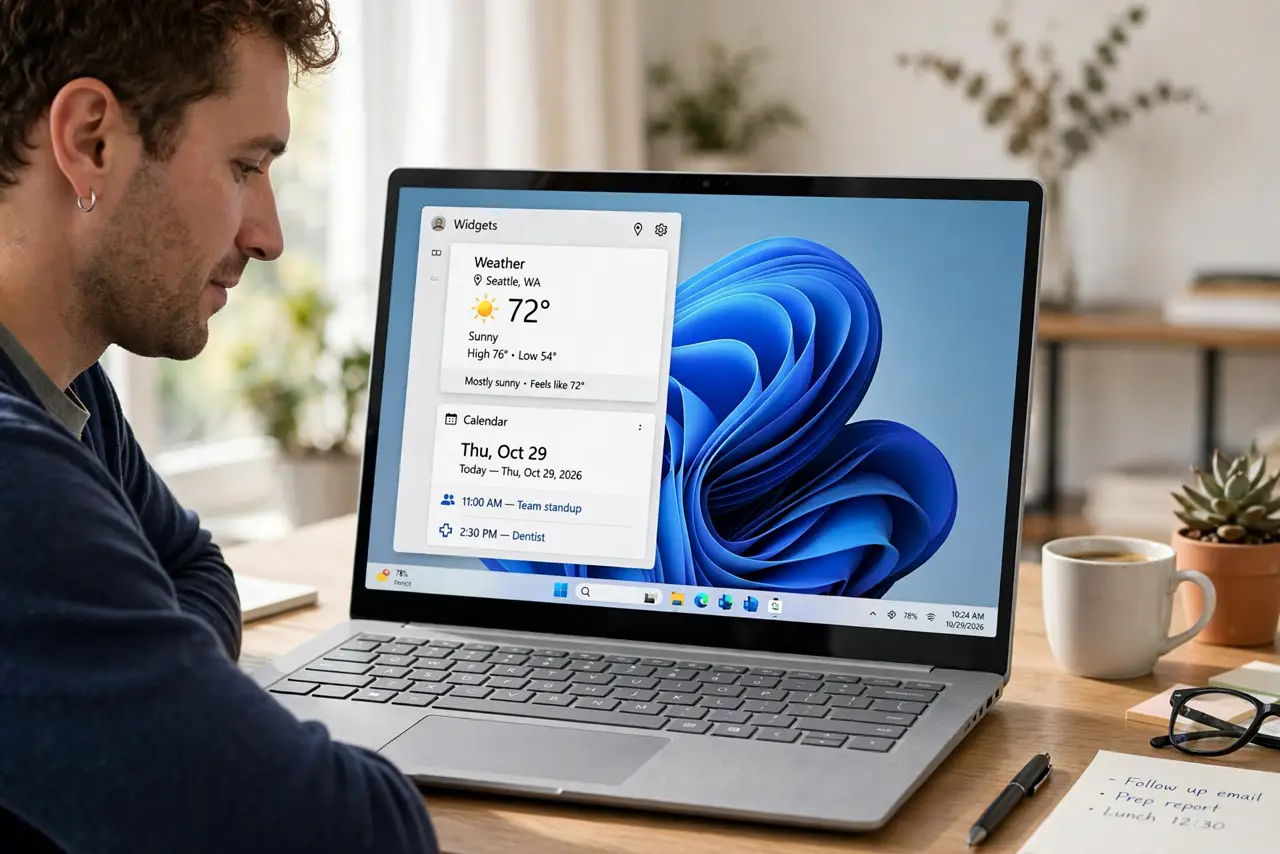
TL;DR / Quick Fix
Quick fix: Open Widgets twice and compare. Confirm your network is steady. Then work through the remaining steps in order, checking one change at a time, and stop for a technician if you see damage, swelling, or a burning smell.
Follow these steps
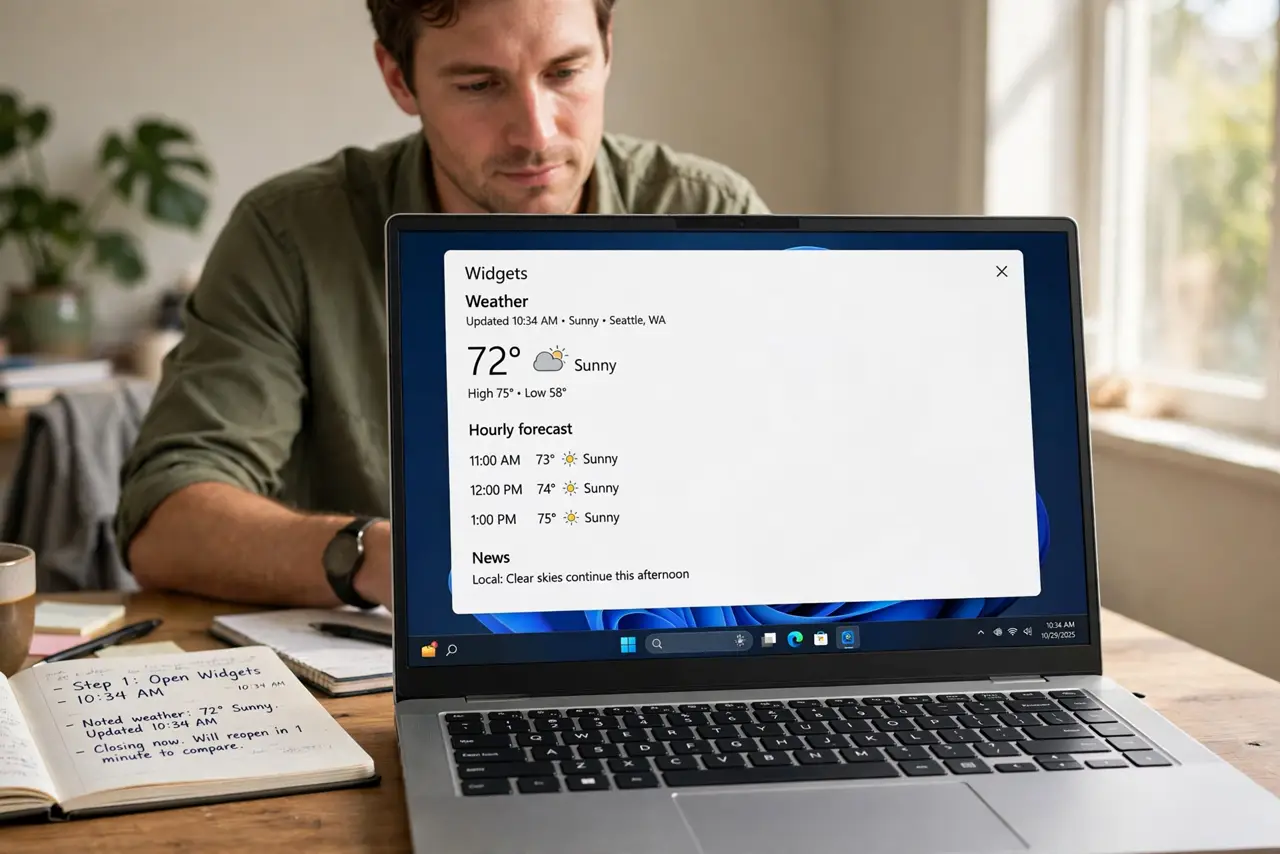
- Open Widgets twice and compare. Open Widgets, note the weather time, close it, wait a minute, and open it again. If the second open refreshes everything, the board is fetching on open but not in the background, which points to background activity.
- Confirm your network is steady. Open a browser and load a news site, then check Widgets again. A connection that drops when the PC sleeps will leave Widgets stale until you wake it and open the board.
- Confirm you are still signed in. Open Widgets and check the account menu for your Microsoft account. A sign-in that expired stops background refresh, even though the board can still show old cards when opened.
- Check background app permissions. Open Settings, then Apps, then Installed apps, find Windows Web Experience Pack, open Advanced options, and confirm it may run in the background. If background activity is blocked, cards only refresh on open.
- Turn off battery saver for the test. If you are on a laptop, plug it in and turn off battery saver temporarily, then wait and reopen Widgets. Battery saver can pause background refresh, and this test proves whether it is the cause.
- Restart and watch one card. Restart Windows, then check only the weather card after ten minutes without opening Widgets. If it refreshed on its own, background activity is working again.
What NOT to do
- Do not keep reopening Widgets every few minutes as the fix. That masks the background problem instead of solving it, and wastes your time.
- Do not reset the Widgets app before checking background permissions. Reset clears data, while a permission fix keeps everything.
- Do not disable battery saver permanently for Widgets. Test with it off, then decide, because battery life matters too.
- Do not assume stale weather means no internet. Check a browser first, because Widgets and the browser can fail for different reasons.
Frequently asked questions
Why does weather update but calendar stay old?
Different cards refresh on different schedules and accounts. Check the calendar account sign-in separately from the weather card.
Does Widgets refresh while the PC sleeps?
No. Background refresh pauses during sleep, so cards update after wake, not during the night.
Will plugging in the laptop fix it permanently?
Only if battery saver was the cause. If cards stay stale while plugged in, check background permissions next.