Memory Integrity Won't Turn On?
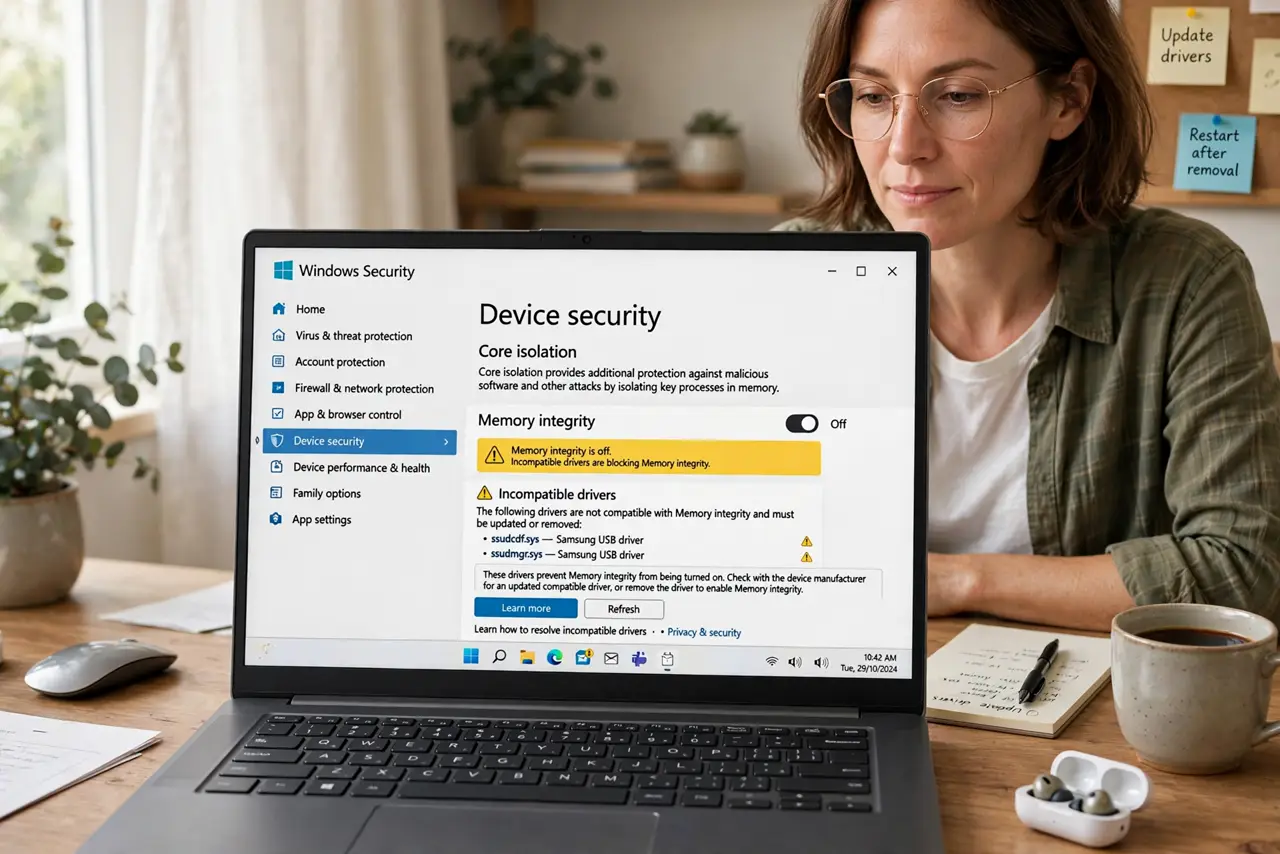
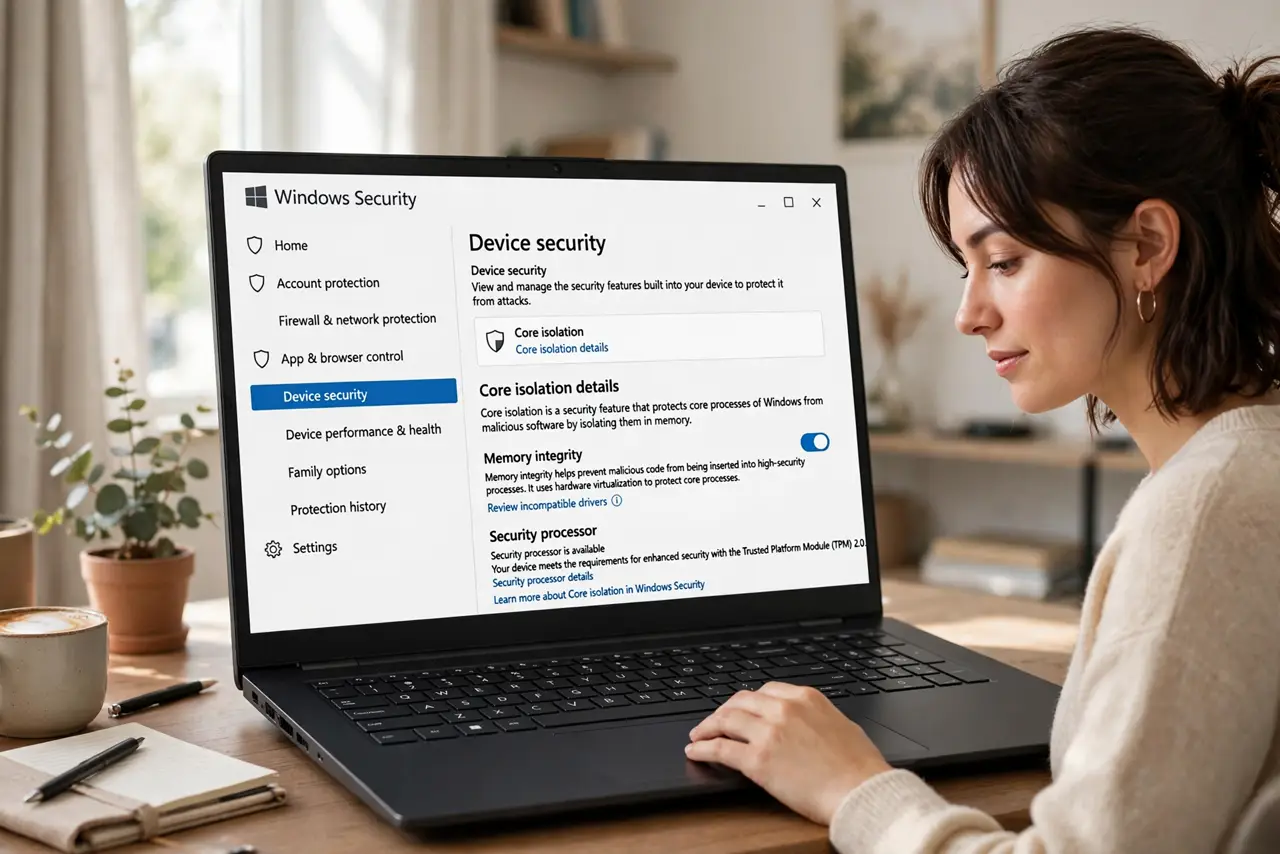
Windows Security nags you to turn on Memory Integrity, you flip the switch, and it refuses — blaming an incompatible driver. Memory Integrity (part of Core Isolation) blocks malicious code from hijacking high-security processes, so it is worth enabling. The fix is finding the offending driver and updating or removing it.
TL;DR / Quick Fix
Memory Integrity refuses to enable when an incompatible driver is installed — Windows names the culprit on the Core Isolation page. Open Windows Security, Device security, Core isolation details, and note the driver name. Update it from the maker's site or remove the software. The won't-turn-on guide covers more cases.
Follow these steps
- Open the Core isolation details page. In Windows Security, go to Device security, then Core isolation details. If Memory Integrity will not stay on, this page names the incompatible driver — write the name down exactly.
- Identify what installed the driver. Search the driver name online along with your PC model. It is usually an old peripheral utility, an ancient printer driver, or leftover software from a device you no longer own.
- Update the driver from the maker. Check the device manufacturer's support page for a newer driver. An updated driver often resolves the incompatibility without removing anything.
- Remove the offending software if no update exists. If the driver belongs to a device you no longer use, uninstall its software in Settings, Apps. Then delete the driver package in Device Manager if it lingers.
- Reboot and try enabling again. After updating or removing, restart the PC and flip Memory Integrity on. It should now stay enabled — verify it survives a reboot.
- Check for the rare hardware exception. On a few older machines, a firmware component itself is incompatible. If no driver is named and it still will not enable, your hardware may simply not support it.
What NOT to do
- Do not delete drivers at random hoping to hit the right one. The Core isolation page names the culprit — act on that name, not guesses.
- Do not disable Memory Integrity permanently to silence the warning. It is a meaningful protection; fix the driver instead of surrendering the feature.
- Do not install driver-updater utilities. They bundle junk and guess wrong — get drivers from the device maker's own site.
- Do not ignore the warning for months. An incompatible driver is often also a stability risk; resolving it helps beyond security.
Frequently asked questions
What does Memory Integrity actually do?
It uses virtualization to isolate high-security processes from malware, so malicious code cannot tamper with the Windows kernel's protected areas.
Will it slow down my PC?
On modern hardware the impact is negligible. Very old CPUs may feel it slightly — another reason to resolve the driver rather than disable the feature.
Can I just leave it off?
You can, but you lose a real layer of protection against sophisticated malware. Fix the driver once and keep the protection on.