Narrator Won't Turn Off? Fix It
A robotic voice started reading everything on your screen, and nothing you click makes it stop. You almost certainly pressed Ctrl+Win+Enter by accident — that is the Narrator toggle. Turning it off takes two seconds; keeping it off takes checking two settings.
TL;DR / Quick Fix
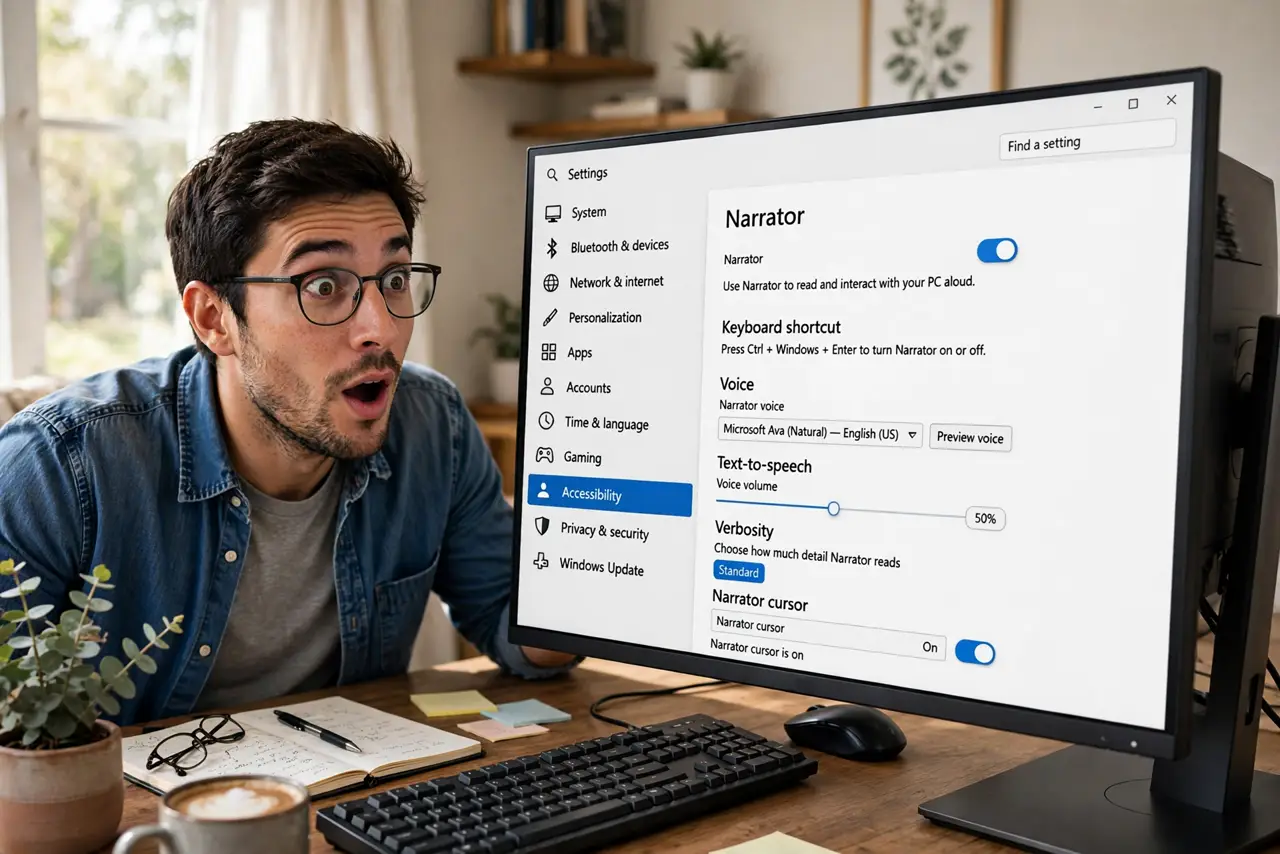
Quick fix: press Ctrl+Win+Enter — that is the Narrator toggle, on and off. If it keeps coming back, open Settings > Accessibility > Narrator and switch it off there too. Also check the start-before-sign-in option — that setting revives it at every login. One toggle usually ends it.
Follow these steps
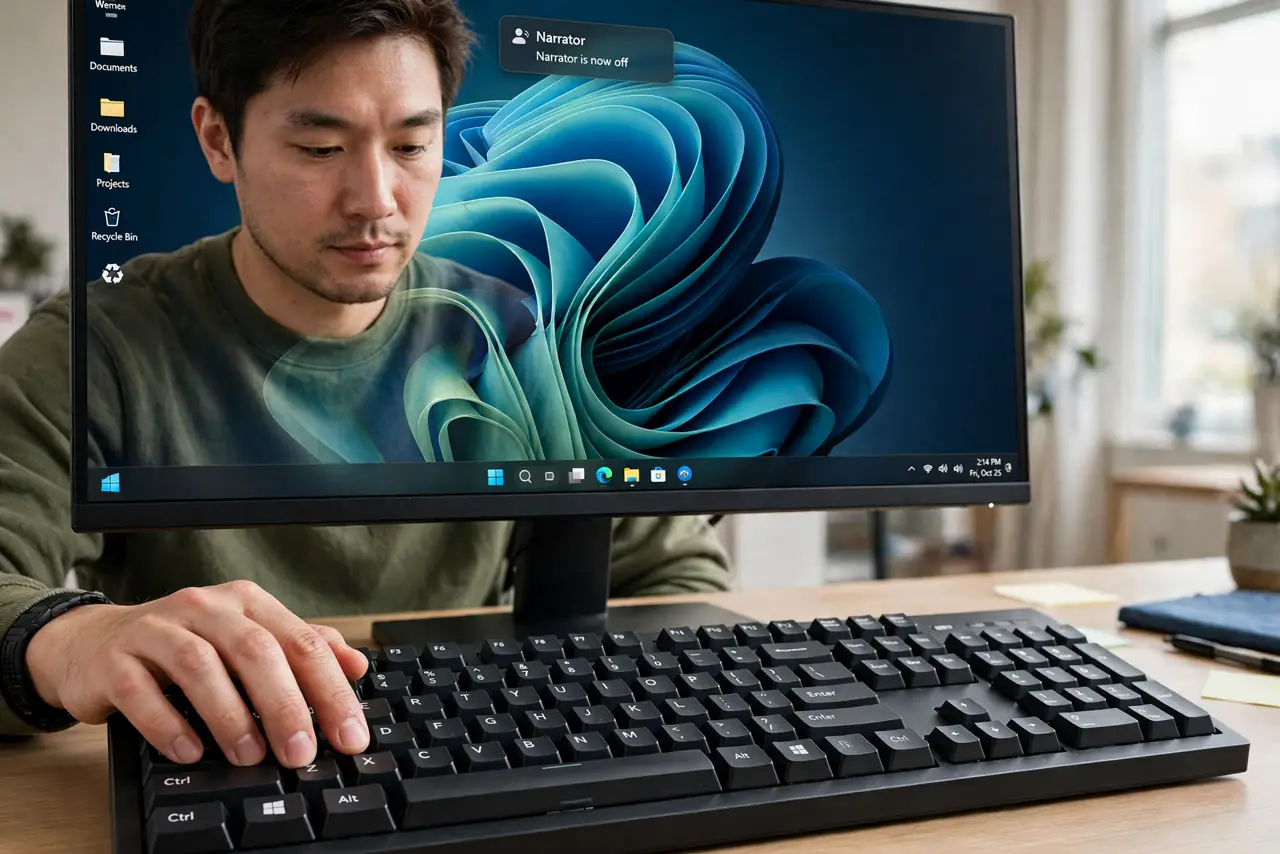
- Toggle it off immediately. Press Ctrl + Windows key + Enter. The voice should stop at once — this single shortcut is both the on and off switch.
- Switch it off in Settings. Open Settings > Accessibility > Narrator and turn the main Narrator switch off. This is the persistent setting behind the shortcut.
- Check the sign-in setting. On the same page, look for the option to start Narrator before or after sign-in. If it is on, Narrator greets you at every login — switch it off.
- Disable the shortcut if you keep hitting it. The Settings page lets you turn off the keyboard shortcut for Narrator. If it starts by accident regularly, this ends the cycle.
- Restart to confirm. Reboot once and listen. Silence at the login screen means all three settings agree.
- Learn what it is for. Narrator is a genuine screen reader for blind and low-vision users — not a virus. Knowing that makes the accidental toggle less alarming next time.
What NOT to do
- Do not confuse Narrator with Cortana or voice typing. Narrator reads the screen; it does not take commands or transcribe speech.
- Do not try to kill it in Task Manager. The shortcut and Settings are the supported off switches; fighting processes is not.
- Do not hold the shortcut down. A long press can toggle it twice — on, then off, then on again — which looks like it refuses to stop.
- Do not ignore the sign-in setting. It is the number-one reason Narrator keeps coming back after you switched it off.
Frequently asked questions
Why did Narrator turn on by itself?
You pressed Ctrl+Win+Enter, usually while reaching for another shortcut. It is the most common accidental toggle in Windows.
What is the difference between Narrator and voice access?
Narrator reads the screen aloud for users who cannot see it; voice access lets you control the PC by speaking. Different tools, different jobs.
Will turning it off affect someone who needs it?
Only on this user account and sign-in screen. Other accounts keep their own accessibility settings untouched.