Network Reset? What It Does
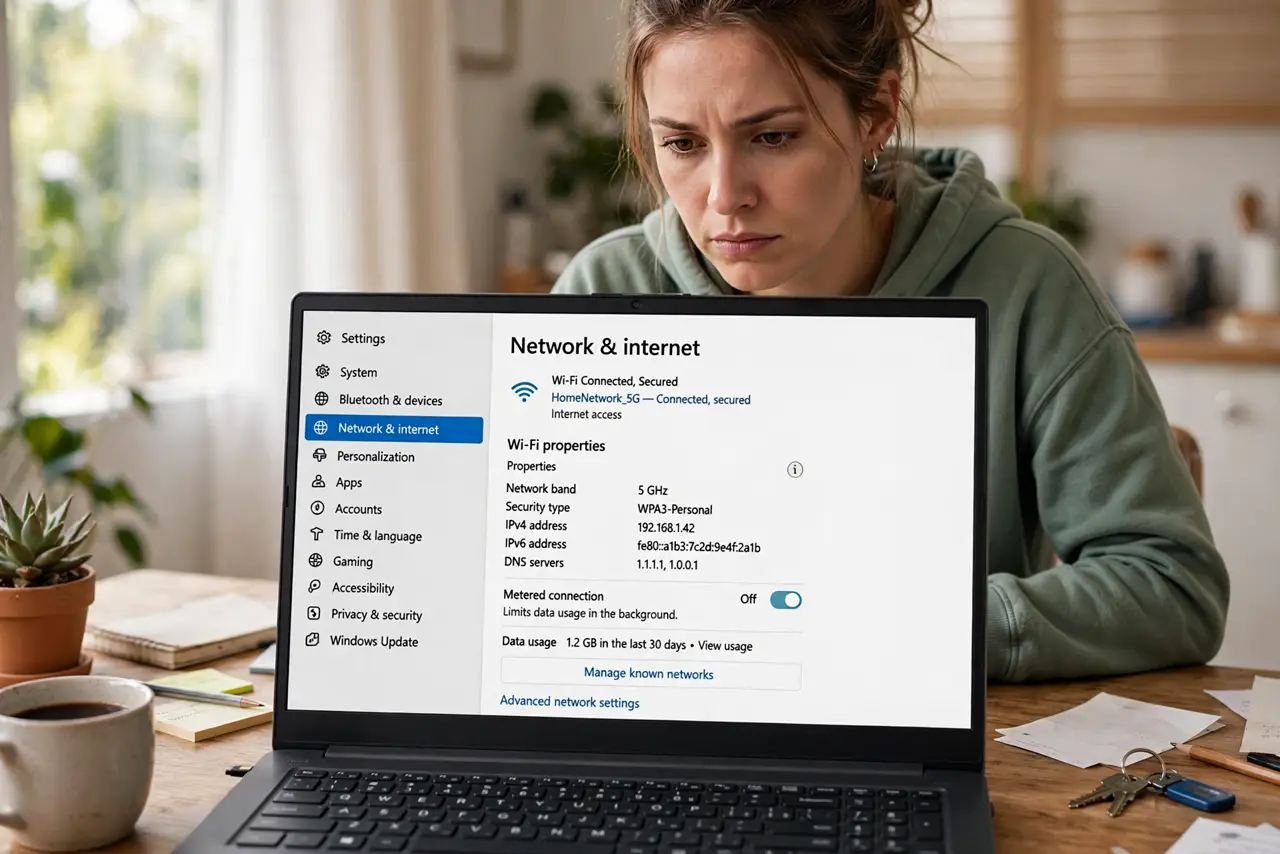
You have tried everything — drivers, DNS, forgetting networks — and the connection still misbehaves. Windows offers a big red button called Network reset that wipes every network setting back to factory defaults. It is powerful and safe, but it erases saved Wi-Fi passwords, so know what it does first.
TL;DR / Quick Fix
Quick fix: Network reset reinstalls every network adapter and returns all network settings to defaults, fixing deep configuration damage. It erases saved Wi-Fi passwords and VPN profiles, so note them first. Use it only after simpler fixes like renewing your IP have failed.
Follow these steps
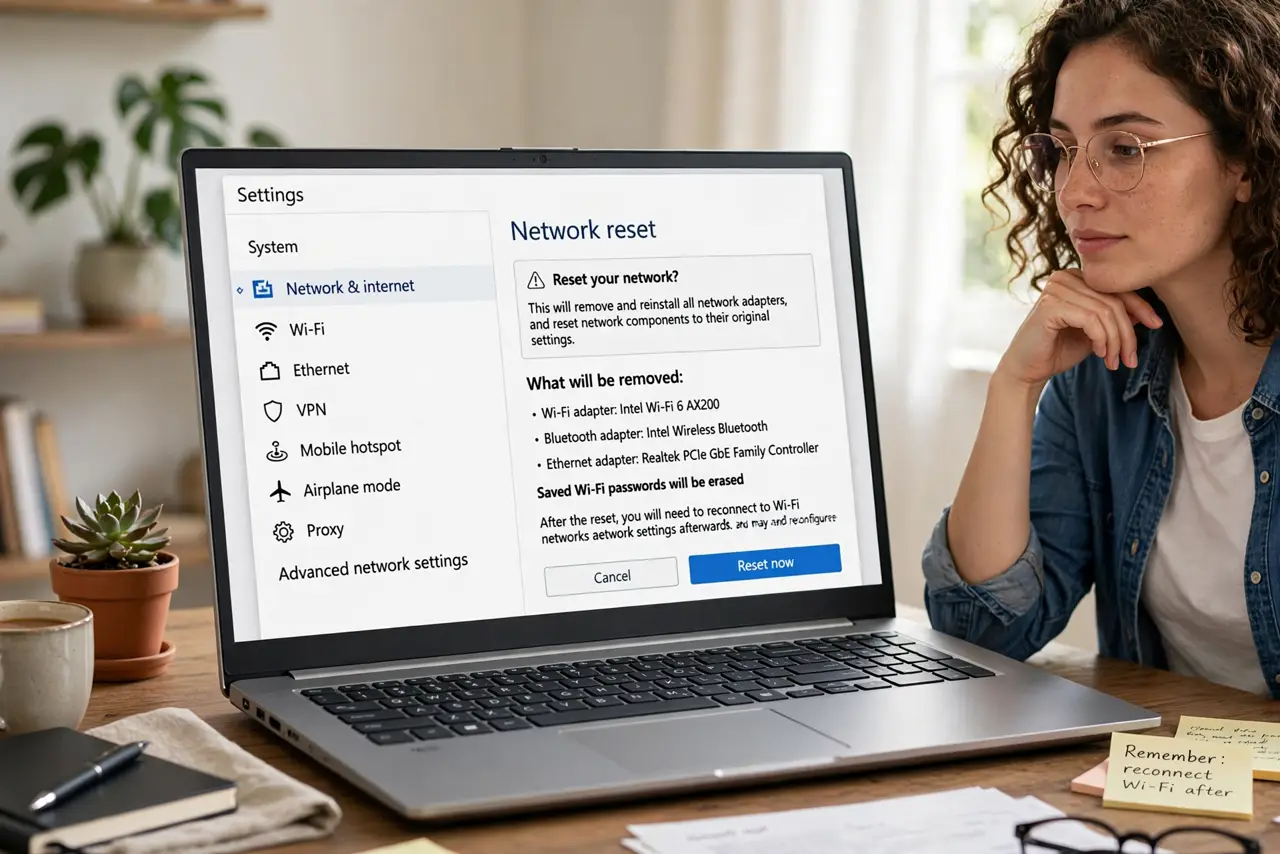
- Understand what gets wiped. All adapters are removed and reinstalled; Wi-Fi passwords, VPN connections, and custom DNS or IP settings are erased. Your files and apps are untouched.
- Write down what you will need. Note your Wi-Fi passwords and any VPN server details before you start. The forgotten Wi-Fi password guide can recover the current one from a connected PC.
- Find the reset button. Settings > Network & internet > Advanced network settings > Network reset. Read the warning screen — it lists exactly what happens.
- Run it and restart. Click Reset now and confirm. The PC restarts after a few minutes; the first boot takes a little longer while adapters reinstall.
- Reconnect to your Wi-Fi. Re-enter the Wi-Fi password and re-add any VPN profiles. Test browsing before changing anything else.
- Reapply only the custom settings you need. If you used manual DNS or a static IP, set those again now. Do not reapply everything at once — add one thing, test, repeat.
What NOT to do
- Do not use Network reset as a first step. It is the last resort — try renewing your IP and forgetting the network first.
- Do not run it without your Wi-Fi password handy. You will be offline until you re-enter it.
- Do not expect it to fix router or ISP problems. It only resets the PC's side; a dead router stays dead.
- Do not panic at the restart delay. Reinstalling adapters takes a few minutes — that pause is normal, not a freeze.
Frequently asked questions
Will Network reset delete my files?
No. It touches only network adapters and settings — Wi-Fi profiles, VPNs, and custom network configuration. Documents, apps, and photos are untouched.
How is this different from reinstalling the driver?
Reinstalling one driver fixes one adapter. Network reset clears every adapter plus the whole TCP/IP and firewall configuration — the full network layer, fresh.
Do I need to do this often?
Never routinely. It is a repair tool for stubborn, otherwise-unfixable network misbehavior, not maintenance.