Renew Your IP Address
Websites stall, the connection drops every few minutes, or a troubleshooter blames the IP configuration. Your PC's network address is leased from the router, and that lease can go stale or collide with another device. Renewing it takes ten seconds and fixes a surprising number of connection quirks.
TL;DR / Quick Fix
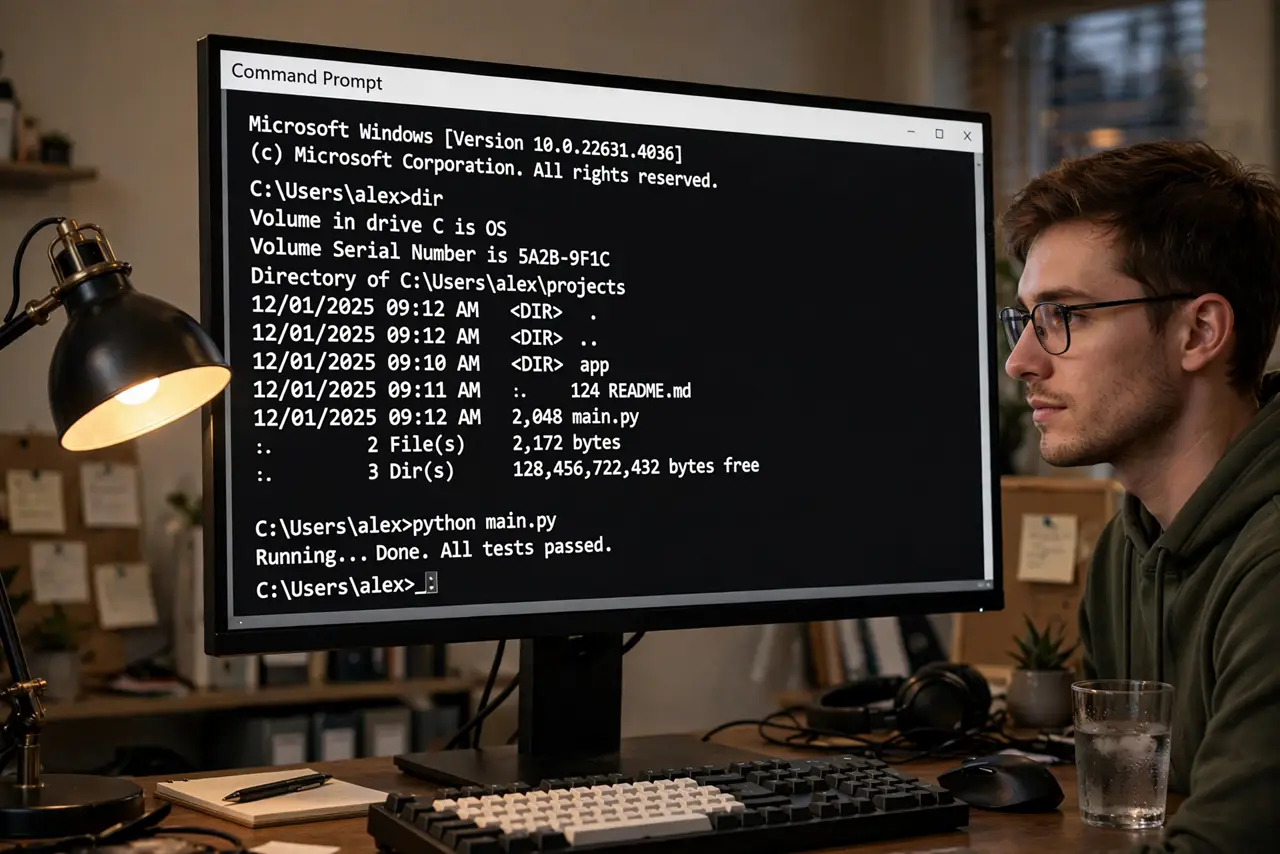
Quick fix: open a command prompt and run ipconfig /release followed by ipconfig /renew to get a fresh address from your router. If pages still stall, restart the router too. This fixes stale leases and address conflicts, which cause most mysterious dropouts.
Follow these steps
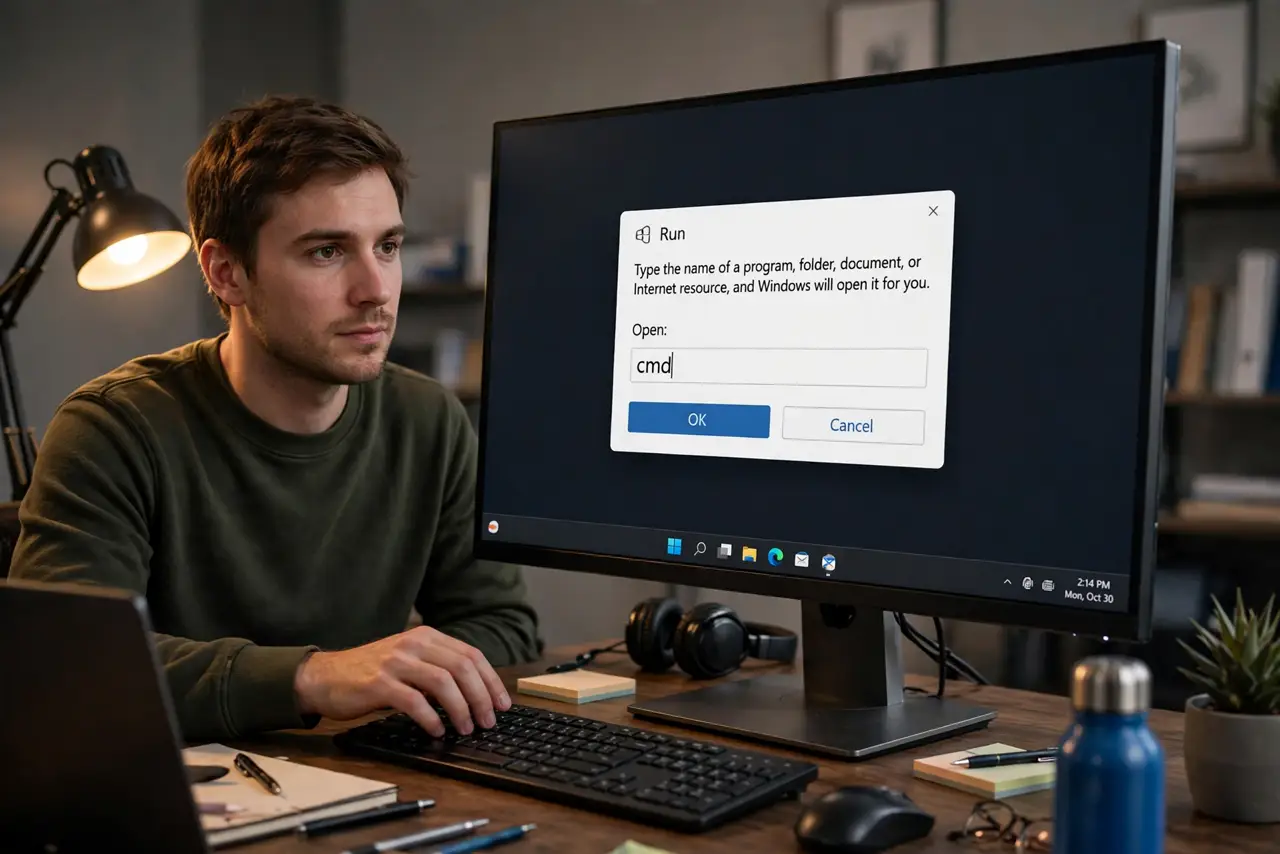
- Open Command Prompt. Press Win+R, type cmd, and press Enter. No admin rights are needed for a basic release and renew.
- Release the current address. Type ipconfig /release and press Enter. The PC drops its current IP lease — the connection will briefly show as disconnected, which is normal.
- Request a fresh address. Type ipconfig /renew and press Enter. The router assigns a new lease within seconds. Watch for a fresh IPv4 address in the output.
- Confirm the new lease looks sane. Run ipconfig and check the IPv4 line. An address starting 169.254 means the router never answered — that is a router or cable problem, not a lease problem.
- Restart the router if renewing changed nothing. A router with a wedged DHCP service hands out bad leases forever. Power-cycle it, then renew again — a scheduled reboot can prevent repeats.
- Reset the whole network stack for stubborn cases. If renewing fails repeatedly, the deeper network reset clears the adapter configuration entirely and starts clean.
What NOT to do
- Do not set a static IP to dodge this unless you know why. A mistyped static address causes worse problems than a stale lease.
- Do not run these commands over a remote desktop session you need. Releasing the address drops that very connection.
- Do not assume one renew fixes a router that needs rebooting. If leases keep going bad, the router is the patient, not the PC.
- Do not confuse renewing with changing your public IP. This only refreshes the local address your router assigns.
Frequently asked questions
How often should I renew my IP?
Never on a schedule — only when something is wrong. Healthy leases renew themselves automatically in the background.
What does ipconfig /release actually do?
It tells the router you are giving up your current address. The follow-up /renew asks for a new one. Together they clear stale or conflicting assignments.
I get a 169.254 address — what now?
That is Windows giving up and self-assigning. The router did not respond, so check the router's power, the cable or Wi-Fi link, and whether other devices connect.