Co-Create in Paint
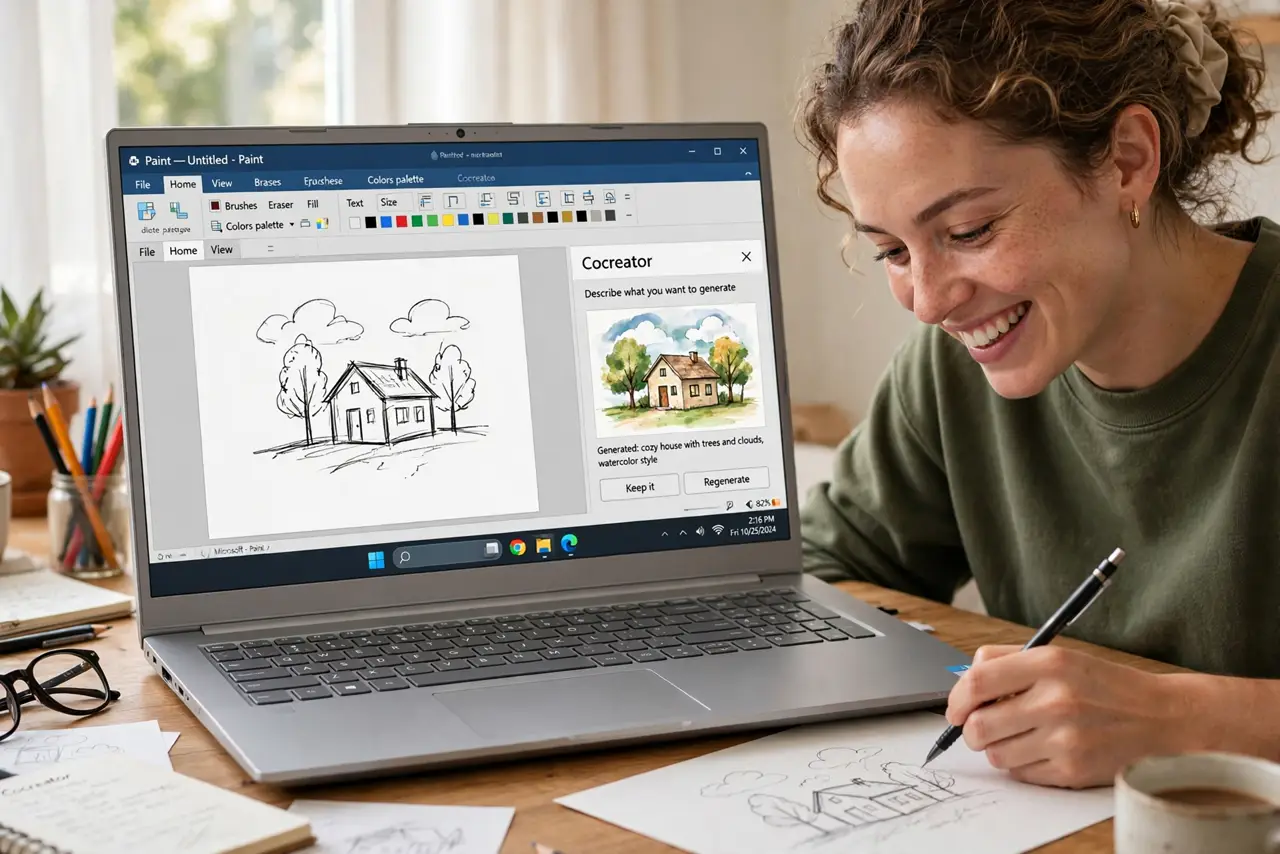
A blank canvas is intimidating — where do you even start? Paint's Cocreator pairs your rough sketch with a text description, and AI turns the combination into a finished-looking image. It is play, not profession: the results are fun and surprising, not gallery-ready. Think of it as a creativity starter for cards, wallpapers, and silly ideas. Part of the new AI wave in Windows — see the Copilot basics for its chatty sibling.
TL;DR / Quick Fix
Quick fix: Paint's Cocreator turns a rough sketch plus a prompt into a finished image — describe what you want, scribble the basics, and let the AI fill in the rest. It is a creativity starter, not a replacement for skill. Keep expectations playful; the results are fun, not flawless.
Follow these steps
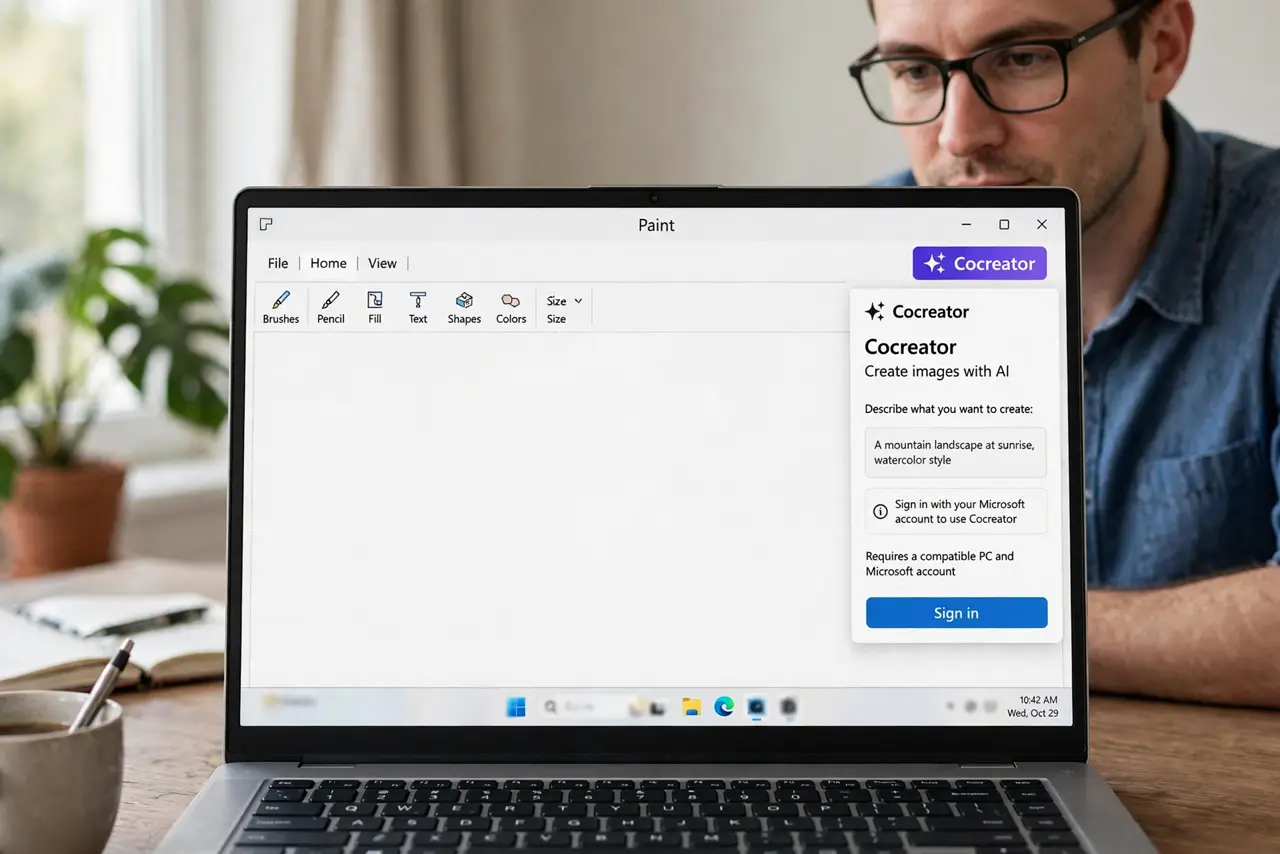
- Open Paint and find Cocreator. Launch Paint from the Start menu and look for the Cocreator option in the toolbar. It needs a compatible PC and may require signing in with a Microsoft account.
- Scribble your rough idea. Draw the basics with the brush — a mountain shape, a sun circle, a house box. Rough is fine; the sketch guides composition, not details.
- Describe what you want. Type a short prompt: a cozy cabin at sunset, a robot drinking tea. Concrete details beat vague wishes every time.
- Pick a style. Cocreator usually offers style choices like watercolor or pixel art. The style changes the result dramatically — try a few.
- Generate and iterate. Create the image, then tweak your sketch or words and generate again. Two or three rounds usually land somewhere delightful.
- Save what you love. Save the winners as images for wallpapers, cards, or profile pictures. The duds cost nothing — delete and move on.
What NOT to do
- Do not expect professional artwork. Cocreator is a toy with talent, not a design tool — fun, not flawless.
- Do not use generated images commercially without checking the terms. AI image rights are murky; personal use is the safe zone.
- Do not include real people's likenesses in prompts. Generating images of real people without consent crosses a line.
- Do not get discouraged by weird results. Extra fingers and melted faces are normal — iterate or laugh and retry.
Frequently asked questions
Why is Cocreator missing from my Paint?
It needs a compatible PC with the AI features enabled, plus the latest Paint update. Older hardware simply does not get it.
Does it cost anything?
Basic use is typically included with Windows on supported PCs. Check the app for any credit or limit notices.
Can I edit the result further?
Yes — the generated image lands on your canvas, where all of Paint's normal tools work on it.