What Is Power Throttling?
A background download crawls, a sync takes forever, yet the moment you open the app it speeds up — infuriating, and usually not a bug. Windows power throttling deliberately slows background apps to save battery and keep the laptop cool, and it is aggressive on battery power. Understanding it turns a mystery slowdown into a two-setting fix. If one specific app is the hog rather than the victim, see taming hungry apps instead.
TL;DR / Quick Fix
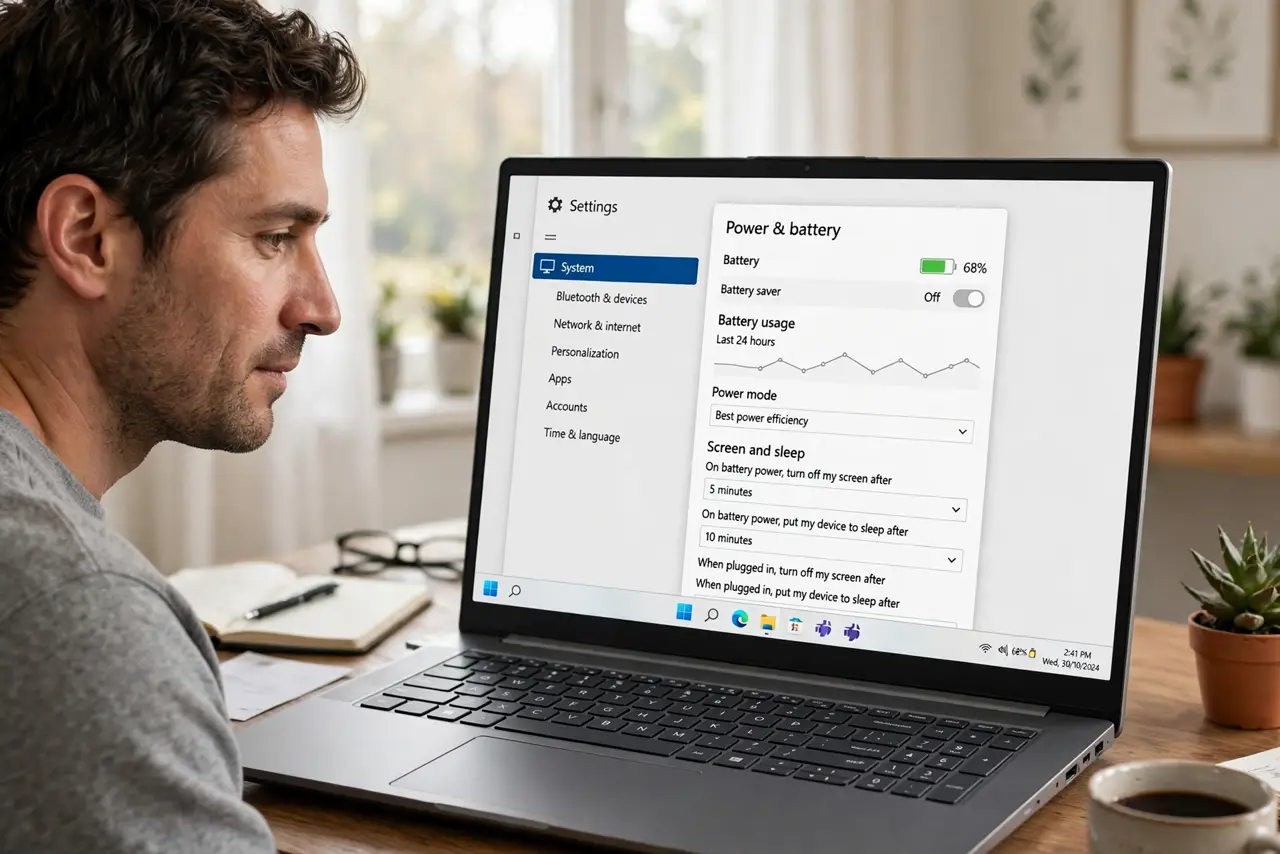
Quick fix: power throttling is Windows slowing background apps to save battery — it is normal on laptops, not a bug. If a background task crawls, plug in, set the power mode to Best performance, or exclude the app in Settings under System, Power. Foreground apps are never throttled.
Follow these steps
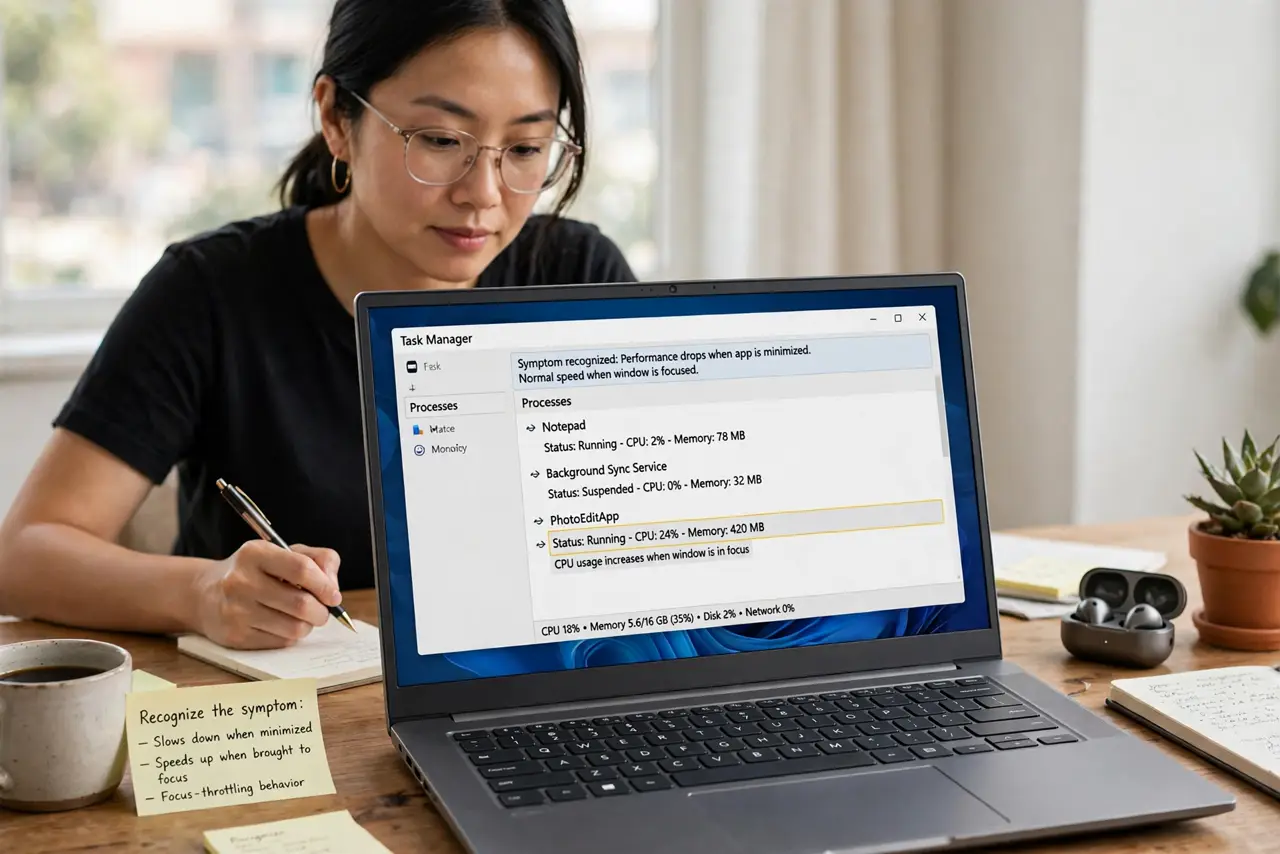
- Recognize the symptom. Background tasks slow while the app is minimized, then speed up the moment you bring it forward. That on/off pattern with window focus is the signature of throttling, not a broken app.
- Check whether you are on battery. Throttling is most aggressive unplugged. Plug in first — if the background task speeds up on AC power, you have your diagnosis in ten seconds.
- Switch the power mode. Click the battery icon and move the slider to Best performance (or open Settings, System, Power and choose it). Less throttling, more speed, shorter battery life — the honest tradeoff.
- Exclude a specific app from throttling. In Settings, System, Power (or the app's battery settings), find background app controls and exempt the one task that must run full speed — your backup or render job, not everything.
- Check Task Manager for confirmation. On the Details tab, the Power throttling column shows which processes Windows is currently slowing. Seeing your app listed there confirms the diagnosis — see GPU per-app view for the related usage columns.
- Decide what actually needs full speed. Most background apps deserve throttling — it is why the battery lasts. Exempt only the tasks where slowness costs you real time or money.
What NOT to do
- Do not disable throttling system-wide to 'speed up' the laptop. You will trade battery life and heat for gains you will not feel — exempt apps surgically instead.
- Do not confuse throttling with a slow app. An app slow in the foreground has a different problem — throttling only explains background slowness.
- Do not run Best performance on battery permanently. The battery will drain visibly faster — use it for the task, then switch back.
- Do not exempt every app 'just in case.' Exemptions defeat the purpose — the list should stay short and deliberate.
Frequently asked questions
Does throttling damage anything?
No — it is a designed power feature, not a malfunction. It reduces speed and heat; nothing is harmed by running slower.
Why does my desktop throttle too?
Desktops throttle less, but Efficiency mode and power plans still slow background work. The same exemption steps apply.
Is this the same as thermal throttling?
No — thermal throttling slows the CPU when it overheats; power throttling slows background apps to save energy. Different causes, similar symptom of 'slow'.