PowerShell vs Command Prompt? Plainly
Every tutorial seems to pick a different black window, and you are never sure you opened the right one. PowerShell and Command Prompt look alike but think differently — here is the plain-English difference, which one to use, and the one gotcha that trips up beginners.
TL;DR / Quick Fix
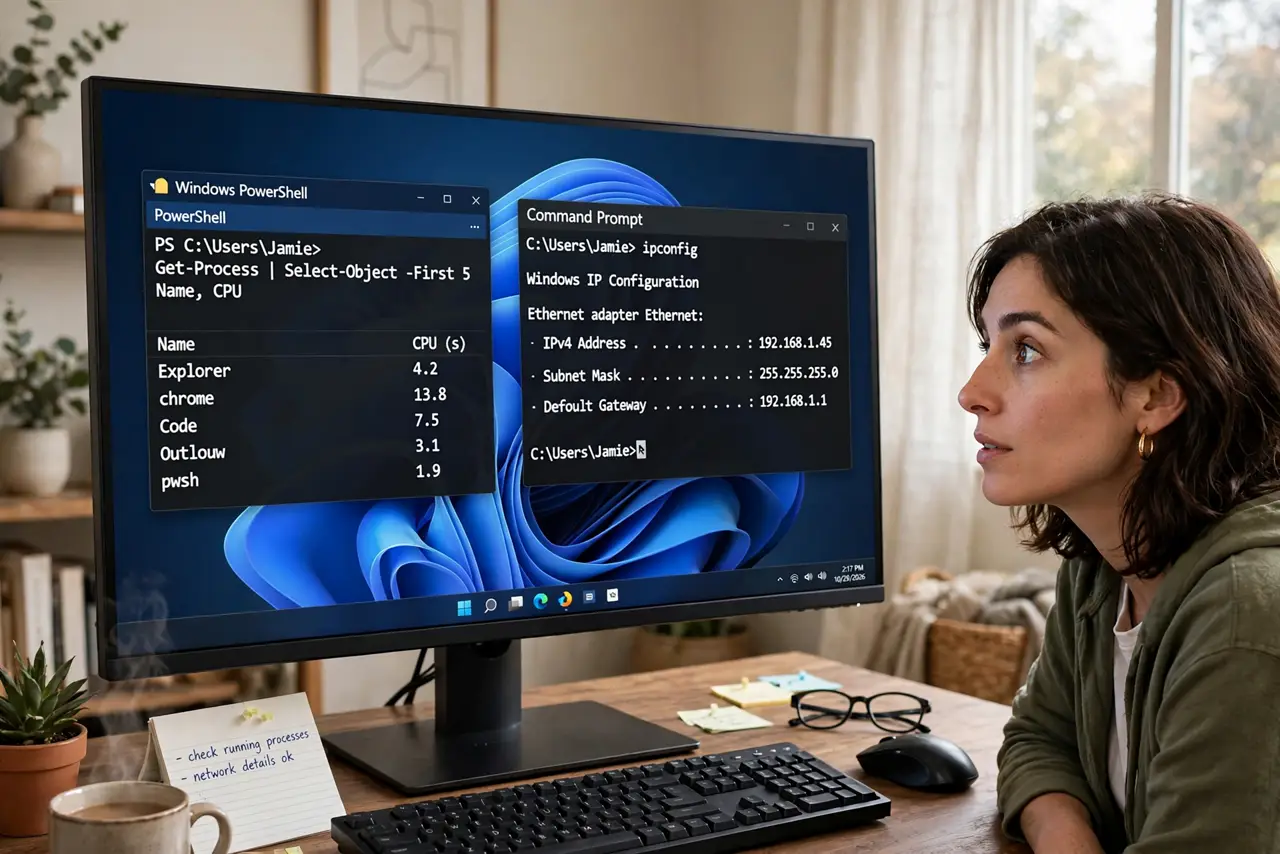
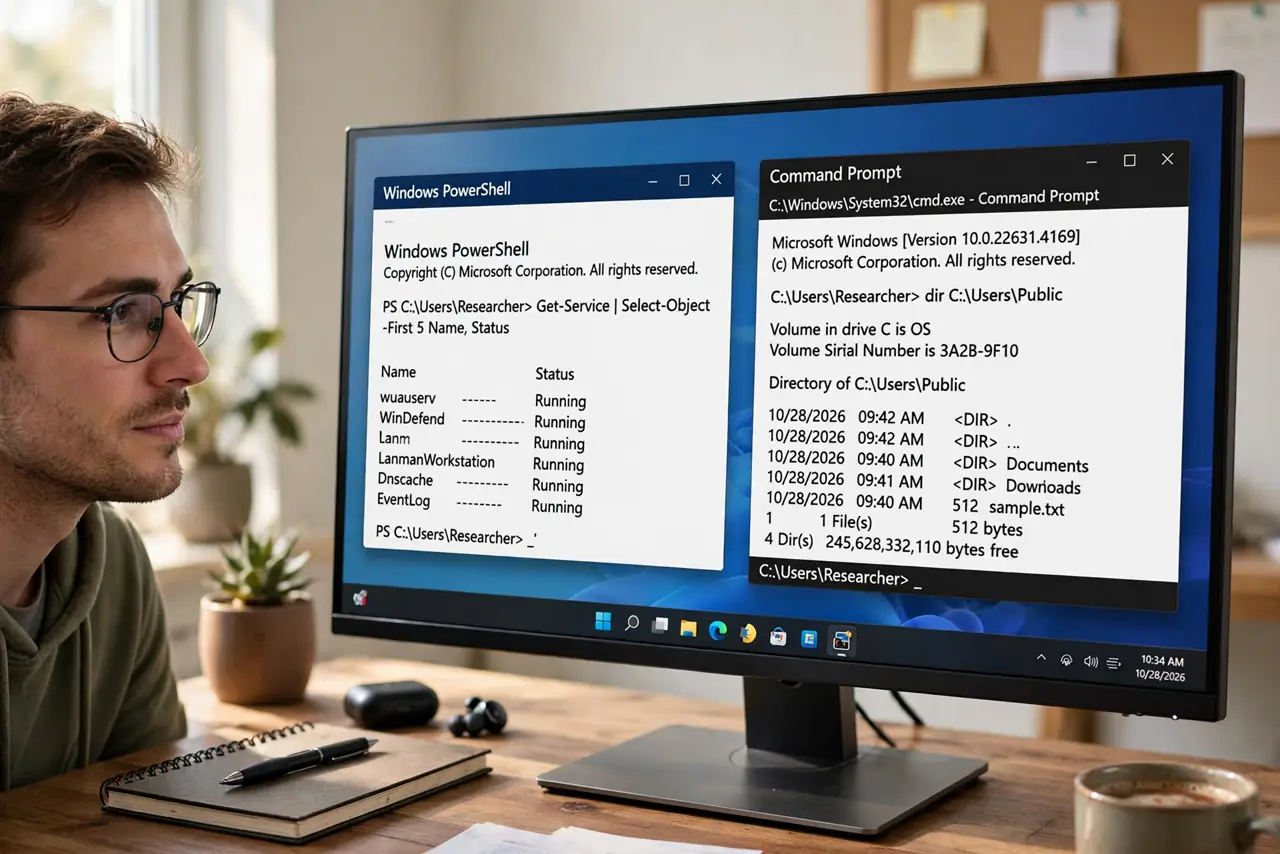
Quick fix: use PowerShell for anything new — it is the modern shell and runs nearly every old Command Prompt command too. Keep Command Prompt only for ancient batch scripts or tutorials written for it. Both live in Windows Terminal now. You cannot break Windows by picking the wrong one.
Follow these steps
- Learn what each one is. Command Prompt is the 1980s-era shell, kept for compatibility. PowerShell is the modern shell with real commands (cmdlets) that return structured data instead of plain text.
- Default to PowerShell. For new work, open PowerShell. It understands most classic commands like dir, cd, and ipconfig, so old tutorials usually still work verbatim.
- Keep Command Prompt for legacy batch files. Some very old .bat scripts behave differently in PowerShell. If a script was written for cmd, run it in cmd — that is what compatibility is for.
- Set your favorite as the [[default|windows-terminal-default-shell]]. In Windows Terminal settings you choose which shell new tabs open. Pick the one you use daily and stop thinking about it.
- Know the one real gotcha. PowerShell blocks downloaded scripts by default (the execution policy). That is a safety feature, not a bug — never bypass it for a script you do not understand.
- Do not fear the blue window. PowerShell's blue background surprises newcomers, but color means nothing. Blue is just its default theme.
What NOT to do
- Do not uninstall PowerShell. Windows itself and many installers rely on it behind the scenes.
- Do not bypass the execution policy for random scripts. If a tutorial tells you to, that is a red flag about the tutorial.
- Do not assume every cmd trick works in PowerShell. Quoting and some operators differ — test unfamiliar commands before scripting them.
- Do not confuse the terminal with the shell. Windows Terminal is the window; PowerShell and Command Prompt are the languages inside it.
Frequently asked questions
Is Command Prompt going away?
Microsoft keeps it for compatibility and shows no sign of removing it. It is frozen in time, not dying — just no longer where new features land.
Why does a tutorial command fail in PowerShell?
Usually quoting: PowerShell treats quotes and some symbols differently than cmd. Try the command in an actual Command Prompt tab to confirm.
Which one is faster?
For interactive typing, identical. For automation, PowerShell wins by miles — but speed is the wrong reason to choose; familiarity matters more.