Make a Windows Recovery Drive
If Windows ever refuses to start — and even Advanced startup will not open — a recovery drive is your spare key. It is a USB stick carrying Windows' repair tools, made in minutes on a healthy PC today. Future-you, staring at a dead screen, will be very grateful you spent those minutes.
TL;DR / Quick Fix
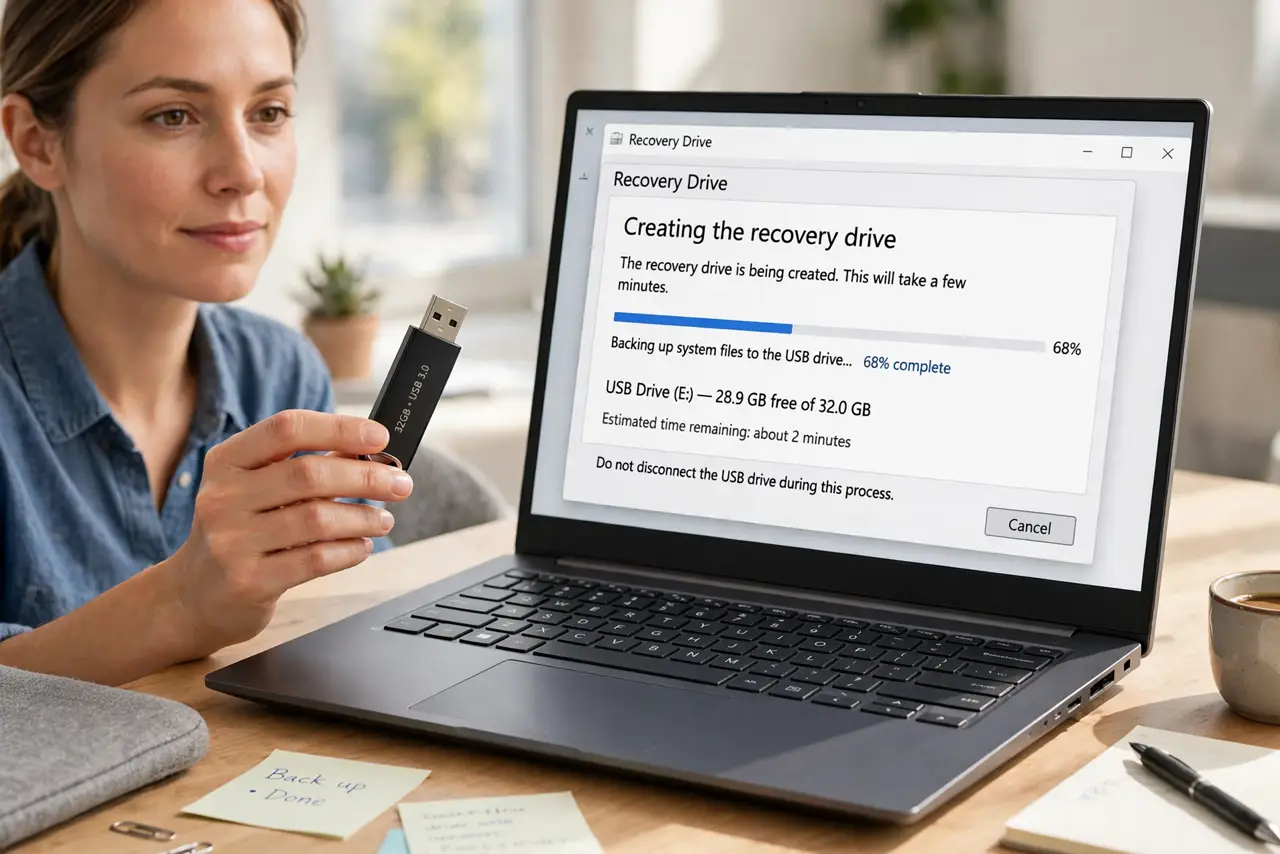
Quick fix: plug in a 16 GB+ USB stick, search 'Recovery Drive,' and run the tool — include system files so it can reinstall Windows. Let it finish, then label the stick and store it safely. If Windows ever refuses to boot, booting from this stick opens the repair tools.
Follow these steps
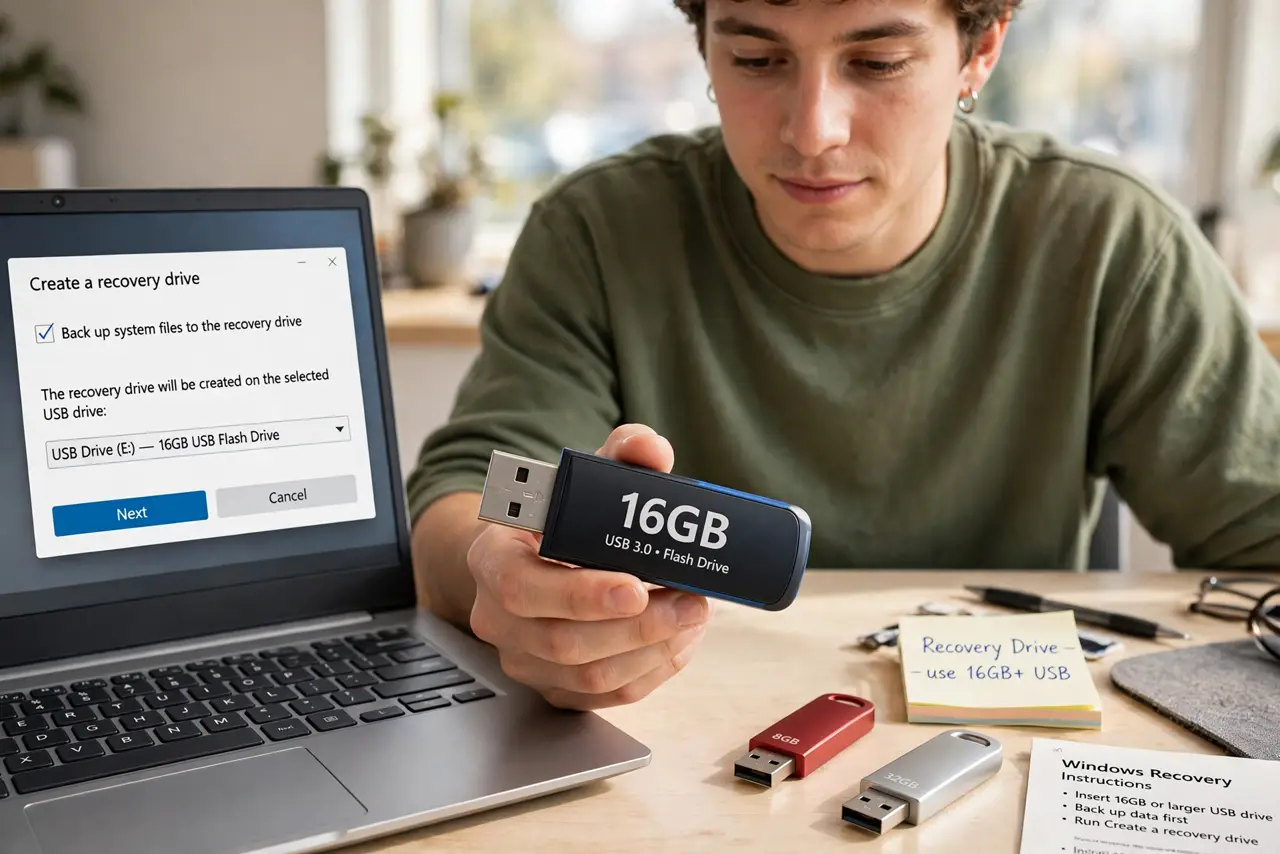
- Get a 16 GB or larger USB stick. Everything on the stick will be erased, so use a spare. Bigger is fine; smaller will not fit the system files.
- Search for Recovery Drive. Type Recovery Drive in Start search, open the tool, and approve the admin prompt. No downloads needed — it is built in.
- Include system files. Tick Back up system files to the recovery drive. This lets the stick reinstall Windows too, not just run repairs — worth the extra space.
- Create and wait. The process copies several gigabytes and takes a while. Let it finish fully; unplugging early makes a useless stick.
- Label it and store it somewhere findable. Write 'Windows Recovery' and the date on the stick. A mystery USB in a junk drawer helps no one in a crisis.
- Know when to use it. When Windows will not boot and Advanced startup will not open either, boot from this stick to reach the same repair tools.
What NOT to do
- Do not use a stick holding files you need. The tool erases the drive completely at the start — no warnings twice.
- Do not skip the system-files checkbox to save time. Without it the stick can only run basic repairs, not reinstall Windows.
- Do not toss it unlabeled into a drawer. In a crisis you will grab the wrong stick — label it the day you make it.
- Do not assume it backs up your personal files. It carries Windows' tools, not your documents — back those up separately.
Frequently asked questions
How big a USB stick do I need?
16 GB is the practical minimum with system files included. The tool will tell you if the stick is too small before starting.
Will it work on a different PC?
Best on the PC that made it, but it generally works on any PC running the same Windows version. Mismatched versions can refuse.
Recovery drive vs installation media — which?
Overlapping jobs. Installation media reinstalls Windows from scratch; a recovery drive focuses on repair tools with reinstall as backup. Either beats nothing.