Recycle Bin Empties Files Too Soon
The Recycle Bin should give you a grace period to restore deleted files, but Storage Sense or a small bin size can empty it early. This guide lengthens that grace period without turning off useful cleanup. If Storage Sense is deleting from Downloads too, see Storage Sense deleting files from Downloads.
TL;DR / Quick Fix
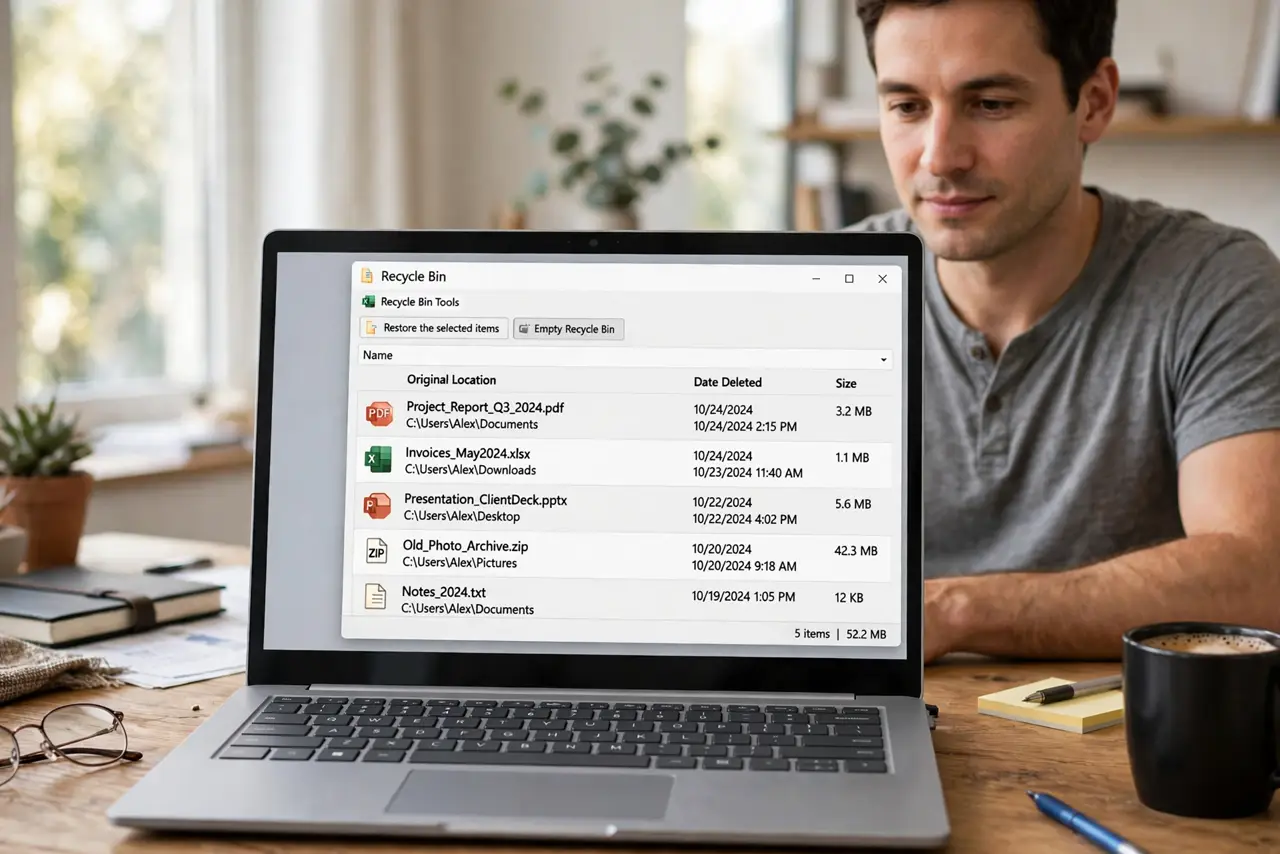
Quick fix: Open the Recycle Bin and note what is there. Check Storage Sense Recycle Bin timing. Then work through the remaining steps in order, checking one change at a time, and stop for a technician if you see damage, swelling, or a burning smell.
Follow these steps
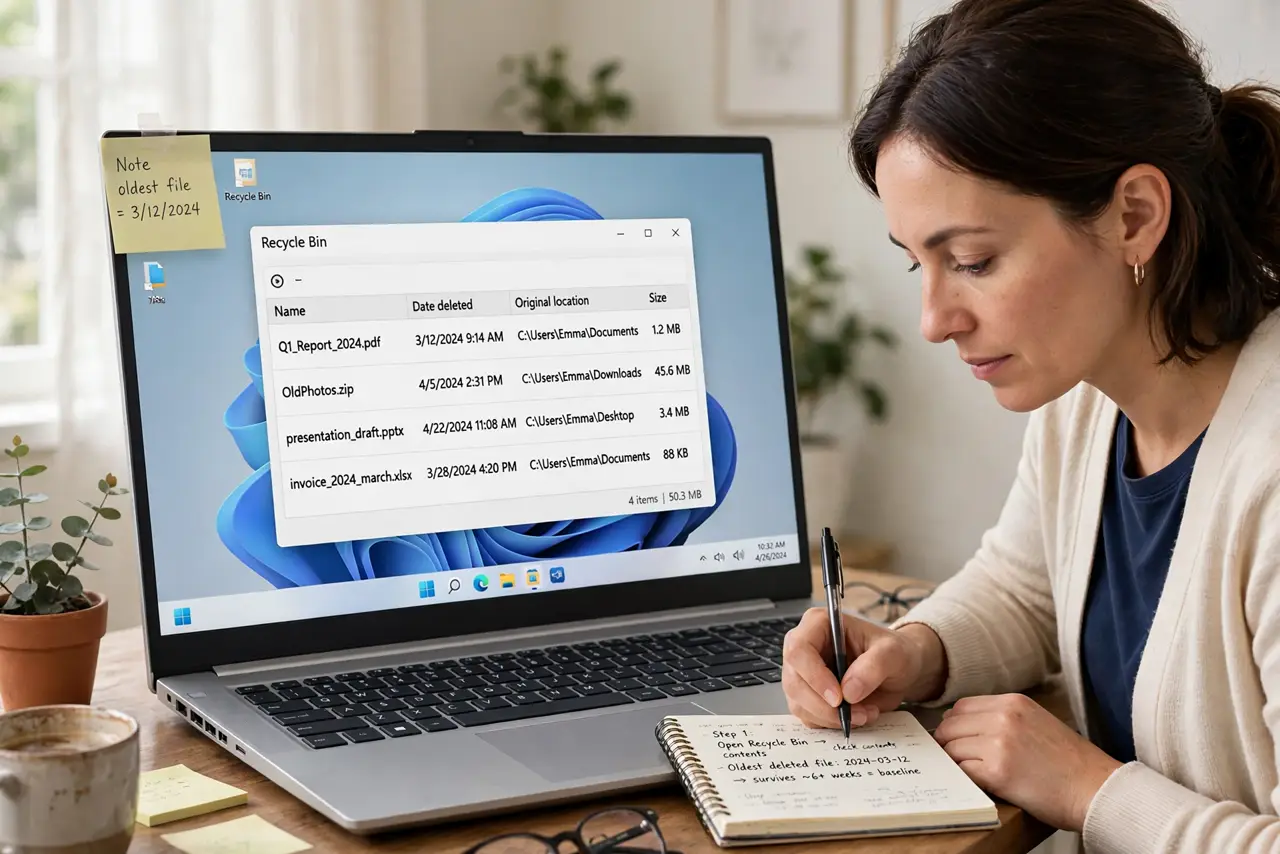
- Open the Recycle Bin and note what is there. Open the Recycle Bin from the desktop and note the oldest file date. That tells you how long files actually survive, which is the baseline for the fix.
- Check Storage Sense Recycle Bin timing. Open Settings, then System, then Storage, then Storage Sense, and find how long files stay in the Recycle Bin. Set it to 30 days or Never if you want a longer rescue window.
- Increase the Recycle Bin size. Right-click the Recycle Bin, choose Properties, select Custom size, and raise the maximum size. A small bin empties early when it fills, no matter what the timing says.
- Check per-drive bin settings. In the same Properties window, check the bin size for each drive separately. A small bin on a second drive can empty early while the main drive bin looks fine.
- Stop emptying the bin by habit. Avoid clicking Empty Recycle Bin unless you have checked its contents. A manual empty is instant and final, unlike automatic timing, which at least waits.
- Restore a test file to prove it. Delete a test file, wait a day, then restore it from the Recycle Bin. A successful restore proves the longer retention is working.
What NOT to do
- Do not set the bin to unlimited without watching disk space. A huge bin can quietly fill the drive with deleted files.
- Do not rely on the Recycle Bin as a backup. It is a short rescue window, not storage, so important files need a real backup.
- Do not use Shift plus Delete for files you might want back. That skips the Recycle Bin entirely and deletes immediately.
- Do not empty the bin to save space before checking. Space saving from an empty bin is small compared with losing a file you needed.
Frequently asked questions
How long do files stay in the Recycle Bin?
Until it fills, or until Storage Sense timing removes them, whichever comes first, so both settings matter.
Can I recover files after emptying the bin?
Sometimes with recovery tools, but success is uncertain, so treat emptying as final.
Does the Recycle Bin hold files from USB drives?
Usually no. Files deleted from removable drives often skip the bin, so be extra careful with USB deletions.