Region Format Wrong? Fix It
Your dates show month-first when you want day-first, the currency symbol is wrong, or the decimal separator flips between dots and commas. That is the region format — Windows' set of rules for how numbers, dates, times, and currency display. It is separate from the display language, which is why Windows can be in English while your dates look foreign. Fixing it takes a minute in Settings.
TL;DR / Quick Fix
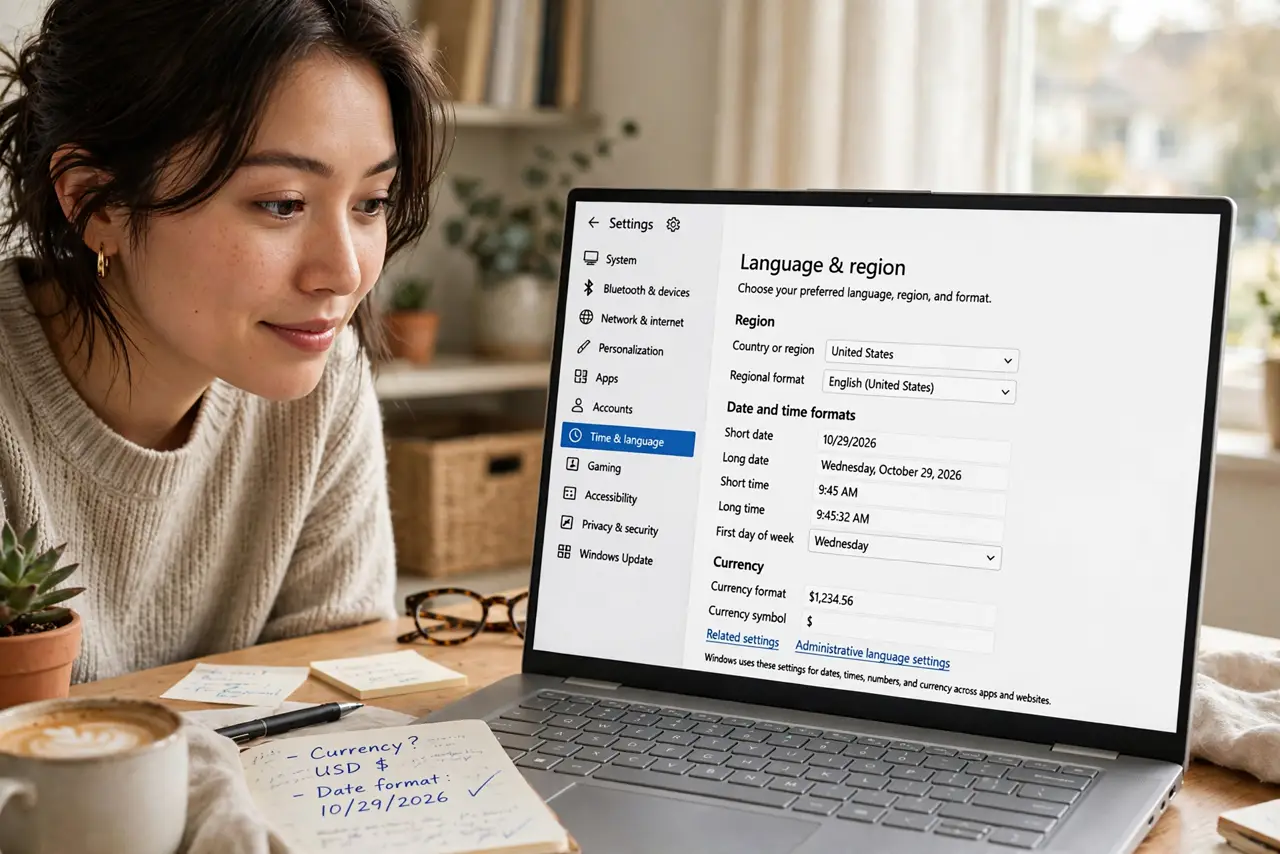
Quick fix: wrong dates or currency symbols in Windows usually mean the region format is off — Settings, Time and Language, Language and Region, then Regional Format. Pick your country and the formats follow. It does not change the display language. Restart apps that show stale formats.
Follow these steps
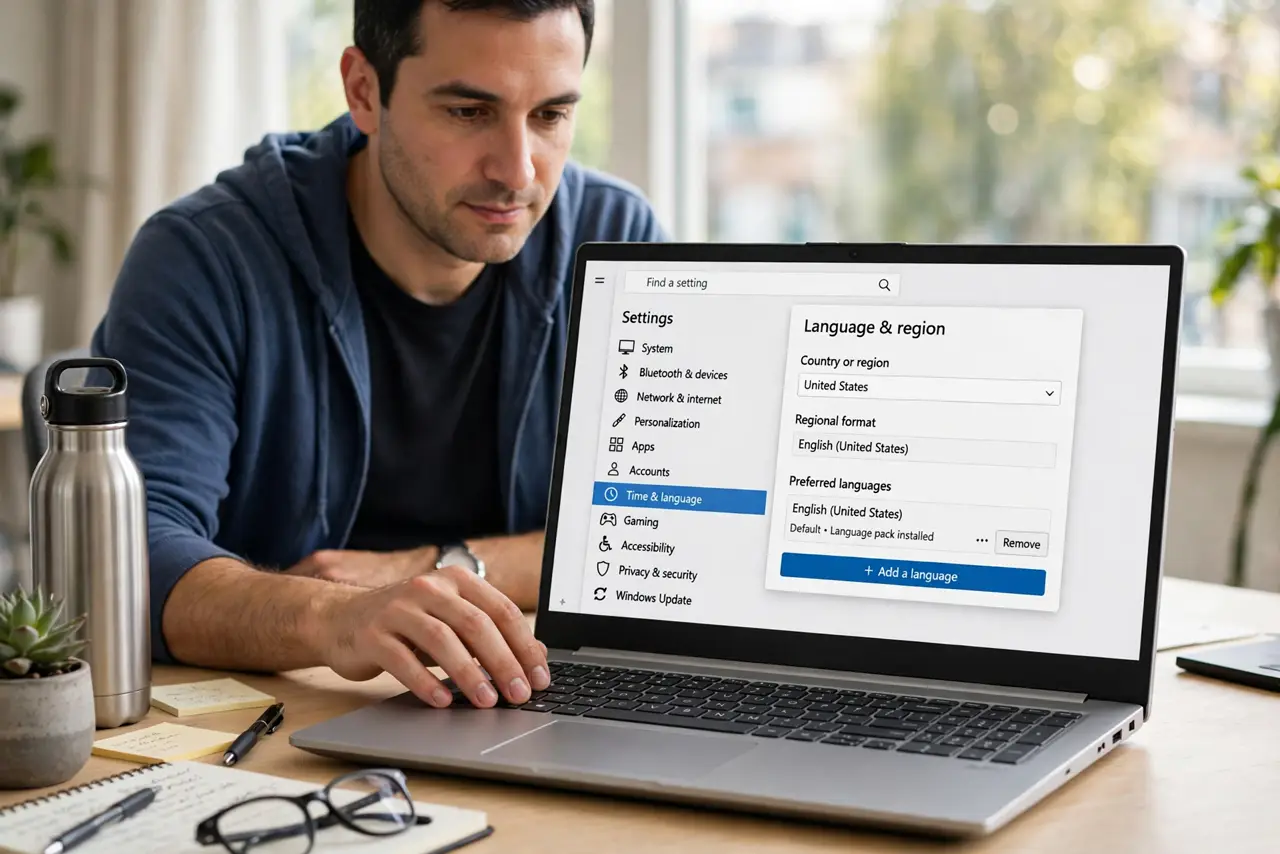
- Open Language and Region settings. Go to Settings, then Time and Language, then Language and Region. This page holds both the Windows display language and the separate regional format — you want the format part.
- Check the Regional Format dropdown. Under Regional format, see which country is selected. If it does not match where you live, the dates, currency, and number separators will all look wrong.
- Pick your country. Select your country from the dropdown. Windows immediately applies its date order, currency symbol, and separators across the system.
- Tweak individual formats if needed. Use the 'Change formats' option for fine control — first day of the week, short date style, and time format. Useful if you want US-style dates with a different currency.
- Restart affected apps. Some programs read the format only at startup. Close and reopen any app still showing the old style — spreadsheets especially.
- Check the lock screen too. The welcome screen can keep the old format. Use the administrative language settings' 'Copy settings' to push your format to the welcome screen and new accounts.
What NOT to do
- Do not change the Windows display language to fix formats. Language and region format are separate settings — changing the language will not fix your dates and will confuse everything else.
- Do not edit the registry for this. Every format option you need lives in Settings; registry tweaks risk breaking more than they fix.
- Do not expect websites to follow your format. Web pages use the site's own locale or your browser settings — Windows region format only affects apps and the system.
- Do not panic if Excel still shows old separators. Spreadsheets cache formats per file and at startup — reopen the file after the change.
Frequently asked questions
Why are my dates month-first?
Your regional format is set to a country that uses month-day-year, like the United States. Switching the format to your country changes the order everywhere the system renders dates.
Will this change my keyboard layout?
No. Keyboard layout is a separate setting on the same page. Region format only affects how dates, times, numbers, and currency are displayed.
Why does the login screen still show the old format?
The welcome screen uses its own copy of the settings. Use the administrative language settings and copy your current settings to the welcome screen to fix it.