Windows Sandbox Deletes Files?
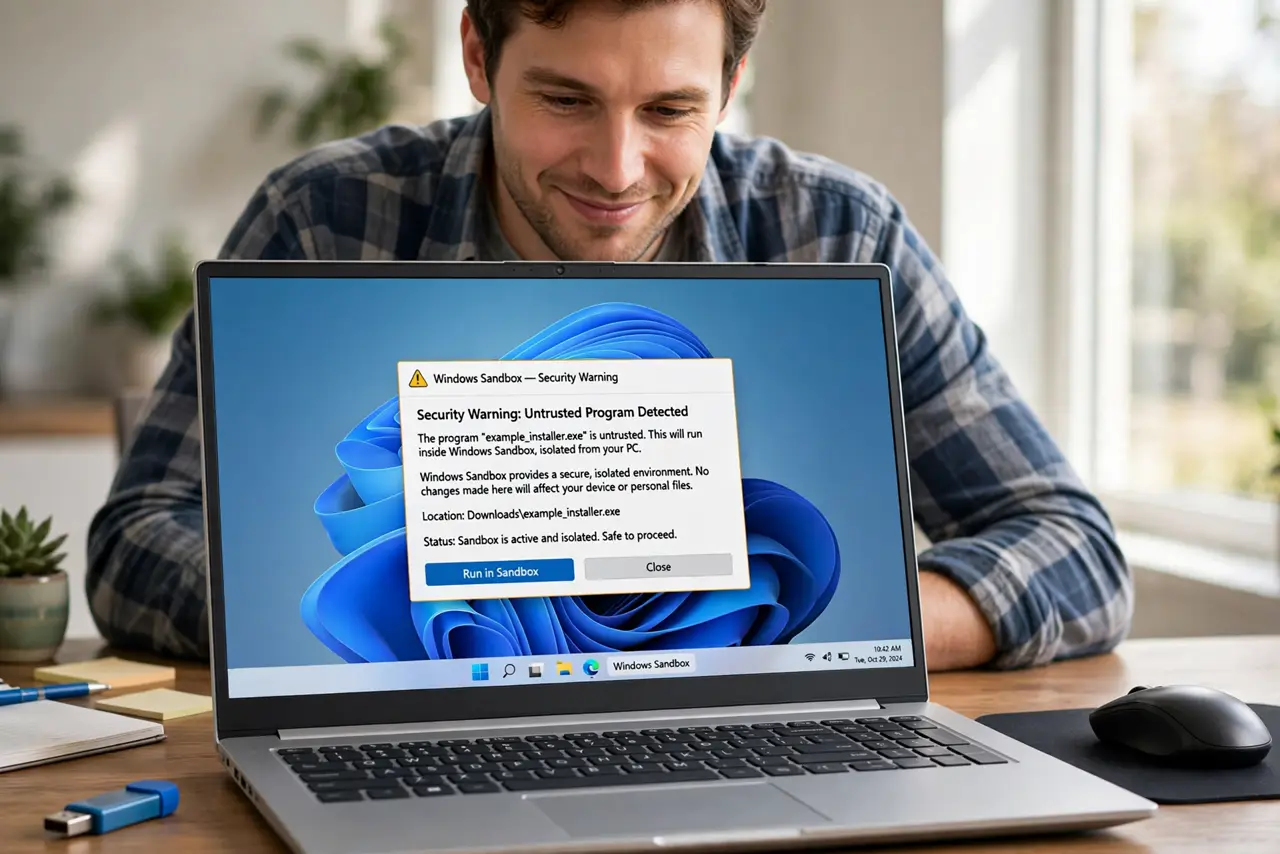
You downloaded a sketchy file, opened it in Windows Sandbox to be safe, saved your work inside the sandbox — and closed it. Everything is gone. That is not a bug: Sandbox is designed to vaporize itself on close. Understanding that design saves your files and keeps the safety benefit.
TL;DR / Quick Fix
Windows Sandbox wipes itself completely every time it closes — files saved inside vanish forever. That is the design, not a bug. To keep work, save files to a shared host folder or copy them out before closing. Never treat the sandbox desktop as storage.
Follow these steps
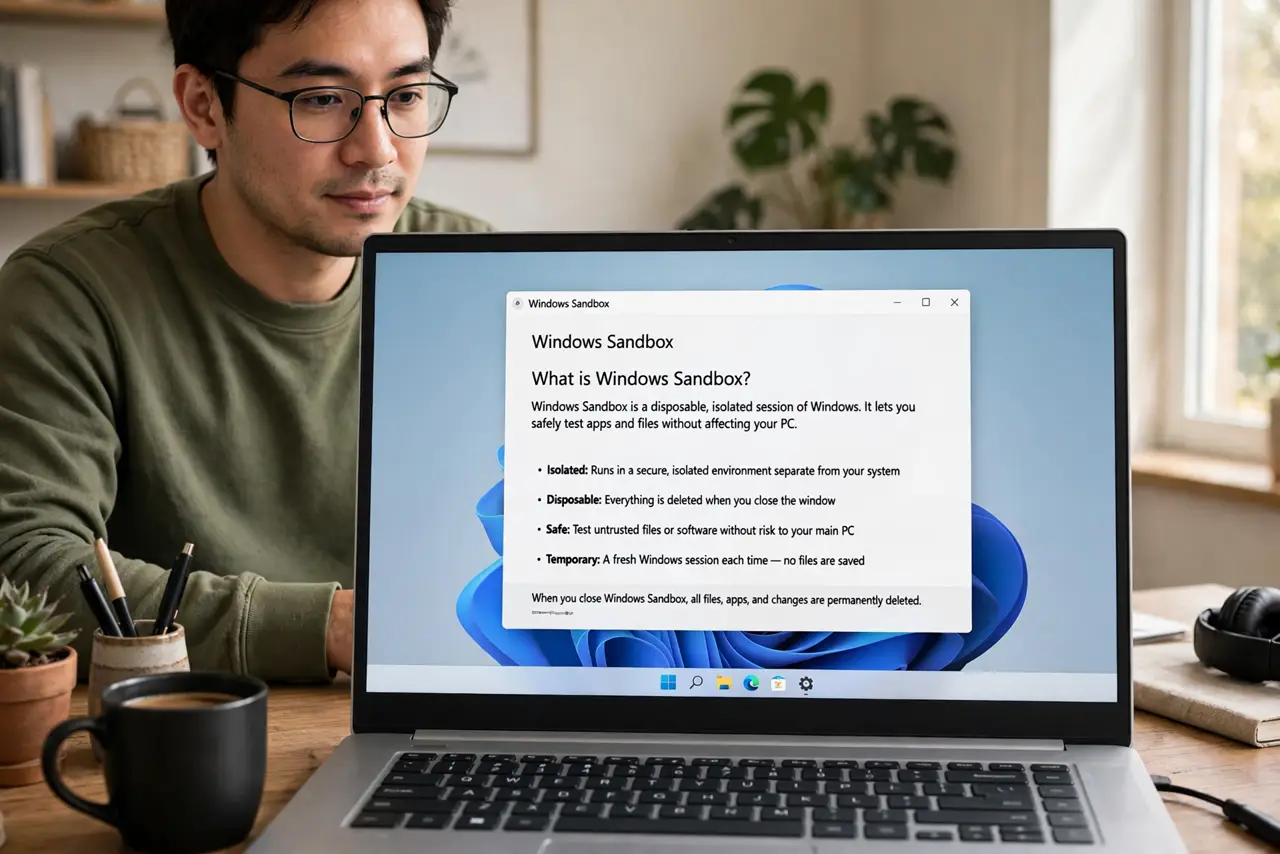
- Understand what Sandbox is for. Windows Sandbox is a disposable, isolated Windows session for opening untrusted files safely. When you close it, the entire session — files, installs, changes — is permanently discarded. The Sandbox enable guide covers setup if you have not turned it on yet.
- Never save important work inside the sandbox. Treat everything inside Sandbox as already deleted. If you create or download something worth keeping, move it out before closing the window — no exceptions.
- Copy files out before closing. Drag files from the sandbox window to your real desktop, or save directly to a mapped host folder. Do it while the sandbox is still open; after close there is nothing to recover.
- Use shared folders for two-way work. Sandbox can share host folders, letting you open a suspicious file from a shared location and save results straight back to the real system without manual copying.
- Close the sandbox when you are done. Closing it is the security feature working as intended — the slate wipes clean. Make closing the sandbox the last step, after your files are safely out.
- Know what Sandbox cannot protect. It isolates software from your system, but files you deliberately copy out carry their risks with them. Scan anything you extract before opening it on the host.
What NOT to do
- Do not save the only copy of anything inside Sandbox. Close means gone — there is no recycle bin, no undo, no recovery.
- Do not assume Sandbox replaces antivirus. It contains threats while open; your real system's protection still handles everything else.
- Do not log into personal accounts casually inside Sandbox. Session data vanishes, but anything synced or sent during the session does not.
- Do not use Sandbox as a second desktop. It is slow to start, eats RAM, and forgets everything — a virtual machine suits persistent work better.
Frequently asked questions
Can I recover files after closing Sandbox?
No. The wipe is complete and by design — that is what makes it safe. Prevention (copying files out first) is the only strategy.
Does Sandbox need Hyper-V?
It uses the same virtualization platform. If Sandbox will not start, the virtualization troubleshooting overlaps with Hyper-V setup.
Is Windows Sandbox available on Home edition?
Sandbox requires Pro or Enterprise. Home users can use third-party virtual machines or the built-in antivirus sandboxing features instead.