Sign-In Options Are Greyed Out? Fix It
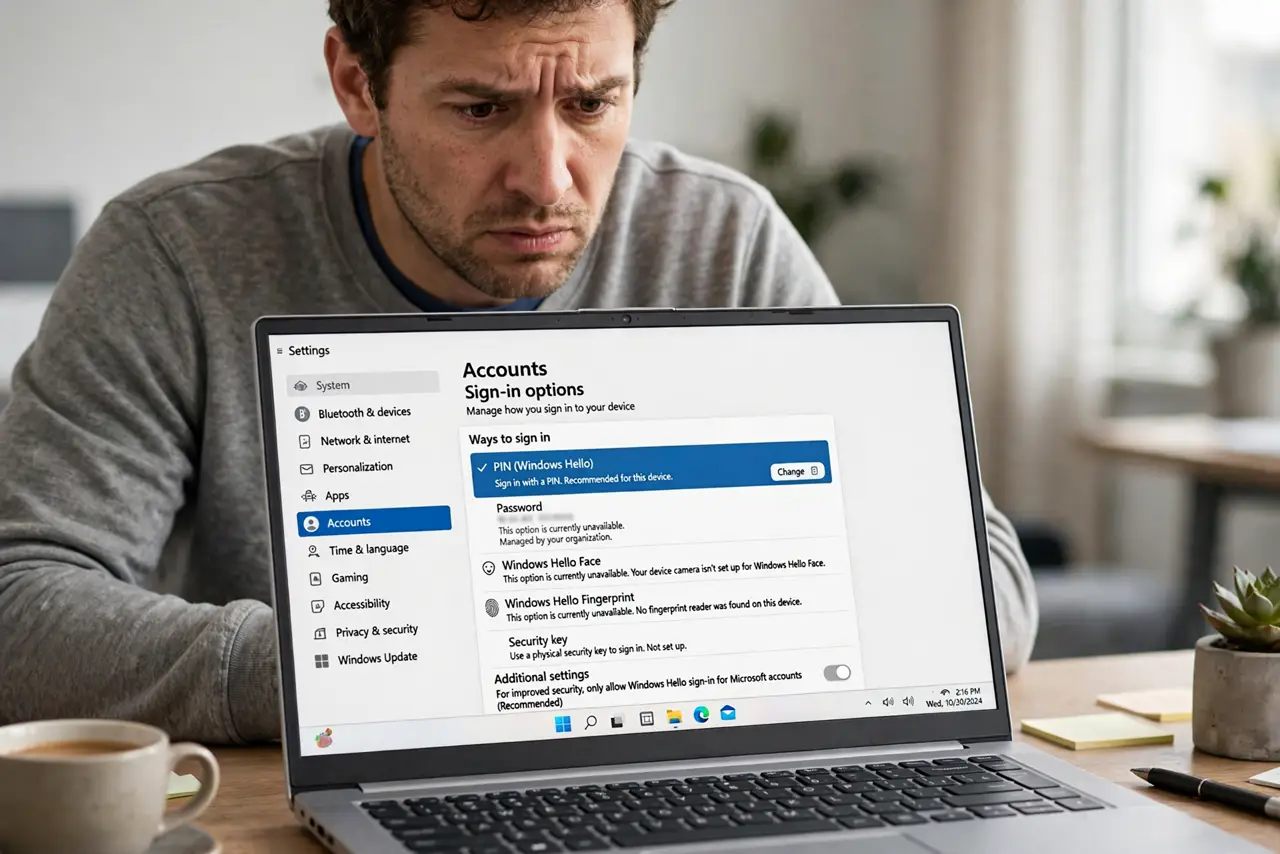
You open Settings > Accounts > Sign-in options and the Hello choices are greyed out or missing entirely. The page is not broken — Windows hides these options when a requirement is unmet, such as no compatible hardware, a missing driver, or a policy. This guide shows how to find the blocker and bring the options back.
TL;DR / Quick Fix
Quick fix: confirm your PC actually has the needed hardware, like an infrared camera or fingerprint reader, then update the related driver in Device Manager. If a work or school policy blocks the options, disconnect that account. Set a PIN first, then restart and recheck the page.
Follow these steps
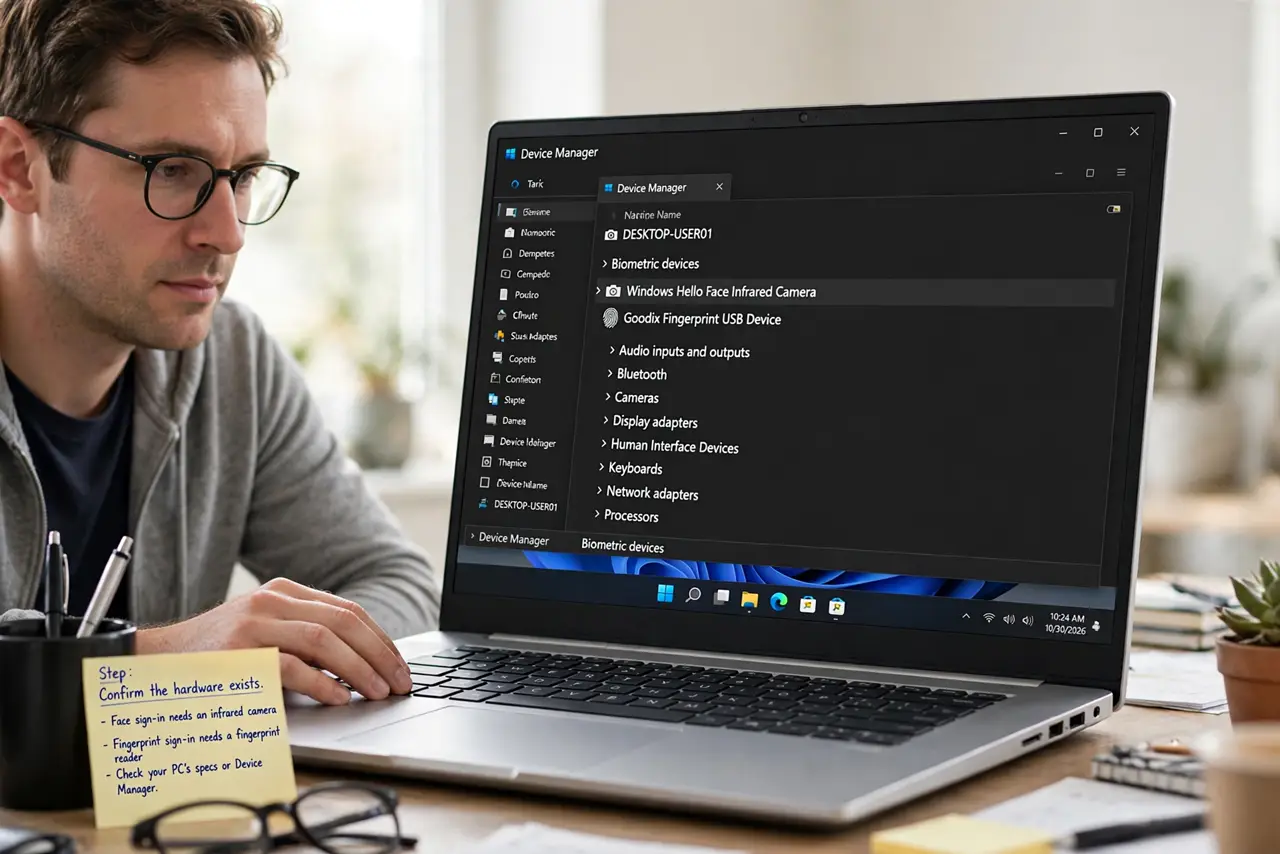
- Confirm the hardware exists. Face sign-in needs an infrared camera and fingerprint sign-in needs a fingerprint reader. Check your PC's specs or Device Manager — if the hardware is absent, the option stays greyed out by design.
- Update the biometric driver. In Device Manager, look under Biometric devices and Cameras for warning icons. Right-click each device and update the driver, since a missing or broken driver hides the option.
- Check for a work or school policy. Go to Settings > Accounts > Access work or school. An organization can disable Hello options by policy, which greys them out with no explanation on the page.
- Make sure you are not on a temporary profile. If Windows signed you into a temporary profile, Hello settings are unavailable. Restart normally and sign in with your usual account before judging the page.
- Verify with a local test account. Create a new local administrator account and check its sign-in options. If the options work there, your main profile has the problem, not the hardware.
- Reset the PIN as a refresh. Sometimes removing and re-adding the PIN refreshes the whole sign-in page. Set the PIN again, restart, and see whether the greyed options return.
What NOT to do
- Do not download a random driver installer from a search result. Get drivers from Windows Update or the PC maker's support page only.
- Do not buy an external fingerprint reader before confirming the real cause. If a policy blocks Hello, new hardware will not help.
- Do not edit group policy on a work PC. The greyed options may be your employer's security rule, not a bug.
- Do not factory reset the PC over greyed options. The cause is almost always a driver, policy, or profile issue a reset cannot fix better.
Frequently asked questions
Why is Windows Hello missing from sign-in options?
The hardware is missing, the driver failed, or a policy disabled it. Check Device Manager first, then work or school policies.
Can I use Hello without a PIN?
No. Windows requires a PIN as the fallback before Hello options activate, so set the PIN first.
Do greyed options mean my PC is too old?
Not necessarily. Many older PCs lack the infrared camera or fingerprint reader Hello needs, so the options stay hidden.