Snap Assist Suggests the Wrong Window
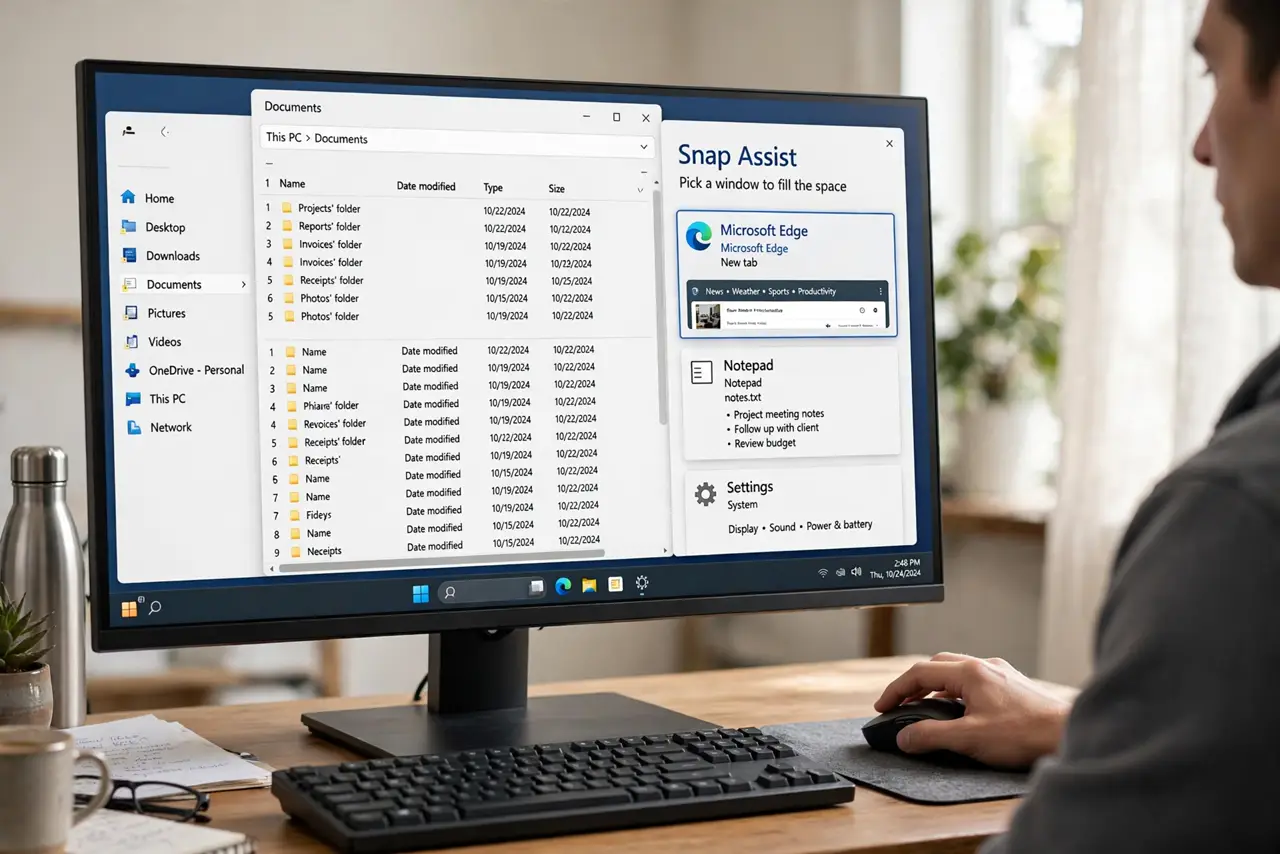
You snap a window left, and Snap Assist eagerly offers the window you just minimized — not the document you actually want beside it. Assist suggests by recency, not by mind-reading, so its first guess is often wrong. Dismissing it is one keypress, and you can turn the suggestions off entirely.
TL;DR / Quick Fix
Snap Assist suggests most recently used window — by design, not a bug. Press Esc to dismiss it and click the window. If suggestions never fit you, open Settings > System > Multitasking and switch off 'When I snap a window, show what I can snap next to it'.
Follow these steps
- Understand it suggests by recency. Snap Assist offers the window you used most recently. That is a reasonable guess, not intelligence — expect it to be wrong often.
- Press Esc to dismiss it. One Esc keypress clears the suggestion grid. Then click any window yourself — it snaps into the empty half.
- Click the window you actually want. You don't have to pick from the suggestions. Clicking any visible window, or Alt+Tabbing to it, fills the snapped half.
- Turn off the suggestions entirely. Open Settings > System > Multitasking and uncheck 'When I snap a window, show what I can snap next to it'. Snapping still works; the guess grid just stops appearing.
- Snap with Win + arrows instead. Win + Left/Right snaps without ever invoking Assist. Many fast users prefer this and never see a suggestion.
- Keep the windows you need visible. Assist can only suggest open windows. If the window you want is minimized, restore it first so it appears as a choice.
What NOT to do
- Do not assume Snap Assist is broken when it guesses wrong. Recency-based guessing is the documented behavior.
- Do not disable all of Snap to kill the suggestions. The one sub-checkbox turns off Assist while keeping snap layouts working.
- Do not fight it with the mouse for a minute. Esc plus one click beats wrestling the suggestion grid.
- Do not expect it to learn your habits. Snap Assist has no learning — it will suggest the most recent window forever.
Frequently asked questions
Can Snap Assist learn which windows I pair together?
No. It always suggests by most-recent use, with no memory of your habits. Dismiss with Esc and pick manually.
What is the difference between Snap Assist and snap layouts?
Layouts are the grid you pick when snapping; Assist is the 'what goes in the other half' suggestion afterward. Two features, one workflow.
Why does Assist sometimes show nothing?
If only one window is open, there is nothing to suggest. Open a second window and the suggestions appear.