Record Steps to Report a Bug
Trying to explain a bug in words — “I clicked the thing and then the other thing happened” — is painful for everyone. Windows has a built-in Steps Recorder that watches you reproduce the problem and produces an annotated, screenshot-by-screenshot report automatically. Send that instead of paragraphs. (One note: Microsoft is phasing Steps Recorder out on newest Windows 11, so learn the Snipping Tool alternative too.)
TL;DR / Quick Fix
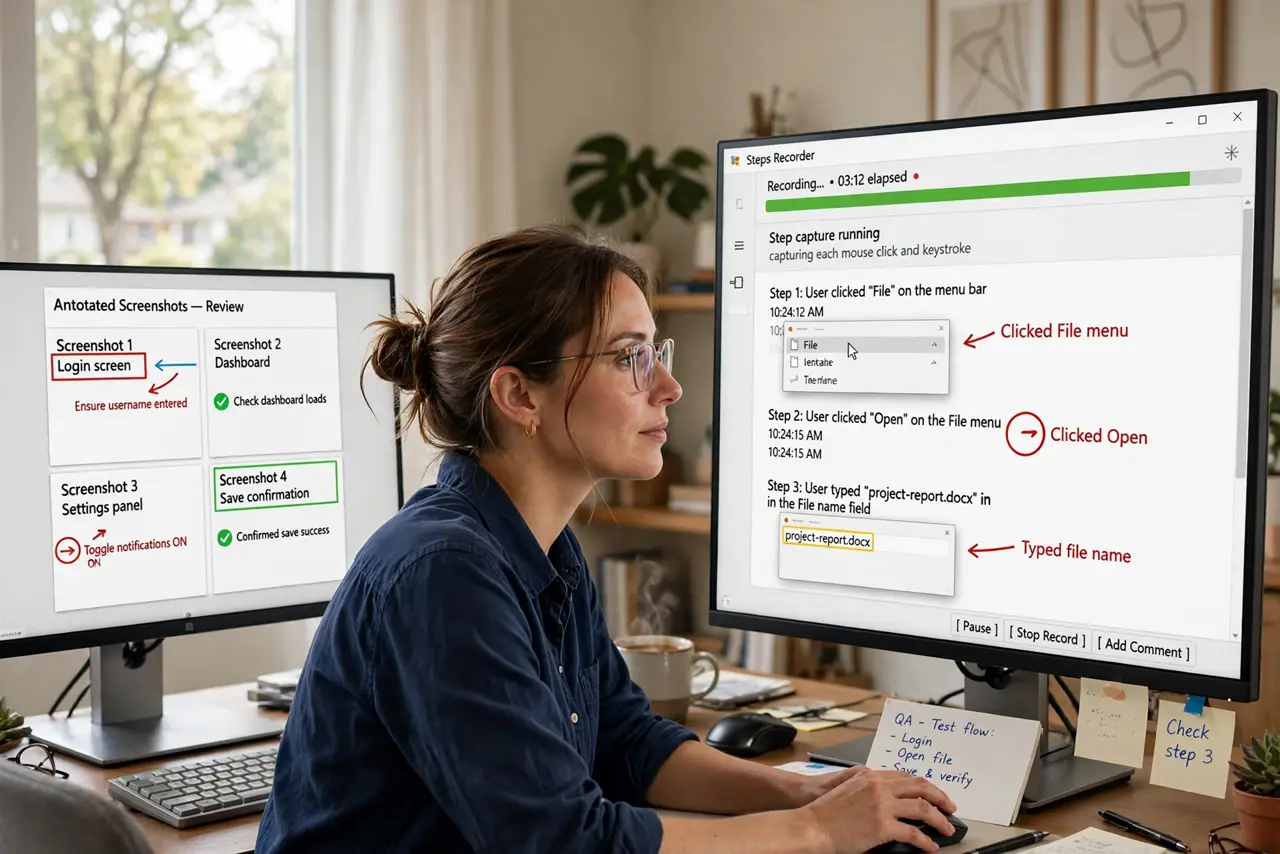
Quick fix: open Steps Recorder, hit Start Record, and reproduce the bug — it captures every click with annotated screenshots. Save the ZIP and send it to support instead of writing paragraphs. Microsoft is phasing it out on Windows 11, so Snipping Tool screen recording is the modern backup.
Follow these steps
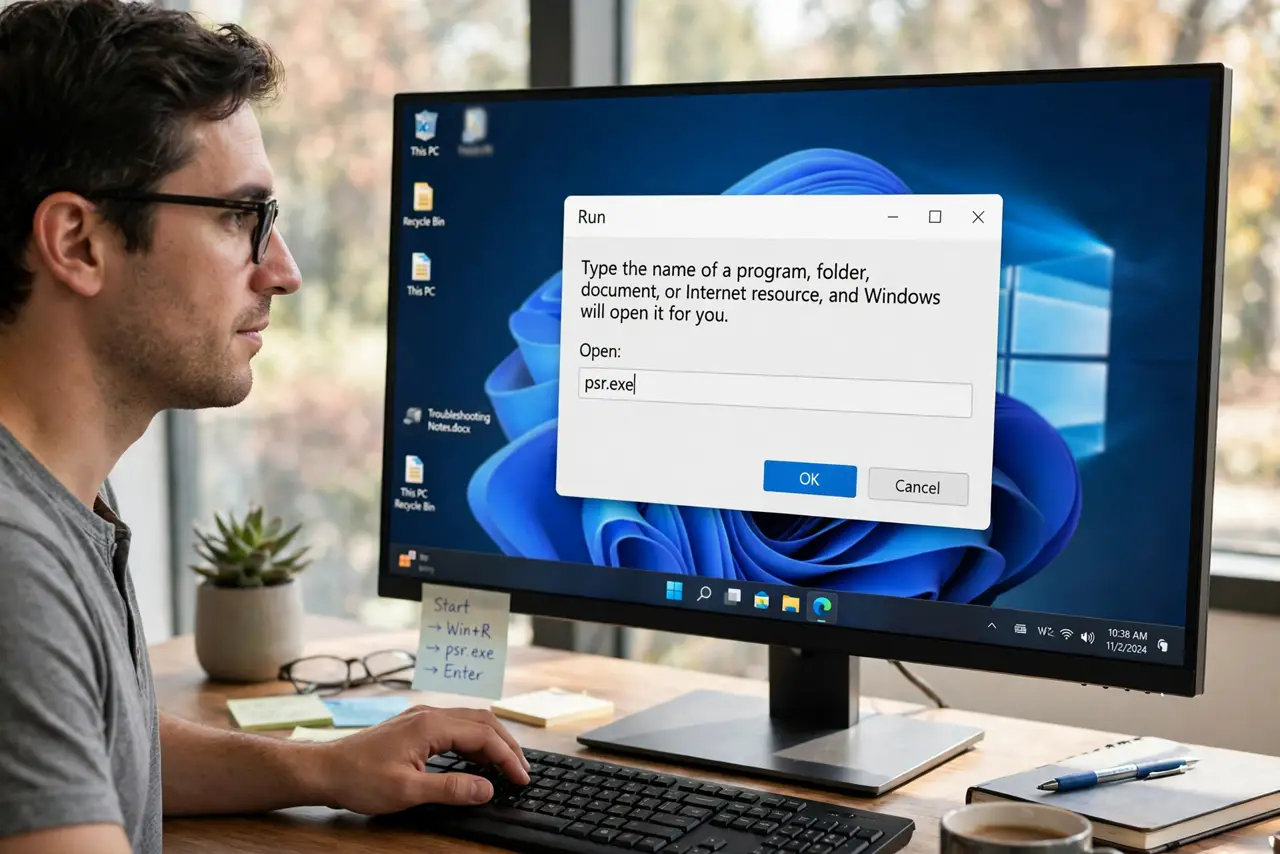
- Open Steps Recorder. Press Win + R, type psr.exe, and hit Enter — or search for “Steps Recorder” in the Start menu. It is tiny and launches instantly.
- Start recording. Click Start Record, then reproduce the bug exactly as it happens. Click normally — every click gets a screenshot with a highlight.
- Add comments where it matters. Click “Add Comment” during recording to highlight a screen region and type a note. One comment at the weird moment is worth ten screenshots.
- Stop and review. Click Stop Record. Steps Recorder builds a document showing each step with its screenshot — skim it to make sure it captured the actual problem.
- Save the ZIP file. Save the report; Windows packages it as a ZIP containing a single annotated page. Small, self-contained, emailable.
- Send it to support. Attach the ZIP to your ticket or email instead of describing the bug. Support staff love these — they show exactly what happened.
What NOT to do
- Do not record sensitive screens carelessly. The screenshots capture everything visible — close banking tabs and personal chats first.
- Do not narrate instead of showing. The tool's whole point is replacing verbal descriptions; let the screenshots talk.
- Do not forget it is being phased out. On the newest Windows 11 builds it may vanish — know the Snipping Tool screen recorder as backup.
- Do not send the ZIP without reviewing. A recording that missed the bug wastes everyone's time — skim before sending.
Frequently asked questions
Is Steps Recorder still in Windows 11?
For now on most builds, but Microsoft has announced its deprecation — expect it to disappear and use Snipping Tool's screen recording instead.
Can I record a whole tutorial with it?
It is built for bug reports, not tutorials — no voiceover, no editing. Use a real screen recorder for teaching.
The file is a weird MHT — normal?
Yes, the report is a single web archive inside the ZIP. It opens in any browser.