NPU Camera Effects
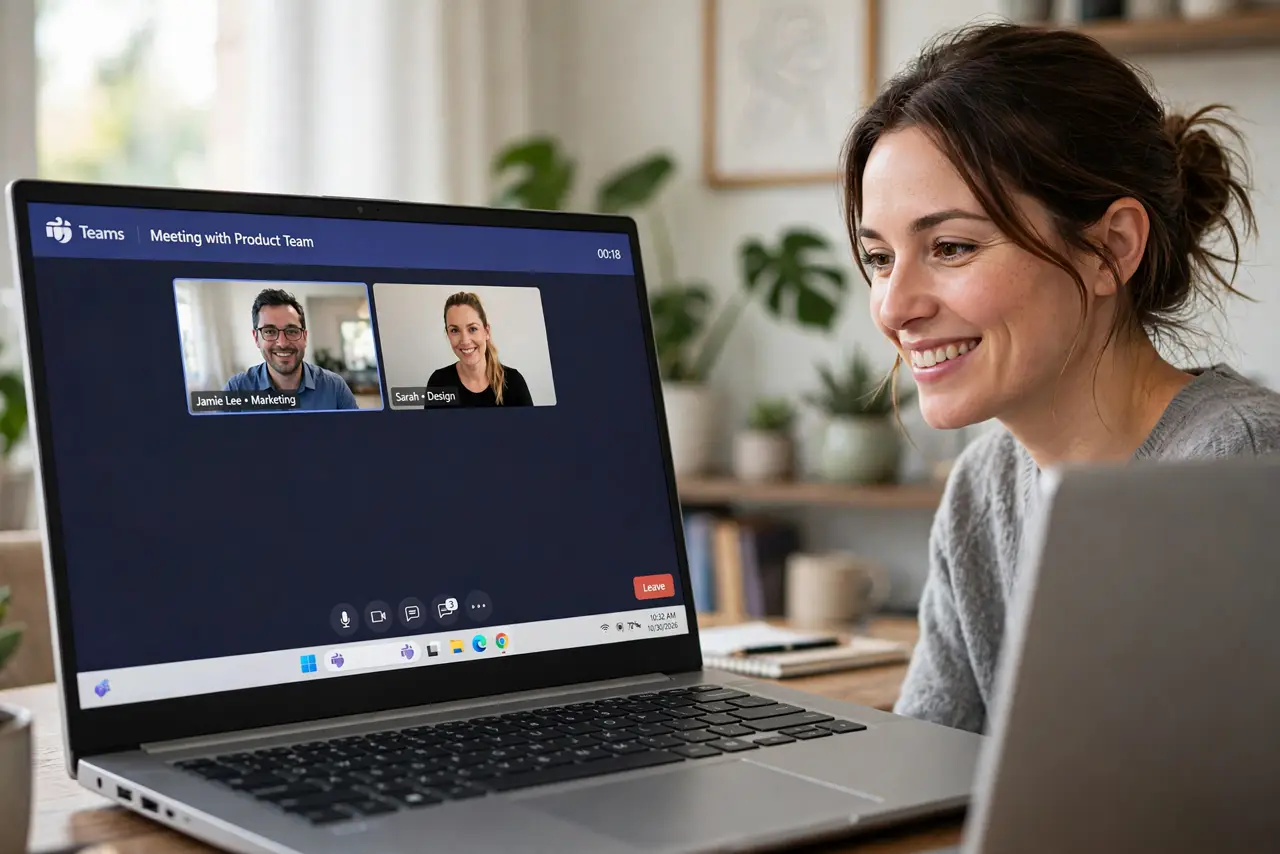
Your video calls look like a hostage video — dim, flat, wandering eyes — while a colleague's feed looks studio-lit with perfect framing. The difference might be Windows Studio Effects: camera tricks like background blur, eye-contact correction, and auto-framing that run on the Copilot+ PC's AI chip instead of draining your battery. If your laptop has an NPU, these upgrades are already sitting there waiting. The Copilot+ explainer covers the hardware.
TL;DR / Quick Fix
Quick fix: NPU camera effects — background blur, eye-contact correction, and auto-framing — run on your Copilot+ PC's AI chip with almost no battery cost. Turn them on in Windows Studio Effects and look sharper on every call without buying new hardware.
Follow these steps
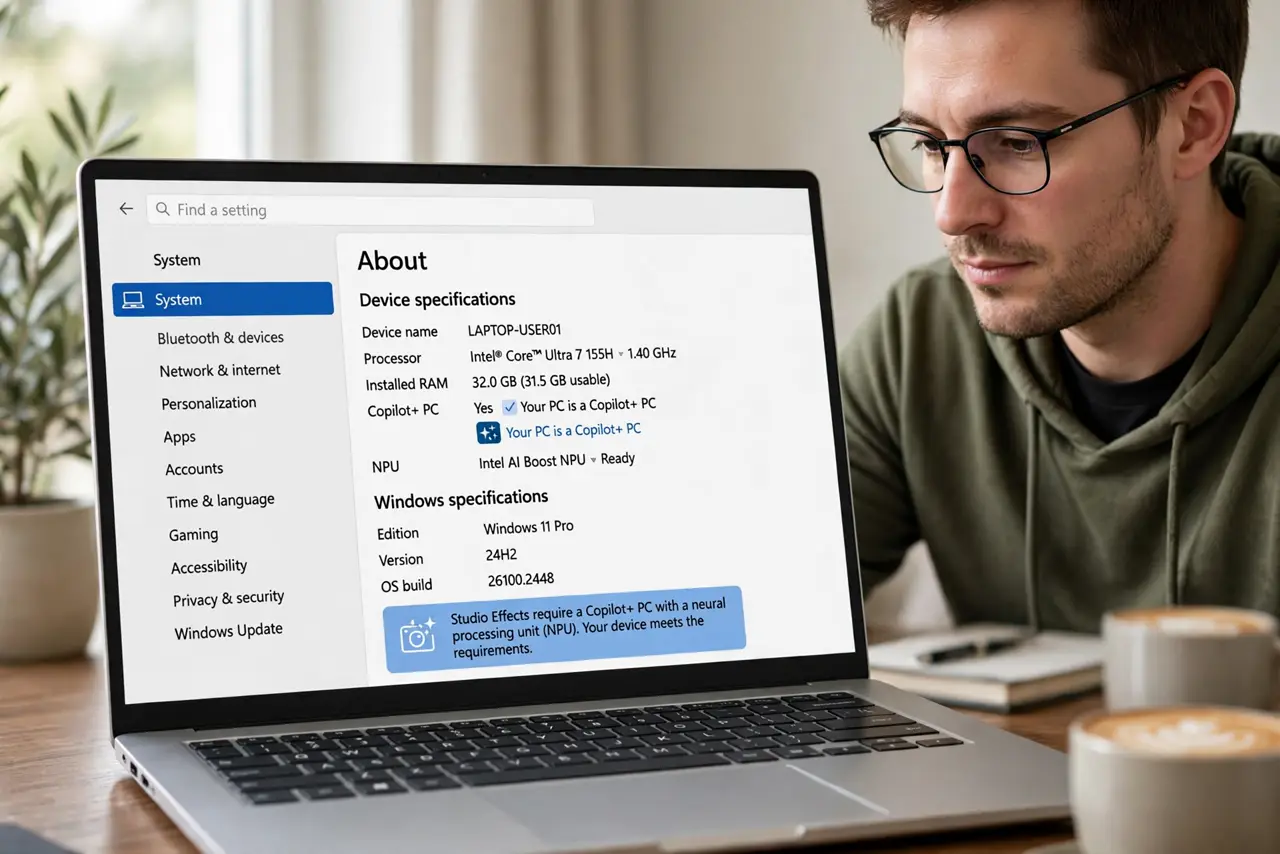
- Check you have an NPU. Studio Effects need a Copilot+ PC with a neural processing unit. Check Settings, then System, then About — or look for the Copilot+ branding.
- Open Windows Studio Effects. In Settings, then Bluetooth and devices, then Cameras, select your camera to find the Studio Effects toggles.
- Enable background blur or portrait. The NPU blurs your background cleanly without the flickering that software blur causes. Test it before an important call — lighting matters.
- Try eye-contact correction. This subtle effect adjusts your gaze to look at the camera while you read notes. Some find it uncanny; others love it — decide for yourself.
- Turn on automatic framing. The camera digitally follows you as you move, keeping you centered. Great for pacing presenters; slightly odd for fidgeters.
- Verify in your actual meeting app. Effects apply at the system level, so Teams, Zoom, and Meet all get them. Join a test call to confirm the look before the real one.
What NOT to do
- Do not expect miracles from a bad camera. Effects polish the image; they cannot fix a truly terrible sensor or pitch darkness.
- Do not leave eye-contact on if it creeps people out. Ask a friend how it looks — the uncanny valley is real for some viewers.
- Do not assume non-NPU PCs have these. Older laptops may show the toggles grayed out — the AI chip is the requirement.
- Do not forget lighting still matters most. A ten-dollar lamp improves your video more than any AI effect.
Frequently asked questions
Do Studio Effects drain the battery?
Barely — that is the point of the NPU. The AI chip handles them far more efficiently than the main processor would.
Do effects work in every video app?
Yes, they apply at the camera level, so any app using the camera sees the enhanced feed.
Can others tell I am using effects?
Background blur is obvious; eye-contact and framing are subtle. None of them announce themselves.