Limit Diagnostic Data
Windows quietly collects diagnostic data about crashes, usage, and your device — and the default settings share more than most people would choose. You cannot turn it all off, but you can cut it to the minimum and delete what was already collected. Windows runs exactly the same afterward.
TL;DR / Quick Fix
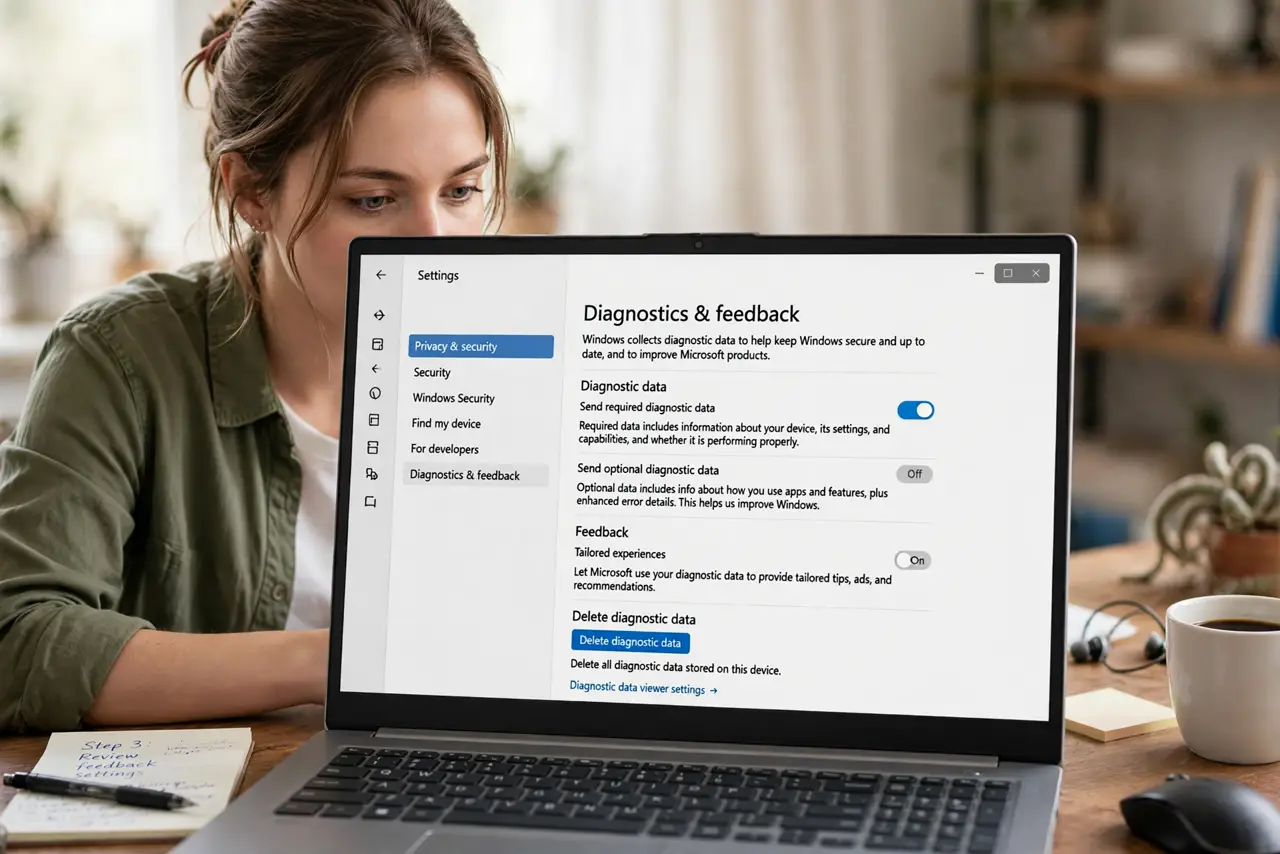
Quick fix: open Settings, Privacy and security, Diagnostics and feedback, and set diagnostic data to Required only — then delete the data Microsoft has collected. Turn off tailored experiences and the advertising ID on the same page. Windows works identically with minimal telemetry.
Follow these steps
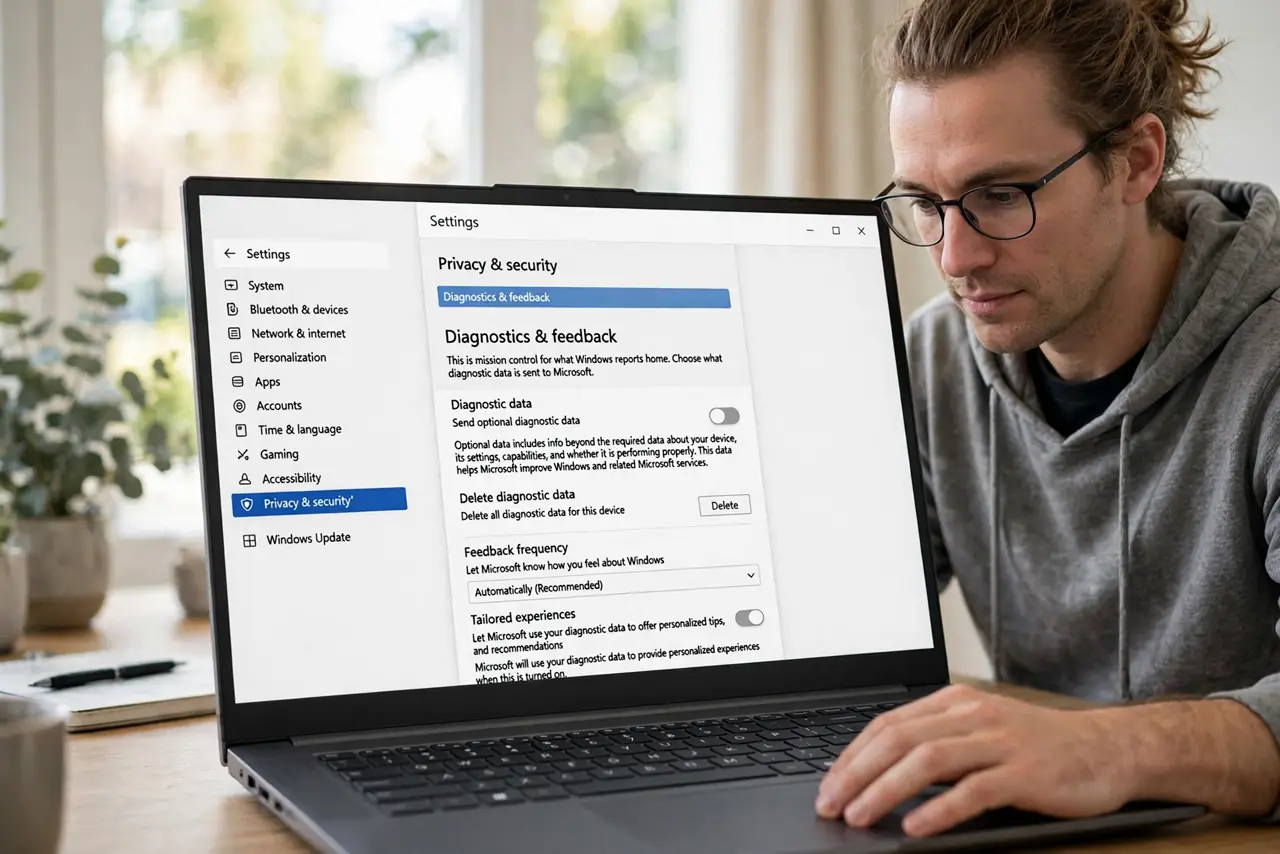
- Open Diagnostics and feedback. Go to Settings, then Privacy and security, then Diagnostics and feedback. This is mission control for what Windows reports home.
- Set data to Required only. Choose 'Required diagnostic data' instead of Optional. Required covers crashes and security basics — Optional adds browsing and app-usage detail you gain nothing from sharing.
- Delete collected data. Click 'Delete diagnostic data' on the same page. This wipes the optional data already gathered — do it once after changing the setting.
- Turn off tailored experiences. Disable 'Tailored experiences' so Microsoft stops using your diagnostic data to personalize tips and ads. It is a separate toggle people miss.
- Limit the advertising ID. On the same Privacy page, turn off 'Let apps show me personalized ads by using my advertising ID.' See advertising ID for the full rundown.
- Review app permissions too. Telemetry is only half the picture — check which apps access your location, microphone, and files in the same Privacy settings.
What NOT to do
- Do not use random 'debloat' scripts from the internet. They break Windows Update and security features — the built-in toggles are the safe path.
- Do not expect a 'send nothing' option. Required diagnostic data cannot be fully disabled on consumer Windows — Required-only is the floor.
- Do not confuse telemetry with sync. Turning off diagnostics does not affect your Microsoft account sync, OneDrive, or settings backup.
- Do not re-enable Optional data for 'better support.' It does not improve your support experience — it improves Microsoft's statistics.
Frequently asked questions
Will limiting telemetry break updates?
No. Required data includes what Windows Update needs — Optional data is purely extra.
Does this stop all Microsoft data collection?
No — it minimizes diagnostic telemetry. Account activity, Store purchases, and synced data are separate systems with their own settings.
Why can't I turn it fully off?
Microsoft reserves Required data for security and reliability on consumer editions. Enterprise editions get a fuller off switch.