Turn Off the Advertising ID
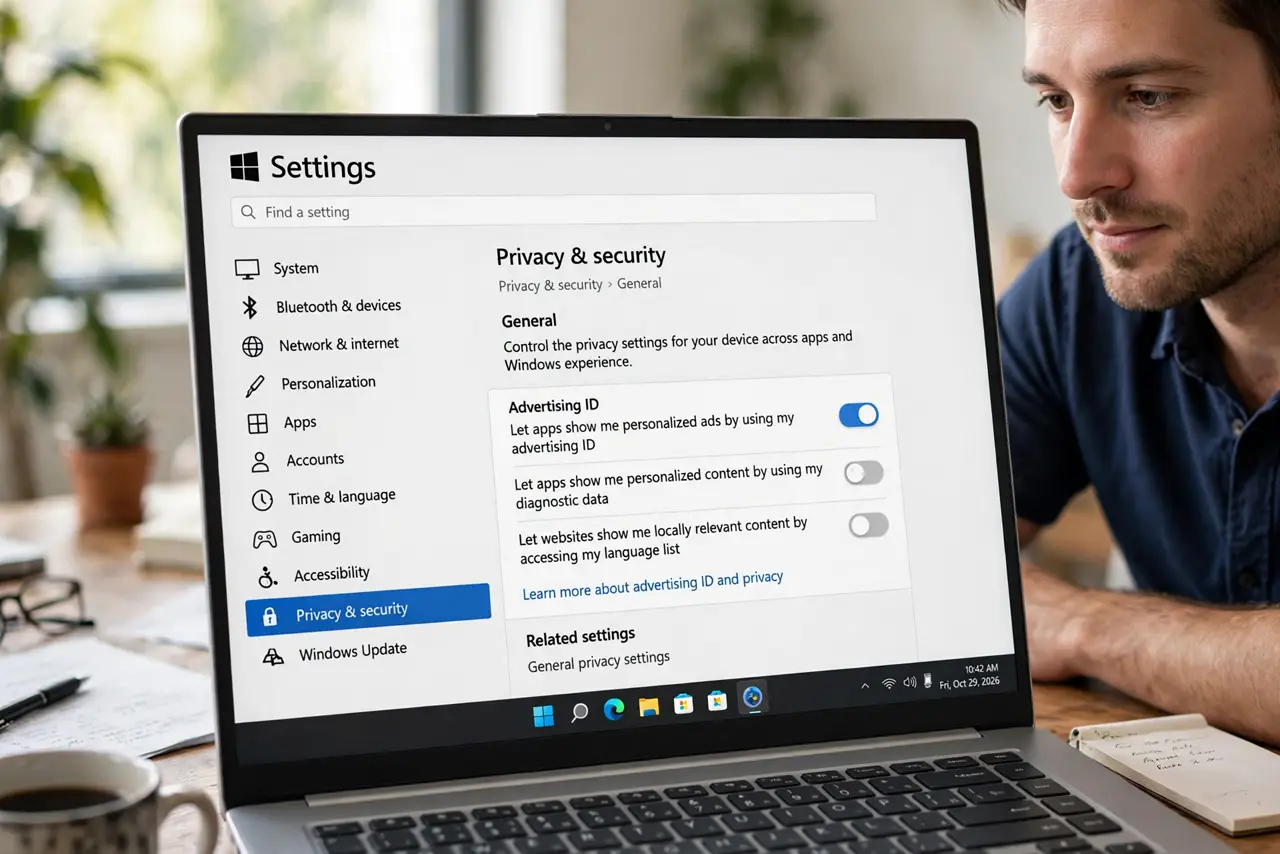
Apps on Windows can read a single advertising ID that identifies you across everything you use — built for 'relevant ads,' functioning as a cross-app tracker. Windows buries the off switch three menus deep, but flipping it takes seconds and changes nothing about how your apps work.
TL;DR / Quick Fix
Quick fix: open Settings, Privacy and security, and turn off 'Let apps show me personalized ads by using my advertising ID.' Then click 'Clear' if offered, to reset the existing ID. Apps lose their shared tracking identifier immediately — your apps keep working exactly as before.
Follow these steps
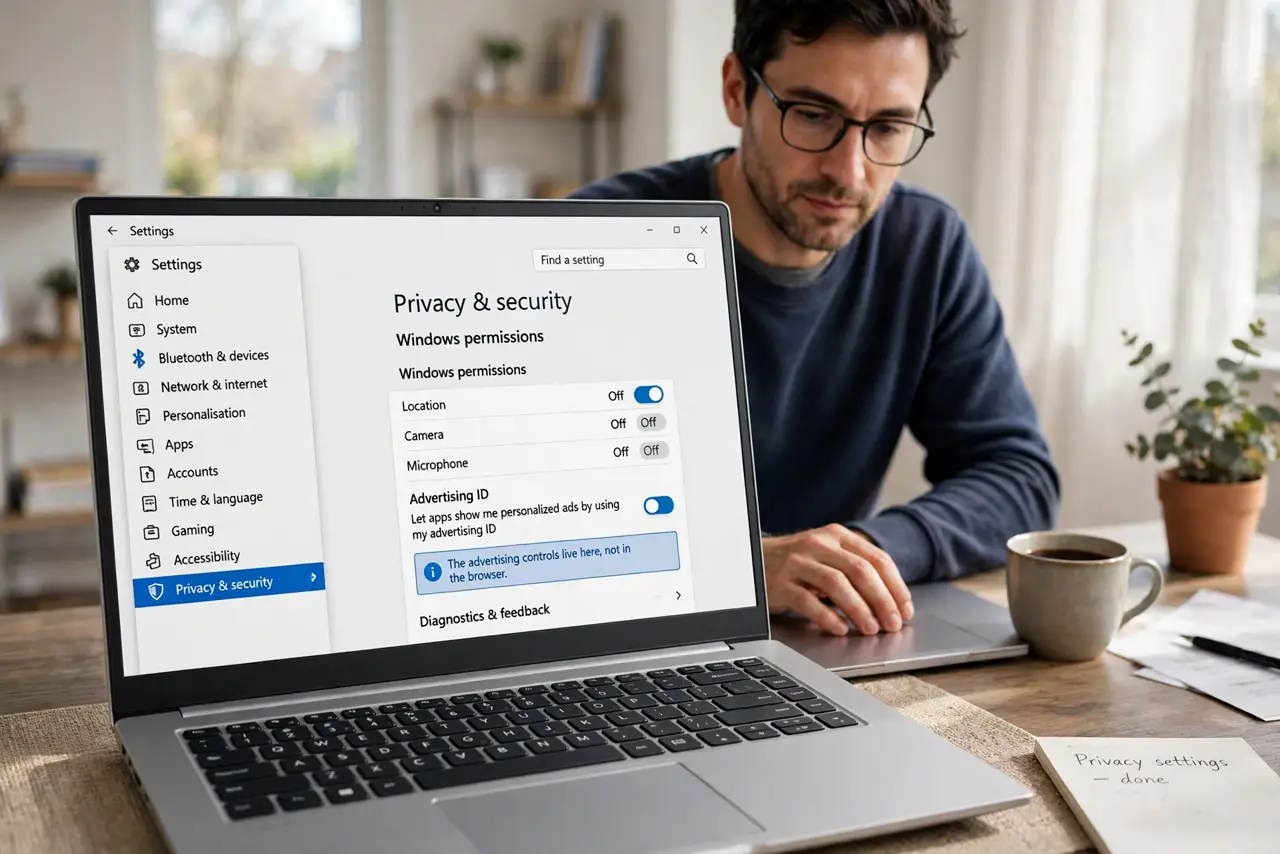
- Open the Privacy settings. Go to Settings, then Privacy and security, then Windows permissions. The advertising controls live here, not in the browser.
- Turn off the advertising ID. Disable 'Let apps show me personalized ads by using my advertising ID.' Apps can no longer read the shared identifier — see how the ad ID works for what it was doing.
- Clear the existing ID. If Windows offers a Clear or Reset option, use it. This wipes the identifier already built up, not just future collection.
- Limit diagnostic data too. On the same Privacy page, set diagnostics to Required only. The ad ID is one tracker among several — see limiting diagnostic data for the rest.
- Check per-app permissions. Below the main toggles, review which apps access location, camera, and microphone. The ad ID was the headline; these are the fine print.
- Repeat after major updates. Big Windows updates occasionally reset privacy toggles. A quick check after each feature update keeps your choices intact.
What NOT to do
- Do not expect ads to disappear. You will still see ads — just generic ones instead of ones built from your cross-app profile.
- Do not confuse this with browser tracking. This ID covers Windows apps; your browser needs its own privacy settings separately.
- Do not use sketchy 'privacy tools' for this. The built-in toggle does the job — third-party tools often break updates.
- Do not assume one toggle covers everything. Advertising ID, diagnostics, and app permissions are separate switches — check all three.
Frequently asked questions
Will my apps stop working?
No. Apps function identically — they just cannot link your activity across apps via the shared ID.
Does this affect Microsoft Edge ads?
Edge has its own ad settings. This toggle covers Windows apps; configure the browser separately.
Why is it on by default?
Because personalized ads are the business model. Defaults favor data collection — changing them is your right.