Terminal Tabs and Panes? Basics
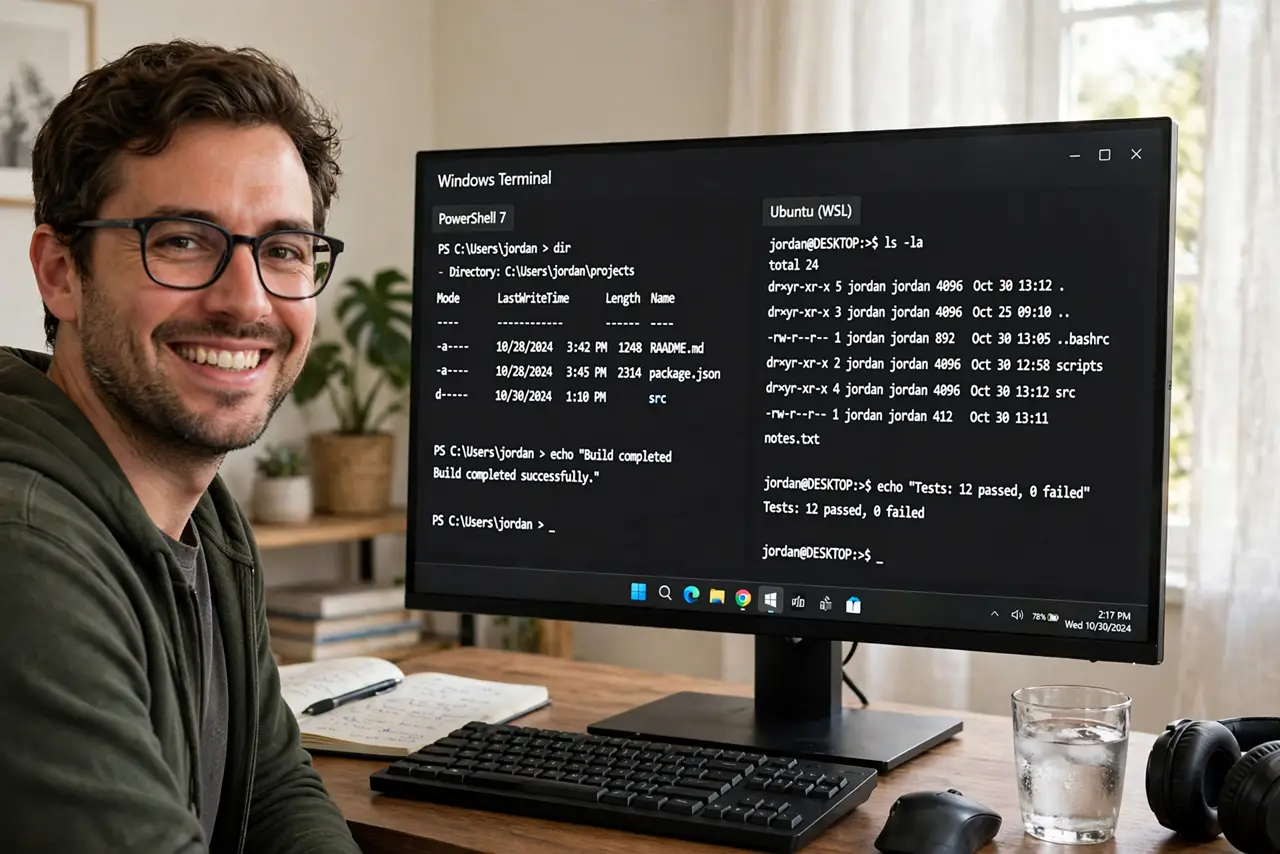
You have three terminals open and they keep hiding behind each other. Windows Terminal gives you browser-style tabs plus split panes — two or four shells side by side in one window. A handful of shortcuts covers everything; this guide is the whole cheat sheet.
TL;DR / Quick Fix
Quick fix: Ctrl+Shift+T opens a new tab, Ctrl+Shift+W closes one, and Alt+Shift+D splits the current tab into side-by-side panes. Click a pane to focus it, Alt+arrow keys move between panes. Right-click any tab to rename or recolor it. These shortcuts work in every shell.
Follow these steps
- Open and close tabs. Ctrl+Shift+T opens a new tab with your default shell. Ctrl+Shift+W closes the current tab; Ctrl+Tab cycles through open tabs.
- Split into panes. Press Alt+Shift+D to split the active pane vertically, or Alt+Shift+Minus for a horizontal split. Each pane runs its own shell independently.
- Move between panes. Click any pane, or hold Alt and press the arrow keys. The focused pane gets a subtle highlight so you always know where you are typing.
- Close one pane. Click the X on the pane, or focus it and press Ctrl+Shift+W. Closing a pane never affects the other panes in the tab.
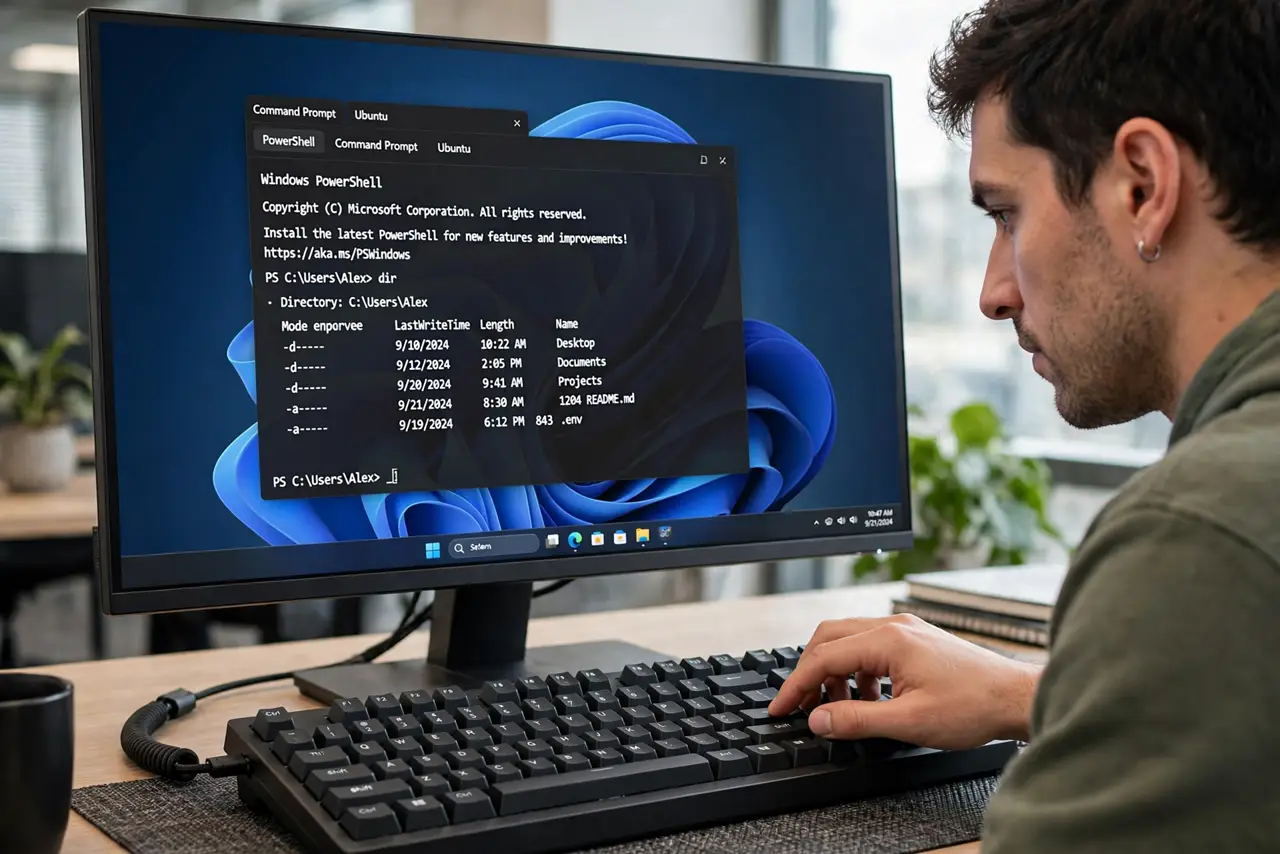
- Rename and recolor tabs. Right-click a tab to rename it or pick a color. A tab running a server named api in orange is findable at a glance among five identical black tabs.
- Duplicate a pane's setup. Right-click a tab and choose Duplicate Tab to clone its panes. Handy when you need the same layout for a second project.
What NOT to do
- Do not confuse panes with windows. Panes share one window and one tab bar; separate windows are for separate monitors or tasks.
- Do not memorize every shortcut at once. Tabs first, then splits, then pane navigation — three shortcuts cover a normal day.
- Do not run a long build in a pane you are about to close. The X on a pane kills its process instantly, same as closing a tab.
- Do not assume panes sync. Each pane is an independent shell with its own history and working directory.
Frequently asked questions
Can panes run different shells?
Yes. Each new pane uses your default profile, but you can open any installed shell in a specific pane from the new-tab dropdown menu.
Why did Alt+Shift+D do nothing?
Another app may have stolen that shortcut. Check Settings > Actions in Terminal to see or reassign the split-pane binding.
Do tabs survive a restart?
No — Terminal does not restore sessions. For work that must survive, run it inside tmux or screen in WSL instead.