Fix the Wrong System Time
Your Windows clock insists it is years behind, or jumps hours every reboot. Wrong time breaks more than appointments — secure websites refuse to load, updates fail, and two-factor codes get rejected. The fix is usually two toggles deep, unless the little battery on your motherboard has given up.
TL;DR / Quick Fix
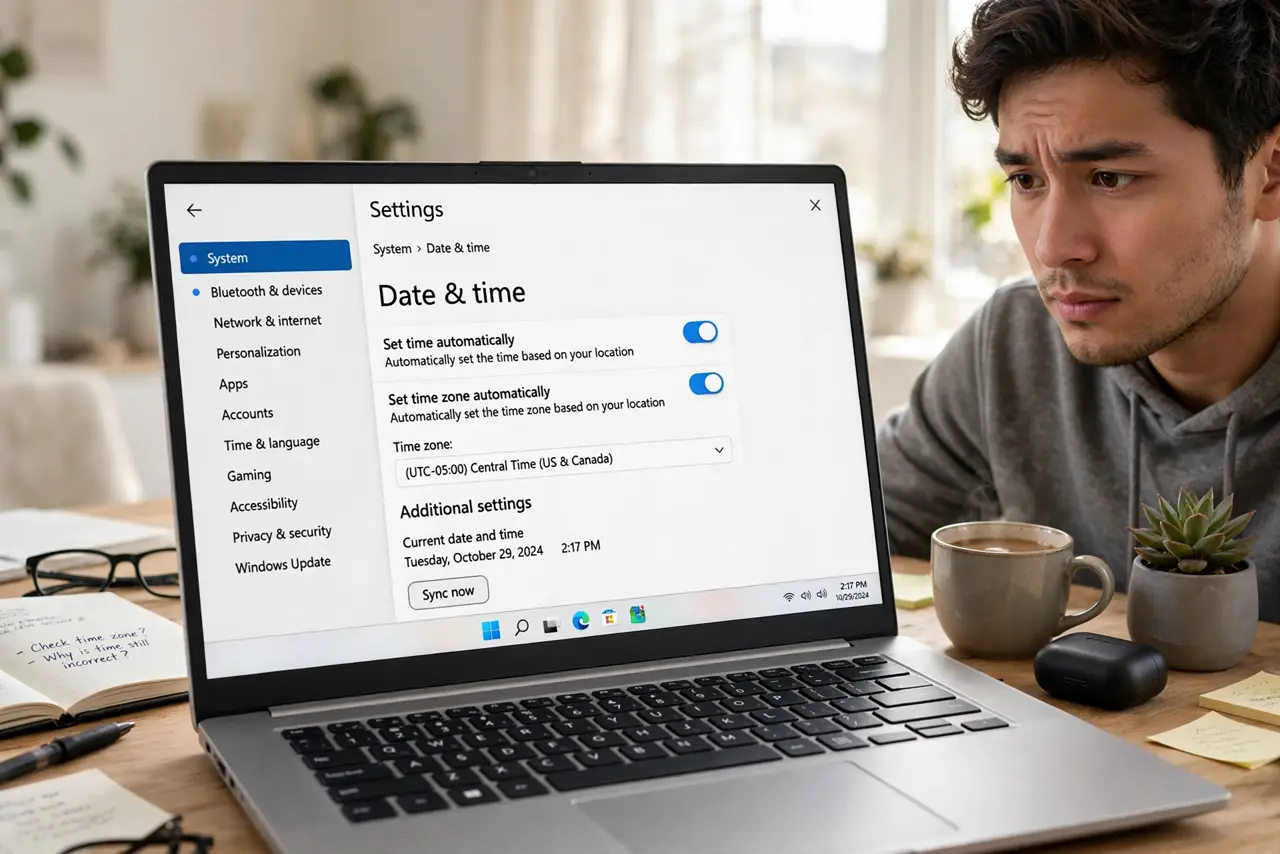
Quick fix: right-click the clock, open Date and time, and enable 'Set time automatically' with the correct time zone — then hit Sync now. If the clock resets after every shutdown, the motherboard's coin battery is likely dead. Dual-booting Linux can also desync the clock.
Follow these steps
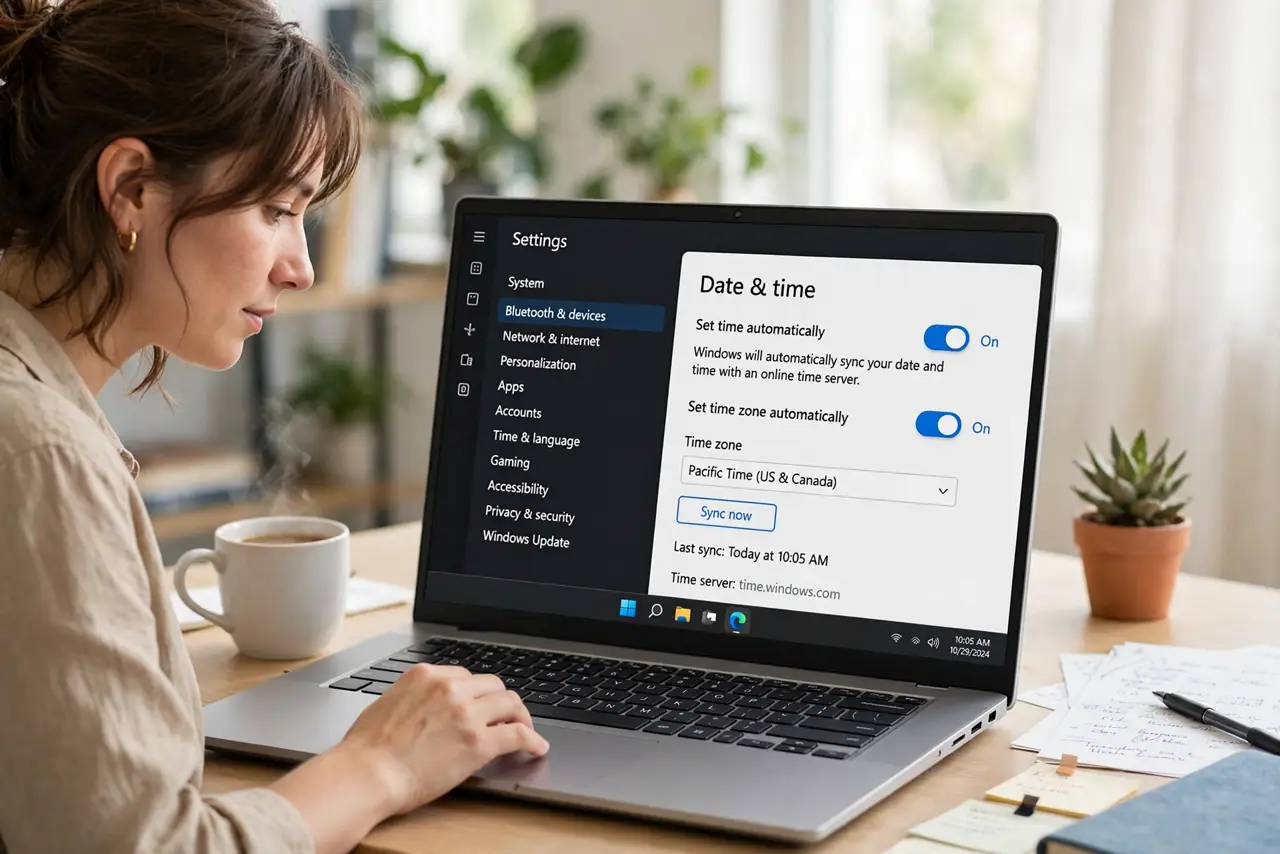
- Turn on automatic time. Right-click the clock, open Adjust date and time, and enable 'Set time automatically.' Windows then syncs with internet time servers instead of drifting.
- Set the correct time zone. In the same panel, enable 'Set time zone automatically' or pick yours manually. A right time with the wrong zone is still a wrong time — this also fixes timezone mix-ups after travel.
- Sync now manually. Click 'Sync now' under Additional settings. If it fails, your firewall or network may be blocking the time protocol — try again on a different network.
- Check for the reboot pattern. If the clock is fine until you shut down, then wrong again, the CMOS coin battery on the motherboard is dying. Desktops make this a five-minute swap; laptops vary.
- Rule out dual-boot conflicts. Linux and Windows store hardware-clock time differently, so each boot 'corrects' the other's setting. Pick one OS to manage the clock and set the other to match.
- Check domain or policy overrides. On a work computer, group policy can force time settings your toggles cannot change. If settings revert instantly, ask your IT admin — it is policy, not a bug.
What NOT to do
- Do not set the time manually and leave it. Without automatic sync the clock drifts again within weeks — manual is a bandage, not a fix.
- Do not ignore a clock that resets every shutdown. That dying CMOS battery will eventually also forget BIOS settings.
- Do not disable the Windows Time service to 'stop it changing.' That service is what keeps certificates and logins working.
- Do not assume the battery is dead on a new PC. Check the automatic settings first — new machines almost never have dead CMOS batteries.
Frequently asked questions
Why do websites say my clock is wrong?
HTTPS certificates are time-sensitive. If your clock is off by hours, your browser cannot verify the site's certificate and blocks it.
My time is right but 2FA codes fail?
Authenticator codes need the correct time within about a minute. Sync the clock, and check the phone's time too — either side can be the culprit.
How long does a CMOS battery last?
Typically 3-5 years. If your PC is older and forgets the time on every cold boot, replacement time has come.