Set Up Touchpad Gestures
Your laptop's touchpad can switch apps, show the desktop, and change volume with finger gestures — but right now two fingers do nothing and three fingers do something random. The gestures page in Settings controls all of it, and the defaults are worth learning before you customize.
TL;DR / Quick Fix
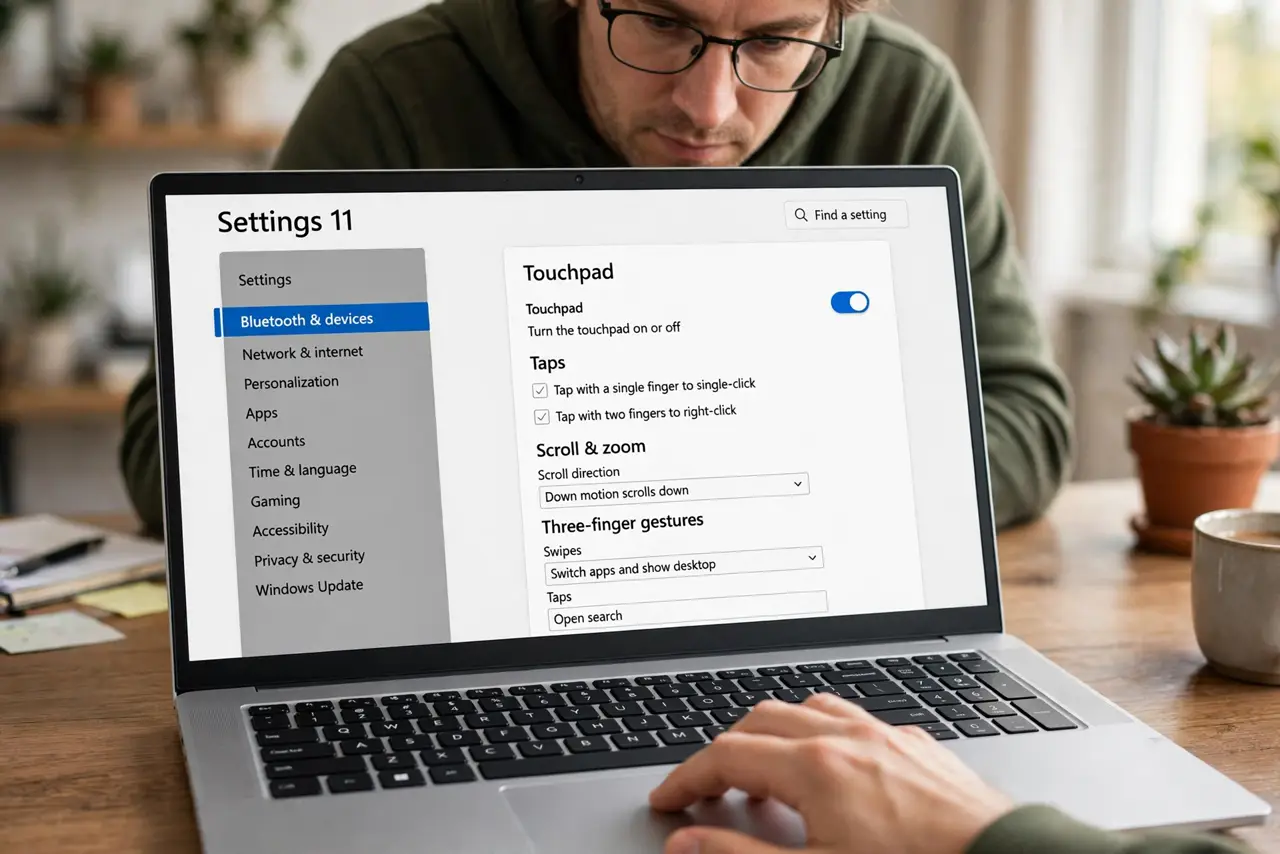
Quick fix: open Settings > Bluetooth & devices > Touchpad and confirm Touchpad is on. Three-finger swipe switches apps, four-finger swipe switches desktops, and three-finger tap opens search — all customizable on the same page. If gestures do nothing, your touchpad may lack precision drivers.
Follow these steps
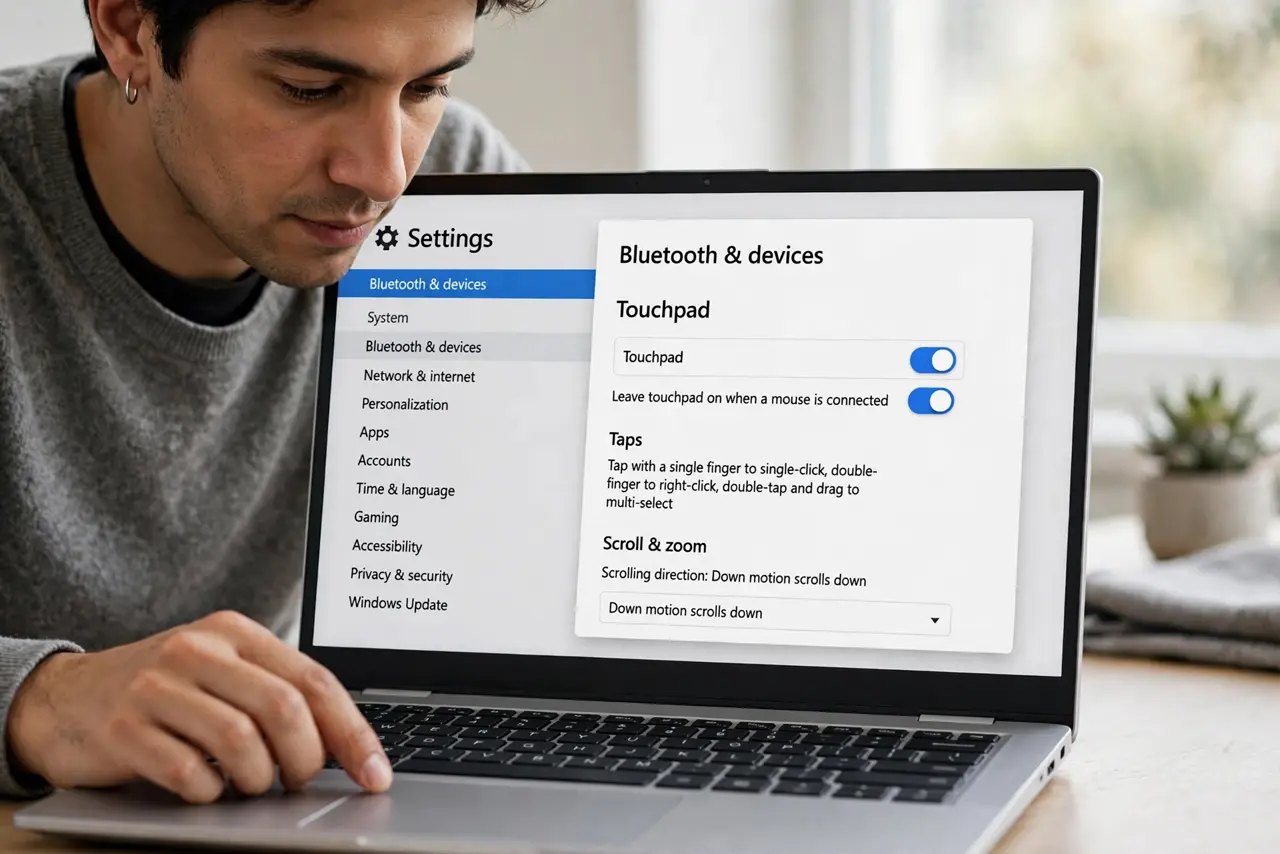
- Confirm the touchpad is on. Open Settings > Bluetooth & devices > Touchpad and check the main Touchpad switch. An external mouse can auto-disable it — note that checkbox too.
- Learn the three-finger gestures. Swipe up for Task View, down for the desktop, left and right to switch apps. Tap with three fingers for search. Practice each once.
- Learn the four-finger gestures. Four-finger swipes switch virtual desktops left and right, up and down for Task View variants. Fewer people need these, but they are there.
- Customize what each does. Further down the page, dropdowns let you reassign every gesture — three-finger tap can launch Cortana-free actions like play/pause or a custom shortcut.
- Check taps and sensitivity. Taps settings control tap-to-click and right-click zones. If the pad feels wrong generally, fix sensitivity first before blaming gestures.
- Verify precision drivers. If the Gestures section is missing entirely, you do not have a precision touchpad — the manufacturer's basic driver cannot do multi-finger gestures.
What NOT to do
- Do not disable the touchpad entirely over one bad gesture. Customize or calm the specific gesture instead.
- Do not expect Mac-style perfection on every laptop. Gesture smoothness varies with touchpad hardware quality.
- Do not fight a driver problem with settings. No gestures at all means drivers, not preferences — check the precision status.
- Do not forget the external-mouse checkbox. Leave on when mouse is connected can silently disable the pad at your desk.
Frequently asked questions
Why do my three-finger gestures do nothing?
Either the touchpad lacks precision drivers, or a vendor utility overrode them. Check the Touchpad settings page for the gestures section first.
Can I make three-finger swipe go back in the browser?
Yes — set the three-finger left/right gesture to Back/Forward, or record a custom shortcut like Alt+Left.
Do gestures work while typing?
Palm rejection pauses the pad briefly as you type, so gestures right after typing may need a half-second beat.