Three-Finger Touchpad Gestures Stop Working
Three-finger swipes that switch apps or desktops are handy until they silently stop, usually because gestures were turned off, a driver changed, or an app grabbed the gesture. This guide re-enables them and finds the conflict. If your touchpad clicks while you type instead, see touchpad clicks while typing.
TL;DR / Quick Fix
Quick fix: Check the three-finger gesture settings. Assign a simple action and test. Then work through the remaining steps in order, checking one change at a time, and stop for a technician if you see damage, swelling, or a burning smell.
Follow these steps
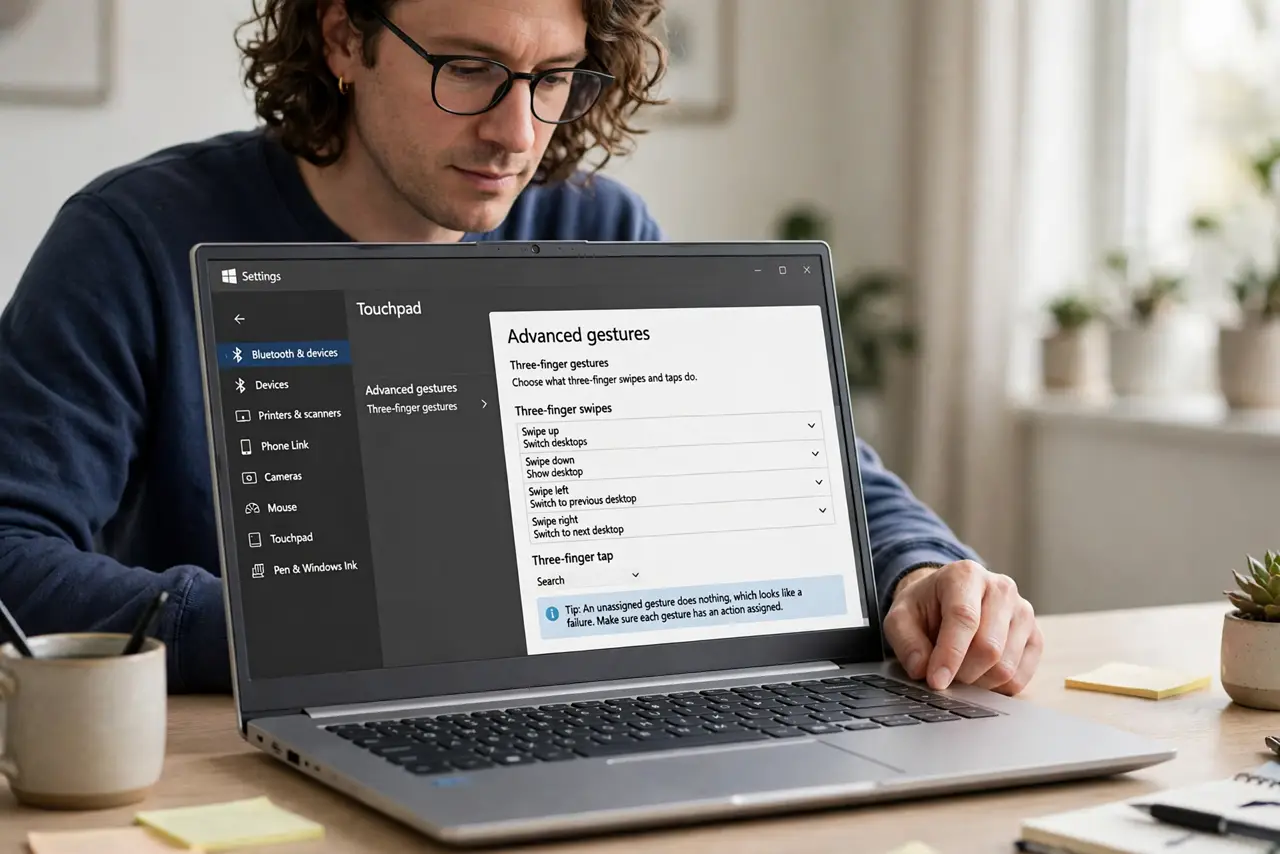
- Check the three-finger gesture settings. Open Settings, then Bluetooth and devices, then Touchpad, then Advanced gestures, and confirm three-finger swipes and taps have actions assigned. An unassigned gesture does nothing, which looks like a failure.
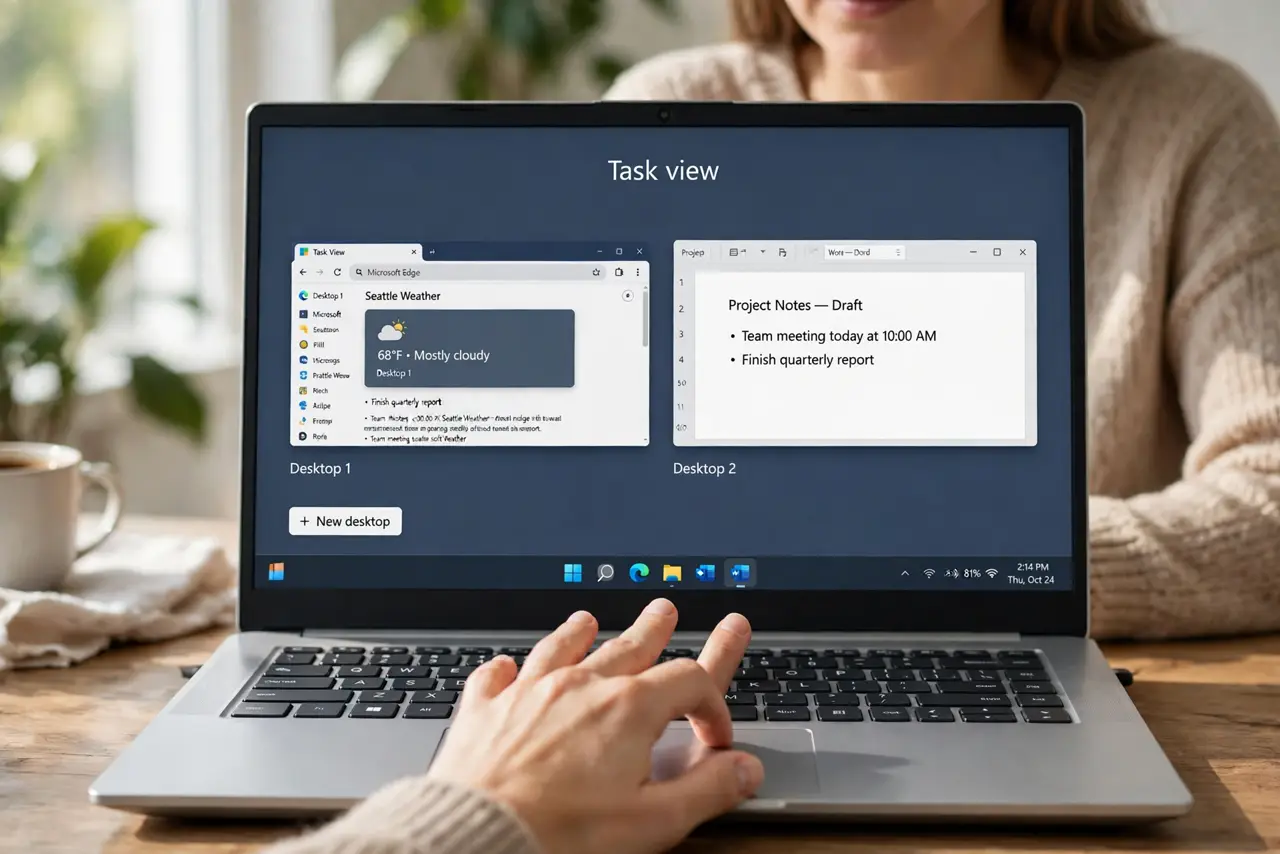
- Assign a simple action and test. Set three-finger swipe up to Task View and swipe left and right to Switch apps, then test each one. Simple built-in actions prove gestures work before you blame a custom setup.
- Check the touchpad driver. Get the newest touchpad driver from the laptop maker site for your exact model. Gesture support lives in the driver, so an old or generic driver can drop three-finger gestures entirely.
- Close gesture-grabbing apps. Temporarily close apps that use their own gestures, such as drawing or presentation tools, then test again. An app that captures swipes can block Windows gestures while it runs.
- Reset gestures to defaults. In the Advanced gestures page, use Reset to restore the default three-finger actions, then test. A reset clears a broken custom mapping without touching your files.
- Test with a clean restart. Restart Windows, sign in, and test three-finger gestures before opening other apps. If they work at startup but fail later, the app you open in between is the conflict.
What NOT to do
- Do not install a gesture app before checking built-in settings. Windows already supports three-finger gestures, and extra apps can conflict with them.
- Do not assume the touchpad is broken. If tapping and two-finger scroll work, the hardware is fine and gestures are a settings or driver issue.
- Do not remap every gesture at once. Set one simple action, test it, then build up, so a bad mapping stays obvious.
- Do not disable the touchpad over lost gestures. Gestures are one feature, and losing them does not mean the touchpad itself failed.
Frequently asked questions
Do three-finger gestures work on every laptop?
No. They need a precision touchpad, which most modern laptops have, but older models may support only basic gestures.
Can I customize three-finger gestures?
Yes, in Advanced gestures you can assign actions to swipes and taps, including custom shortcuts.
Why do gestures fail after an update?
Updates can replace the touchpad driver or reset gesture mappings, so rechecking settings and driver after an update is worthwhile.