UAC Asks Permission on Every Boot
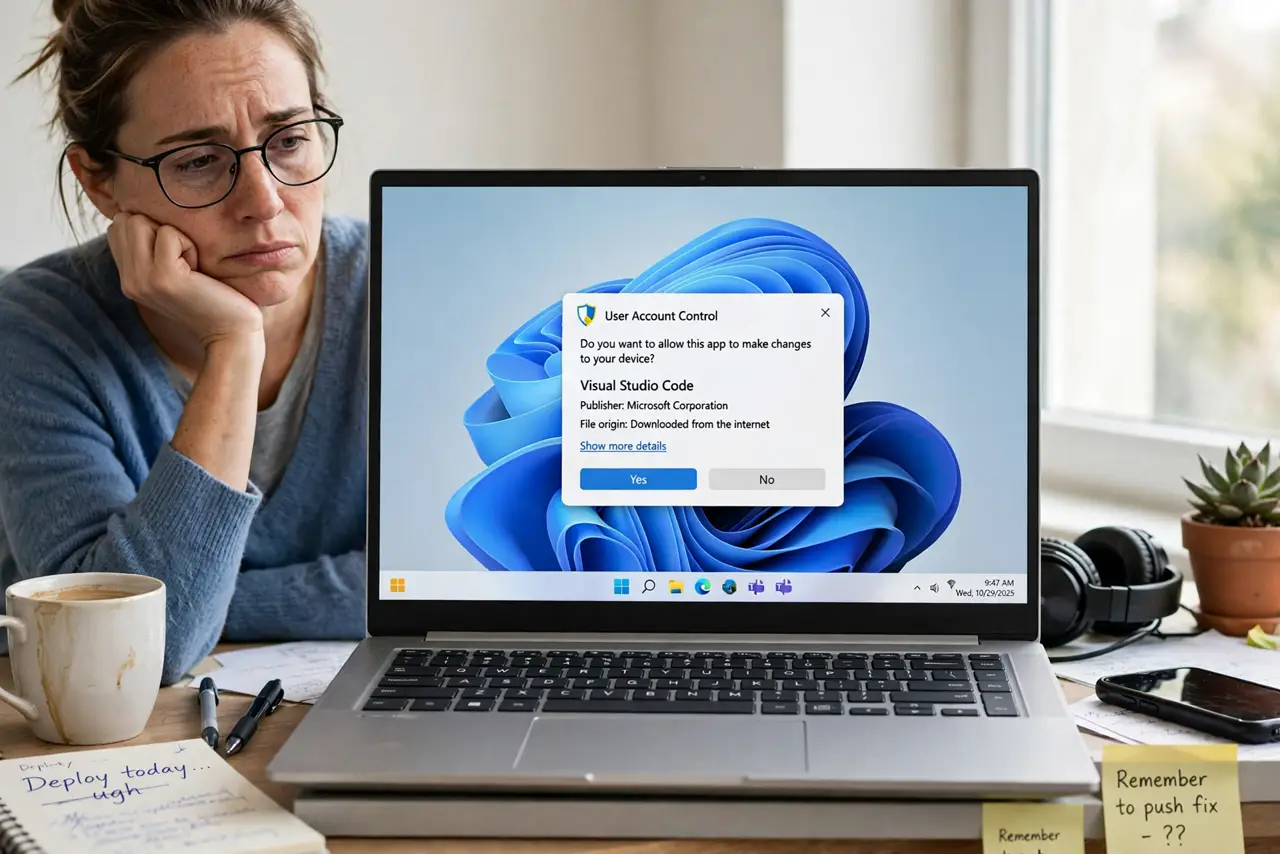
A program you trust asks for administrator permission every single time the PC starts. UAC is doing its job — the app genuinely needs elevation — but answering the prompt daily is miserable. The proper fix is a scheduled task that launches the app elevated, not disabling UAC — a startup cousin of the permission denied on your own folder problem.
TL;DR / Quick Fix
Quick fix: remove the app from the normal startup folder and recreate it as a scheduled task running with highest privileges. The task launches the app elevated at logon with no prompt. Only do this for programs you installed deliberately and trust completely, and leave the UAC slider itself untouched.
Follow these steps
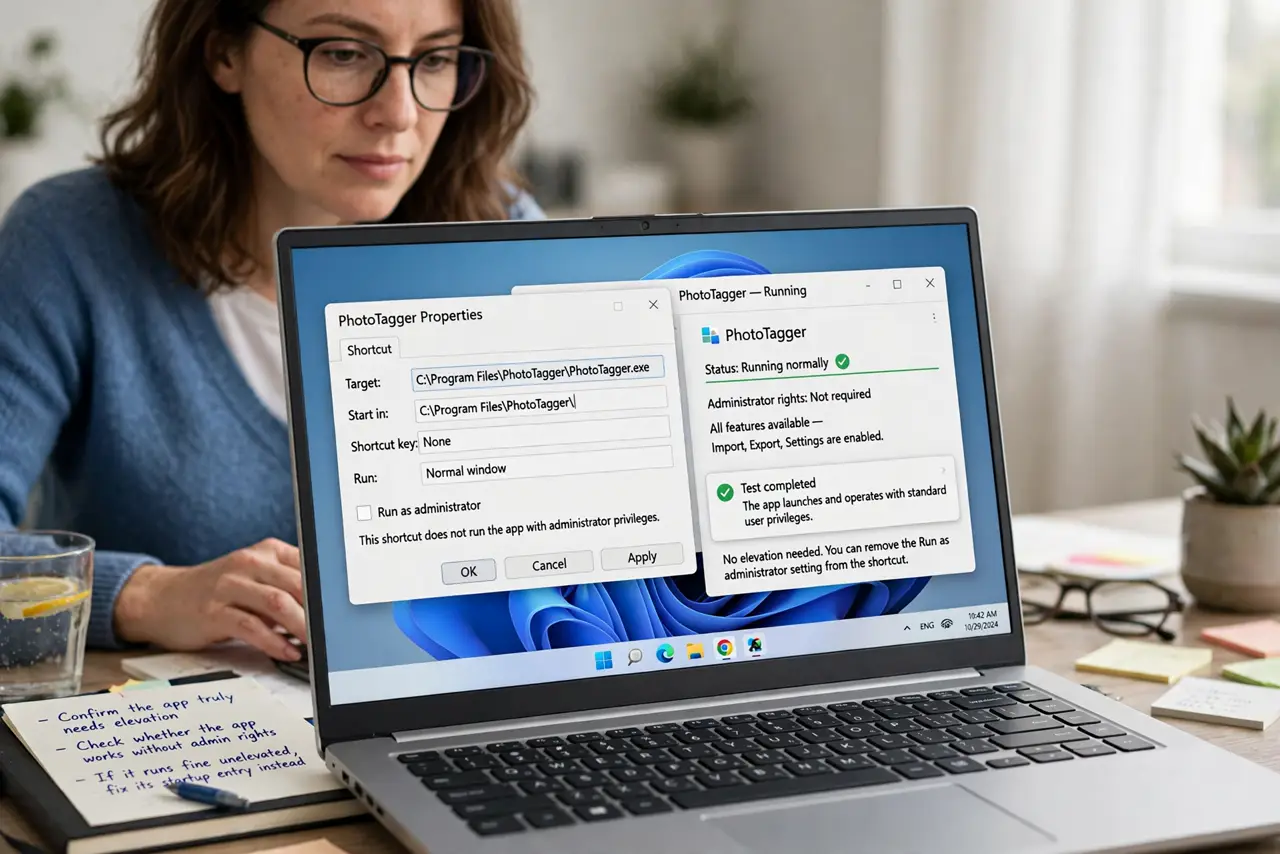
- Confirm the app truly needs elevation. Check whether the app works without admin rights. If it runs fine unelevated, fix its startup entry instead; only apps that genuinely need elevation qualify for this approach.
- Remove the app from normal startup. Take the app out of the Startup folder and the startup apps list. You are replacing its launch method, and two launch methods would start it twice.
- Create a scheduled task for the app. Open Task Scheduler and create a basic task that runs the app's executable at logon. Point it at the exact program file, not a shortcut.
- Set the task to run with highest privileges. In the task's properties, tick Run with highest privileges. This is the setting that grants the elevation UAC was prompting for, but granted once by you instead of daily.
- Test with a full reboot. Restart the computer and watch. The app should start elevated with no prompt; if the prompt still appears, the old startup entry is still active somewhere.
- Leave the UAC slider alone. Keep UAC at its default level for everything else. This fix carves one trusted exception, while lowering UAC weakens protection system-wide.
What NOT to do
- Do not disable UAC to stop the prompts. That removes the safety net for every program, while a scheduled task fixes just the one app.
- Do not do this for apps you did not choose. Only programs you installed deliberately and trust deserve silent elevation.
- Do not point the task at a shortcut. Shortcuts can break the elevation chain; always target the executable directly.
- Do not forget the task exists. If you later uninstall the app, delete its scheduled task too, or a ghost task will error on every boot.
Frequently asked questions
Is a scheduled task with highest privileges safe?
For a program you trust, yes. You are granting once, deliberately, what you were already granting daily by clicking Yes.
Why not just turn UAC off?
Because UAC protects you from everything else too. One exception beats no protection.
The prompt still appears — what did I miss?
The old startup entry is probably still active. Check the Startup folder, the startup apps list, and the Run registry keys for a leftover entry.