'You Need Permission' on Your Own Folder
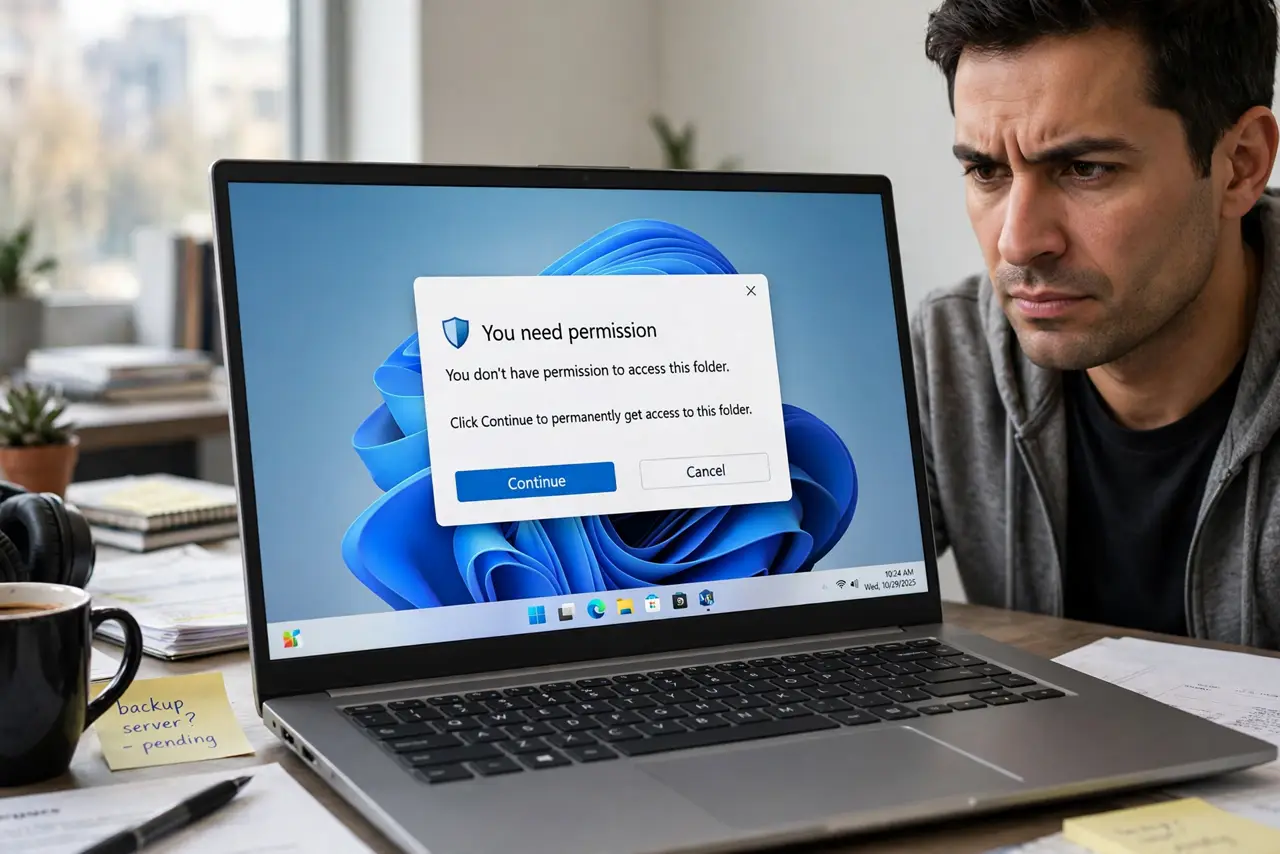
Windows tells you that you need permission to open your own folder — sometimes after a reinstall, a drive move, or a failed update. The folder's ownership still points at an old user account that no longer exists. Taking ownership and resetting the permissions fixes it cleanly, without the daily friction of the UAC prompt on every boot problem.
TL;DR / Quick Fix
Quick fix: right-click the folder, open Properties, then Security, then Advanced, and change the owner to your current account. Tick the option to replace ownership on subfolders, apply, then grant your account full control. The folder opens normally afterward, with all files intact.
Follow these steps
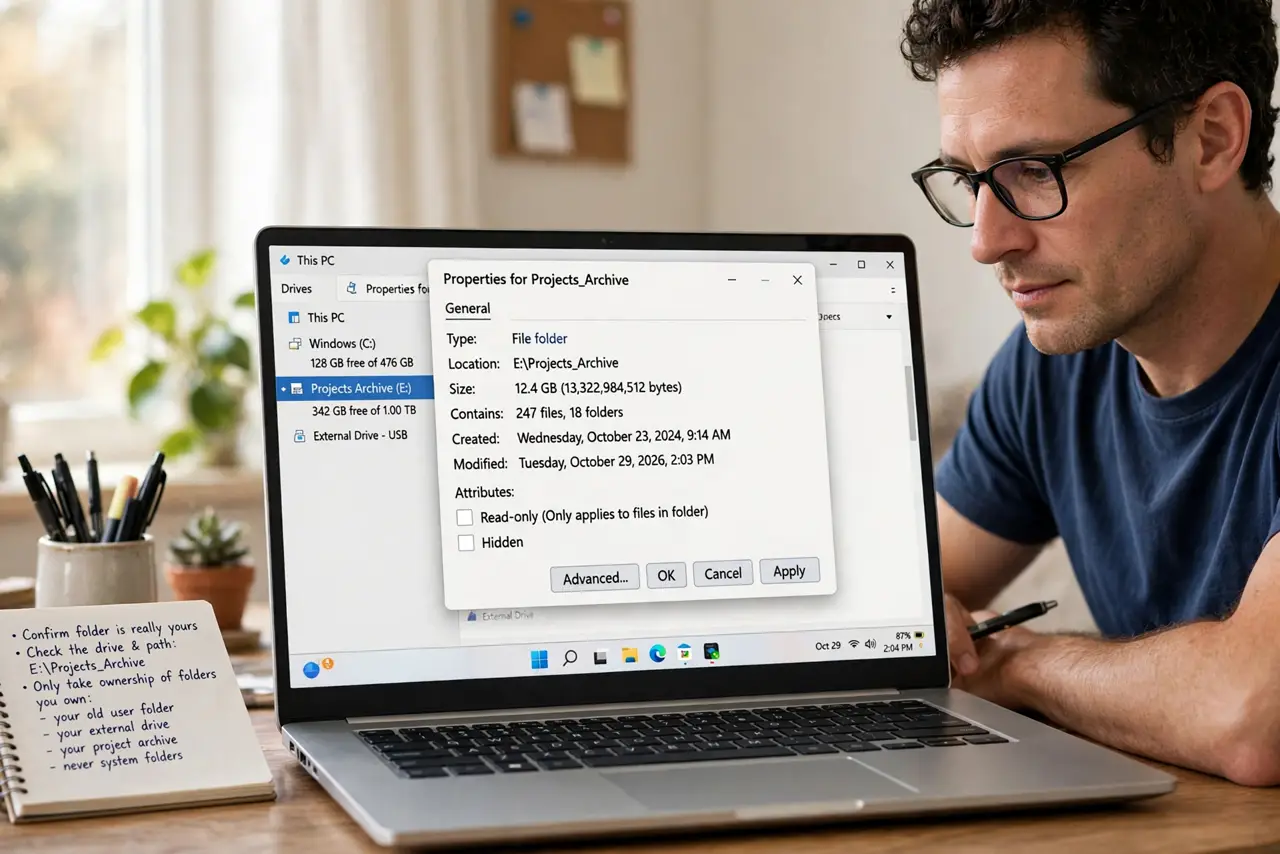
- Confirm the folder is really yours. Check the drive and path. Only take ownership of folders you own — your old user folder, your external drive, your project archive — never system folders.
- Open the Advanced Security settings. Right-click the folder, choose Properties, then the Security tab, then Advanced. The owner is shown at the top, and it will likely name an unknown or old account.
- Change the owner to your account. Click Change next to the owner, type your username, and confirm. Tick the box to replace the owner on subcontainers and objects so the whole tree follows.
- Grant your account full control. Back in the permissions list, add your account with full control if it is missing. Ownership alone sometimes is not enough for full access.
- Apply and wait for large folders. Click Apply and let Windows work through every file. On a huge folder this takes minutes; interrupting it leaves half the tree fixed and half broken.
- Test opening files inside. Open several files and subfolders, including one you edit. Full access means reading, writing, and deleting all work without prompts.
What NOT to do
- Do not take ownership of Windows system folders. Changing ownership of system directories can break updates and security; this fix is for your data only.
- Do not grant Everyone full control as a shortcut. That opens the folder to every account on the PC instead of just fixing yours.
- Do not cancel the permission pass halfway. A half-applied ownership change leaves a mess that is harder to fix than the original problem.
- Do not do this on someone else's drive without asking. Ownership changes are visible and permanent, so get permission first on shared hardware.
Frequently asked questions
Why does Windows deny me my own folder?
Because the folder's access list names your old account identity, which no longer matches your current one after a reinstall or drive move.
Will taking ownership delete anything?
No. It only changes who is recorded as the owner and who may access the files; the files themselves are untouched.
What if the Security tab is missing?
The drive may be formatted without permission support, like FAT32. Permissions only work on NTFS drives.