Your Webcam Image Is Flipped? Fix It
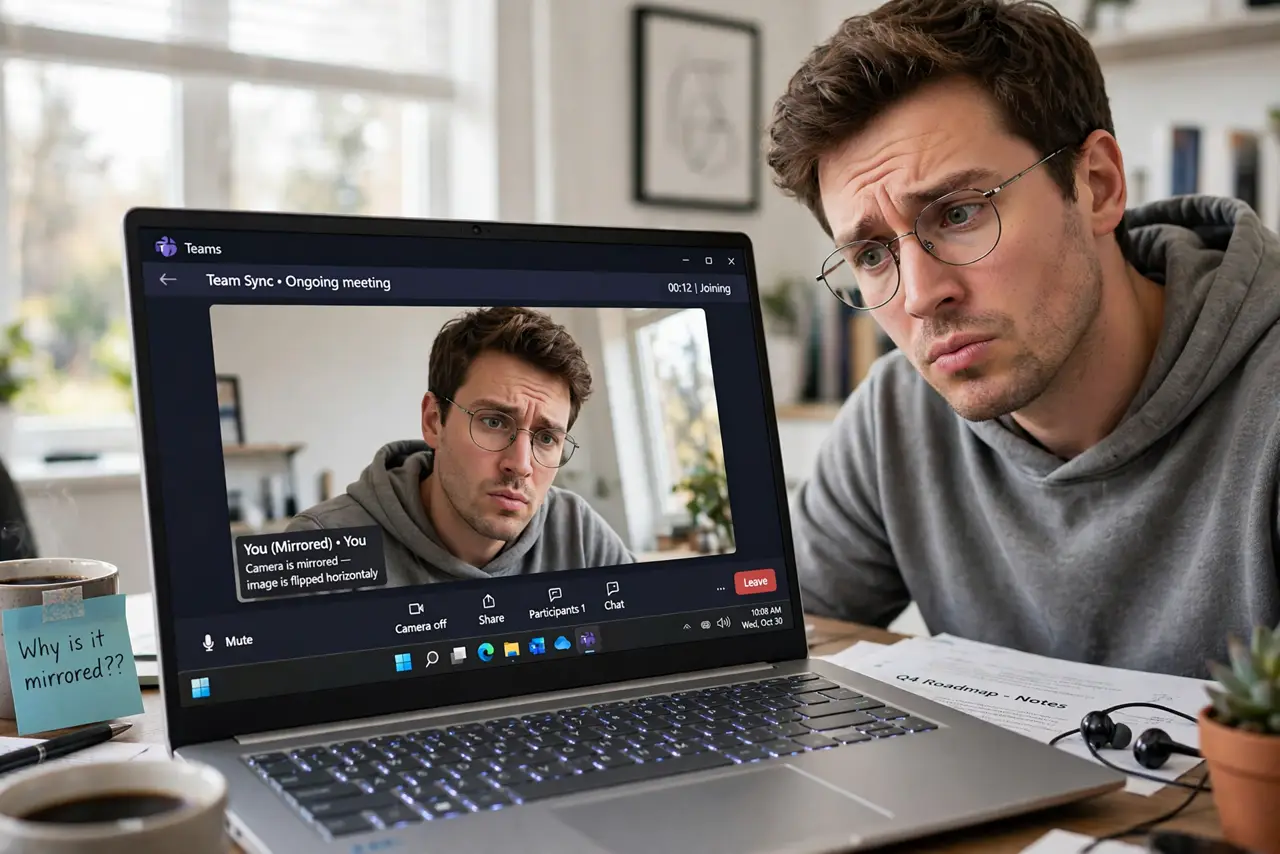
On video calls your image appears mirrored or upside down, and you look wrong to everyone else. Some apps mirror the preview deliberately so it feels like a mirror, while a truly upside-down image is a driver issue. Knowing which one you have decides the fix — and the camera blocked by another app guide covers the no-image-at-all case.
TL;DR / Quick Fix
Quick fix: check if only the preview is mirrored — most call apps mirror your preview while sending the correct image to others, which needs no fix. If others see you flipped too, check the camera app's rotation setting and update the webcam driver. Confirm with the built-in Camera app.
Follow these steps
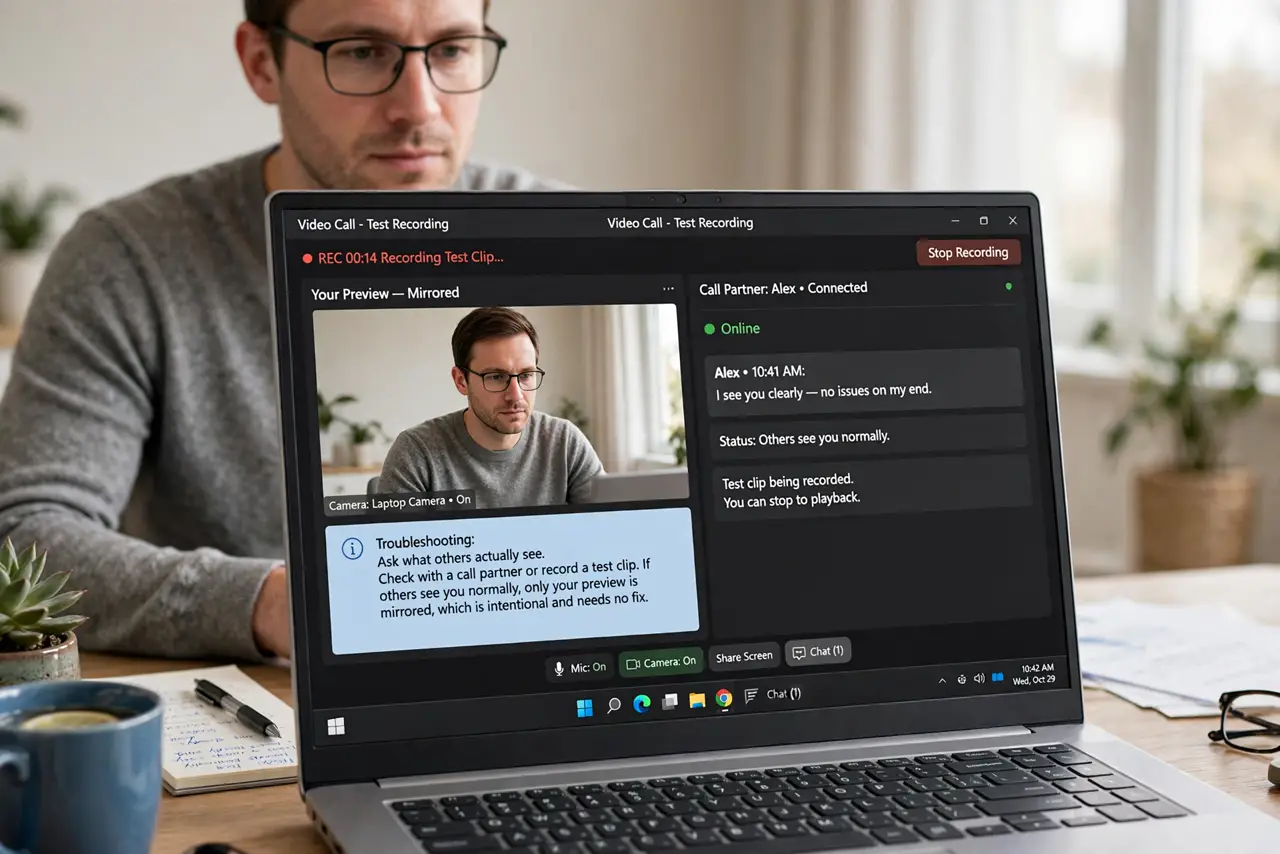
- Ask what others actually see. Check with a call partner or record a test clip. If others see you normally, only your preview is mirrored, which is intentional and needs no fix.
- Check the app's mirror setting. Look in the video call app's camera settings for a mirror my video option. Turning it off un-mirrors your preview if the mirroring bothers you.
- Test with the built-in Camera app. Open Windows' Camera app and look at the image. A correct image here but a flipped one in the call app means the call app is the cause.
- Check for a rotation setting. Some webcam software has a flip or rotate option buried in its settings. An upside-down image almost always traces to one of these toggles.
- Update the webcam driver. Get the camera driver from the laptop or webcam maker. Corrupted drivers can invert the image feed, and a fresh driver resets it.
- Test on a second call app. Try the camera in a different app. A flip that follows the camera everywhere is a driver issue; one that stays in a single app is that app's setting.
What NOT to do
- Do not open the webcam physically. A flipped image is software, and no amount of repositioning the camera fixes a mirrored feed.
- Do not reinstall the call app first. Check the mirror setting and the Camera app before reinstalling anything.
- Do not confuse preview mirroring with a real problem. Mirror previews are deliberate in most apps and your contacts see you correctly.
- Do not ignore the privacy indicator. If the camera light is on while you troubleshoot, an app is actively using the camera.
Frequently asked questions
Why is my video mirrored?
Because most call apps mirror your own preview so it feels like looking in a mirror. The image others receive is usually correct.
Why am I upside down on calls?
Because a rotation or flip toggle is set in the webcam software, or the driver is feeding the image inverted.
Will others see me flipped too?
Only if the flip is in the driver or a global camera setting. App-level preview mirroring does not affect what others see.