Customize the Widgets Board
The Widgets board slides out with weather, stocks, and a news feed you never asked for — and it eats taskbar space doing it. But it's genuinely useful once curated: calendar, to-do, weather, and scores you actually follow. Here's how to tame it in two minutes.
TL;DR / Quick Fix
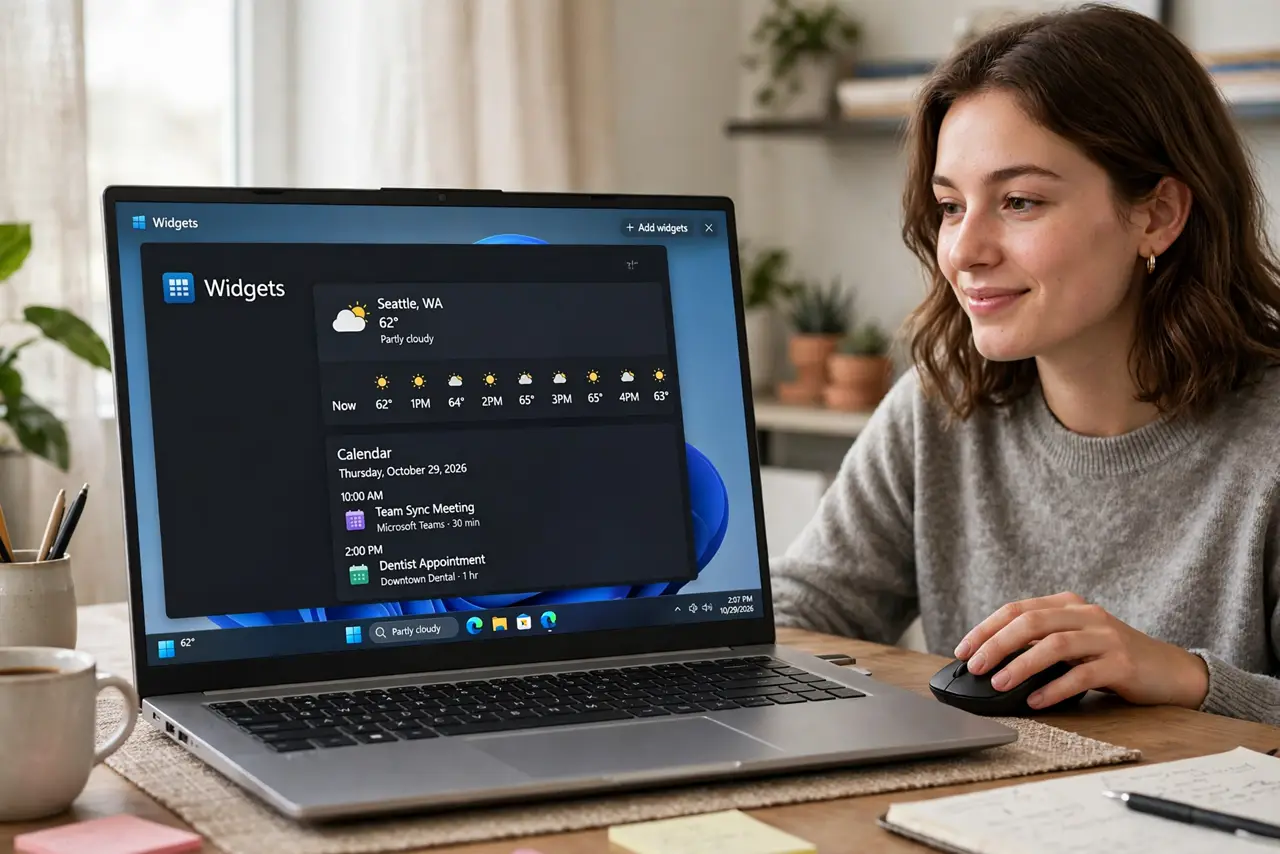
Quick fix: press Win+W to open the Widgets board, click the three dots on any widget to remove or resize it, and use the settings gear to turn off the news feed. You can also disable the taskbar widgets button entirely in Settings > Personalization > Taskbar.
Follow these steps
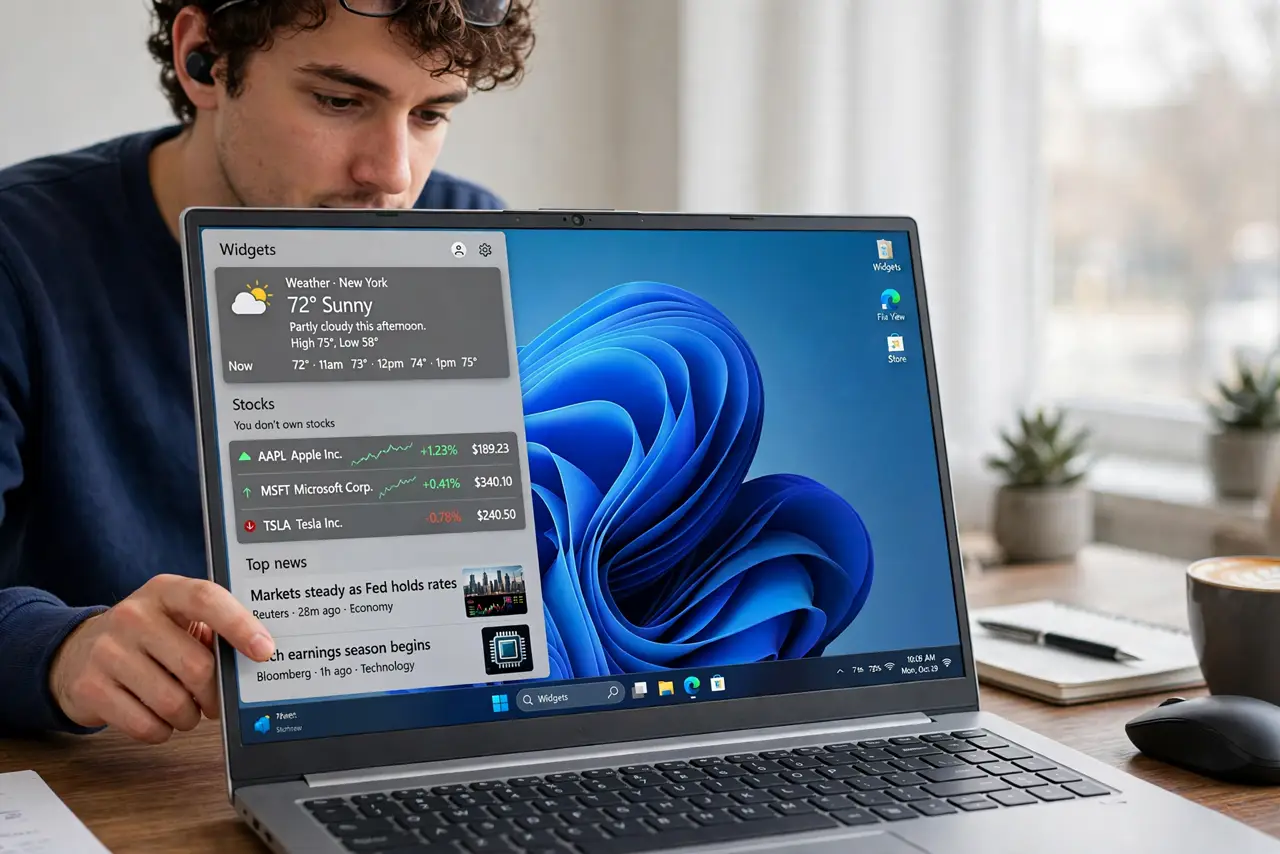
- Open the board. Press Win+W or click the widgets button on the taskbar. The board slides out with its default clutter — weather, news, stocks you don't own.
- Remove what you don't want. Click the three dots on any widget > Remove widget. Be ruthless — a board of twelve widgets you ignore is worse than none.
- Add what you actually use. Click the + or Add widgets option: calendar, to-do list, traffic, sports teams you follow. Four useful widgets beat forty decorative ones.
- Silence the news feed. Open the board's settings gear and turn off the news/discover feed. This single toggle removes most of the 'annoying' people complain about.
- Resize and reorder. Three-dot menus offer small/medium/large sizes. Put the glanceable stuff (weather, calendar) at the top where your eyes land.
- Or disable it entirely. Settings > Personalization > Taskbar > Widgets: toggle off. The button vanishes; Win+W still opens the board if you ever want it. Compare with Mac widgets or iPhone stacks if you switch systems.
What NOT to do
- Do not leave the news feed on if it annoys you. The feed is the #1 complaint and it's one toggle — silence it instead of suffering.
- Do not add widgets you'll never glance at. Widget sprawl recreates the clutter problem; curate like a home screen, not a hoard.
- Do not assume widgets are private. Some widgets show personal data (calendar, photos) — mind who's behind you when the board opens.
- Do not fight the taskbar button forever. If you never use widgets, disabling the button is cleaner than resenting it daily.
Frequently asked questions
Can I get third-party widgets?
The selection is Microsoft's curated set plus some app-provided ones. It's narrower than phone widget ecosystems — expect basics, not wonders.
Why is my widgets board blank?
Usually a sign-in or region issue — the board needs your Microsoft account and a supported region. Check both before reinstalling anything.
Do widgets drain battery?
Slightly — they refresh periodically. On a laptop running low, closing the board and disabling background refresh helps marginally.