Use the Wireless Display App
'Can I mirror to this PC?' — with the Wireless Display app, the answer is yes. It turns any Windows 10/11 PC into a Miracast receiver for phones, tablets, and other PCs. This guide installs it and projects in minutes, the wireless cousin of Nearby Sharing.
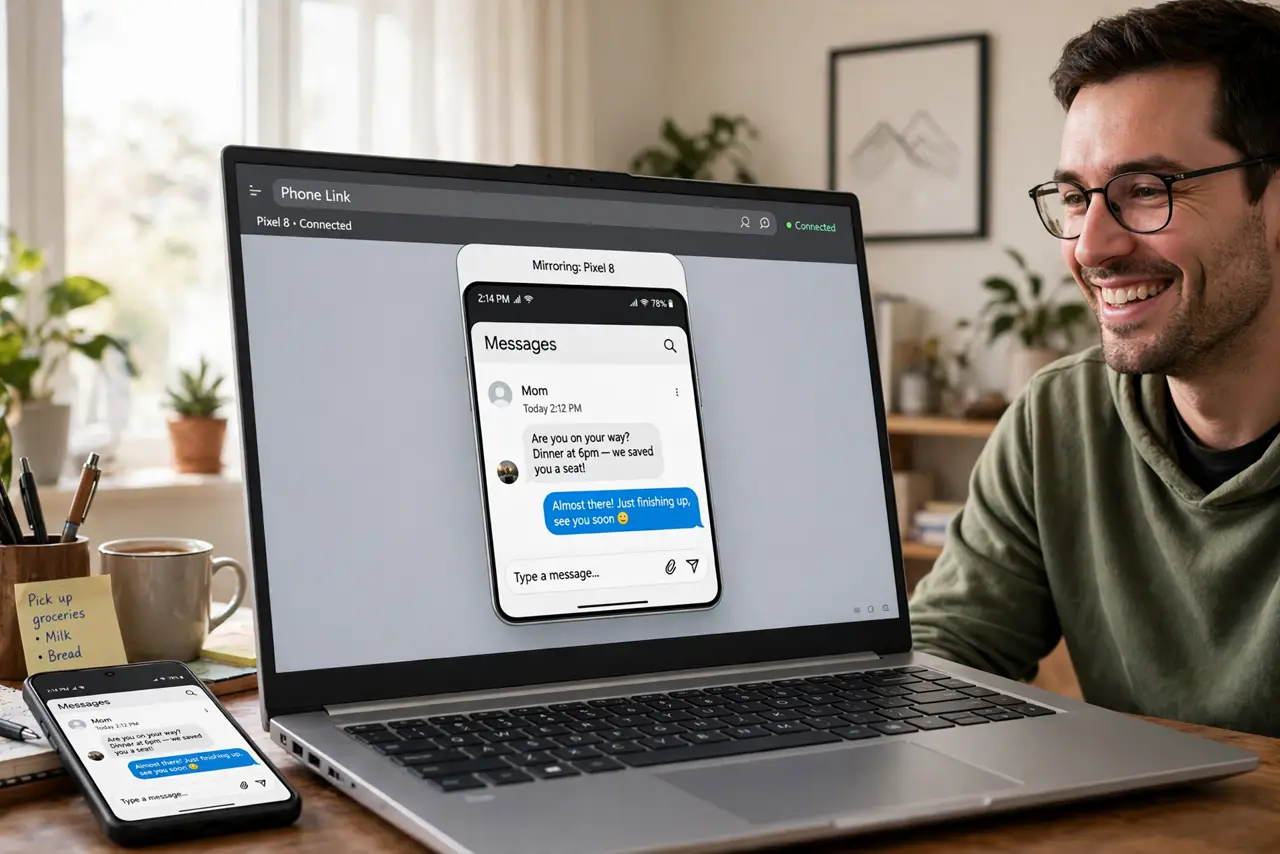
TL;DR / Quick Fix
Quick fix: the Wireless Display app turns a Windows PC into a Miracast receiver — install it via Settings, Apps, Optional Features, then project from another device with Windows+K. Both devices need Wi-Fi on. It is the built-in answer to 'can I mirror to this PC'.
Follow these steps
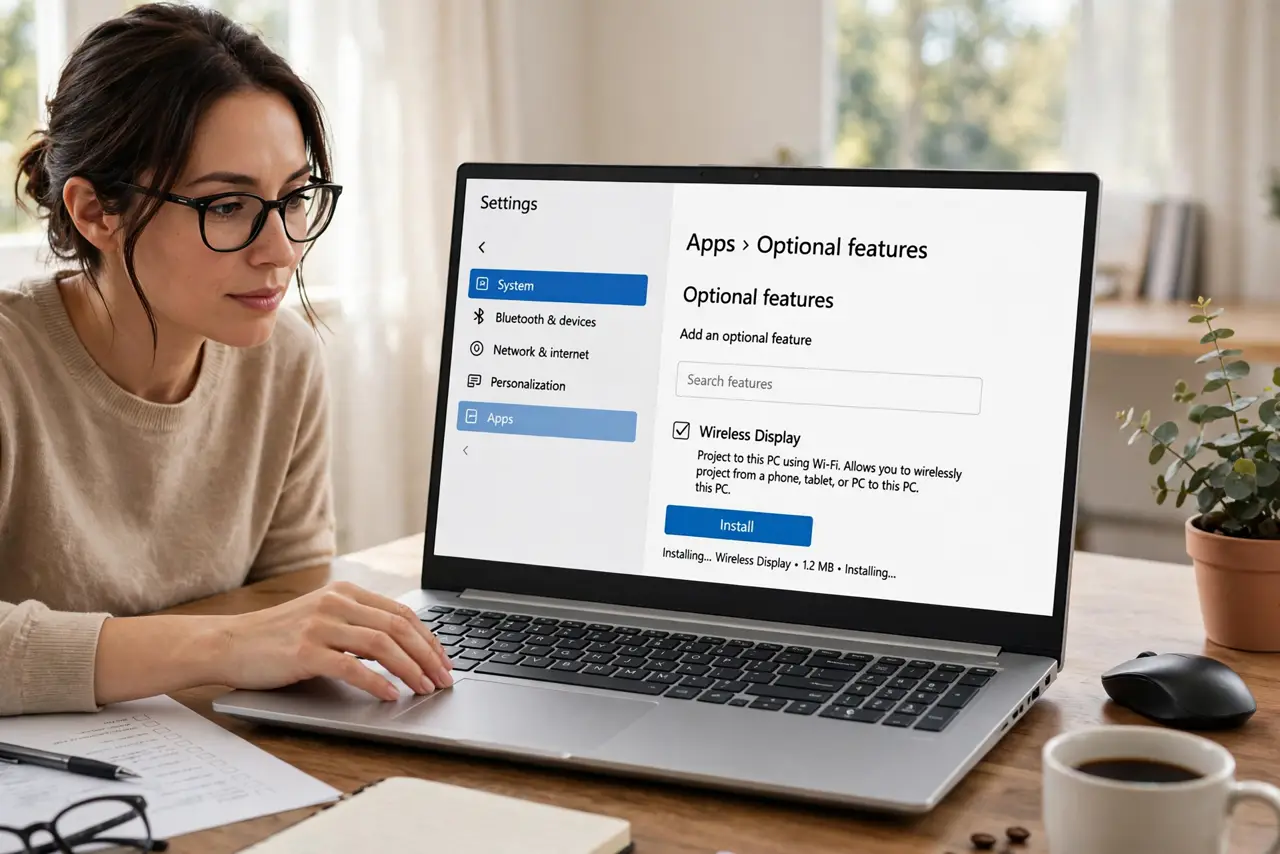
- Install Wireless Display. Settings, Apps, Optional Features, Add a feature — search 'Wireless Display' and install. It is a system feature, not a Store download.
- Open the Connect app. Search 'Wireless Display' in Start and open it. The PC now announces itself as a projection target — 'ready to connect' on screen.
- Project with Windows+K. On the sending Windows device, press Windows+K and pick the receiver PC. Phones use their screen-mirroring/cast option targeting the PC.
- Accept and adjust. Accept the connection on the receiver. Match resolution expectations — Miracast mirrors at the sender's aspect, letterboxed if needed.
- Use input from the receiver. Enable keyboard/mouse input on the receiver for interactive use — present from the couch while controlling from the PC.
- Know when cables win. Gaming and color-critical work still want HDMI — wireless adds latency. For meetings and casual sharing, wireless wins on convenience.
What NOT to do
- Do not expect zero latency. Miracast adds noticeable delay — fine for presentations, bad for gaming.
- Do not forget both devices need Wi-Fi on. Miracast negotiates over Wi-Fi even for direct connections.
- Do not leave the receiver open in public. An open projection target accepts from anyone nearby — close it after the meeting.
- Do not confuse it with Chromecast. Wireless Display is Miracast; Chromecast is Google's protocol — different ecosystems.
Frequently asked questions
Why is my PC not discoverable?
Feature not installed, Wi-Fi off, or firewall blocking. Install, enable Wi-Fi, and check firewall prompts.
Can I project from a Mac?
Not via Miracast — Macs use AirPlay. Wireless Display is for Windows and Miracast-capable Android.
Is the quality good?
Good for documents and video; compressed for fast motion. Adjust expectations by content type.