Run Older Apps on ARM PCs
Your old program installs fine on every other PC, but on your new ARM laptop (a Snapdragon Copilot+ machine, for example) it crashes, refuses to install, or just sits there doing nothing. ARM Windows speaks a different processor language than the Intel/AMD chips the program was built for — but Windows 11 includes an automatic translator called Prism that runs most older apps without you touching a thing. This guide shows how to tell which apps will work, which never will, and what to do about each.
TL;DR / Quick Fix
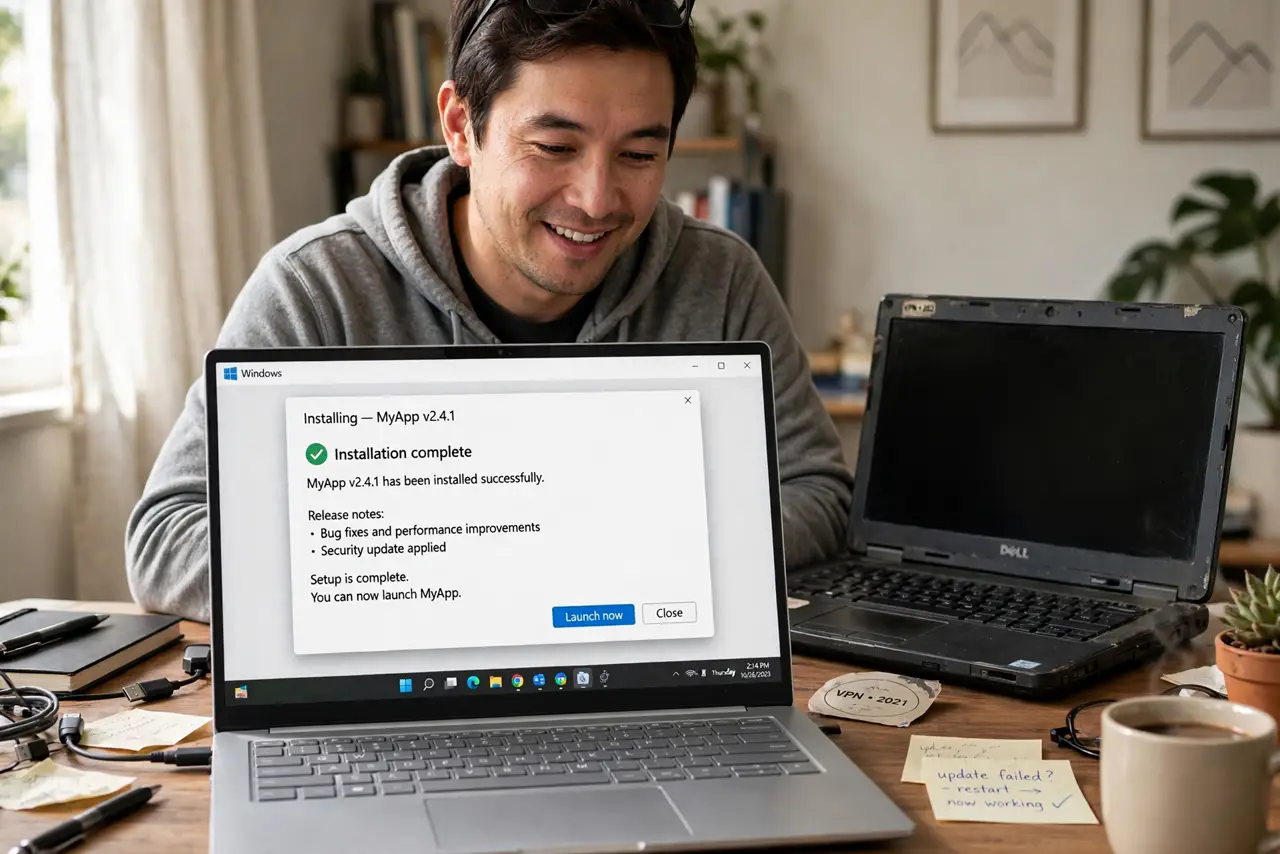
Quick fix: most older x86 programs run on ARM Windows through automatic emulation (Prism in Windows 11 24H2) — install normally and they just work. Exceptions: apps needing custom drivers, kernel-level anti-cheat, or ancient 16-bit code. Check the maker's site for a native ARM64 version first; it runs faster.
Follow these steps
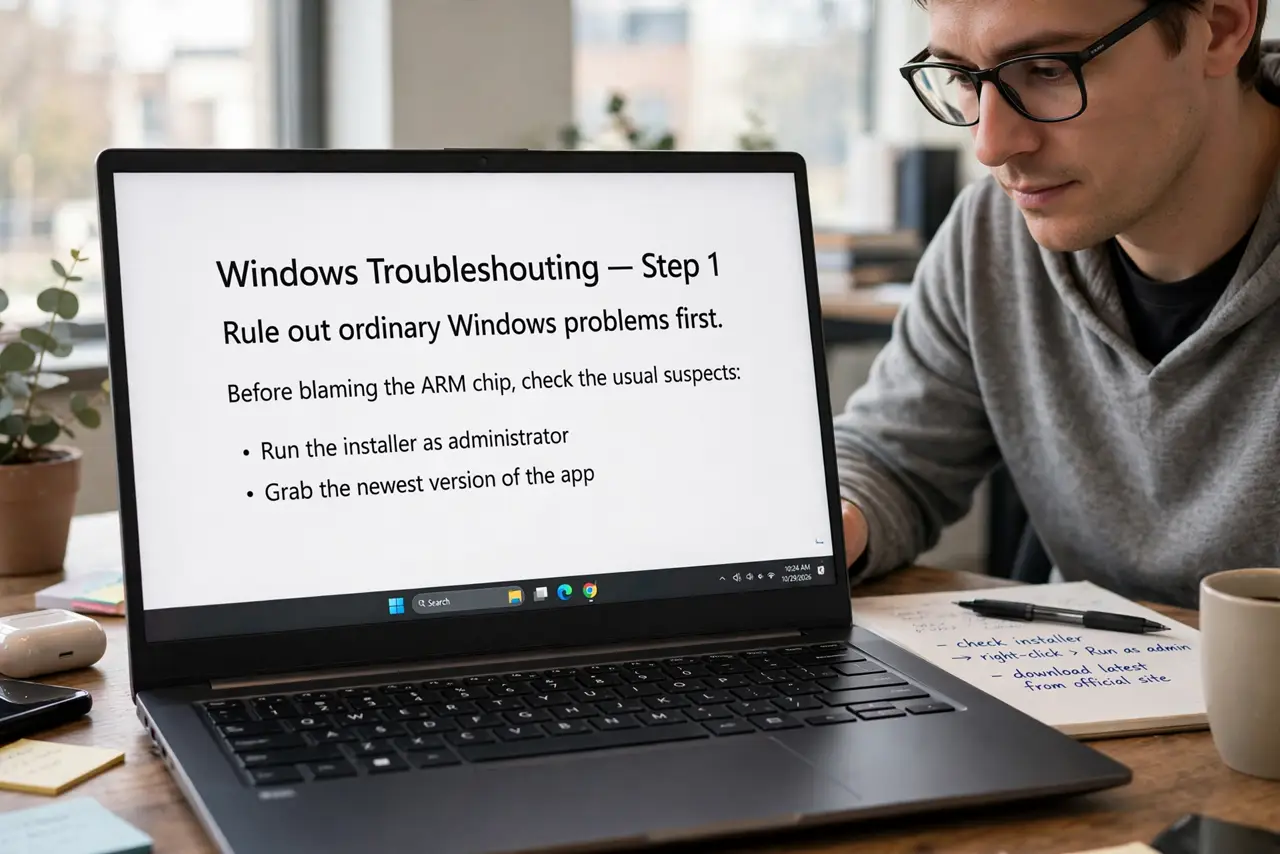
- Rule out ordinary Windows problems first. Before blaming the ARM chip, check the usual suspects: run the installer as administrator, grab the newest version of the app, and make sure SmartScreen or your antivirus is not blocking it. Many so-called ARM failures are plain Windows issues in disguise.
- Look for a native ARM64 version. Visit the maker's download page and look for an ARM64 or Windows on ARM build — or install it with one command if a native package is published there. Native builds run faster and sip less battery than emulated ones, so this is always the best outcome.
- Install the x86 version and let Prism handle it. On Windows 11 24H2, the Prism emulator translates x86 and x64 apps automatically — there is no setting to enable. Install exactly like normal and launch; the first start may be slower while code gets translated, then it settles down.
- Spot the apps that can never work. Anything that installs a kernel driver, runs a hypervisor, or uses kernel-level anti-cheat cannot be emulated. If setup fails at the driver-install step, that is the wall — check the maker's support page for ARM status instead of fighting it.
- Try compatibility mode for stubborn installers. Right-click the setup file, choose Properties, then the Compatibility tab, and run it in Windows 8 or 7 mode. Some old installers check the system and refuse ARM machines before emulation even gets a chance.
- Keep Windows fully updated. Microsoft keeps improving Prism with every update. Run Windows Update monthly — the 24H2-era updates have each shipped emulation fixes that quietly make more apps work.
What NOT to do
- Do not install shady ARM patcher utilities from forums. They promise compatibility and deliver malware — there is no third-party tool that adds what Prism lacks.
- Do not disable Memory Integrity or core isolation to force a driver to install. You would be trading your PC's security for an app that still will not run right.
- Do not assume every old game works. Kernel-level anti-cheat is the single most common hard blocker on ARM.
- Do not buy an ARM PC for one critical legacy app without testing that app first. Borrow, trial, or remote-desktop into a test machine before committing.
Frequently asked questions
Will emulated apps run slower?
A little, mostly at first launch while Prism translates code — it caches the result, so later runs feel close to native for everyday apps. Heavy CPU workloads see a small penalty; office apps feel identical.
What about really ancient 16-bit programs?
They are done — 64-bit Windows dropped 16-bit support long ago on every chip, ARM or not. A virtual machine running an old Windows is the only route.
Should I buy ARM or a regular x86 laptop?
If your must-have apps all run under emulation, ARM's battery life is a genuine win. If you depend on niche drivers, VPN clients, or specialty hardware software, verify each one before you buy.