Xbox App Loops Back to Sign-In? Fix It
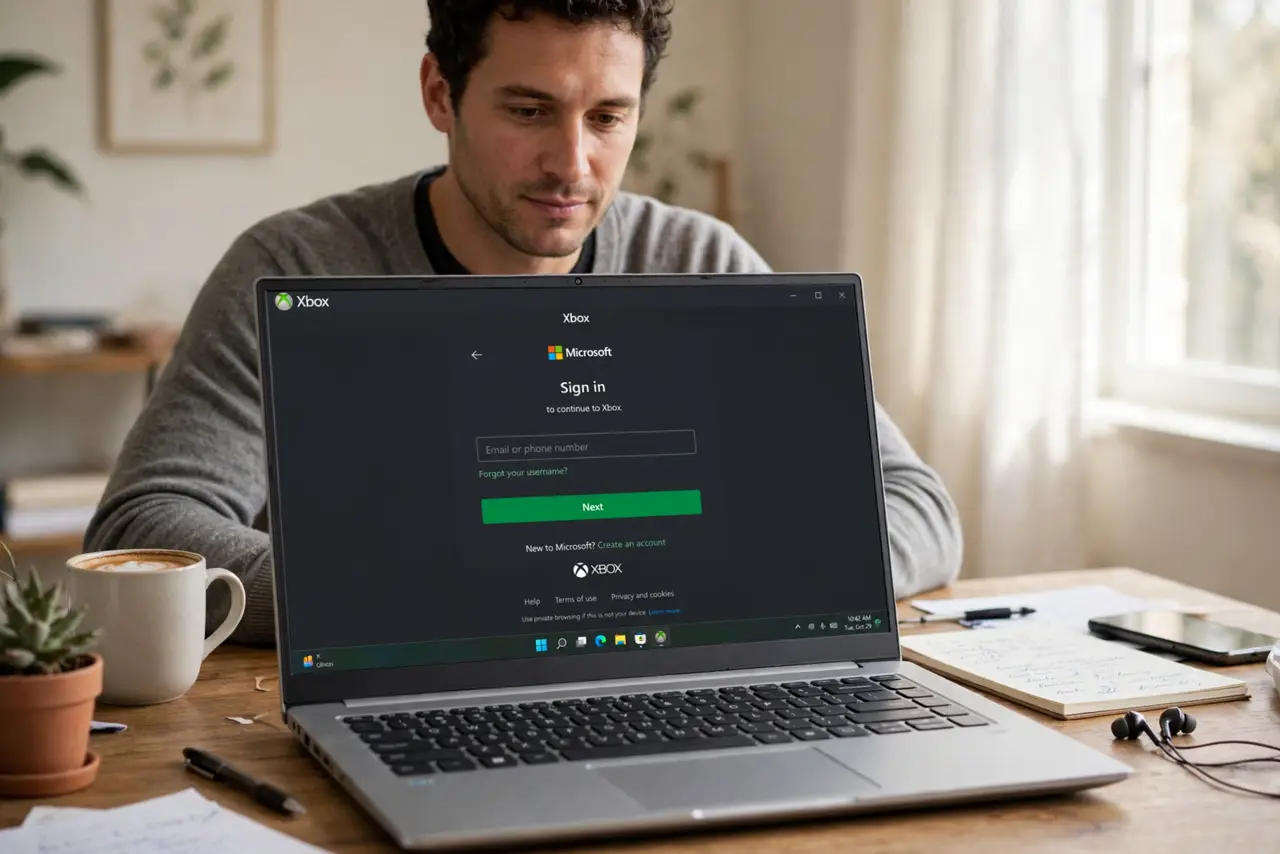
When the Xbox app loops back to sign-in, you enter your password, the app thinks for a moment, and then asks again. The loop usually comes from a stuck account session, a damaged app state, or a time and account mismatch, not from a wrong password. Clearing the session cleanly breaks the loop.
TL;DR / Quick Fix
Quick fix: sign out of the Xbox app and the Microsoft Store, restart the computer, then sign in to the Microsoft Store first and the Xbox app second, using the same account. If the loop continues, repair the Xbox app in Settings, then try signing in again.
Follow these steps
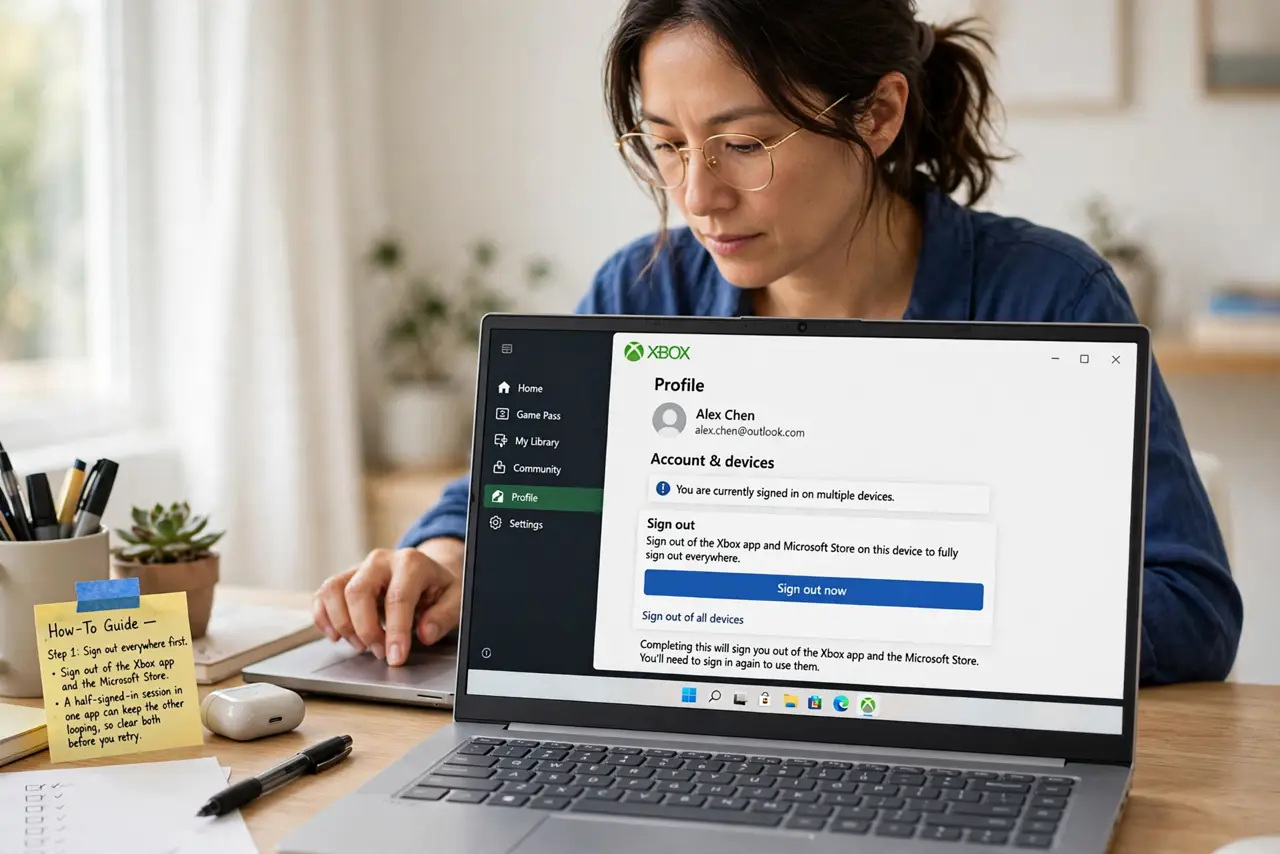
- Sign out everywhere first. Sign out of the Xbox app and the Microsoft Store. A half-signed-in session in one app can keep the other looping, so clear both before you retry.
- Restart the computer. Restart after signing out. A restart clears a stuck account session that signing out alone may not fully release.
- Sign in to the Store first. Sign in to the Microsoft Store with your gaming account, then open the Xbox app and sign in with the same account. The Store sign-in often unblocks the Xbox app session.
- Check the account and time. Confirm you are using the right account, and check that the computer date and time are correct. A wrong date can make sign-in tokens fail, which looks like a loop.
- Repair the Xbox app. Open Settings, then Apps, find the Xbox app, open Advanced options, and choose Repair. Repair keeps your games and fixes damaged app files.
- Reset only if repair fails. If repair does not break the loop, use Reset on the same Advanced options page. Reset clears the app data, so you will sign in fresh, but your games and saves tied to the account remain.
What NOT to do
- Do not keep typing the same password in a loop. Repeated sign-in attempts will not fix a stuck session, and they can trigger a temporary lock on the account.
- Do not reinstall the Xbox app before you try repair. Repair is faster, keeps your data, and fixes the same damaged files that reinstalling would.
- Do not create a new account to escape the loop. A new account has none of your games, and the loop is a session problem, not an account problem.
- Do not change your password repeatedly during the loop. A password change will not clear a stuck session, and it adds a new variable to an already confusing problem.
Frequently asked questions
Why does the app ask again if my password is right?
Because the session, not the password, is stuck. Signing out everywhere, restarting, and signing in through the Store usually clears that stuck session.
Will resetting the Xbox app delete my games?
No. Reset clears the app data on this computer, but your games and saves tied to your account remain, and you can download them again.
What if the loop happens on another computer too?
Then the account itself may need attention. Check the account sign-in page in a browser, and confirm the account is in good standing before you troubleshoot the app further.