A Zip You Own Asks for a Password? Why
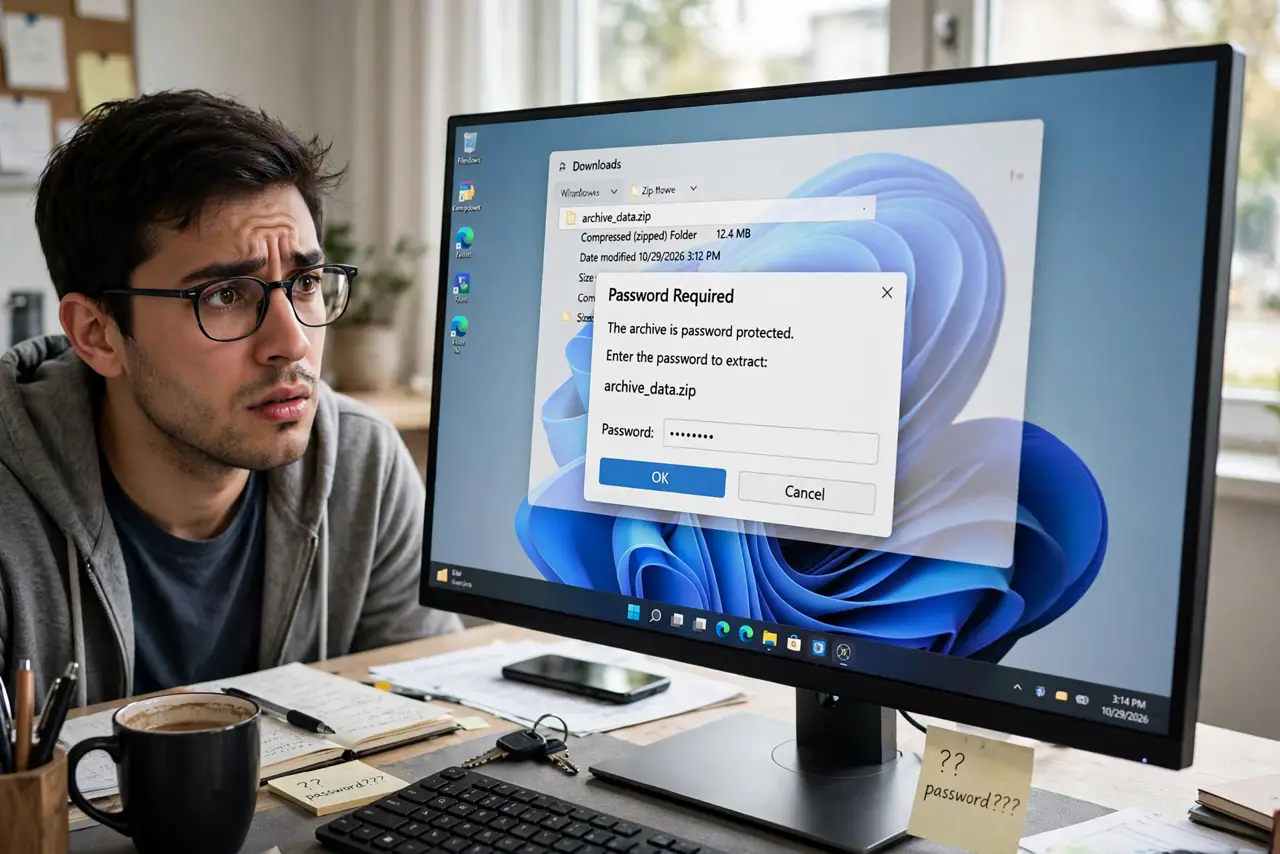
It is your own backup, your own download — and Windows demands a password you never set. A password prompt means the zip was encrypted at creation, whether you remember doing it or not. Windows can't guess it, and — this matters — no honest tool can recover a truly lost one.
TL;DR / Quick Fix
A zip asking for a password was encrypted when created — Windows cannot guess or remove it. If you set it, try your usual passwords and check the download page or email. No legitimate tool recovers a lost zip password; anyone promising instant unlocking is selling malware.
Follow these steps
- Accept what the prompt means. A password dialog proves the zip is encrypted. It wasn't added later and can't be stripped — the password is part of the file.
- Try the passwords you actually use. Most self-encrypted zips use the owner's go-to password. Try your usual ones calmly before anything else.
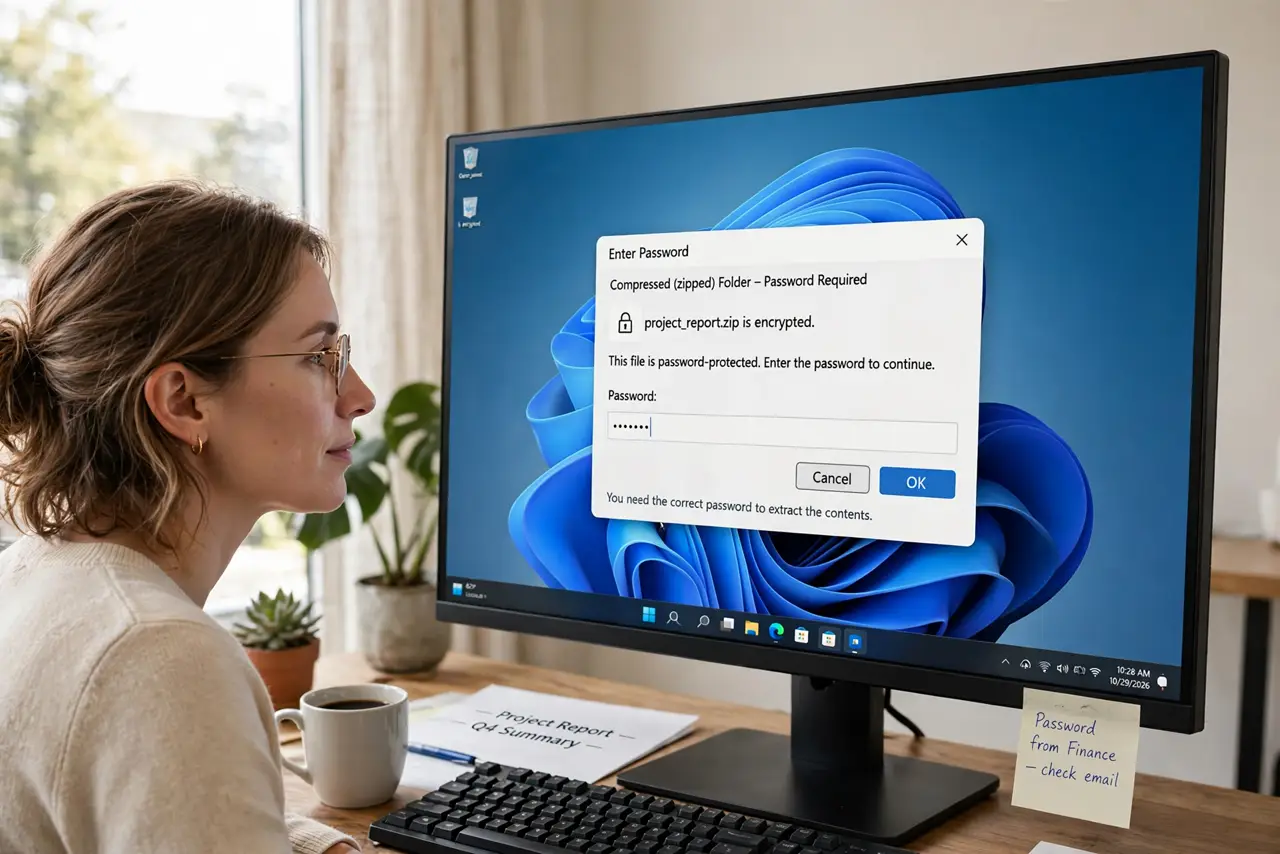
- Check the source page or email. Downloaded zips often list the password on the download page, in the confirmation email, or in a readme beside the link.
- Re-download if the archive is suspect. A download that asks unexpectedly may be corrupt or mislabeled. Grab a fresh copy from the official source and test it.
- Ask the sender directly. If someone sent it, they set it — or their tool did by default. One message beats hours of guessing.
- Know when to let it go. With no password from any source, the contents are cryptographically sealed. Chasing it further wastes time better spent recreating the files.
What NOT to do
- Do not download zip password crackers. They are overwhelmingly malware, and the honest ones only brute-force — useless against a decent password.
- Do not pay an 'unlock service'. Legitimate services can't break real encryption either; the dishonest ones just take your money and your file.
- Do not rename the extension to dodge the prompt. A .zip renamed to anything is still an encrypted .zip inside.
- Do not reuse the moment as an excuse for weak passwords. If you encrypt your own zips, store the password in a manager — future-you will thank you.
Frequently asked questions
Can Windows remove a zip password if I prove it's mine?
No. Encryption doesn't care about ownership — without the password, the contents are mathematically sealed, even for the creator.
Are password-removal tools ever legitimate?
Only for weak, old zip encryption via brute force — slow and uncertain. Modern AES-encrypted zips don't yield to any tool.
Why would my own backup tool encrypt without asking?
Some backup and archiving tools enable encryption by default with a password you typed during setup and forgot. Check the tool's settings history.