Dictate or Read Aloud?
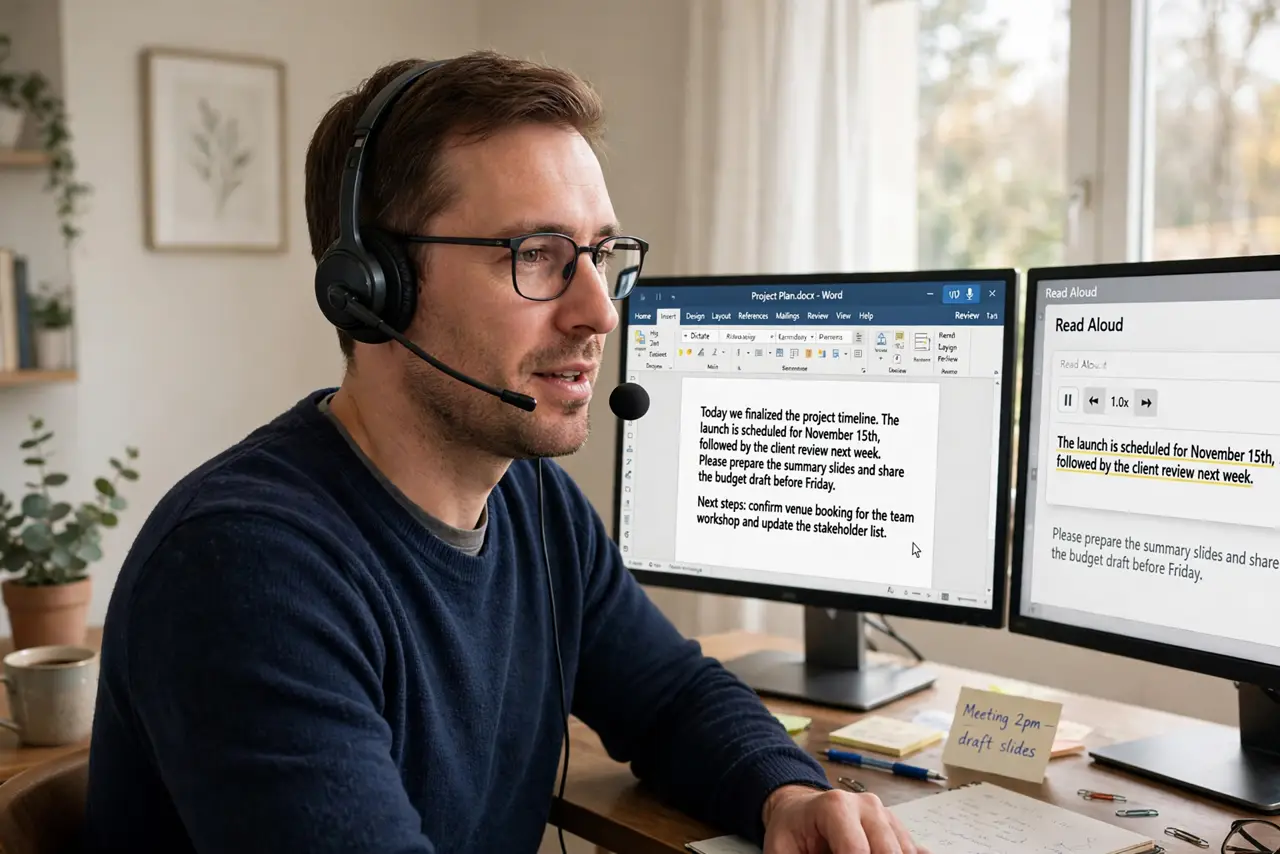
Word has two voice features with confusingly similar names: Dictate turns your speech into text, and Read Aloud turns text into speech. One writes for you; the other proofreads for you. Mixing them up wastes time — here is which does what and when each shines.
TL;DR / Quick Fix
Quick fix: use Dictate to write hands-free — open Word, press the Dictate button, and speak naturally with punctuation commands. Use Read Aloud to proofread — it reads your document aloud so your ears catch errors your eyes miss. They solve opposite problems; pick by the direction.
Follow these steps
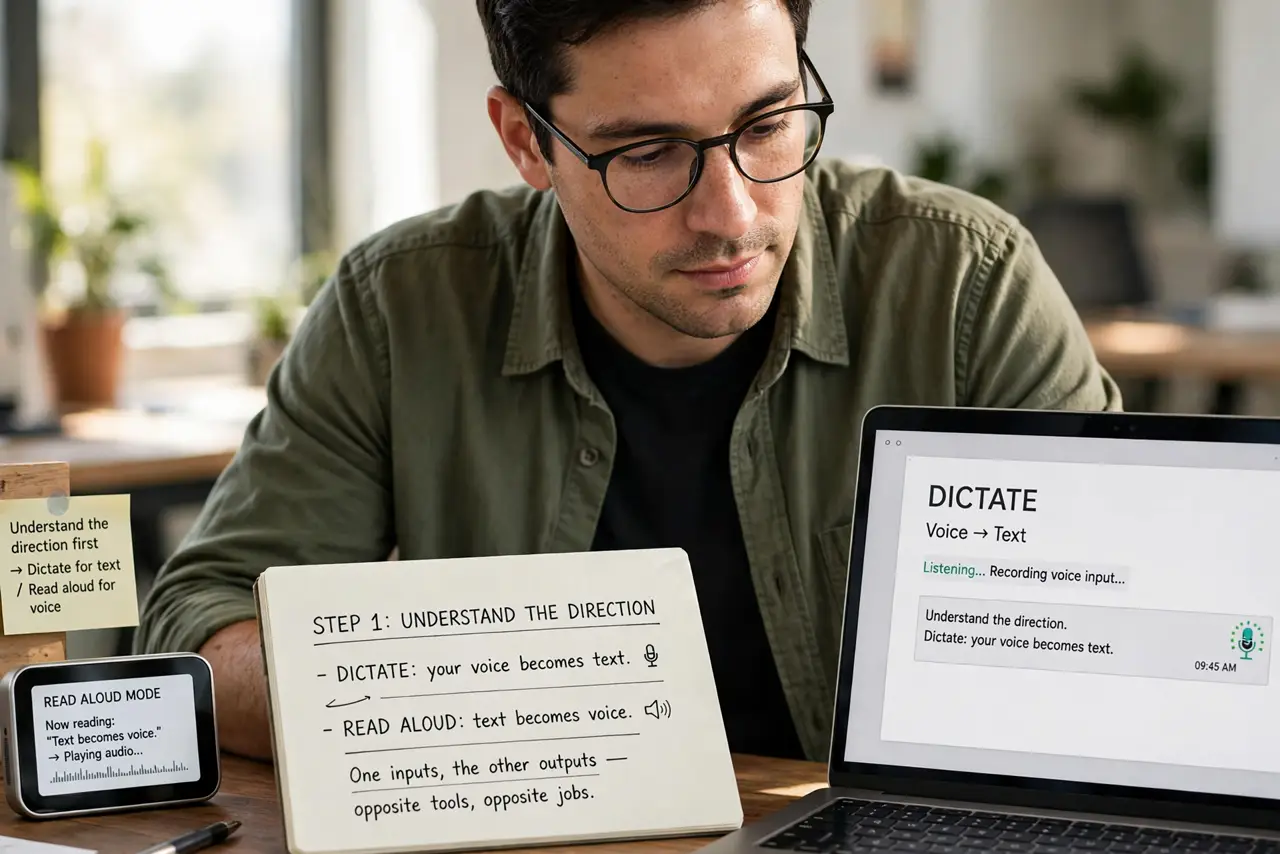
- Understand the direction. Dictate: your voice becomes text. Read Aloud: text becomes voice. One inputs, the other outputs — opposite tools, opposite jobs.
- Try Dictate for first drafts. Click Dictate on the Home tab and speak naturally, saying comma and period aloud. Rough thoughts flow faster spoken than typed — see the Dictate guide for commands.
- Try Read Aloud for proofreading. Select Review, Read Aloud and listen. Your ears catch doubled words and awkward phrasing your eyes skim past — the best free editor you have.
- Use a decent microphone. Dictate accuracy lives or dies on mic quality. A headset beats a laptop mic across the room every single time.
- Learn the voice commands. New line, new paragraph, and punctuation commands turn rambling speech into structured text. Five commands cover ninety percent of needs.
- Combine them in a workflow. Dictate the messy first draft, then Read Aloud to proofread it. Voice in, voice out — the keyboard barely gets involved.
What NOT to do
- Do not dictate in a noisy room. Background chatter becomes mystery text — find quiet or use a noise-cancelling mic.
- Do not expect perfect punctuation. Dictation needs explicit commands; mumbling through without them yields a wall of words.
- Do not proofread only with your eyes. Read Aloud catches what eyes miss — skipping it wastes the feature.
- Do not dictate sensitive content on shared devices. Your words may be processed in the cloud — check the privacy settings first.
Frequently asked questions
Which is better for writing essays?
Dictate for getting ideas down fast, then Read Aloud to polish. The pair beats either alone.
Does Dictate work offline?
Basic dictation may need the cloud for accuracy. Check your version's offline support before a flight.
Why does Read Aloud mispronounce words?
Text-to-speech guesses at unusual names and jargon. It is a proofreading aid, not a narrator — focus on the errors it reveals.