Sign Personal Email Out of a Work Laptop
Checking personal email on a work laptop is common, but a forgotten login hands your private messages to your employer's device management — and to whoever gets the laptop next. Signing out fully closes that door.
TL;DR / Quick Fix
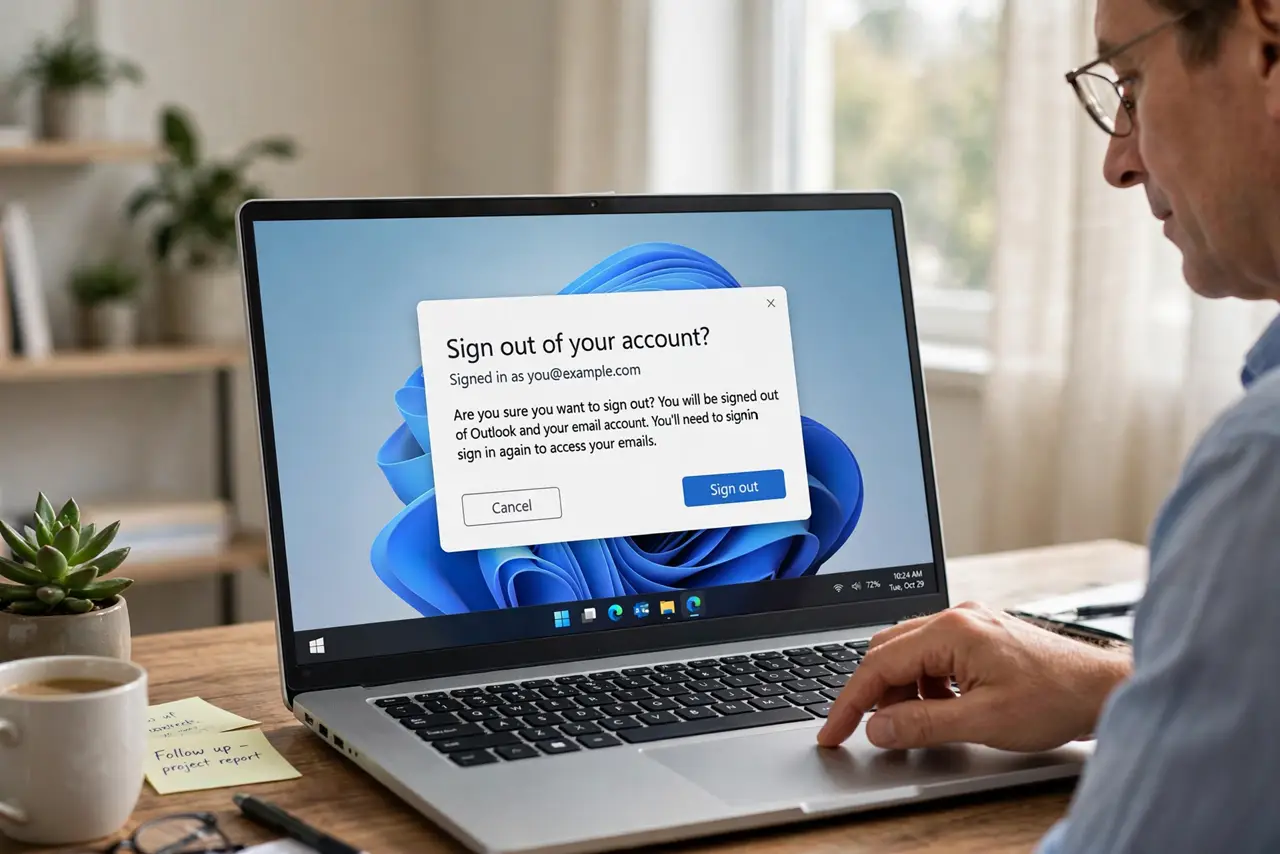
Quick fix: sign out of personal email in every browser and app on the work laptop, then remove saved passwords for it and clear its browsing data. Then turn off stay-signed-in everywhere personal, and use your phone for personal email instead.
Follow these steps
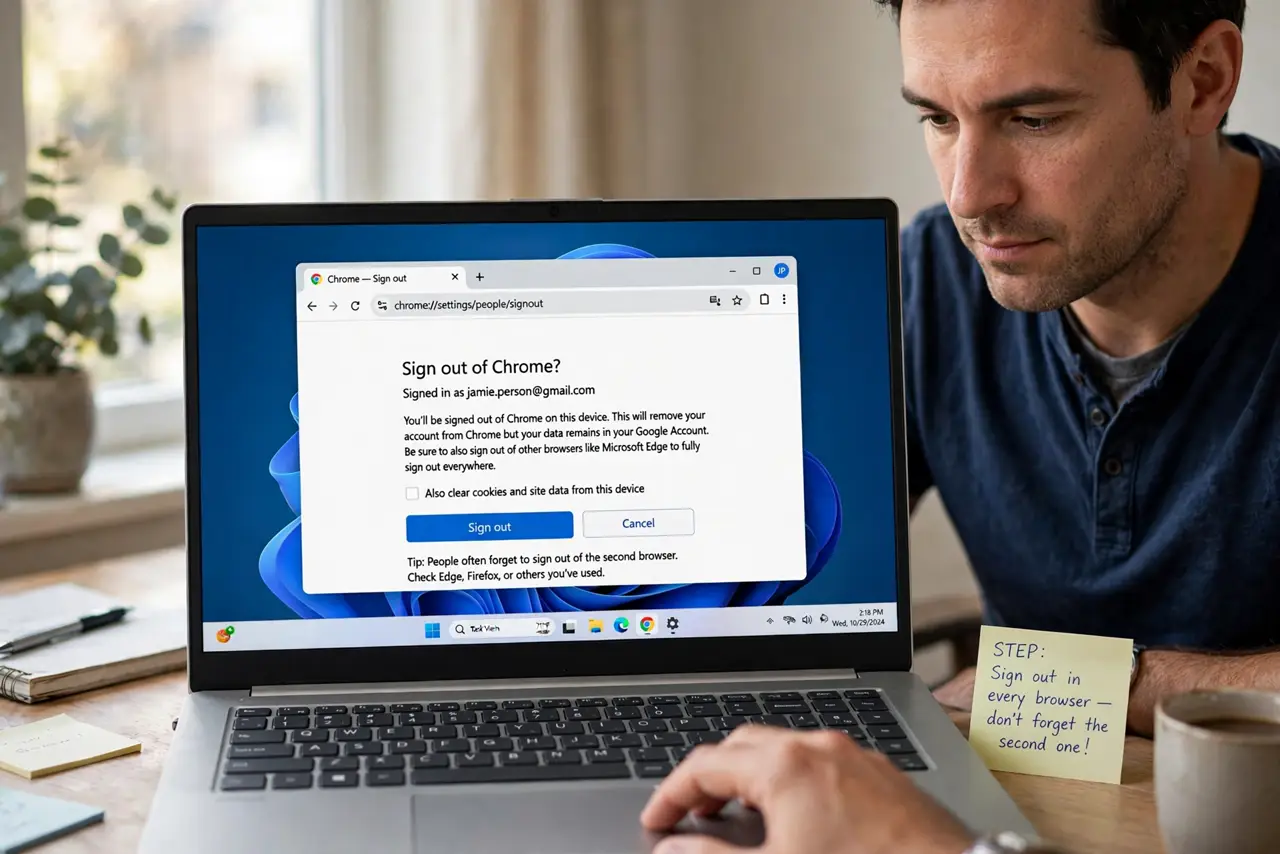
- Sign out in every browser on the laptop. Open each browser you used and sign out of the personal account. People forget the second browser, and that forgotten session is the one that leaks.
- Sign out inside mail apps too. Check the built-in mail app and any installed email clients for the personal account. Browser sign-out does not touch a configured mail app.
- Remove saved passwords for the account. Delete the personal email's saved password from each browser's password manager. A saved password lets the next user sign straight back in.
- Clear the personal browsing data. Clear history, cookies, and cached data tied to the personal account's sessions. Leftover cookies can keep a session alive even after you sign out.
- Turn off stay-signed-in habits. Never tick stay signed in for personal accounts on a work device again. Typing the password each time is the habit that prevents the next forgotten session.
- Use your phone for personal email. Move personal email to your personal phone permanently. The cleanest fix is a rule: work devices stay work-only from now on.
What NOT to do
- Do not just close the tab and call it signed out. An open session survives a closed tab, and the next person can reopen your inbox.
- Do not sync personal browser profiles to a work laptop. Profile sync copies passwords, history, and bookmarks onto a device your employer manages.
- Do not assume IT cannot see it. Work devices are managed devices, so treat anything on them as visible to the employer.
- Do not leave personal email for convenience. One forgotten login can expose years of private messages to the next laptop user.
Frequently asked questions
Is it ever safe to use personal email on a work laptop?
Only in a private browser window, signed out and closed afterwards. Even then, treat the device as managed and visible.
What if I already returned the laptop?
Change your email password immediately and sign out all sessions from your account's security page, which kills the laptop's session remotely.
Does signing out remove everything?
It ends the session, but clear saved passwords and browsing data too, since those can reopen access.