Should You Disable WPS on Your Router?
That WPS button promises one-push Wi-Fi setup — and quietly opens a backdoor that attackers have exploited for years. For most homes today, the convenience isn't worth the risk. Here is what WPS does, why it's weak, and the safe way to add devices.
TL;DR / Quick Fix
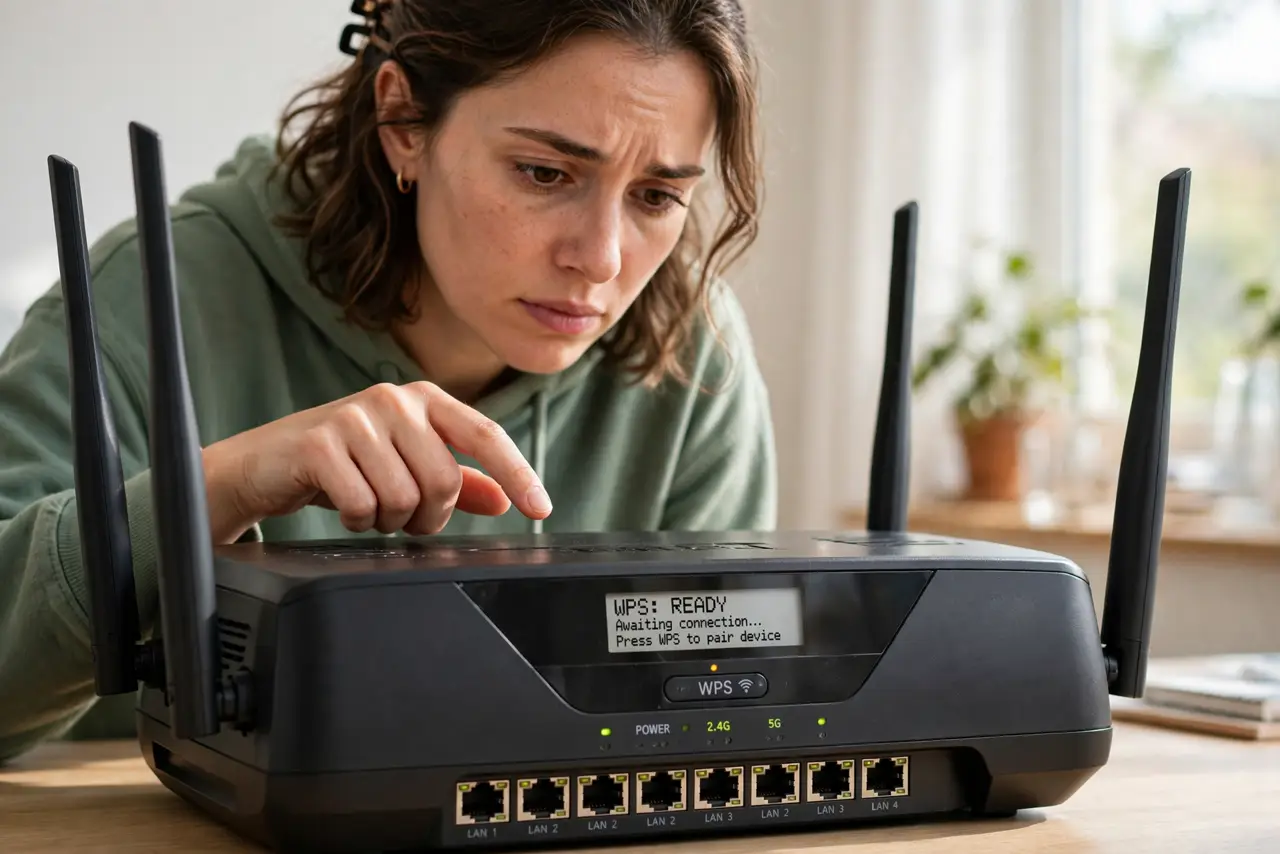
Quick fix: disable WPS in the router admin page — its PIN method has a well-known brute-force flaw, and the button is rarely needed today. Add devices by typing the password or scanning the router's QR code. If a gadget demands WPS, enable it briefly, connect, then disable again.
Follow these steps
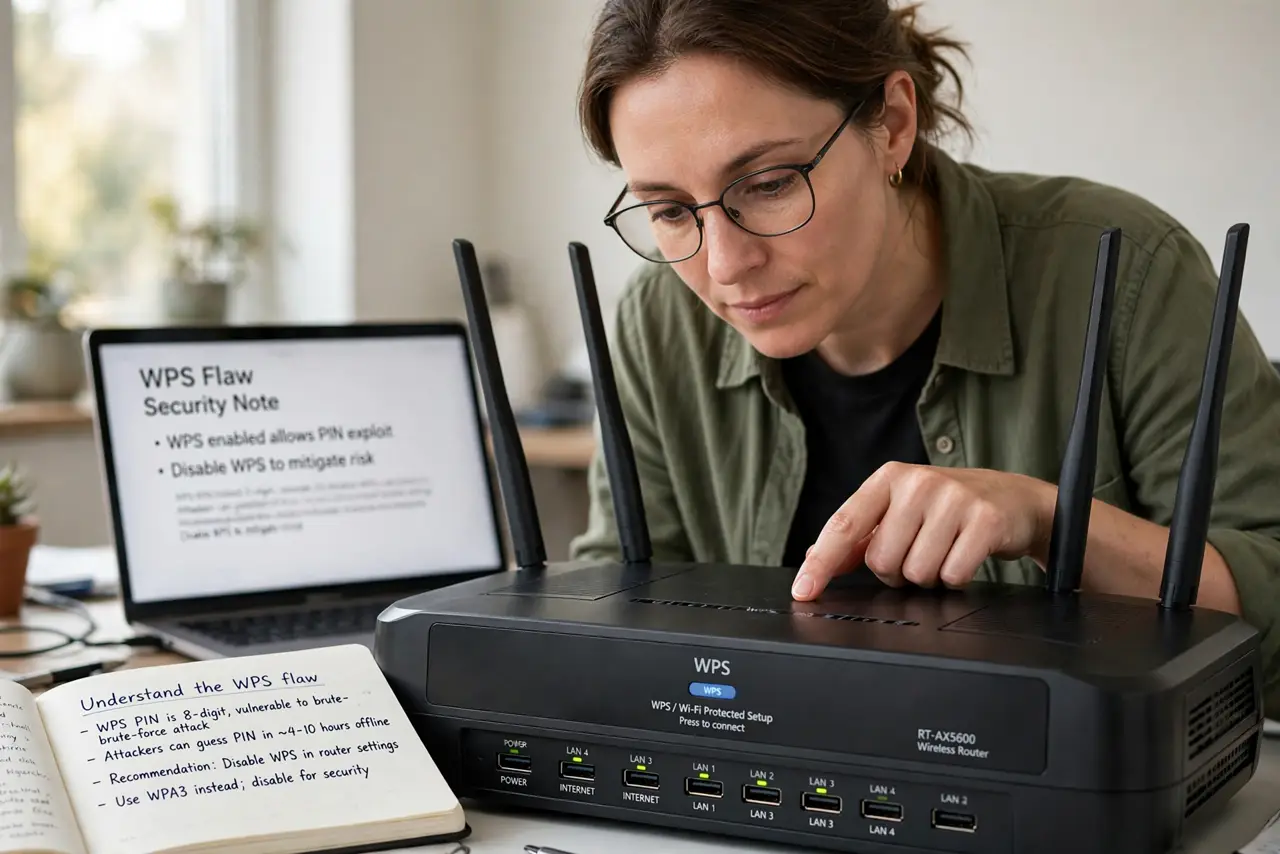
- Understand the flaw. WPS PIN splits into two halves that attackers guess separately — millions of combos become thousands. It's broken by design.
- Open the router admin page. Wireless or WPS section. The toggle is usually one click.
- Disable WPS PIN, keep the button if you must. The PIN is the broken part. Disabling PIN while keeping push-button is a reasonable middle ground.
- Add devices the normal way. Type the password, or scan the QR code many routers print on the label — faster than WPS ever was.
- Brief-enable for stubborn gadgets. Some old printers only know WPS. Enable, connect, disable — minutes of exposure, not forever.
- Verify it stays off. Some firmware updates re-enable WPS. Glance at the setting after updates.
What NOT to do
- Do not leave WPS PIN enabled just in case. An unused backdoor is still a backdoor.
- Do not use WPS as your main way to add devices. Typing the password once is barely slower and far safer.
- Do not assume the button is safe because it's physical. The PIN method — the broken one — doesn't need the button.
- Do not confuse WPS with WPA2/WPA3. WPS is a setup shortcut; WPA modes are the actual encryption.
Frequently asked questions
What is WPS?
Wi-Fi Protected Setup: a shortcut to join networks via button or PIN instead of typing the password. Convenient, and the PIN variant is insecure.
Will disabling WPS break my devices?
No — connected devices stay connected. It only removes the shortcut for adding new ones.
Is the WPS button safer than the PIN?
Yes, relatively — it needs physical access. The PIN is the remotely-exploitable part; kill that at minimum.